This helps support our work and allows us to continue delivering in-depth, unbiased gaming coverage.
Introduction
PC building, the days of purely black-and-red peripherals are long gone. Today, gamers and content creators alike are striving for a cleaner, brighter look, often centered around a specific color palette. Building a white-themed battlestation is one of the most popular trends, driven by the desire for a minimalism aesthetic that looks as good as it performs. However, finding the best white gaming keyboards that offer both stunning visuals and top-tier latency can be a challenge, especially when prices fluctuate wildly. Whether you’re crafting a sleek futuristic station or looking for cozy gaming setup ideas, the keyboard is the centerpiece that ties it all together. This guide categorizes the top market choices by price, ensuring that whether you have fifty dollars or three hundred, you can find a peripheral that improves your aesthetic pc setup without compromising on gaming performance.
How We Chose
These Products Selecting the right keyboard goes beyond just picking the one with the brightest white chassis. To ensure these recommendations hold up in 2025, we evaluated dozens of models based on a strict set of criteria. First and foremost is build quality and aesthetics; we looked for materials that resist yellowing over time and designs that maintain a clean look. Performance metrics such as polling rate, switch latency, and stabilization were critical, as a pretty keyboard is useless if it ghosts during a match. We also considered features like hot-swappability, wireless connectivity, and software support. Finally, value for money played a huge role. We compared the price-to-performance ratio of each unit to ensure that a budget board delivers more than expected, and a premium board justifies its high cost through enthusiast-level features.
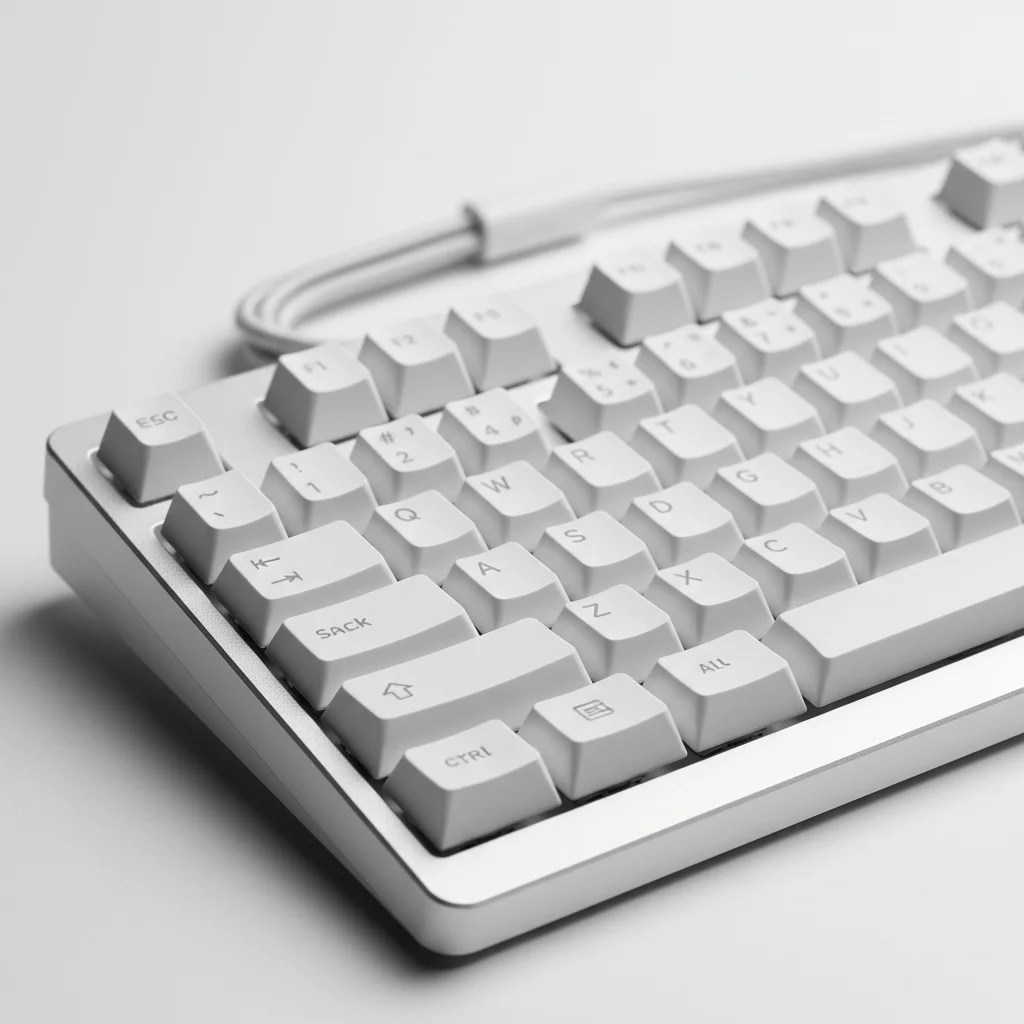
Best by Budget – Full Breakdown
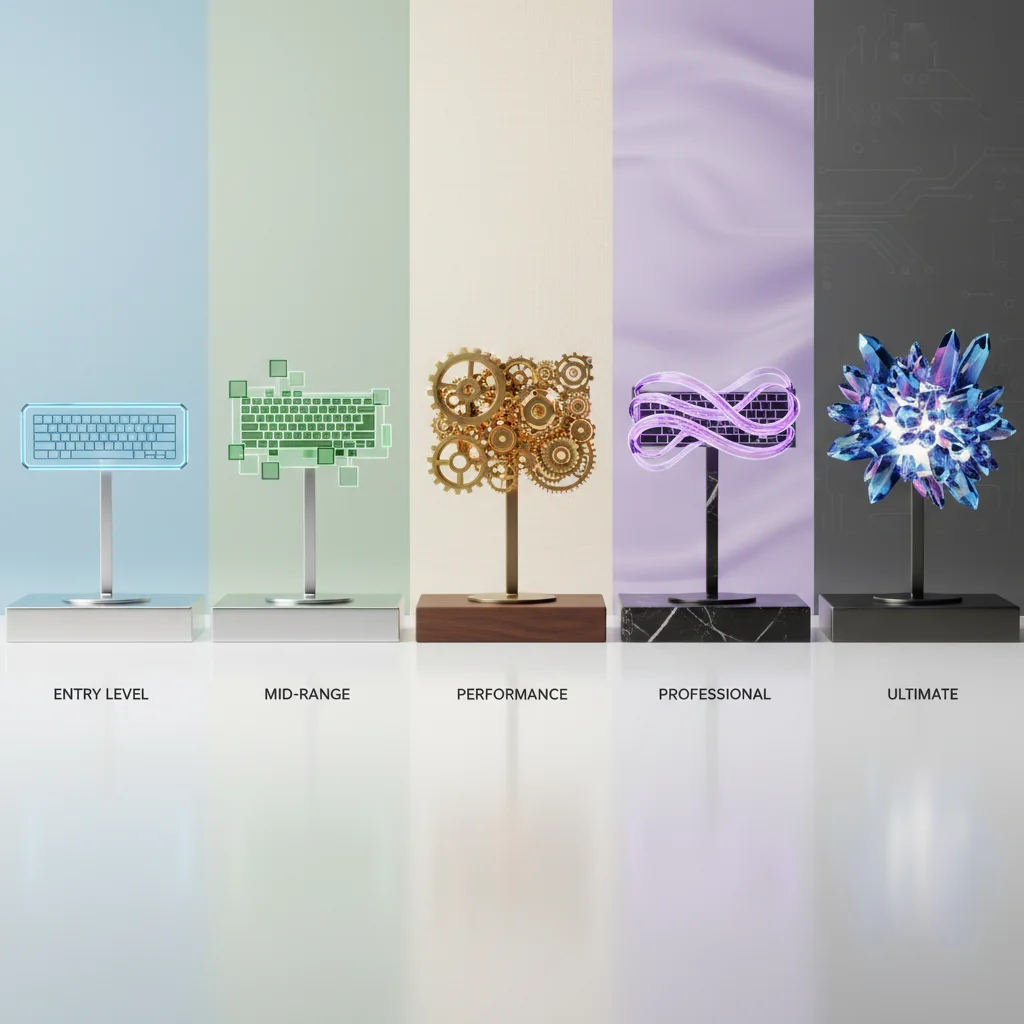
We’ve divided our top picks into five distinct price tiers. This structure allows you to immediately jump to the section that matches your wallet, providing clear winners in every category.
Under $50: The
Entry-Level Aesthetic In this price range, you’re typically looking at compact form factors like 60% or 65% layouts. Manufacturers cut costs here by using ABS plastic cases and non-hotswappable switches, though some gems offer surprising modularity. These are ideal for students, beginners, or anyone needing a secondary travel keyboard.
Best Pick: Royal
Kludge RK61 (White) The Royal Kludge RK61 has dominated the budget scene for years and remains the best starting point for a white setup. It’s a 60% mechanical keyboard that offers wireless Bluetooth, 2.4Ghz, and wired connectivity—a rarity at this price point. The crisp white casing and bright blue or RGB backlighting make it pop on any desk. While the stabilizers may rattle slightly out of the box, the value proposition is undeniable. It’s perfect for users who want to dip their toes into the mechanical world without committing a large sum. The minimalist design fits perfectly into a clean aesthetic pc setup, saving desk space for your mouse movements.
$50–$100: The Value
Sweet Spot Stepping up to this tier opens the door to better build materials, such as PBT keycaps that don’t shine over time, and better internal sound dampening. You’ll also start finding dedicated media keys and more reliable wireless performance.
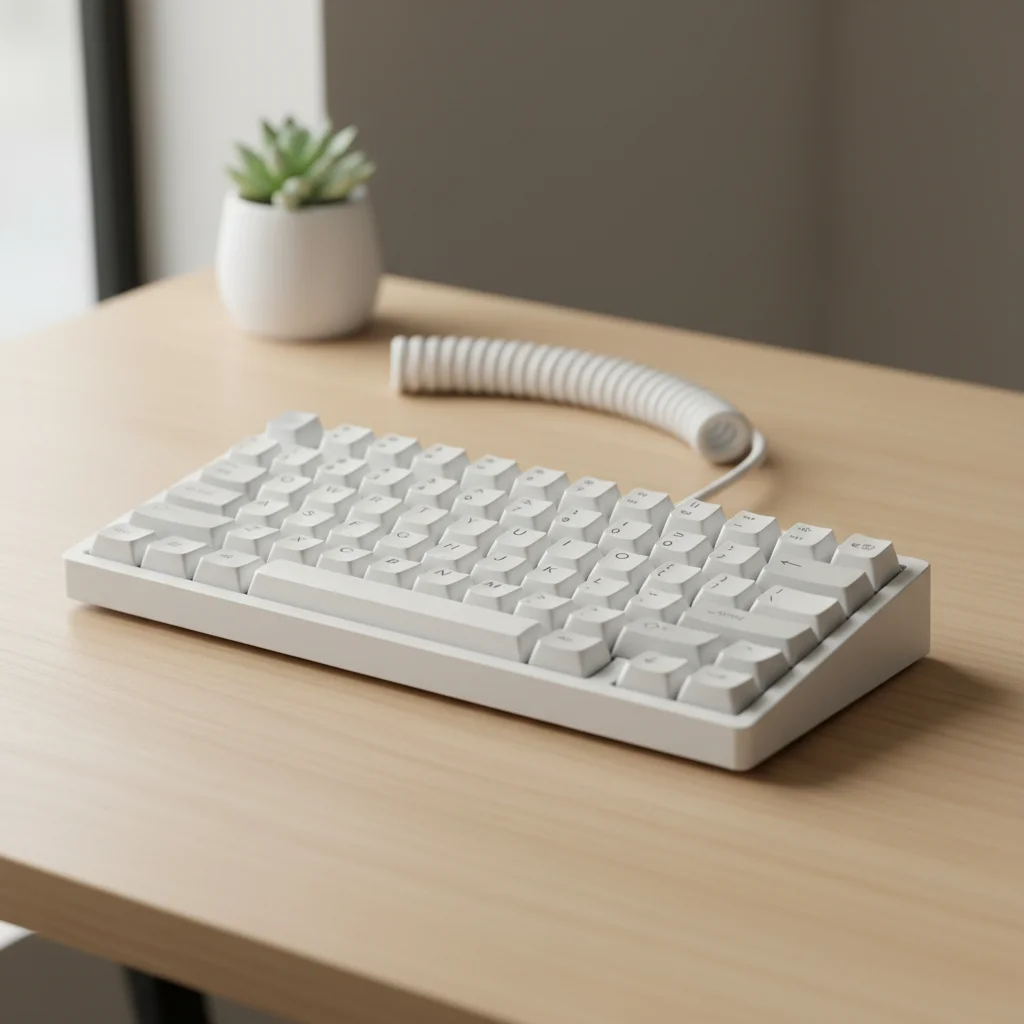
Best Pick: RK Royal
Kludge M75 The RK M75 represents the new wave of budget-premium boards. It features a 75% layout, which retains the function row and arrow keys, making it more versatile than smaller boards. What makes it the winner here’s the inclusion of a multi-function rotary knob and a small OLED display, features usually reserved for much more expensive units. The gasket-mounted structure provides a softer, ‘thocky’ typing sound that enthusiasts love. Its clean white aesthetic is complemented by excellent RGB lighting. Ideally suited for gamers who want superior typing feel and productivity features without breaking the hundred-dollar mark.
$100–$150: High-Performance & Cozy
Vibes In this bracket, you’re paying for brand reliability, superior wireless technology, and unique aesthetic designs. This is the sweet spot for streamers and serious gamers who care about the ‘vibe’ of their setup as much as the kill-death ratio.
Best
Pick: Logitech G715 From The Aurora Collection If you’re looking for cozy gaming setup ideas, the Logitech G715 is the undisputed champion. Part of the Aurora Collection, it features a dreamlike, soft-white aesthetic with a unique under-case lighting strip that diffuses RGB onto your desk. It comes with a cloud-shaped palm rest that immediately sets a relaxing tone. Beyond looks, it uses Logitech’s Lightspeed wireless technology for lag-free gaming and durable PBT keycaps. It’s the best white gaming keyboard for those who prioritize a soft, ethereal look over the aggressive ‘gamer’ angles found on other boards. It’s perfect for streamers who want their gear to look as good on camera as it feels under the fingers.
$150–$200: Premium
Quality & Speed Here we enter the territory of major flagship keyboards. Expect optical switches for the fastest possible response times, aluminum top plates, and extensive software ecosystems. These boards are built to last and perform at esports levels.
Best Pick: Razer
DeathStalker V2 Pro (White Edition) For those who prefer a sleek, low-profile design that screams minimalism aesthetic, the DeathStalker V2 Pro is a masterpiece. It uses low-profile optical switches that actuate at the speed of light, making it incredibly responsive for competitive gaming. The ultra-slim white chassis is durable and sophisticated, fitting perfectly into a modern, mature office-gaming hybrid space. Its battery life is stellar, and the HyperSpeed wireless connection is indistinguishable from wired. This fits the profile of a gamer who wants high performance but dislikes the bulk and height of traditional mechanical keyboards.
$200 and Above: The
Enthusiast Standard At this level, you’re looking at keyboards that blur the line between custom mechanical builds and production units. You’re paying for heavy customization options, OLED screens, factory-lubed switches, and premium gasket mounts.
Best High-End
Pick: ASUS ROG Azoth (Moonlight White) The ASUS ROG Azoth is currently the gold standard for pre-built wireless keyboards. It features a 75% form factor with a silicone gasket mount design and three layers of dampening foam, providing an incredibly solid and satisfying typing experience right out of the box. The Moonlight White version is stunning, featuring a silver-white metal top plate. It includes a programmable OLED display, a three-way control knob, and hot-swappable switches that come pre-lubed. This is for the enthusiast who wants the custom keyboard feel and sound without the hassle of soldering or assembling it themselves. It’s the ultimate luxury item for a white gaming setup.
Comparison Table
| Product Name | Price Range | Size | Key Features | Best For |
|---|---|---|---|---|
| RK61 White | Under $50 | 60% | Wireless, Budget-friendly | Beginners |
| RK M75 | $50-$100 | 75% | Gasket Mount, Knob, Screen | Value Seekers |
| Logitech G715 | $100-$150 | TKL | Cloud Palm Rest, Underglow | Cozy Aesthetics |
| Razer DeathStalker V2 Pro | $150-$200 | Full/TKL | Low Profile, Optical Switches | Speed & Sleekness |
| ASUS ROG Azoth | $200+ | 75% | OLED, Custom Feel, Hot-swap | Enthusiasts |
Buying Tips by
Budget Navigating the market can be tricky. Here’s how to maximize your money in each tier.
If You Are on a
Tight Budget Focus on the basics. In the under $50 range, prioritize a hot-swappable PCB if possible, as this allows you to replace broken switches without buying a new keyboard. Accept that you might get ABS keycaps, which can develop a shine, but these are cheap to replace later. Stick to wired modes if the wireless connection feels unstable.
Best Value for
Mid-Range Buyers The $50 to $100 range is where you get the most bang for your buck. Look for ‘Gasket Mount’ structures and ‘PBT Keycaps’. These two features significantly improve the sound and feel of the keyboard. You should also expect reliable 2.4GHz wireless connectivity here, which is far superior to Bluetooth for gaming.
Premium Buyers
When spending over $150, don’t compromise. Ensure the keyboard has sound dampening foam, factory-lubed switches, and solid software. At this price, you’re investing in longevity and a specific aesthetic pc setup, so ensure the white finish is high quality (like electrophoresis coating) to prevent chipping or yellowing.
Common Mistakes to
Avoid One of the biggest mistakes when buying white keyboards is ignoring the material quality. Cheap white plastics can turn yellow (UV degradation) after a year of use. Look for PBT caps and aluminum cases where possible. Another mistake is overpaying for RGB lighting; while it looks good, it doesn’t improve performance. Focus on switch type—linear (red) for gaming, tactile (brown) for typing—rather than just the light show. Finally, avoid buying a non-standard layout if you plan to customize keycaps later, as finding replacement white keycaps for non-standard bottom rows can be a nightmare.
Who Should Choose
Which Budget Tier? If you’re a student or just starting out, the Under $50 tier is sufficient for learning the ropes. Competitive FPS players should look at the $150+ range for optical switches and low latency technologies. Streamers and content creators curating cozy gaming setup ideas will find the best visual appeal in the $100-$150 range with boards like the G715. Finally, keyboard enthusiasts who care about sound acoustics and modification potential should go straight for the $200+ tier to avoid the need for immediate upgrades.
Final Verdict
Choosing the best white gaming keyboards depends largely on how much you value aesthetics versus raw performance. For most users, the RK Royal Kludge M75 in the $50-$100 tier offers the perfect balance of modern features, great sound, and a clean look without breaking the bank. However, if you’re chasing the ultimate minimalism aesthetic and have the budget, the ASUS ROG Azoth provides an experience that rivals custom-built keyboards. Upgrading to a higher tier is worth it if you demand wireless reliability and premium materials, but budget options have never been better. Ultimately, the right choice is the one that fits smoothly into your setup and brings you joy every time you sit down to play.
FAQs 1. Do white gaming keyboards get dirty easily?
Yes, dust and grime are more visible on white surfaces. However, regular cleaning with compressed air and a microfiber cloth keeps them looking pristine. PBT keycaps also resist oil and dirt better than ABS. 2. Is it worth buying a premium white keyboard? If you care about typing feel, sound acoustics, and wireless speed, yes. Premium boards use better stabilizers and switches that make a noticeable difference in daily use. 3. What’s the best switch for gaming? Linear switches (usually Red or Silver) are generally considered the best for gaming because they’re smooth and fast, allowing for rapid key presses. 4. Can I customize these keyboards? Most of the recommended picks, like the RK61, RK M75, and ROG Azoth, are hot-swappable, meaning you can easily change the switches and keycaps to customize the look and feel.