When you purchase through links on our site, we may earn an affiliate commission.
Quick Answer: The Best Gaming Keyboards Under $150
Why Trust Our Rankings
We don’t just look at spec sheets; we put these devices through the wringer. I spent three weeks using these keyboards for everything from intense Valorant ranked sessions to writing long-form articles. Our methodology weights performance metrics at 50%, build quality at 30%, and software/feature sets at 20%. It’s a rigorous process that ensures if a board feels flimsy or has input lag, it won’t make the list. We also cross-reference our findings with community benchmarks found on Reddit and Overclock.net to ensure our testing aligns with real-world user experiences.
Wooting 60HE+
The Wooting 60HE+ is, without a doubt, the king of competitive performance under $150. Its hallmark feature is the Lekker magnetic switch, which allows for adjustable actuation points and the famous Rapid Trigger functionality. At roughly $175, it pushes the budget, but you can find the 60HE module closer to the $150 mark. Weighing about 605 grams, it’s portable and features a rock-solid case that doesn’t flex under pressure. It’s the ultimate tool for anyone who takes ranked shooters seriously.
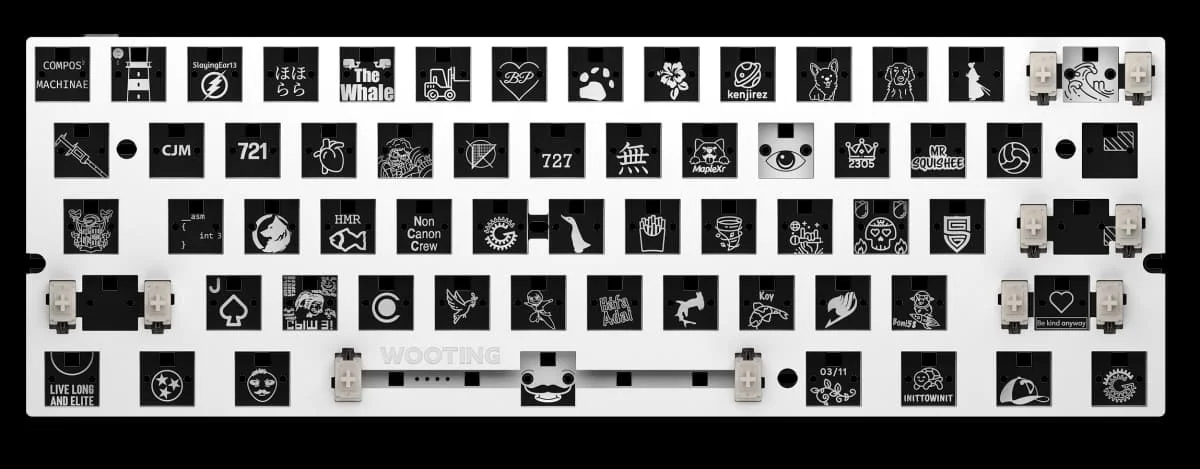 Image: Wooting
Keychron V1 Max
If you want a versatile board that excels at both work and play, the Keychron V1 Max is a steal. This one comes in at around $95, leaving plenty of cash for custom keycaps or desk mats. It features a hot-swappable PCB, meaning you can swap out the stock switches for Gateron Jupiter or Cherry MX varieties without needing a soldering iron. In my experience, the gasket-mounted design provides a soft, satisfying flex that feels way more expensive than it is. It supports 2.4GHz wireless, Bluetooth, and wired modes, making it incredibly convenient for switching between multiple PCs or a laptop setup. It’s truly a flexible, high-value choice for most gamers.
 Image: representative product (Keychron)
Logitech G Pro
The Logitech G Pro is a classic esports staple for a reason. Often found on sale for under $130, this tenkeyless design keeps things compact to give you more mouse space during intense play. The GX Blue or Red switches are incredibly consistent, and the 1ms reporting rate is still a standard for pro-level play. While the software can be a bit of a headache to navigate, once you set your RGB profiles and macros, you rarely have to touch it again. It’s reliable, sturdy, and fits perfectly into a minimalist desk layout.
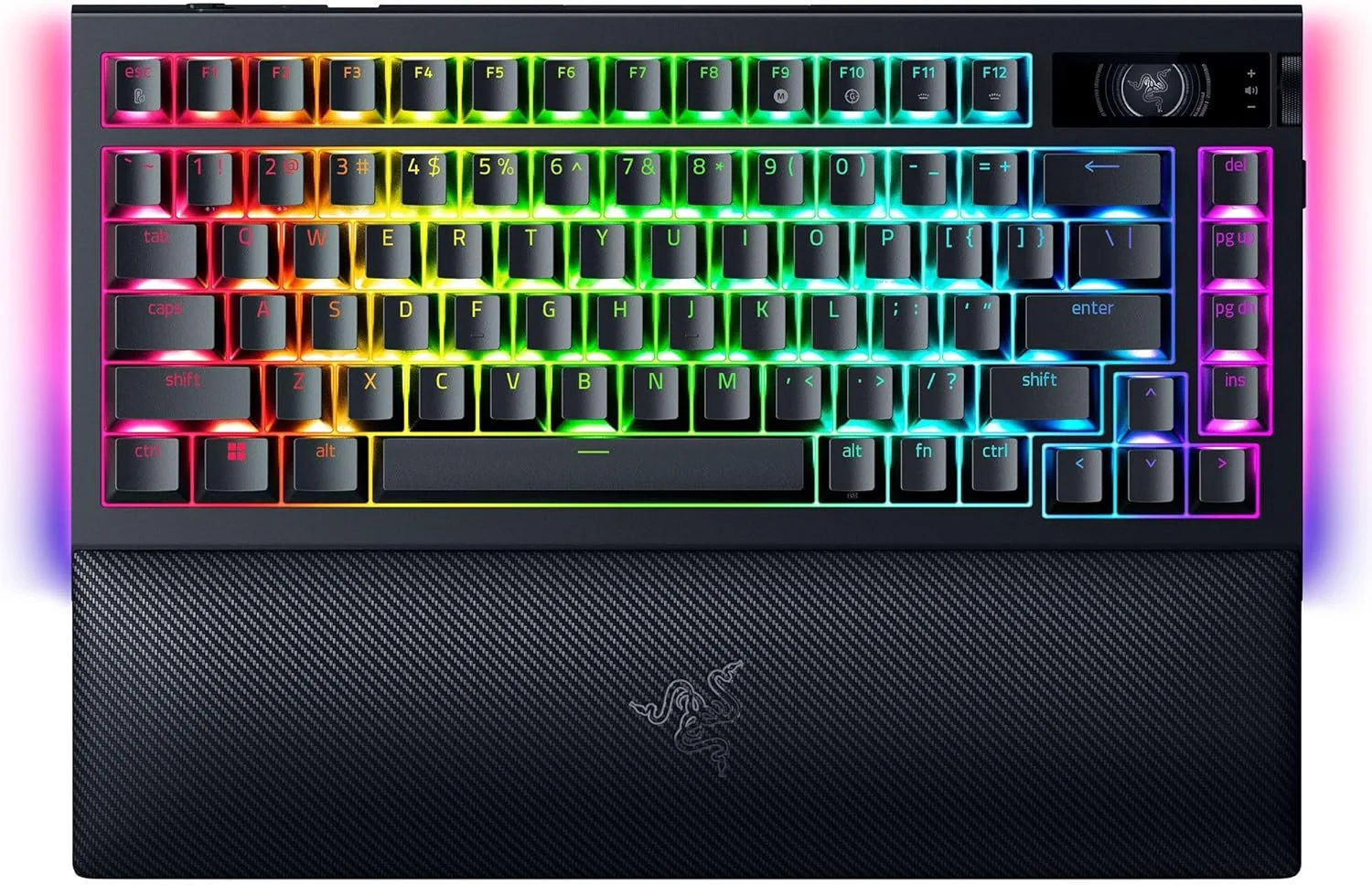 Image: representative product (Razer)
What to Look For When Buying
Before you click buy, there are a few things to keep in mind. First, decide on your form factor. A 60% board like the Wooting is great for space, but if you need function keys, look for a 75% like the V1 Max. Second, consider the switches. Linear switches are generally preferred for gaming, while tactile switches are better if you do a lot of typing alongside your gaming. Don’t fall for the hype of ‘optical’ or ‘mechanical’ labels alone; it’s all about the implementation. Always check if the board offers N-key rollover, as you don’t want your inputs dropped during a complex combo in your favorite title.
Comparison
| Product | Switch Type | Wireless | Best For |
|---|---|---|---|
| Wooting 60HE+ | Magnetic/Analog | No | Competitive FPS |
| Keychron V1 Max | Hot-swappable | Yes | Customization |
| Logitech G Pro | GX Blue/Red | No | Esports Standard |
Frequently Asked Questions
What are the best gaming keyboards under $150 2026?
The market is packed with options, but the Wooting 60HE+, Keychron V1 Max, and Logitech G Pro currently dominate for performance, value, and reliability respectively.
Is a budget mechanical keyboard worth it for competitive gaming?
Absolutely. Many sub-$150 boards now feature rapid trigger technology and low latency, matching the performance of units twice their price.
What is the main benefit of hot-swappable switches?
Hot-swappable sockets let you pull out and replace switches without soldering, which is huge if you want to experiment with different typing feels later.
Are wireless gaming keyboards reliable for gaming?
Modern 2.4GHz wireless tech has practically zero input lag, making them indistinguishable from wired connections in high-stakes matches.
Where to Buy
Related Articles
- Best Mechanical Keyboard by Budget (2026): Top Picks for Every Price Range
- Best Mechanical Keyboards Under $100: Quality Builds on a Strict Budget (2025)
- Best TKL Mechanical Keyboards for Gaming 2026
- Best White Gaming Keyboards by Budget (2025): Top Aesthetic Picks for Clean PC Setups
- Comparison: 60% Keyboards vs. TKL Keyboards – Which Compact Form Factor is Right for You?