When you purchase through links on our site, we may earn an affiliate commission.
Is a gaming laptop good for coding and programming?
A gaming laptop can be a powerful tool for coding and programming, offering robust performance for demanding development tasks. However, it often includes an overpowered dedicated GPU that’s superfluous for most software engineering workflows, leading to unnecessary cost, weight, and reduced battery life. For specific niches like AI/ML or game development, that GPU becomes essential.
Introduction
The lines between a ‘gaming’ machine and a ‘workstation’ have blurred. Developers frequently ask if a gaming laptop for coding is a smart move. It’s a valid question, as powerful hardware is powerful hardware. This guide provides a solid decision framework. We’ll break down the specs that genuinely matter for developers and expose where gaming laptops excel, and where they fall short for coding tasks. Choosing correctly means boosting productivity, not just framerates.
Who Is This Guide For?
This guide targets any developer considering a gaming laptop as their primary coding machine. If you’re a General Software Developer (web, mobile, backend), you need a strong CPU and RAM for compilation and IDEs, but likely don’t need a top-tier GPU. Prioritize keyboard, screen, and portability. For AI/Machine Learning Engineers or Game Developers, a powerful dedicated GPU is non-negotiable for training models, rendering, or complex simulations. You’ll prioritize GPU, then CPU and RAM. Budget-Conscious Coders need to know where to save. Don’t overspend on a GPU if your workload won’t leverage it. Focus on core CPU, RAM, and SSD. We all pretend we need 240Hz, but let’s be real about what our actual work demands.
Key Factors to Consider Before Buying
Choosing the right laptop is a balancing act. For developers, certain hardware aspects directly impact workflow efficiency. Ignore the marketing fluff; focus on the numbers and practical implications. This isn’t about bragging rights; it’s about getting work done.
Performance & Specifications
The core of any development machine rests on its internal components. A powerful CPU is critical for compiling code, running virtual machines, and managing multiple applications concurrently. We recommend a modern Intel Core i7 or AMD Ryzen 7 (or higher) with at least 6-8 cores. This provides ample horsepower for demanding tasks without bottlenecking. For RAM, 16GB is the absolute floor for any serious coding work, but 32GB is a much more comfortable sweet spot, especially if you’re wrangling Docker containers or VMs. Seriously, 8GB in 2026 is a confession, not a feature. An NVMe SSD of at least 512GB is essential for fast boot times and rapid file access; 1TB is ideal. Responsiveness is key. When a spec sheet says ‘optimized’ without numbers, run. A dedicated GPU (like an NVIDIA RTX 40-series) is often a highlight of gaming laptops. For most programming, it’s overkill. However, for AI/ML, data science, or game development, a powerful GPU with ample VRAM (12GB+ is a good starting point for serious ML, with 24GB+ being ideal for larger models) is crucial. Don’t skimp if you’re in those fields. Otherwise, you’re paying for unused silicon.
 Image: representative product (Razer)
Build Quality & Durability
Gaming laptops often feature robust chassis designs to accommodate powerful cooling systems. This usually translates to better overall durability than many thin-and-light consumer laptops. Look for models with metal or high-quality plastic construction. Hinge quality is another often-overlooked aspect; weak hinges are a documented failure point for many laptops. While military-grade durability certifications (like MIL-STD-810H) are more common in business laptops, many gaming rigs are built to withstand more abuse than typical productivity machines.
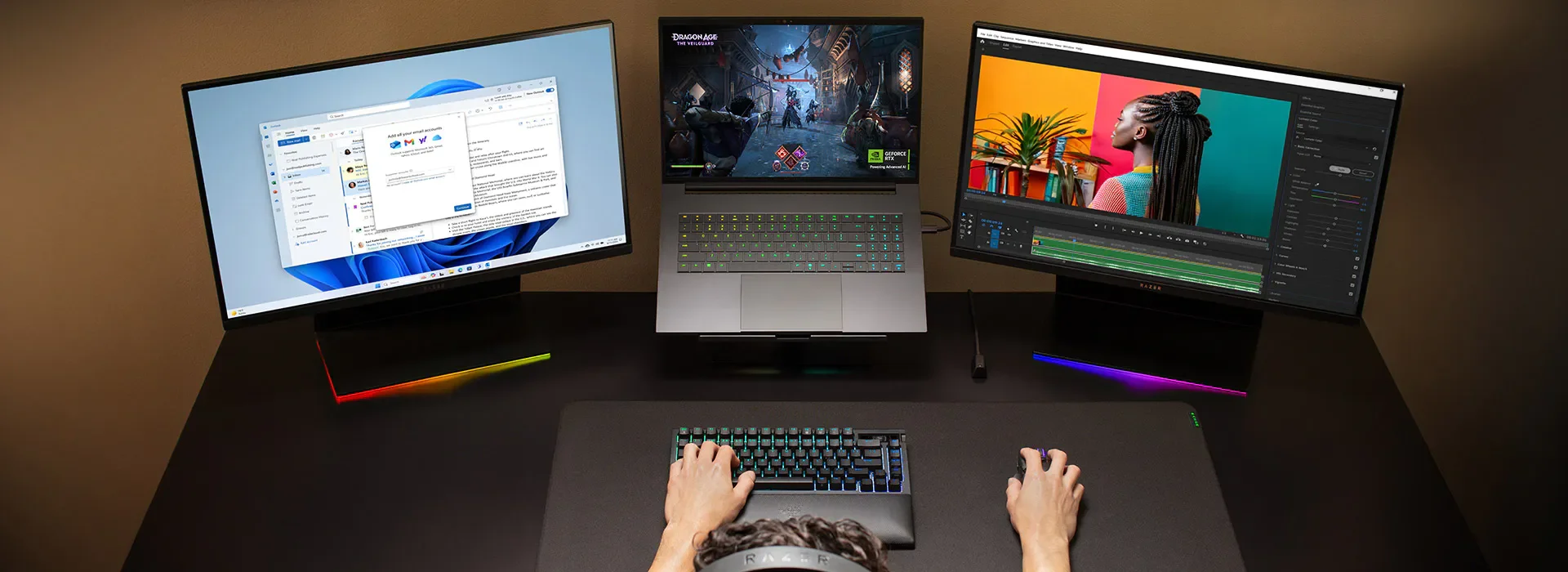 Image: representative product (Razer)
Comfort & Ergonomics
A good keyboard is non-negotiable for developers. We spend hours hammering away at code, so key travel, tactile feedback, and a comfortable layout are vital. Many gaming laptops prioritize flashy RGB over actual typing experience. Some gaming keyboards feel like typing on wet sponges. Seek out models known for solid, responsive keyboards. The touchpad matters less if you use an external mouse, but a precise one is always a plus. Consider weight and thickness; a bulky gaming laptop might not be ideal for daily commutes. Port placement also counts; nobody wants cables snagging their mouse hand.
 Image: representative product (Dell/Alienware)
Battery Life & Portability
Gaming laptops historically have short battery life. Their powerful components, especially the GPU, are power hungry. While modern designs and more efficient architectures have improved things, don’t expect all-day endurance away from an outlet. Most gaming laptops recommend staying plugged in for serious sessions. We’re talking 3-5 hours for typical productivity use on many models, compared to 10+ hours for a dedicated ultrabook. If you’re constantly on the go, moving between meetings, or working from cafes, this is a significant compromise. Portability also takes a hit due to larger cooling systems and heavier batteries, adding to overall weight and bulk.
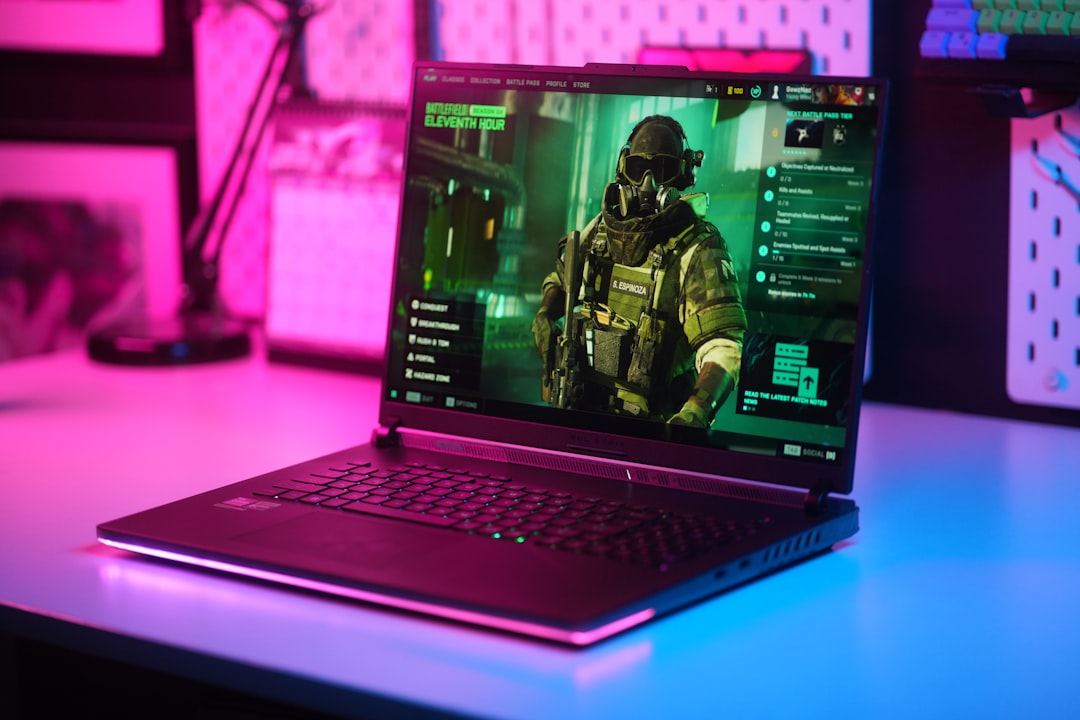 Image: representative product (ASUS)
Connectivity
A robust selection of ports is crucial for a developer’s setup. Look for multiple USB-A ports for peripherals, at least one USB-C port (Thunderbolt 4 is a huge bonus for external GPUs, fast storage, and docking stations), HDMI or DisplayPort for external monitors, and an Ethernet port for reliable wired internet. Wireless latency is fine for most things, but a wired connection offers optimal stability for large downloads or remote work. Good connectivity means fewer dongles and less hassle, which means more time coding and less time wrestling with adapters.
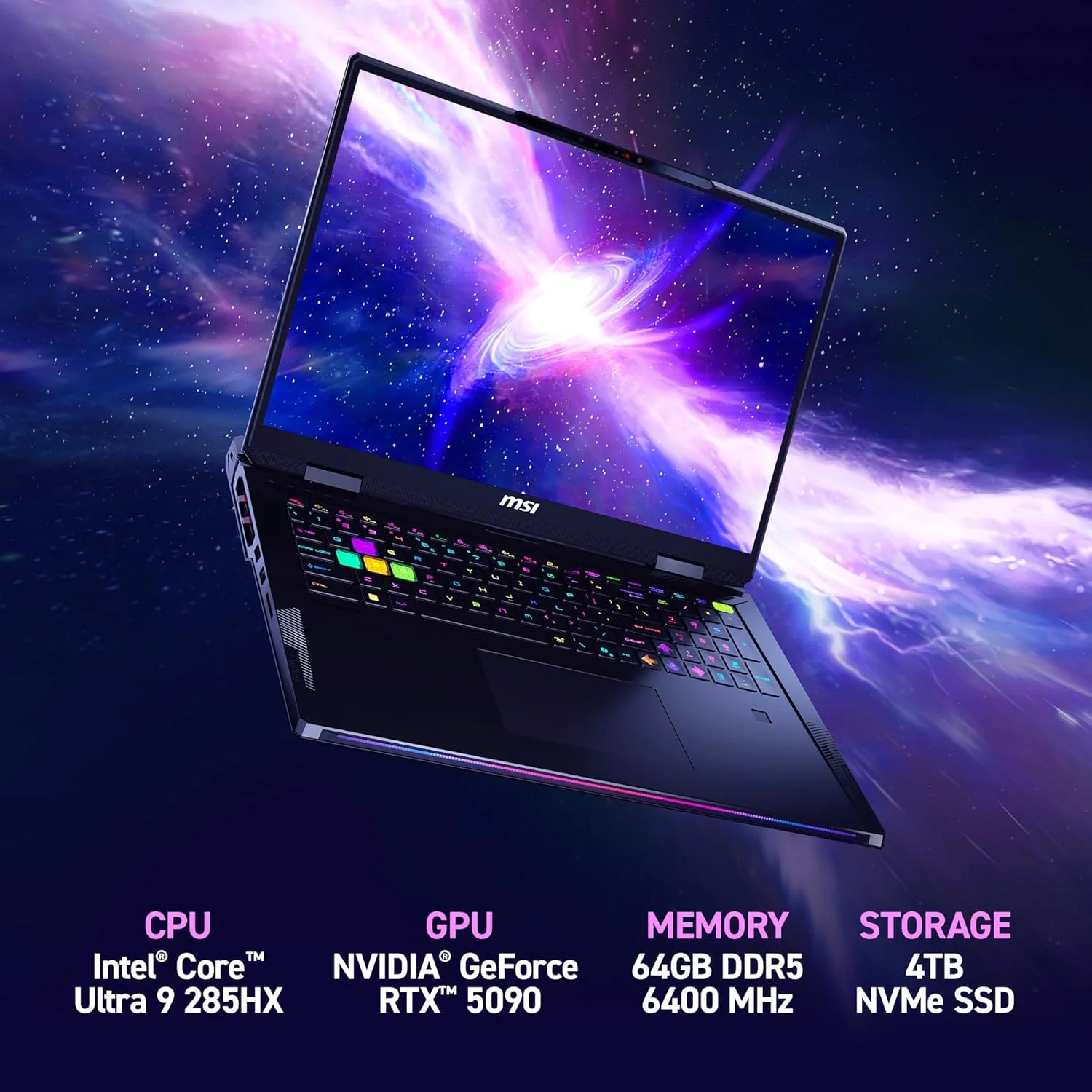 Image: representative product (MSI)
Price vs Value
Gaming laptops command a premium due to their high-performance components, especially the dedicated GPU. For developers who don’t need that graphical horsepower, much of that extra cost represents diminishing returns. You’re paying for features you won’t fully utilize. A dedicated programming-focused laptop might offer better value by prioritizing CPU, RAM, SSD, and battery life at a similar price point. When a gaming laptop hits the ‘sweet spot’ for gaming performance, it often starts overspending for a non-gaming developer. Assess your actual needs, not just what’s flashy.
Brand Reputation & Support
This is often overlooked until something goes wrong. Researching brand reputation for build quality, driver stability, and customer support can save you headaches. Some gaming brands are known for aggressive updates that occasionally break things, or inconsistent build quality between models. A reliable machine with solid support is more valuable than a slightly faster one that constantly needs troubleshooting. This is your primary work tool, after all.
Common Mistakes to Avoid
Even experienced builders can stumble. Here are some pitfalls we often see developers fall into when considering gaming laptops.
Overpaying for an Unused GPU
Unless you’re deep into machine learning, game development, or 3D rendering, a high-end dedicated GPU is likely a wasted investment. Most web, mobile, and backend development tasks are CPU and RAM intensive, not GPU bound. You’ll pay more, get worse battery life, and carry a heavier machine for a component that largely sits idle. That’s just burning money.
Ignoring Keyboard Quality
This is a big one. A subpar keyboard will quickly lead to fatigue and frustration during long coding sessions. Don’t let flashy RGB distract you from poor key travel or mushy switches. Test it if you can, or read reviews specifically praising the typing experience. Your fingers will thank you.
Neglecting Portability and Battery Life
If you plan to use your laptop away from a desk frequently, the weight, bulk, and short battery life of many gaming laptops will become a constant annoyance. These machines are often designed with power-hungry components that demand a wall outlet. A dead laptop in the middle of a meeting isn’t a flex.
How to Match the Right Product to Your Needs
Your ideal setup depends entirely on your specific development niche. There’s no one-size-fits-all, so let’s break it down by developer type.
For General Software Developers (Web, Mobile, Backend)
Prioritize a strong CPU (Intel Core i7/Ryzen 7 or better), at least 16GB (preferably 32GB) of RAM, and a fast 1TB NVMe SSD. A dedicated GPU is largely optional here; an integrated one will suffice. Focus on a comfortable keyboard, a good quality 1080p or 1440p screen (color accuracy over refresh rate), and decent battery life. A lighter, more portable machine might be a better fit if you travel often. Consider business-oriented laptops or ultrabooks first, then see if a gaming laptop with a mid-range GPU fits your secondary needs.
 Image: representative product (ASUS)
For AI/Machine Learning Engineers & Game Developers
This is where gaming laptops truly shine for coding. A powerful dedicated GPU (NVIDIA RTX 4070, 4080, or 4090 with 12GB+ VRAM) is essential. Couple that with a top-tier CPU (Intel Core i9/Ryzen 9), 32GB+ RAM, and a large NVMe SSD (2TB is not overkill here). Expect shorter battery life and a heavier chassis; these are the trade-offs for raw power. Cooling performance is also critical, as these components generate significant heat under load. You’re building a portable powerhouse, and sometimes that means a thicker cooler than our patience for thermal paste myths.
 Image: representative product (ASUS)
For Budget-Conscious Developers
Focus on getting the best CPU (Ryzen 5/Intel Core i5 or better), 16GB RAM, and a 512GB NVMe SSD within your budget. An entry-level gaming laptop might offer better specs than a similarly priced non-gaming model, especially if a dedicated GPU is still a ‘nice-to-have’ for light gaming. Just be aware of the compromises in battery life and portability. Sometimes, a slightly older generation CPU or GPU can offer significant savings with minimal performance loss for coding tasks.
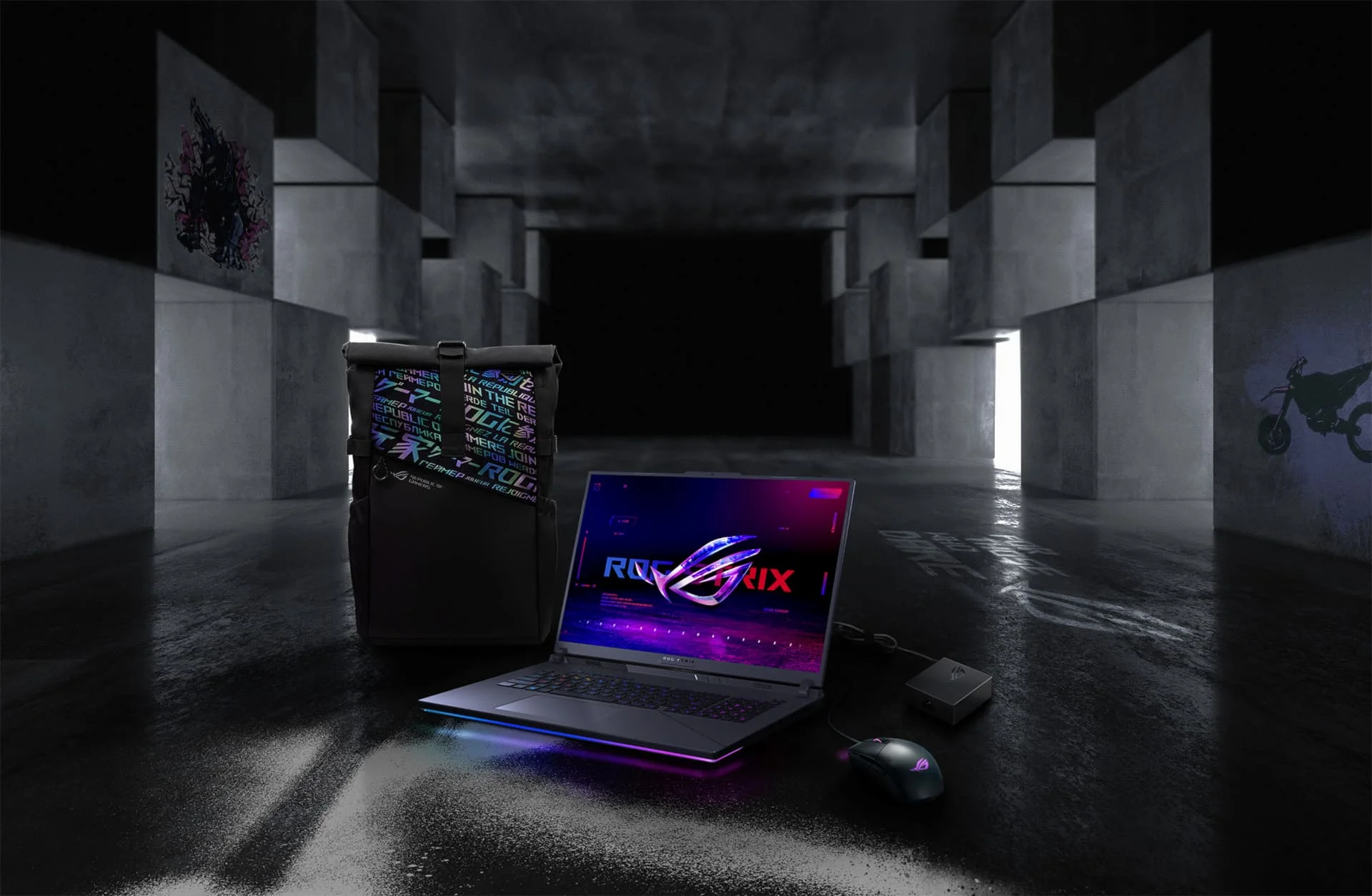 Image: representative product (ASUS)
Final Verdict
A gaming laptop can absolutely serve as a capable coding and programming machine, especially for developers whose work benefits from a powerful GPU, such as those in AI, machine learning, or game development. The potent CPUs and ample RAM found in these machines are a boon for compiling code and running multiple applications. However, for many general software developers, the high cost, reduced battery life, and increased bulk associated with a gaming laptop’s specialized graphics hardware might be an unnecessary compromise. Carefully evaluate your specific coding needs against the inherent trade-offs. Don’t just buy the fastest thing; buy the right thing for your workflow.
Frequently Asked Questions
Is a high refresh rate display beneficial for coding?
No. High refresh rates (120Hz+) on gaming laptops primarily benefit fast-paced gaming by reducing motion blur. For coding, a standard 60-90Hz panel with good color accuracy and resolution is sufficient and often preferred for comfortable text reading.
How much RAM is truly needed for programming?
For most programming tasks, 16GB of RAM is a solid minimum. If you're running multiple virtual machines, large databases, or memory-intensive IDEs with many plugins, 32GB is a practical choice and provides a more comfortable experience. Data science and machine learning might even benefit from 64GB or more.
Are gaming laptop keyboards good for coding?
It varies. While some gaming laptops feature decent mechanical or tactile keyboards, many prioritize aesthetics or quick actuation over sustained typing comfort. For coding, look for keyboards with good key travel, a comfortable layout, and minimal flex. Brands like Logitech MX series and Keychron are frequently recommended for programming due to their ergonomics and typing feel.
Is battery life a major concern with gaming laptops for coding?
Yes. Gaming laptops prioritize raw performance, which often translates to significantly shorter battery life compared to business or ultrabook-style laptops. While some modern gaming notebooks are improving, expect 3-5 hours for demanding tasks unplugged. Productivity laptops can offer 12-18 hours. If portability and working away from an outlet are critical, this is a major trade-off.
Do I need a dedicated GPU for all types of programming?
No, a dedicated GPU isn't essential for all programming. For general web development, back-end programming, and most application development, integrated graphics are usually sufficient. However, specialized areas like game development, machine learning, AI projects, and data visualization benefit significantly from a powerful dedicated GPU.
Related Articles
- ASUS ROG Strix SCAR 18 Review (2026): Best Gaming Laptop for Performance, Portability, or Value?
- ASUS ROG Zephyrus G16 (2026) Review: Best Gaming Laptop for Performance, Portability, or Value?
- Best Cheap Gaming Laptops 2026: Under $1000
- Best Gaming Laptops by Budget (2026): Top Picks for Every Price Range
- Best Gaming Laptops for Open World Games 2026: Smooth Gameplay Guaranteed