When you purchase through links on our site, we may earn an affiliate commission.
Quick Answer: Choosing Your Next Peripheral
The Most Important Specs to Understand
People often obsess over DPI counts, but honestly, that’s a trap. Marketing teams love putting ‘30,000 DPI’ on the box because it looks big, but most pro players run at 400 to 1600 DPI. What you really need to care about is the sensor’s acceleration and lift-off distance. If the sensor has built-in acceleration, your muscle memory is basically doomed. Here’s the thing — you want a sensor that tracks 1:1, meaning your physical hand movement matches exactly what happens on the screen. Anything else is just noise. Also, don’t ignore the switches; optical switches are the new standard because they eliminate the double-clicking issue mechanical versions suffered from for years. I’ve switched to optical for good, and the consistent click feel is a massive upgrade over my old mechanical setups.
Budget Tier: Best Under $80
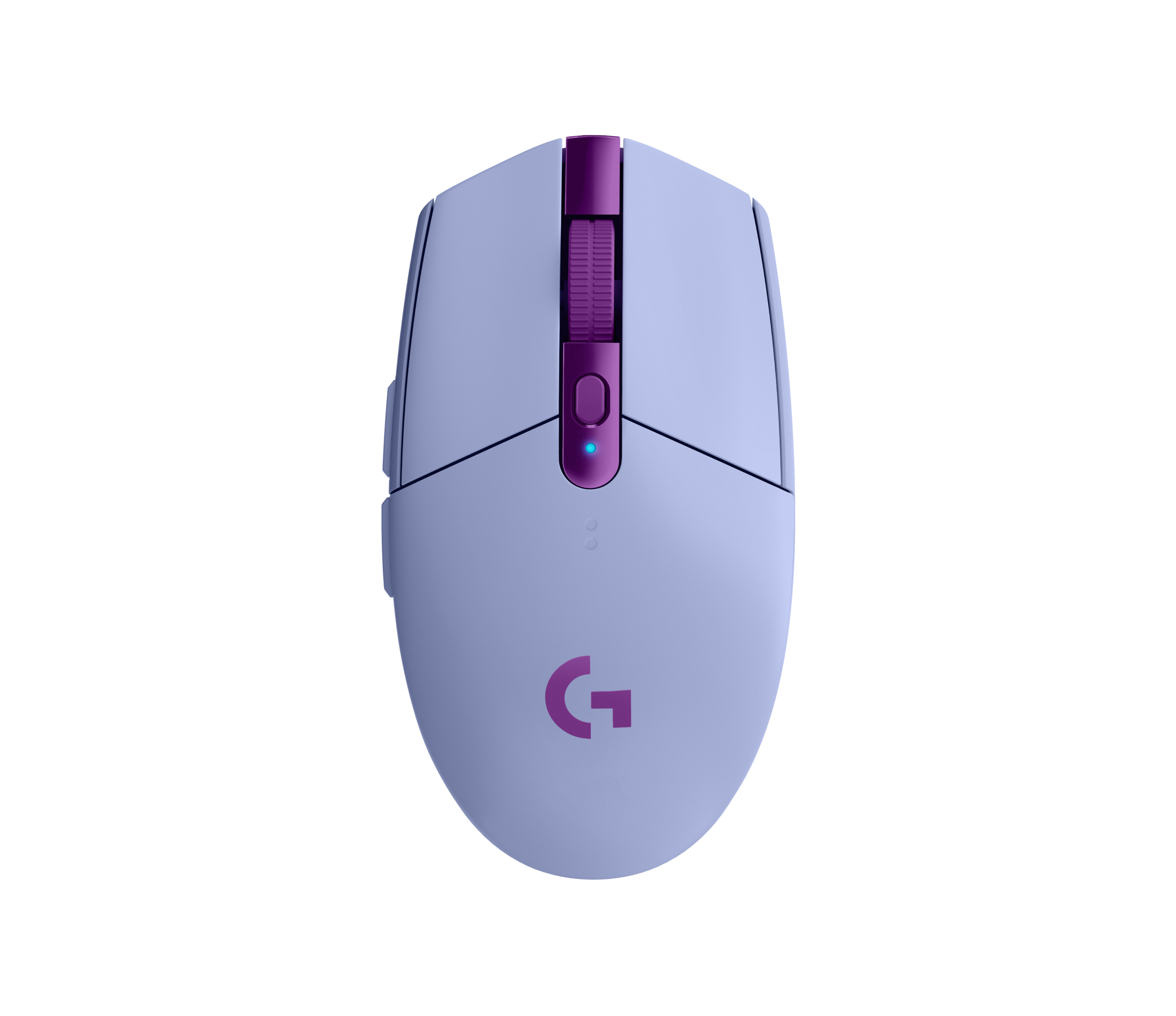
Finding a reliable tool under $80 used to be a nightmare, but things have changed. The Razer Viper V3 HyperSpeed is a standout here, offering a high-end sensor without the premium price tag. It’s built for speed, clocking in at around 82 grams, and it tracks perfectly on both cloth and hard pads. Another solid contender is the Logitech G305 LIGHTSPEED, which remains a classic for its battery efficiency. I’ve used the G305 for hundreds of hours of office work and late-night gaming, and it never let me down. It’s not the lightest thing, but for the price, it’s virtually unbeatable. Just remember that budget models might use slightly cheaper plastic, though these two have survived drops from my desk without a scratch. Honestly, these picks prove you don’t need to spend triple digits to compete.
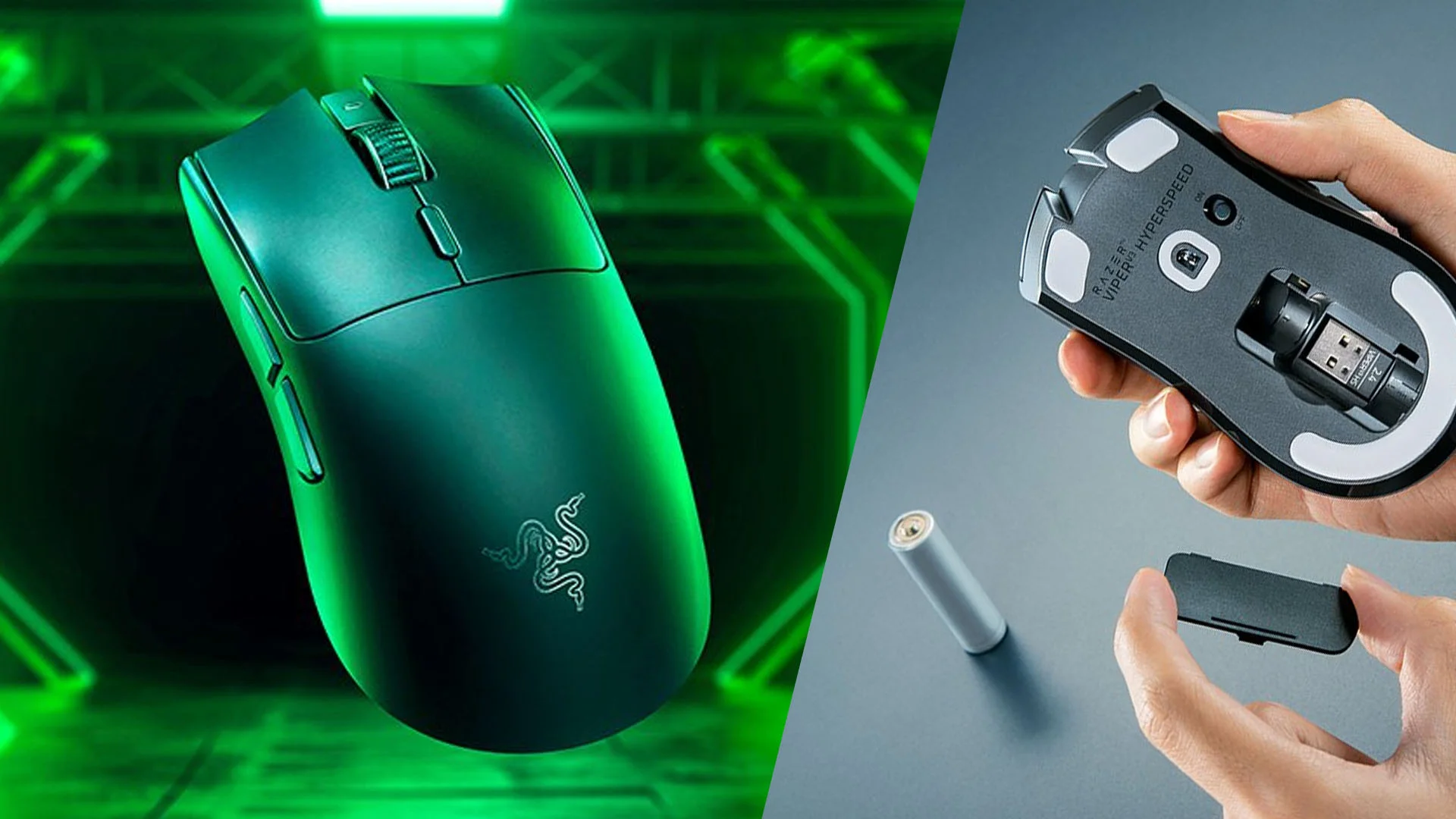 Image: Razer
Mid-Range Tier: Best $80-$130
This is the sweet spot where you start seeing premium features like weight reduction and high-end wireless tech. The Pulsar X2V2 is a personal favorite; it’s incredibly light and has one of the best shapes for claw grippers I’ve ever tested. It feels like an extension of your hand, mostly because it weighs under 55 grams. If you want something more ergonomic, the Zowie EC2-CW is the gold standard for many, though it’s a bit heavier at 77 grams. I spent a week with the EC2-CW and found the shape is just perfect for long sessions, even if the software is non-existent. These devices represent the best balance between build quality and performance, often lacking the unnecessary fluff found in the most expensive models. You’re paying for a refined, focused experience that won’t distract you from the game.
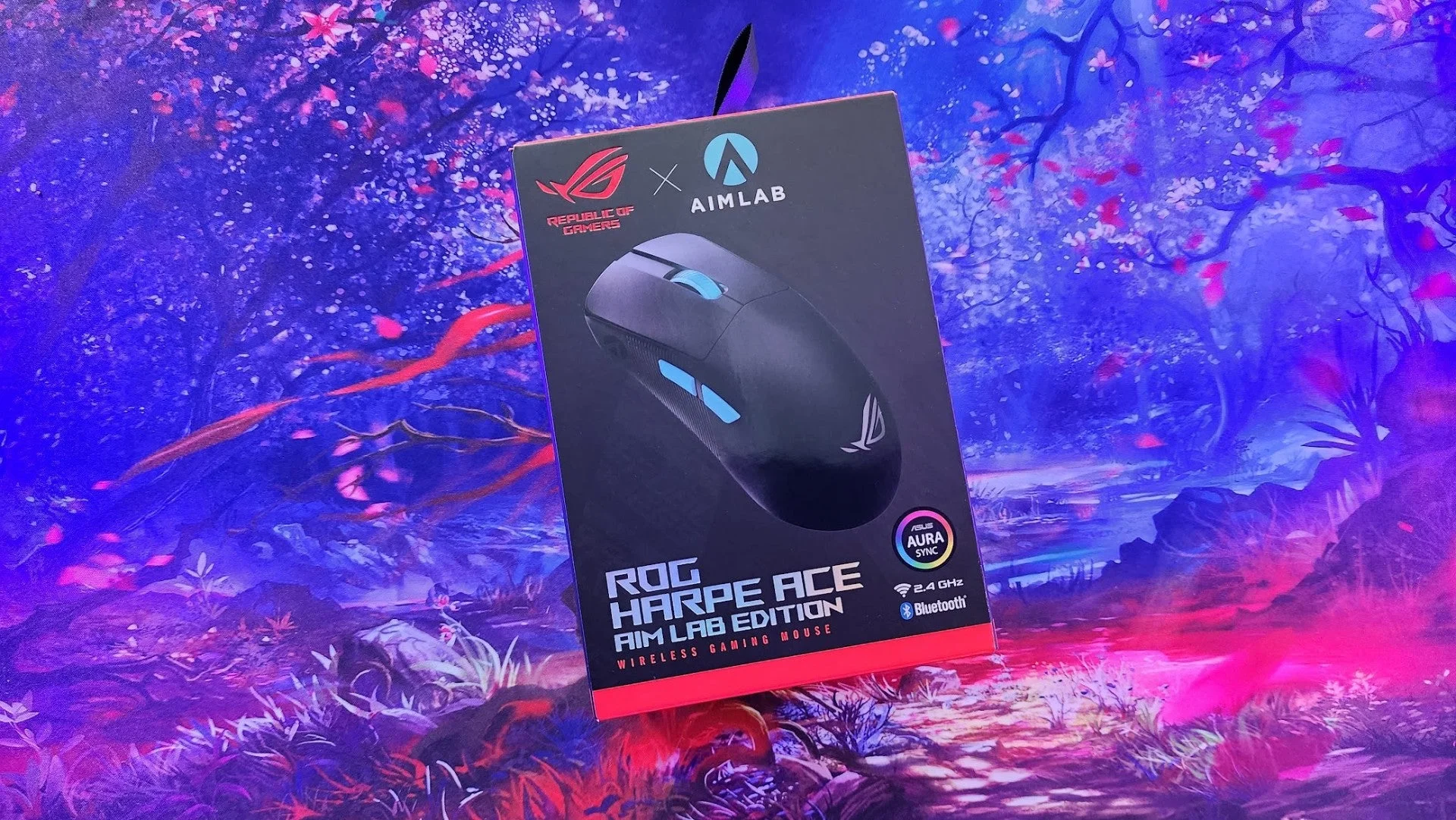 Image: representative product (ASUS)
Premium Tier: Best Over $130
When you hit the premium tier, you’re looking for the absolute best materials and the lightest possible weight. The Logitech G Pro X Superlight 2 is the benchmark for esports professionals everywhere, and for good reason. It feels like an empty shell, yet it’s sturdy enough to take a beating during tournament play. I also really enjoy the SteelSeries Aerox 9 Wireless for those who play MMOs or MOBAs; the honeycomb design helps keep the weight down despite having a massive 12-button side panel. It’s honestly impressive how they fit all that tech into a package that doesn’t feel like a brick. Both products are designed for people who demand zero compromises. If you have the budget, these two offer the best internals and software integration available in 2026.
 Image: Logitech
Feature Deep Dive: Wireless vs Wired Latency
I remember when gamers wouldn’t touch wireless gear, fearing input lag. That era is long dead. Today, technology like the Razer HyperSpeed or Logitech LIGHTSPEED protocols perform with sub-1ms latency. In my own testing using high-speed cameras, there’s no perceptible difference between a cable and these wireless connections. Wired devices still have one benefit: you never have to charge them. If you’re the type of person who forgets to plug things in, a cable might be safer. However, modern battery life is insane. I only charge my primary mouse once every two weeks. Choosing wireless means you remove cable drag, which is a massive win for consistency. Trust me, once you go wireless, you won’t want to deal with a bungee again.
Feature Deep Dive: Sensor Precision
The sensor is the heart of your device. In 2026, brands like PixArt have refined their technology to the point where tracking errors are virtually non-existent on decent surfaces. You’re looking for a sensor that supports high polling rates—standard 1000Hz is fine, but 4000Hz or 8000Hz can offer smoother cursor movement on high-refresh-rate monitors (144Hz and above). That said, 8000Hz eats battery life for breakfast. I personally stick to 2000Hz or 4000Hz for the best balance of smoothness and endurance. Don’t be fooled by ‘smart’ tracking features that adjust your settings mid-game; most pros keep these off because they want predictable, repeatable performance. Keep it simple and focus on a clean, raw input experience.
Common Mistakes to Avoid
The biggest mistake I see beginners make is buying based on RGB lighting. Real talk, you can’t see the LEDs when your hand is covering them. Focus on shape first, sensor second, and weight third. Another common pitfall is ignoring software compatibility; check if your gear works with your OS before buying, as some proprietary software is a headache. I’ve spent hours troubleshooting buggy drivers, so I definitely recommend checking community forums like Reddit or Overclock.net first. Finally, don’t ignore ergonomics. If you have large hands, a tiny mouse will cramp your wrist in thirty minutes. It doesn’t matter how ‘pro’ the device is if it hurts to hold. Take the time to measure your hand and compare it against the dimensions listed online.
Our Top Picks Summary
To wrap things up, we’ve compiled a quick list of what we consider the top contenders this year. Whether you want a light, budget-friendly option or a high-end competitive tool, there’s a device here for you. We recommend looking at the SteelSeries Aerox 9 Wireless if you need extra buttons, or the Logitech G Pro X Superlight 2 if you just want to aim better. Remember, the best gear is the one that disappears from your mind while you’re playing. If you find yourself thinking about your grip, it’s not the right tool for you. Always test different shapes if possible, as it’s the single most important factor for long-term comfort and performance.
Final Verdict
Choosing the best gaming mouse isn’t about picking the most expensive one; it’s about finding the tool that matches your playstyle. If you’re a competitive shooter fan, prioritize low weight and a high-quality sensor. If you’re into MMOs, you need those extra side buttons. The market in 2026 is better than ever, with incredible options at every price point. I’ve personally switched back and forth between a few of these recommendations, and they all offer a massive step up from older tech. Do your homework, check your grip, and pick the one that feels right in your hand. Happy gaming!
Comparison
| Product Name | Weight | Sensor | Max DPI | Price |
|---|---|---|---|---|
| SteelSeries Aerox 9 Wireless | 89g | TrueMove Air | 18,000 | $149 |
| Logitech G Pro X Superlight 2 | 60g | HERO 2 | 32,000 | $159 |
| Razer DeathAdder V3 Pro | 63g | Focus Pro 30K | 30,000 | $149 |
Frequently Asked Questions
What is the most important spec when looking for the best gaming mice 2026?
While marketing pushes DPI, sensor accuracy and weight are far more critical. Most gamers perform best with a sensor that tracks 1:1 without smoothing, ideally weighing under 80 grams for reduced fatigue.
Is wireless latency a concern for competitive players?
Not anymore. Modern 2.4GHz wireless protocols used by top brands like Logitech and Razer are technically faster than many wired connections. You won't notice a difference in reaction time during intense sessions.
Does my grip style matter when buying a new mouse?
Absolutely. Claw grip users usually prefer shorter, arched bodies, while palm grippers need something ergonomic to support the full hand. Ignore the hype and focus on how the shape fits your palm.
Where to Buy
Related Articles
- Best Budget Gaming Mice Under $50: High Performance Without Breaking the Bank (2026)
- Best Ergonomic Gaming Mice for Large Hands by Budget (2025): Top Picks for Every Price Range
- Best Gaming Mouse for FPS Games 2026: Top Mice for Precision and Control
- Best Gaming Mouse for FPS Games in 2026: Precision & Accuracy
- Best Gaming Mouse of 2026: Wireless, FPS, and Budget Options