When you purchase through links on our site, we may earn an affiliate commission.
What We Like
- Targeted audio profiles for positional awareness.
- Improved microphone clarity for team communication.
- Comfortable designs for extended gaming sessions.
What Could Be Better
- Marketing often overstates benefits for casual players.
- Premium features significantly increase cost.
- Wireless latency is still a factor for the hyper-competitive.
Quick Verdict: Do Gaming Headphones Matter?
Introduction: Elevate Your Audio, Elevate Your Game
In the pursuit of peak gaming performance, every component matters. Your visuals are sharp, your frame rates are smooth, but are you truly hearing the game? This is where the Best Gaming Headphones Buying Guide comes into play for 2026. Choosing the right gaming headset isn’t just about blasting sound; it’s about tactical advantage, deep immersion, and clear communication. We’re not just listing products; we’re providing the framework to understand what makes a gaming headset tick and how to match it to your specific needs. Forget marketing fluff; we’ll guide you through the specs that actually translate to better gameplay, from pinpointing enemy footsteps to feeling the rumble of an explosion. Your decision framework starts here, ensuring you don’t overspend on features you’ll never use or regret skipping on crucial ones.
Who Is This Guide For?
We’ve segmented gamers to help you cut through the noise. Here’s who needs what:
Competitive Gamers
You prioritize pinpoint accuracy and low latency above all else. Every decibel matters for locating threats. Prioritize: Superior soundstage and imaging for positional audio, extremely low latency (wired is king here, but high-end 2.4GHz wireless can be close), and a clear, uncolored microphone for crisp callouts. Ignore: RGB lighting, excessive bass emphasis that muddies mids, and overly complex EQ presets you won’t tweak.
Beginners & Budget Buyers
You’re dipping your toes into PC gaming or upgrading from basic earbuds. You need something that works well without breaking the bank. Prioritize: Decent comfort for moderate sessions, an integrated microphone that’s at least understandable, and a balanced sound profile. Don’t get bogged down in niche features. Ignore: Ultra-high-end features like lossless wireless codecs or advanced active noise cancellation (ANC) – you likely won’t notice the difference or need them.
Casual Gamers & Immersion Seekers
You play a variety of genres and want to feel the game. Deep bass, rich sound, and comfort are key. Prioritize: Excellent audio fidelity, comfortable earcups for long sessions, and features that enhance immersion like simulated surround sound or powerful bass. Microphone quality is secondary but still useful. Ignore: Absolute lowest latency figures (unless you play rhythm games) and overly aggressive sound tuning that sacrifices detail for boom.
Streamers & Content Creators
Your audio needs to sound good both in-game and for your audience. Clarity and professionalism are paramount. Prioritize: A top-tier, broadcast-quality microphone with excellent noise suppression, comfortable fit for hours of streaming, and clear, detailed audio reproduction. You might also want software control for easy adjustments. Ignore: Anything that adds latency or degrades mic quality, like unnecessary wireless compression.
Key Factors to Consider Before Buying
Diving into the specs can be daunting. We break down what actually matters for your ears and your wallet.
Performance & Specifications
This is where the rubber meets the road. Driver size (typically 40mm-53mm) influences bass response and overall volume. Larger drivers don’t automatically mean better, but they can contribute to a fuller sound. Frequency response (e.g., 20Hz-20kHz) indicates the range of audible sound a headset can reproduce; most human hearing caps out at 20kHz, so claims beyond that are marketing. What truly matters is tuning. Look for specifications that mention ‘soundstage’ or ‘imaging’ for positional accuracy in competitive titles. A wide soundstage allows you to perceive sounds as further away or closer, and good imaging lets you distinguish their direction. For wired headsets, impedance (measured in Ohms) indicates how much power is needed to drive them; higher impedance (32 Ohms and up) generally means better sound quality but requires a dedicated amp for optimal performance. Low impedance (under 32 Ohms) is easier to drive from onboard audio or portable devices. The most common buyer mistake here is equating driver size with audio quality or falling for exaggerated frequency response claims. Any serious builder knows that tuning and driver materials are far more critical than raw numbers. For excellent audio fidelity, aim for headsets with well-regarded driver tuning, often found in higher-tier models.
Build Quality & Durability
Gaming headsets endure a lot. We’ve seen connectors melt and hinges snap under pressure. Look for materials like aircraft-grade aluminum, sturdy ABS plastic, and reinforced steel headbands. Earcups should be made of breathable materials like velour or synthetic leather that won’t disintegrate after a year. Hinges and adjustment mechanisms should feel solid, not flimsy. A common failure point is the cable on wired headsets; look for braided cables or detachable options to reduce wear and tear. Many cheaper headsets use brittle plastics that crack easily, especially around the earcups or headband sliders. When a spec sheet says ‘optimized for durability’ without detailing materials, run. We expect robust construction that can withstand the occasional drop or vigorous head-nod during an intense match. Brands that use known faulty connector designs often face widespread reports of melting, so research specific models for known issues.
Comfort & Ergonomics
If your headset is uncomfortable, you won’t wear it for long, no matter how good it sounds. Earcups should be deep enough to avoid your ears touching the drivers and large enough to fully encompass your ears (circumaural design) without excessive clamping force. The headband should distribute weight evenly across your head; too much pressure on one spot is a recipe for headaches. Memory foam padding in earcups and headbands significantly improves long-term comfort. Weight is also a factor; lighter headsets are generally less fatiguing. The most common buyer mistake is ignoring weight and clamping force, assuming all headsets feel the same. A headset that’s thicker than your patience for thermal paste myths is likely too heavy or bulky. Look for adjustable headbands and swiveling earcups for a custom fit.
Features & Customization
This is where marketing loves to play. Features like virtual surround sound (e.g., DTS Headphone:X, Dolby Atmos) can enhance immersion, but their effectiveness varies by game and personal preference. Software customization, like EQ adjustments and mic monitoring (sidetone), offers fine-tuning capabilities. Some headsets offer swappable earcups or detachable microphones. RGB is not cooling, it’s lighting; it’s a pure aesthetic. ANC is rare and often poorly implemented on gaming headsets, sometimes impacting audio quality. The most common buyer mistake is paying a premium for features like 7.1 virtual surround that are often software-based and can be replicated by Windows Sonic or other free solutions, or for RGB lighting. When a spec sheet says ‘optimized for gamers’ without numbers, run.
Connectivity: Wired vs. Wireless
Wired headsets offer the ultimate in zero latency and reliability. They plug directly into your PC or console, requiring no charging and posing no risk of signal dropouts. However, they can be restrictive. Wireless gaming headsets have improved dramatically, with many using low-latency 2.4GHz USB dongles that offer performance comparable to wired for most users. This latency is typically under 20ms, which is acceptable for all but the most extreme competitive scenarios. Bluetooth connectivity is generally not recommended for gaming due to higher latency (often 100ms+), though some newer codecs are improving this. The honest reality: For competitive FPS players, wired is still the gold standard for absolute latency avoidance. For everyone else, a good 2.4GHz wireless headset offers freedom without significant compromise. The most common buyer mistake is assuming all wireless is the same; Bluetooth is not suitable for serious gaming, while 2.4GHz is generally excellent. Battery life is also a key consideration for wireless; aim for 20+ hours.
Price vs. Value
Gaming headsets span a vast price range, from $30 to $300+. Where do you get the most bang for your buck? Budget options ($30-$70) offer basic functionality – a headset and a mic. Mid-range ($70-$150) is where the sweet spot for many gamers lies, offering improved build quality, better sound, and more comfort. Premium ($150+) headsets introduce high-fidelity audio drivers, advanced wireless tech, superior microphones, and more robust construction. Diminishing returns begin around the $150-$200 mark for most users. Beyond that, you’re paying for marginal improvements, brand prestige, or niche features. The most common buyer mistake is overspending on a premium headset when a mid-range option would suffice for their needs. Conversely, skimping too much can lead to poor comfort and sound quality that actively hinders gameplay.
Brand Reputation & Support
Established brands often have a track record of quality and better customer support. Companies like SteelSeries, HyperX, Logitech G, and Razer have been in the gaming audio space for years, meaning they often have a better understanding of gamer needs and more mature product lines. However, don’t discount newer brands if they offer compelling specs and positive reviews. What matters more is documented support, warranty periods, and availability of replacement parts like earcups or cables. Known failure patterns, like the aforementioned connector issues or premature headband cracking, are often more prevalent on lower-tier or less reputable brands. We’ve found that brands with readily available support documentation and clear warranty policies inspire more confidence.
Recommended Products
Based on spec analysis and industry consensus, here are a few solid options across different tiers. Remember to check current pricing as it fluctuates.
SteelSeries Arctis Nova 7 Wireless
This headset hits a sweet spot for wireless versatility and performance. It features dual wireless connectivity (2.4GHz for PC/console and Bluetooth for mobile), a comfortable design with a ski-goggle headband for even weight distribution, and a retractable ClearCast microphone that’s surprisingly good for gaming. The sound profile is balanced, leaning slightly warmer, which is great for immersion. Battery life is a robust 38 hours. It’s a fantastic all-rounder for gamers who want wireless freedom without a major latency hit or sacrificing audio quality for most titles. It’s not the absolute cheapest, but the value is undeniable.
 Image: representative product (SteelSeries)
HyperX Cloud II
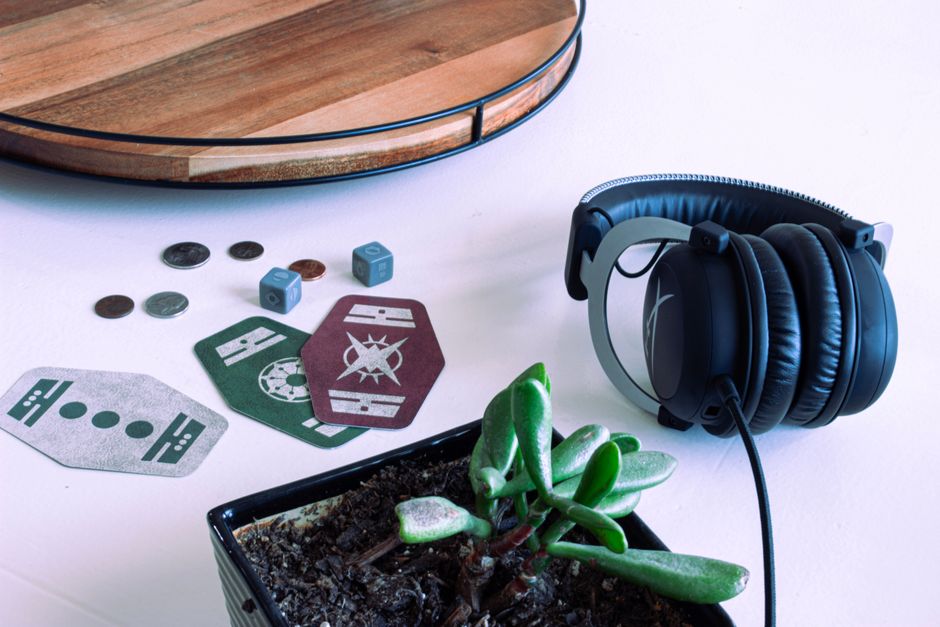
A perennial favorite for good reason. The HyperX Cloud II (wired version) is renowned for its exceptional comfort, robust build quality, and surprisingly good audio for its price point. It features memory foam earcups and a sturdy aluminum frame. The microphone is detachable and decent for team chat. While it lacks advanced wireless or fancy features, its straightforward plug-and-play functionality and reliable performance make it a go-to for many. If you’re on a mid-range budget and prioritize comfort and durability, this is a no-brainer. It’s proof that sometimes, the classics are classics for a reason.
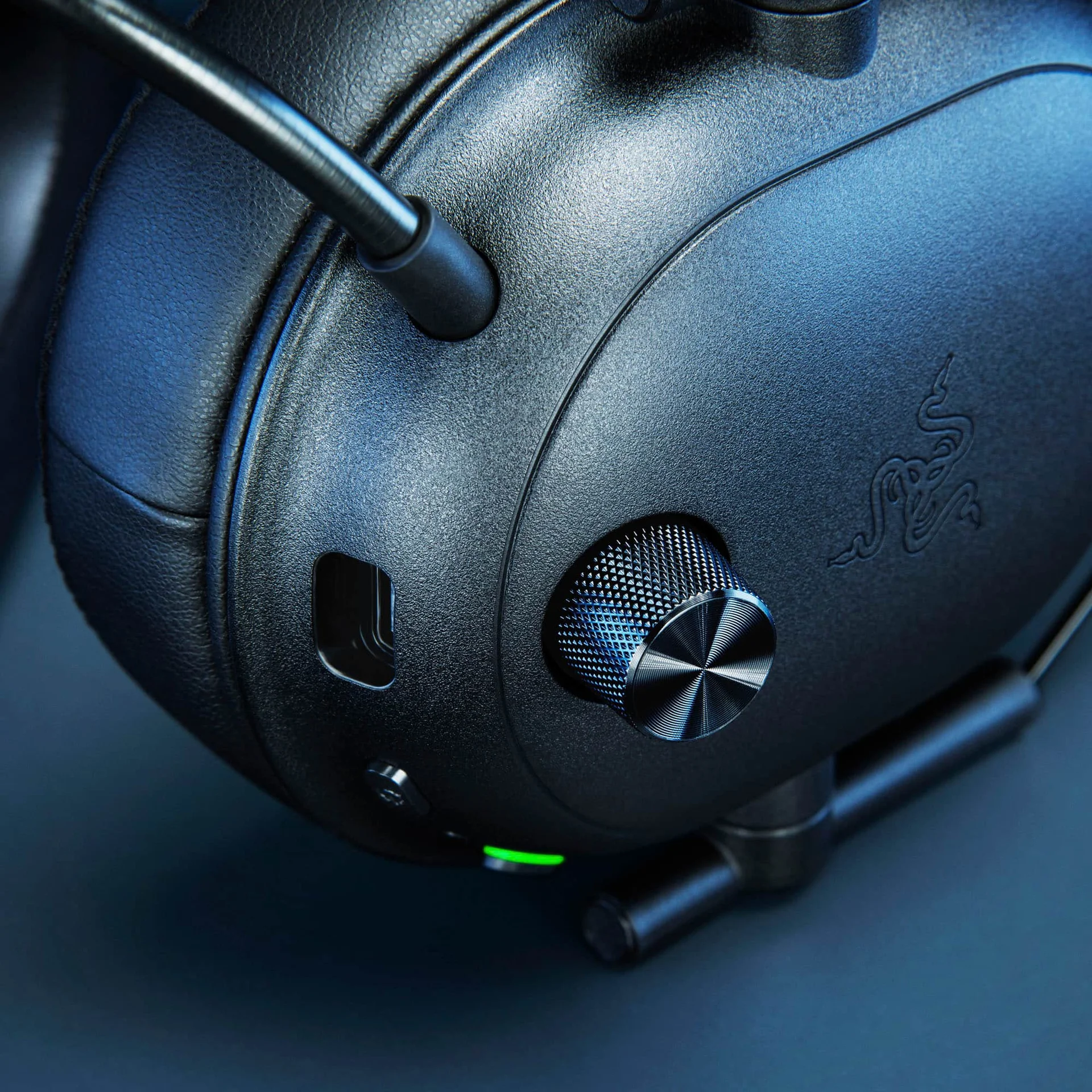 Image: representative product (Razer)
Beyerdynamic DT 770 PRO (250 Ohm)
This is for the audiophile gamer who demands the best sound but is willing to add a component. The DT 770 PRO isn’t a ‘gaming’ headset out of the box – it’s a studio monitor. However, its incredible detail, wide soundstage, and comfortable velour earcups make it a fantastic foundation. You’ll need a separate USB DAC/amp (like a FiiO K3 or Schiit Magni) to drive the 250 Ohm version properly, adding to the cost. The microphone is also separate (e.g., a ModMic). But if your priority is pure audio fidelity for immersion and you don’t mind a bit of extra setup, the sound quality per dollar is phenomenal. It’s thicker than your patience for RGB hype, but worth it for the sound.
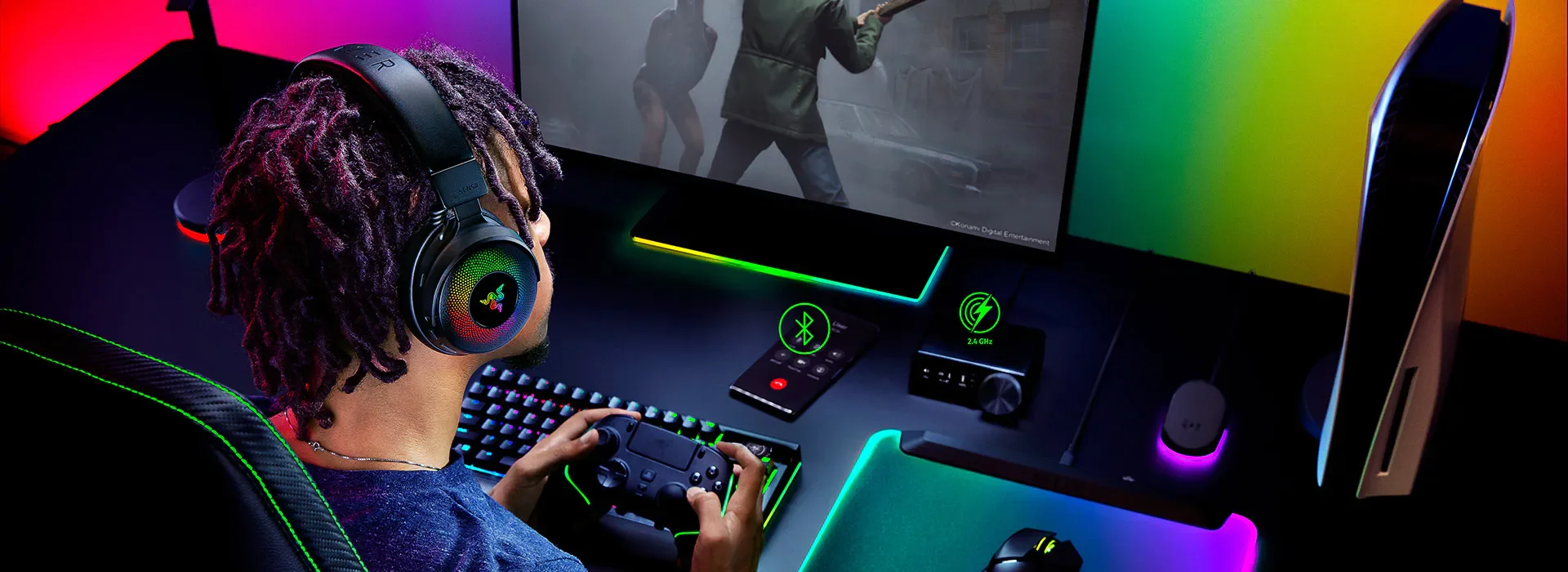 Image: representative product (Razer)
Razer BlackShark V2 Pro
For competitive FPS players seeking wireless freedom, the BlackShark V2 Pro is a strong contender. It boasts impressive positional audio with Razer’s HyperSense haptic feedback (which is divisive, but can add immersion) and a remarkably clear microphone tuned for voice isolation. The TriForce Titanium 50mm drivers deliver crisp highs and punchy lows without muddiness. It offers both low-latency 2.4GHz and Bluetooth connectivity. Battery life is excellent at around 70 hours with HyperSense off. If your rig is struggling at 1440p, here is the actual reason: your audio gear might be holding you back too. This headset aims to fix that with its audio precision.
 Image: Razer
Common Mistakes to Avoid
Don’t fall into these common traps. We’ve seen too many gamers make these errors.
Overpaying for Unused Features
That $250 headset with 16 million RGB colors and features like AI-powered voice normalization? If you’re not streaming or playing competitively at an elite level, you’re likely overpaying for features that don’t enhance your core gaming experience. Stick to what you actually need.
Ignoring Ergonomics and Comfort
A headset that pinches, overheats, or feels too heavy will ruin even the best audio. Comfort is subjective, but generally, look for lighter weight, good padding, and sufficient ear cup size. This is non-negotiable for long sessions. We’ve all been there; a headset that’s thicker than our patience for thermal paste myths is a dealbreaker.
Skipping Software Compatibility Checks
Some headsets rely heavily on companion software for EQ, mic controls, and surround sound settings. Ensure the software is compatible with your operating system (Windows, macOS, console OS) and that it’s actually functional. Bad software can cripple an otherwise good headset.
Buying Solely on Brand Hype
Just because a brand is popular doesn’t mean every product is a winner. Do your research beyond the brand name. Look at specific model reviews and technical specifications. Sometimes, lesser-known brands offer superior value or performance.
Forgetting the Microphone Matters
If you play multiplayer games or stream, a poor microphone is a major handicap. It leads to constant ‘Can you hear me?’ questions and frustration. Prioritize mic quality for communication-dependent gaming.
How to Match the Right Product to Your Needs
Here’s the final step: aligning product features with your playstyle.
For Competitive FPS Players
Your priority is absolute clarity and positional audio. Wired is often preferred for zero latency. Look for headsets with a wide soundstage, excellent imaging, and a clear, accurate microphone. Brands like Beyerdynamic (with a separate mic) or Razer’s high-end wireless options like the BlackShark V2 Pro are strong contenders. You’re not chasing bass; you’re chasing footsteps. Yes, we all pretend we need 240Hz, but in audio, precision is king.
For Casual Gamers
Comfort and balanced audio for immersion are key. A good mid-range wireless headset like the SteelSeries Arctis Nova 7 Wireless offers a great blend of features, comfort, and decent audio quality for a variety of genres. You can enjoy rich soundscapes without worrying about millimeter-perfect positional accuracy.
For Streamers & Creators
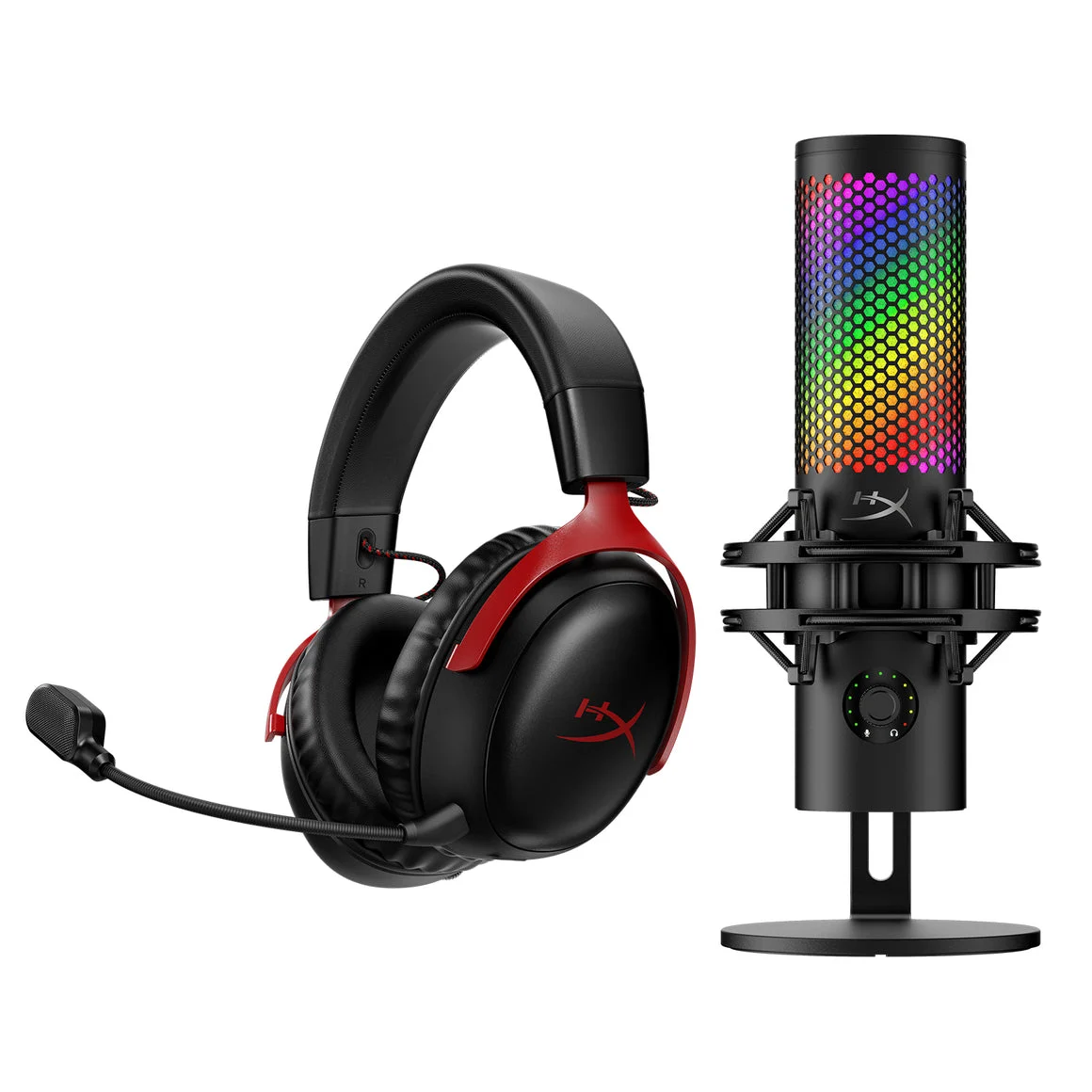
The microphone is your primary tool. Look for headsets with broadcast-quality microphones, excellent noise cancellation, and clear audio monitoring. The HyperX QuadCast S (though a standalone mic, it pairs well with good headphones like the DT 770 PRO) or headsets with highly-rated integrated mics are essential. Studio headphones like the Beyerdynamic DT 770 PRO coupled with a dedicated mic offer the highest fidelity.
For Budget Buyers
The HyperX Cloud II (wired) provides exceptional value. It delivers solid build, great comfort, and good-enough audio and mic performance for its price. It’s a reliable workhorse that won’t disappoint. Don’t expect miracles, but expect it to work well for what you pay.
Final Verdict
Do gaming headphones make a difference? Undeniably. For competitive players, they are an essential tool for gaining an edge through superior situational awareness. For everyone else, they offer a more immersive and communicative gaming experience. The key is to understand your needs and budget, and to look beyond the marketing hype. Prioritize soundstage, comfort, microphone quality, and connectivity that suits your playstyle. While RGB is flashy, clear audio and precise sound are what truly elevate your game. Choose wisely, and you’ll hear the difference.
Frequently Asked Questions
Do gaming headphones actually make a difference in competitive games?
Yes, for competitive play, dedicated gaming headphones can make a significant difference. They often feature enhanced soundstage and positional audio tuning that helps you pinpoint enemy footsteps and gunfire with greater accuracy than standard headphones. This is not just hype; it's about how sound is processed and delivered for spatial awareness.
What is considered acceptable latency for wireless gaming headphones?
For most gamers, latency below 50ms is generally imperceptible. However, in hyper-competitive esports scenarios, anything above 20ms can become noticeable. Technologies like low-latency 2.4GHz wireless connections are crucial here, and even then, wired remains the absolute king for zero latency.
How important is microphone quality on a gaming headset?
Crucial, especially if you play team-based games or stream. A clear, noise-canceling microphone ensures your teammates or audience can understand you without background distractions. Low-quality mics can lead to miscommunication or an unprofessional stream, so look for clear voice capture specs.
Can I use regular headphones for gaming?
You can, but you'll likely miss out on features specific to gaming audio. Standard headphones might not offer the same directional sound cues, comfort for long sessions, or integrated microphones. While some audiophile headphones can perform well, dedicated gaming headsets are optimized for the specific demands of games.
Is RGB lighting on gaming headphones a performance feature?
Absolutely not. RGB lighting is purely aesthetic. It consumes power and adds to the cost without contributing to audio performance, microphone quality, or comfort. If you're prioritizing gameplay, ignore the flashy lights.
Where to Buy
- SteelSeries Arctis Nova 7 Wireless on Amazon
- HyperX Cloud II on Amazon
- Beyerdynamic DT 770 PRO (250 Ohm) on Amazon
- Razer BlackShark V2 Pro on Amazon
Related Articles
- Astro A50 X Review (2026): Is This the Best Gaming Headset?
- Audeze Maxwell Review (2026): Is This the Best Gaming Headset?
- Best Gaming Headset by Budget (2026): Top Picks for Every Price Range
- Best Gaming Headsets of 2025: Top Wireless Picks for PS5, Xbox, and PC
- Best Gaming Headsets of 2026: Top Wireless Picks for PS5, Xbox, and PC