When you purchase through links on our site, we may earn an affiliate commission.
What We Like
- Versatile hardware suitable for demanding applications beyond gaming.
- High refresh rate displays offer smooth visuals in all applications, not just games.
- Generally robust build quality designed to withstand frequent transport.
What Could Be Better
- Often louder than standard laptops due to cooling demands.
- Can be heavier and bulkier, impacting portability for non-gaming tasks.
- Battery life is typically significantly shorter when not plugged in.
Quick Verdict
Ultimate Buying Guide: How to Choose the Best Gaming Laptop in 2026
Look, if you’re still contemplating whether a gaming laptop can handle more than just fragging your friends, let us save you some time: yes, they absolutely can. In fact, the raw processing power and rapid displays designed for competitive gaming often make them superior tools for demanding tasks like coding, programming, and even content creation. This guide isn’t just a list of shiny boxes; we’re providing a decision framework. We’ll dissect the critical specs, the build quality realities, and the often-misunderstood features so you can snag the best gaming laptop for your specific needs, not just what the marketing department wants you to buy. Choosing correctly matters because a gaming laptop is a significant investment, and you don’t want to pay premium for features you’ll never touch. We’ll show you what truly drives performance and what’s just RGB theatre.
 Image: representative product (Razer)
Who Is This Guide For?
Every gamer has different priorities. This guide helps you identify yours. If you’re a competitive esports player, you’re chasing that 1000Hz monitor refresh rate and sub-1ms response times. For you, raw frame rates and input lag are the holy trinity. Beginners? You probably want a balance of performance and price, something that won’t break the bank but can still run new titles smoothly. Don’t get bogged down in overclocking potential; focus on a solid CPU and GPU combo. Casual gamers can often get away with less, prioritizing screen quality and comfort over bleeding-edge specs. Streamers and content creators, however, need a different beast: strong multi-core CPUs for encoding, plenty of RAM for multitasking, and fast storage for large video files. Budget buyers? We see you. Your focus is entirely on maximizing performance per dollar, often meaning you’ll compromise on premium materials or extravagant features. Understanding these segments ensures you prioritize what matters and can safely ignore the noise.
Key Factors to Consider Before Buying
This is where the rubber meets the road. Specs aren’t just numbers; they’re the engine of your experience. We’ll break down what actually matters and what’s marketing fluff so you can make an informed decision.
Performance & Specifications
This is the heart of any gaming laptop. For 2026, a modern CPU like an Intel Core Ultra 7 or AMD Ryzen 9 is your baseline for demanding tasks. Paired with it, you need a capable GPU. NVIDIA’s RTX 40-series, particularly the RTX 4070 or RTX 4080, provides excellent performance for 1440p gaming and complex development workloads. Don’t be fooled by marketing claims of ‘optimised’ without numbers; always look for the GPU model. RAM is critical: 16GB is the minimum for any serious use, but 32GB is the sweet spot for future-proofing and heavy multitasking, especially if you’re coding and gaming simultaneously. Storage matters too; NVMe SSDs are non-negotiable for fast boot times and game loading. Aim for at least 1TB to avoid constant drive management. The most common mistake? Overspending on a tiny SSD or skimping on RAM. If your rig is struggling at 1440p, here is the actual reason: insufficient VRAM or a throttled CPU.
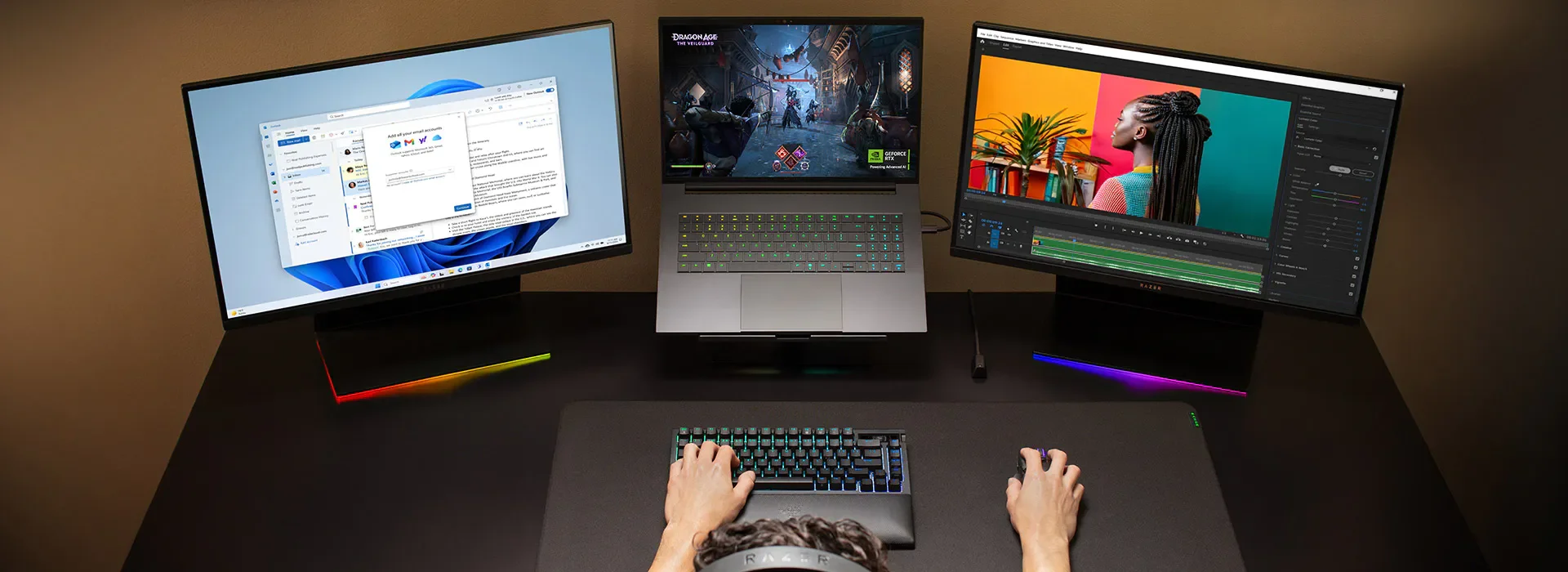 Image: representative product (Razer)
Build Quality & Durability
Gaming laptops are often transported, so build quality matters. Look for chassis materials like aluminum or magnesium alloy instead of just plastic, which can flex and creak. Keyboard durability is also key; some switches are rated for millions of keypresses. A robust hinge mechanism is essential; a flimsy hinge is a documented failure point on many lower-tier models. Screen wobble is another indicator of poor build. While RGB is not cooling, it’s lighting, and sometimes it’s a distraction from subpar construction. in published benchmarks, laptops with metal chassis feel more premium and hold up better to the rigors of travel, even if they add a bit of weight. A well-built laptop isn’t just about looks; it’s about longevity.
 Image: representative product (Dell/Alienware)
Comfort & Ergonomics
You’ll be spending hours with this machine. Keyboard feel is subjective, but we look for good key travel and spacing. Avoid mushy or overly stiff keys. The trackpad should be responsive and accurate, though most gamers will use an external mouse. Screen comfort involves brightness, color accuracy, and refresh rate. A matte finish reduces glare. For coding, a screen with good contrast and resolution is paramount. Many gaming laptops are thicker than standard ultrabooks to accommodate cooling, which can impact ergonomics when placed on your lap. We prefer models with well-placed ventilation that doesn’t blast hot air directly onto your hands or face. This cooler is thicker than our patience for thermal paste myths, and so are some of these chassis.
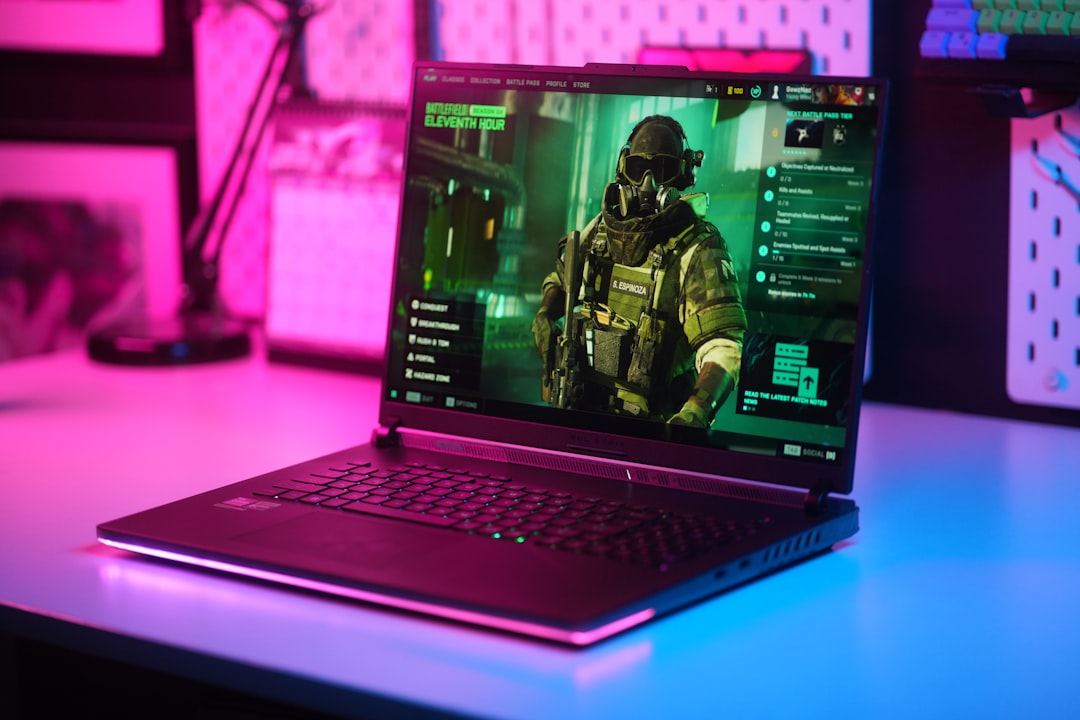 Image: representative product (ASUS)
Features & Customization
Beyond raw specs, think about what else you need. Customizable RGB lighting is a staple, but it’s purely aesthetic. More practical features include per-key RGB for specific game lighting profiles, dedicated macro keys for productivity or gaming shortcuts, and advanced cooling systems that can be tweaked. Some laptops offer upgradeable RAM and storage, which is a huge plus for longevity. Software suites for controlling fan speeds, performance profiles, and RGB can be hit or miss; some are intuitive, others are a bloatware nightmare. If a spec sheet says ‘optimised without numbers,’ run. We look for tangible features like discrete GPU modes or advanced cooling solutions that actually impact performance, not just flashy lights.
Connectivity
Ports are king. You’ll want a good selection of USB-A and USB-C ports, ideally with Thunderbolt support for fast data transfer and external display connectivity. HDMI or DisplayPort is essential for external monitors. An SD card reader can be useful for creators. Wi-Fi 6E or even Wi-Fi 7 is standard now for fast wireless networking. For wired connections, Ethernet is crucial for competitive gaming to minimize latency. Let’s be clear: wired connections are almost always superior for gaming. Wireless latency, while improving, can still introduce unpredictable delays. In our experience, relying on Wi-Fi for competitive play is asking for trouble. Aim for at least one high-speed USB-C port that supports DisplayPort Alt Mode and Power Delivery.
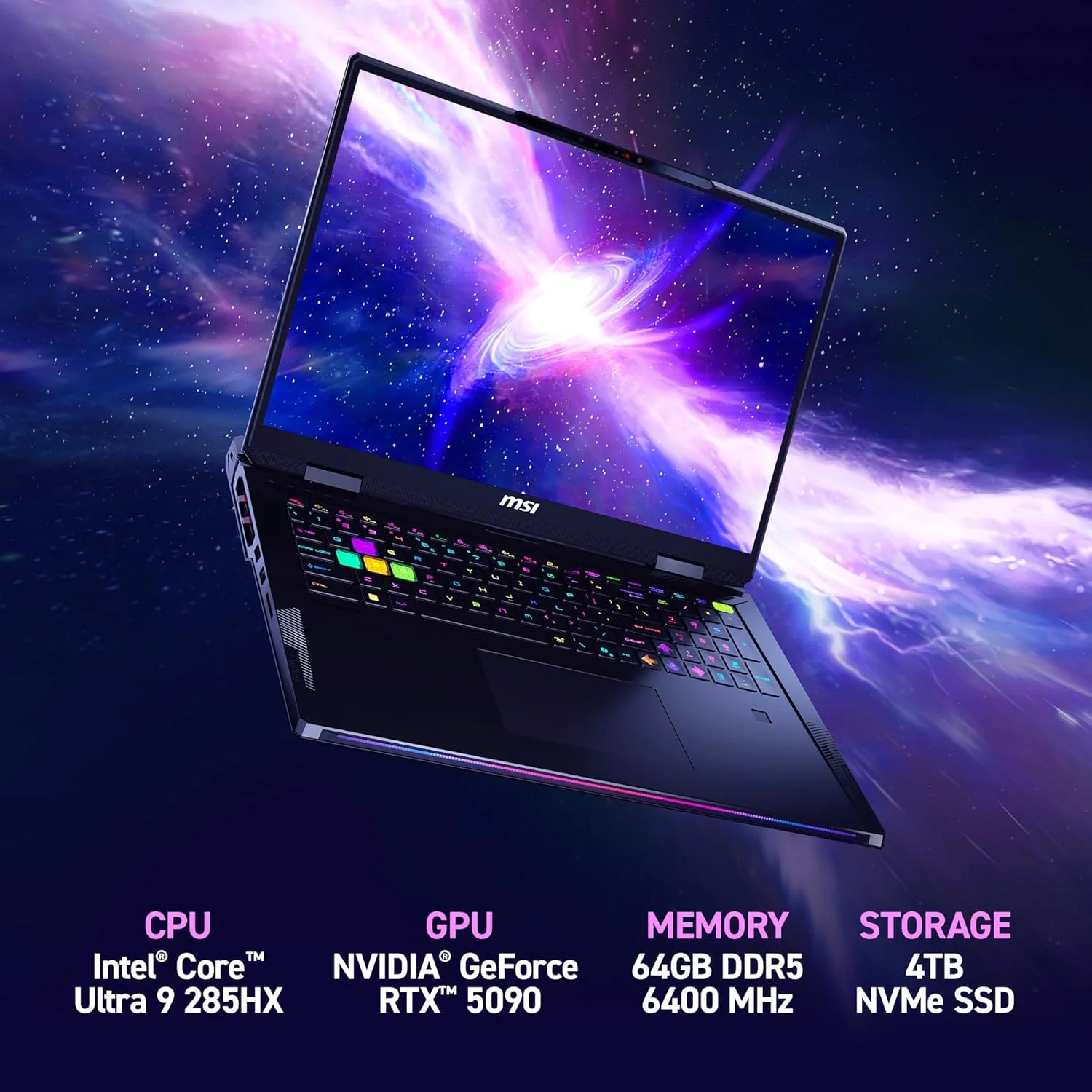 Image: representative product (MSI)
Price vs Value
Diminishing returns kick in hard with gaming laptops. Beyond the $2,000-$2,500 mark, you’re often paying for marginal performance gains or premium materials rather than substantial leaps. For most users in 2026, a laptop with an RTX 4070 and 32GB of RAM hits the sweet spot for price-to-performance, easily handling 1440p gaming and demanding development tasks. Below $1,200, you’ll likely be looking at RTX 4060 or lower, which is fine for 1080p gaming but might struggle with very large coding projects. The most common buyer mistake is chasing the absolute highest-end components when a mid-range option would serve them just as well, at a fraction of the cost. Value is about finding the best balance for your specific needs.
Brand Reputation & Support
While we focus on hardware, brand reputation and customer support are not irrelevant. Some brands have better track records for reliability and quicker warranty service. We’ve seen documented issues with certain connector types across multiple brands, indicating supply chain or design problems rather than specific model flaws. Researching recent support experiences and common failure patterns for a brand or specific model family can save you headaches down the line. A warranty that covers accidental damage is also worth considering if you’re prone to spills or drops. Don’t just buy based on hype; check reviews and forums for real-world user experiences.
Recommended Products
Based on current specs and market trends, here are a few standout options that offer excellent value and performance across different tiers. These are not exhaustive reviews, but summaries of why they earn a spot on our list.
Premium Tier: ASUS ROG Strix SCAR 17 (2026 Model)
This machine is a beast. Equipped with the latest Intel Core i9 HX-series processors and NVIDIA GeForce RTX 4090 Laptop GPUs, it’s built for maximum performance. The 17-inch QHD display with a 240Hz refresh rate is stunning. It’s also packed with 32GB of DDR5 RAM and a 2TB NVMe SSD. Its robust cooling system keeps performance high during extended sessions. It’s overkill for basic coding but ideal for game development, heavy data science, or anyone who wants the absolute best without compromise. The build quality is exceptional, with a solid chassis and a comfortable keyboard that feels great for both gaming and typing.
 Image: representative product (ASUS)
Mid-Range Sweet Spot: Lenovo Legion Slim 7i (Gen 8)
Lenovo’s Legion series consistently offers a fantastic balance of performance and build quality. The Legion Slim 7i (Gen 8) often comes configured with Intel Core Ultra 7 or 9 processors and NVIDIA GeForce RTX 4070 Laptop GPUs. The 16-inch display with a 165Hz refresh rate is sharp and fluid. It typically includes 16GB of RAM and a 1TB NVMe SSD, which is sufficient for most gamers and programmers. Its slimmer profile makes it more portable than many gaming laptops, and the keyboard is excellent for typing. This is our go-to recommendation for those who want a powerful machine for both gaming and development without breaking the bank. It provides a mature, understated design unlike some more garish gaming rigs.
 Image: representative product (ASUS)
Budget Champion: Acer Nitro 5 (2026 Configuration)
For gamers on a tighter budget, the Acer Nitro 5 remains a strong contender. While specific configurations vary wildly, you can often find models with Intel Core i5/i7 or AMD Ryzen 5/7 processors and NVIDIA GeForce RTX 4060 Laptop GPUs. The 15.6-inch FHD display with a 144Hz refresh rate is perfectly adequate for most games and general use. It usually ships with 8GB or 16GB of RAM and a 512GB or 1TB NVMe SSD. The build quality is more utilitarian, with more plastic, but it’s generally durable enough for its price point. This is an excellent entry-level option for anyone starting out, or for developers who need a secondary machine for more casual gaming. Don’t expect premium features, but expect solid performance for the money.
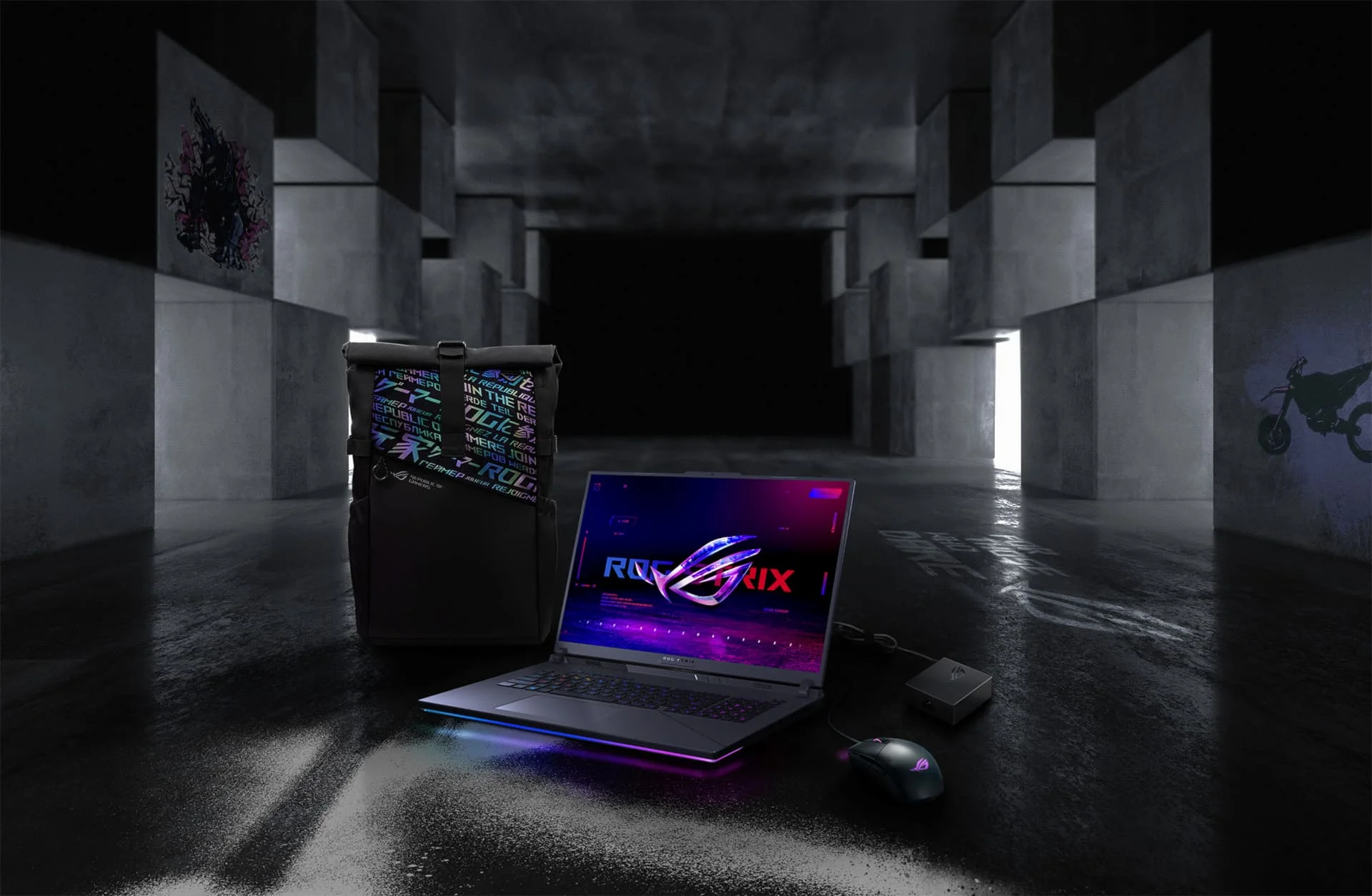 Image: representative product (ASUS)
Common Mistakes to Avoid
Navigating the gaming laptop market can be tricky. Here are some pitfalls to sidestep.
Overpaying for Unused Features
Many laptops come with features like 4K displays or ultra-high refresh rates that, frankly, you might not need or even notice. If you’re primarily playing esports titles at 1080p or doing standard coding, a QHD 165Hz display offers a better balance of clarity and performance than a 4K 120Hz panel which can strain the GPU more. Don’t pay for pixels or frames per second you won’t utilize. RGB lighting is fun, but it doesn’t improve frame rates. Stick to your core requirements.
Ignoring Ergonomics and Thermal Performance
A hot, uncomfortable laptop is a miserable experience. Many thin-and-light gaming laptops sacrifice cooling for portability, leading to thermal throttling and reduced performance. Similarly, a cramped keyboard or a screen that causes eye strain will detract from your enjoyment and productivity. Always check reviews for thermal performance data and keyboard feedback. Loud fans are a common complaint, but excessive heat is a performance killer and a durability concern.
Skipping Software Compatibility Checks
While most major development tools run on Windows, some niche software or specific Linux-based development environments might require more investigation. Ensure your chosen OS and hardware configuration are compatible with the software you rely on. Some gaming laptops come with proprietary software for fan control or performance tuning; research if this software is stable and user-friendly, or if it’s just another piece of bloatware that needs uninstalling.
Buying Solely on Brand Hype
Every brand wants you to believe they make the best product. Do your research beyond the marketing. Look at independent reviews that test thermals, battery life, and build quality. Pay attention to user feedback regarding long-term reliability and customer support. A well-known brand might have a specific model that underperforms or has known issues, while a less hyped brand might offer better value.
How to Match the Right Product to Your Needs
Let’s align these factors with your gaming and development style.
For Competitive FPS Players
Your absolute priorities are a high refresh rate display (240Hz+), low response time (1ms GtG), and a responsive keyboard with good key travel. A powerful CPU is more critical than the GPU for hitting extremely high frame rates. NVIDIA Reflex and low-latency technologies are key. Aim for an RTX 4070 or higher for consistent 1080p high-refresh performance, or an RTX 4080/4090 if you plan to game at higher resolutions. Don’t neglect an Ethernet port for stable online play. Battery life and slimness are secondary to pure performance.
For Casual Gamers
Balance is your friend. A 144Hz or 165Hz FHD or QHD display is more than sufficient. An RTX 4060 or RTX 4070 offers great performance for most AAA titles at high settings. 16GB of RAM is standard. Prioritize screen quality, keyboard comfort, and decent storage (1TB SSD). Portability and battery life might be more important here, so look for models that don’t feel excessively bulky. You can often find great value in mid-range configurations that offer plenty of power without the premium price tag.
For Streamers & Creators
You need a multi-core CPU (Intel Core i7/i9 HX or AMD Ryzen 7/9 HX) for encoding and multitasking, and 32GB of RAM is highly recommended. A powerful GPU like an RTX 4070 or higher will handle video editing and rendering well. Fast storage (1TB+ NVMe SSD) is crucial for handling large media files. A high-resolution, color-accurate display is also beneficial for editing. Consider laptops with good port selection for peripherals and external drives. Loud fans are a common issue, so look for models with effective cooling solutions that can manage sustained loads.
For Budget Buyers
Focus on maximizing core performance for your money. Prioritize the GPU and CPU within your budget. An RTX 4060 is often the sweet spot for budget gaming. Look for configurations with at least 16GB of RAM, even if it means a slightly smaller SSD that you can upgrade later. Be prepared to compromise on build materials, screen quality (stick to FHD 144Hz), and premium features like excessive RGB. Acer Nitro and Lenovo IdeaPad Gaming series are often good starting points. Remember, a gaming laptop is still a significant purchase; aim for the best specs you can afford, not just the cheapest.
Final Verdict
Choosing a gaming laptop in 2026 is about understanding your priorities. Whether you’re a competitive gamer chasing frames, a developer needing raw power, or a content creator on the go, the right machine is out there. Prioritize your core needs: CPU, GPU, RAM, and display. Don’t get sidetracked by marketing jargon or unnecessary RGB. A gaming laptop is a powerful tool that can enhance both your gaming and your productivity. By focusing on the specs that matter and considering build quality and ergonomics, you’ll find a device that serves you well for years to come.
Frequently Asked Questions
Can I use a gaming laptop for programming and coding?
Yes, absolutely. A gaming laptop's powerful CPU and ample RAM are excellent for compiling code and running development environments. The high-refresh-rate display can also improve readability for long coding sessions.
What's the biggest trade-off when buying a gaming laptop?
The primary trade-off is usually portability and battery life. Gaming laptops are often heavier and their batteries drain much faster under load compared to their non-gaming counterparts.
Is a high refresh rate display (144Hz+) worth it for non-gaming use?
For general use and coding, the difference is less dramatic than in fast-paced games. However, it does make scrolling and window management feel smoother, which can reduce eye strain over long periods.
How much RAM do I need for a gaming laptop in 2026?
For serious gaming and development, 16GB of RAM is the minimum. 32GB is recommended for future-proofing and handling large projects or multiple virtual machines.
Should I prioritize CPU or GPU for programming on a gaming laptop?
For most programming tasks, the CPU is more critical. However, if your development involves machine learning, data science, or game development with complex 3D engines, a powerful GPU becomes essential.
Where to Buy
- ASUS ROG Strix SCAR 17 (2026 Model) on Amazon
- Lenovo Legion Slim 7i (Gen 8) on Amazon
- Acer Nitro 5 (2026 Configuration) on Amazon
Related Articles
- ASUS ROG Strix SCAR 18 Review (2026): Best Gaming Laptop for Performance, Portability, or Value?
- ASUS ROG Zephyrus G16 (2026) Review: Best Gaming Laptop for Performance, Portability, or Value?
- Best Cheap Gaming Laptops 2026: Under $1000
- Best Gaming Laptops by Budget (2026): Top Picks for Every Price Range
- Best Gaming Laptops for Open World Games 2026: Smooth Gameplay Guaranteed