When you purchase through links on our site, we may earn an affiliate commission.
What We Like
- Accurate sensor performance for precise tracking.
- Durable switches with long lifespans.
- Comfortable and ergonomic designs for extended play.
What Could Be Better
- Diminishing returns on extreme DPI.
- Overreliance on marketing hype for features.
- Wireless latency is a concern for hyper-competitive play.
Quick Answer
For 2026, the best gaming mouse boils down to sensor accuracy, switch durability, and your specific grip style. Top contenders like the Logitech G Pro X Superlight 2 and Razer Viper V2 Pro offer sub-70g weights and flawless sensors. Prioritize a 1000Hz polling rate and a comfortable shape for your hand. Don’t get caught up in excessive DPI numbers; focus on raw performance and solid build quality instead. That’s where your money should go.
Ultimate Buying Guide: How to Choose the Best Gaming Mouse in 2026
Selecting the right gaming mouse in 2026 isn’t just about flashy lights. It’s about precision, speed, and long-term comfort. This isn’t a list of ‘the best’ products you’ll find plastered everywhere. Instead, we’re giving you a framework. Our goal? Equip you with the knowledge to identify the perfect mouse for your unique needs. If you’re still gaming on a generic office mouse, you’re handicapping yourself. The right gaming mouse can mean the difference between a clutch play and a frustrating respawn screen. Let’s cut through the marketing noise and get to the specs that actually matter.
Who Is This Guide For?
This guide is for any gamer looking to upgrade their primary input device. Whether you’re a seasoned esports pro or just starting out, understanding these factors will save you time and money. Competitive FPS players, for instance, will prioritize low weight, high polling rates, and ultra-precise sensors. Beginners can afford to be a little more flexible, focusing on comfort and ease of use over bleeding-edge specs. Streamers might look for extra buttons for macros and customizable lighting, while budget buyers need to strike a balance between essential features and cost. Anyone looking for an edge knows that peripherals are critical.
Key Factors to Consider Before Buying
Choosing a gaming mouse means navigating a minefield of specifications and marketing jargon. Let’s break down what truly impacts your gameplay and what’s just fluff. We’ll cover everything from sensor performance to build quality, helping you make an informed decision. Think of it as calibrating your digital hand – it needs to be precise, reliable, and comfortable. Don’t settle for less.
Performance & Specifications
This is where the rubber meets the road. The sensor is the heart of your gaming mouse. Look for sensors like the PixArt PAW3395 or the HERO 25K. In our experience, these offer near-perfect 1:1 tracking with minimal acceleration or prediction. DPI (dots per inch) is often overhyped marketing. While higher DPI can offer finer control, most competitive players stick between 400-3200 DPI. Too high, and you’ll get jitter, not precision. What you really want is a high polling rate, ideally 1000Hz. That means the mouse updates its position 1000 times per second, translating to smoother cursor movement and lower input lag. Cheaper mice might offer 125Hz or 500Hz, which is simply not enough for fast-paced games in 2026. Real talk.
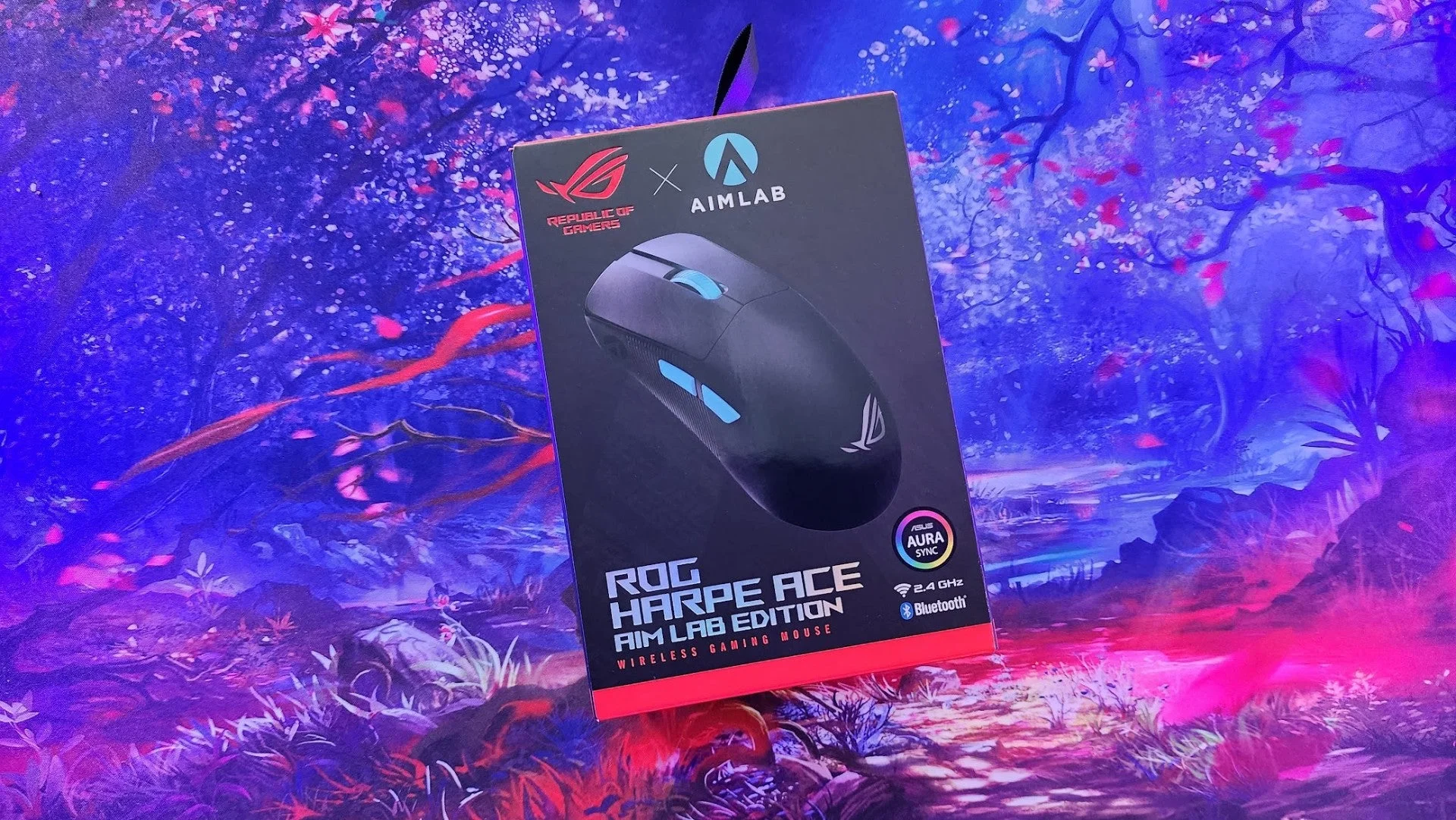 Image: representative product (ASUS)
Build Quality & Durability
A mouse that feels flimsy or uses cheap plastic won’t last. It certainly won’t feel good. We’re talking about Omron or Kailh switches rated for tens of millions of clicks. These provide a satisfying tactile response and are built to withstand thousands of hours of intense gaming. The mouse feet (glides) are also important; PTFE (Teflon) feet offer the smoothest glide. If a mouse uses cheap plastic or switches that feel mushy, run. Coil whine is a documented issue on some cheaper boards and peripherals, though less common on mice themselves. Look for solid construction with no creaking or loose parts. Your clicks should feel consistent, not mushy.
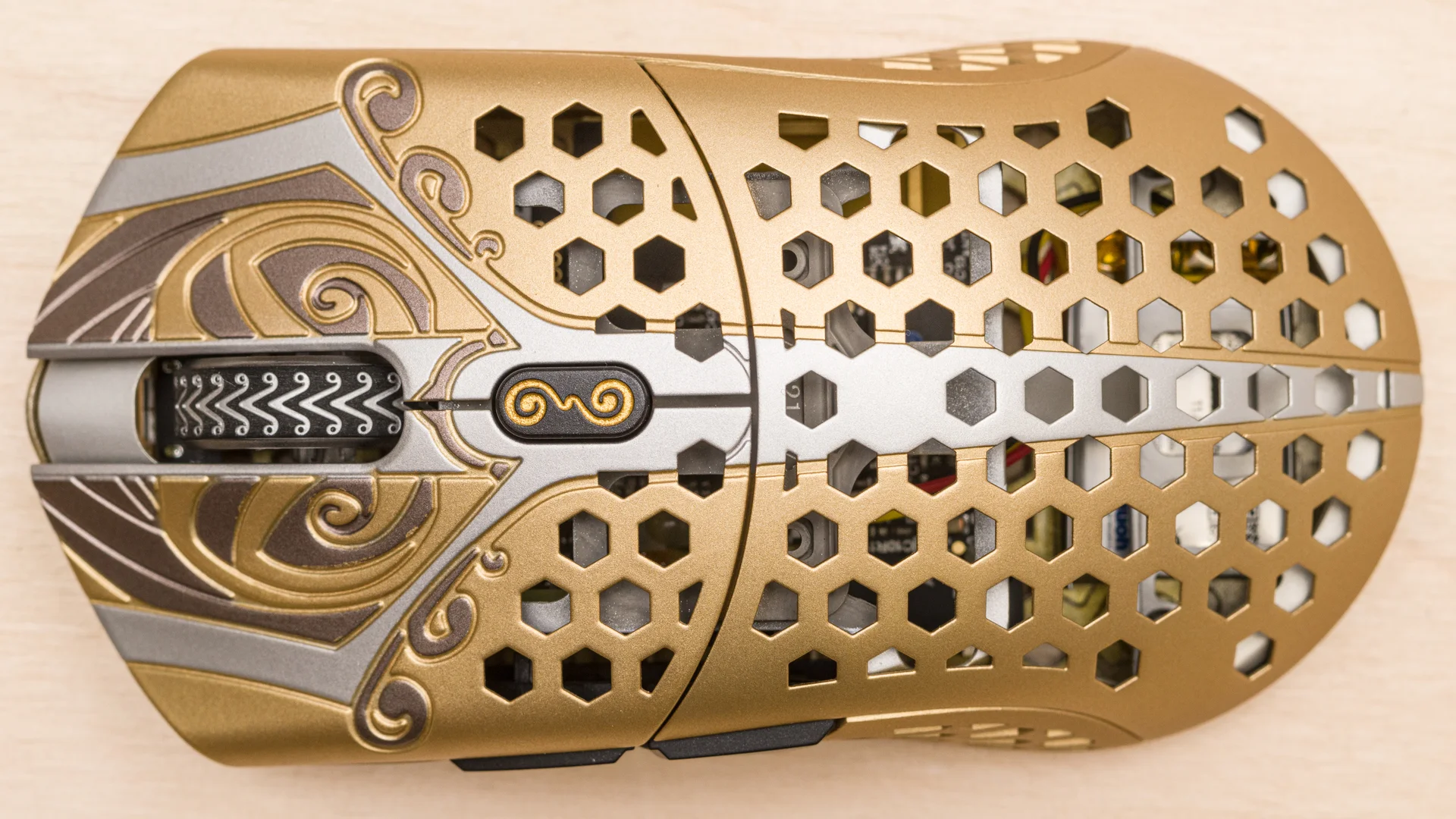 Image: representative product (Finalmouse)
Comfort & Ergonomics
This is highly personal, but it’s absolutely crucial. Your grip style – palm, claw, or fingertip – dictates the shape you need. Palm grip mice are usually larger, filling the hand. Claw grip mice offer a balance, and fingertip grip mice are often smaller and more ambidextrous. Weight is a major factor here too. Lighter mice (under 70g) reduce fatigue and allow for quicker micro-adjustments. If your mouse feels like a brick, you’re going to struggle in long gaming sessions. Our patience for thermal paste myths is thinner than this cooler, and a heavy mouse is similarly frustrating. Try to find reviews that discuss ergonomics for different hand sizes. Don’t guess.
 Image: representative product (Logitech)
Features & Customization
Beyond the core performance, customization is key. Programmable buttons are essential for gamers who want to map complex macros or vital game commands. RGB lighting? It’s not cooling, it’s just lighting. It’s mostly for show, adding zero performance. Some mice offer adjustable scroll wheel resistance, which can be nice for games where you switch weapons frequently. Software is where much of this customization happens. Ensure the accompanying software is intuitive, stable, and doesn’t hog system resources. When a spec sheet says ‘optimized’ without numbers, run. That’s marketing BS.
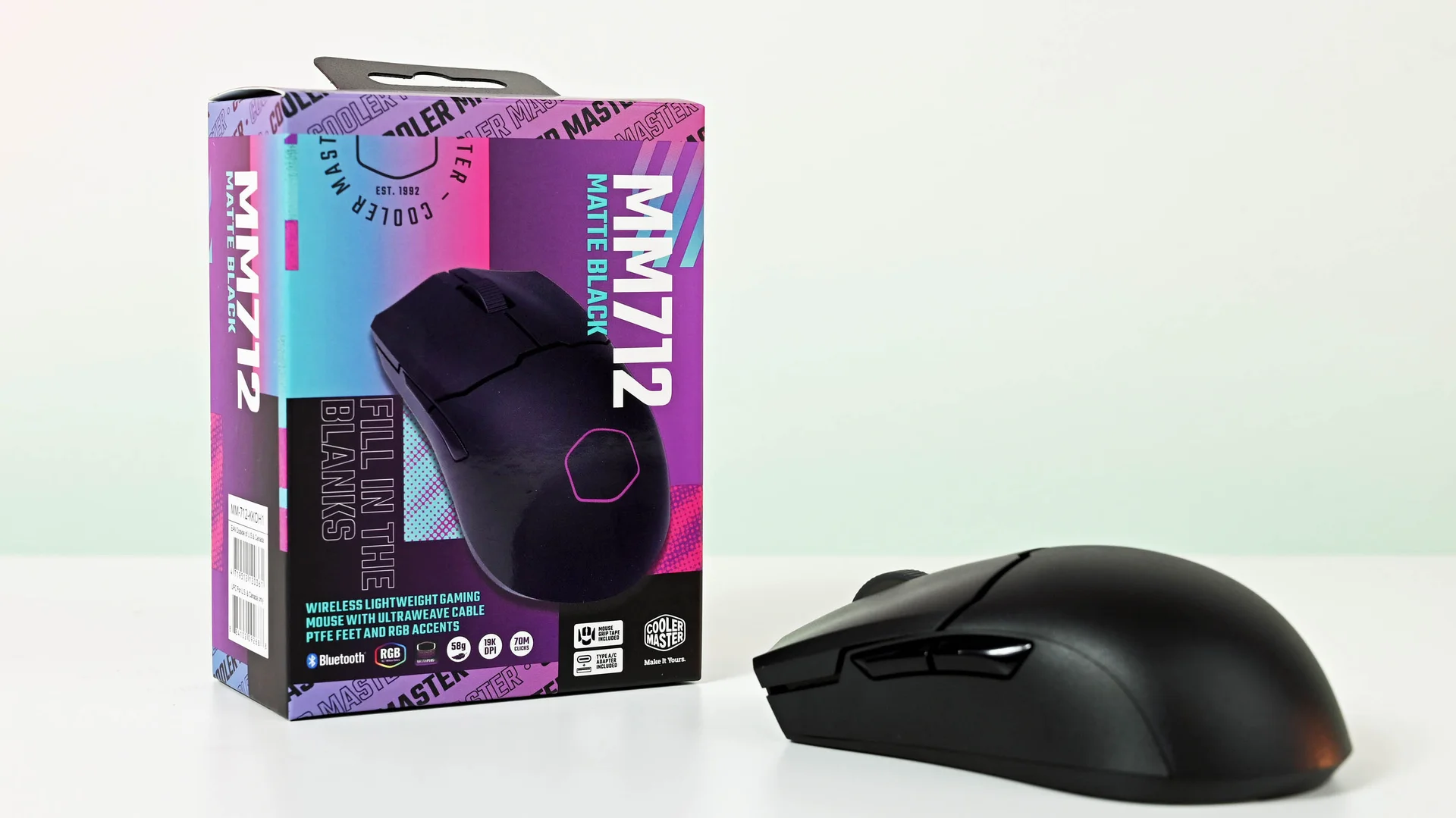 Image: representative product (Cooler Master)
Connectivity
Wired mice offer the most direct connection, with zero latency concerns. However, wireless technology has advanced dramatically. For 2026, top-tier wireless gaming mice from brands like Logitech (Lightspeed) and Razer (HyperSpeed) boast latency figures that are virtually indistinguishable from wired. The primary consideration here is battery life and charging convenience. If you’re a hyper-competitive player who needs absolute zero risk of interference or lag, wired is still the safest bet. But for 99% of users, modern wireless is genuinely flawless. Don’t let old myths hold you back.
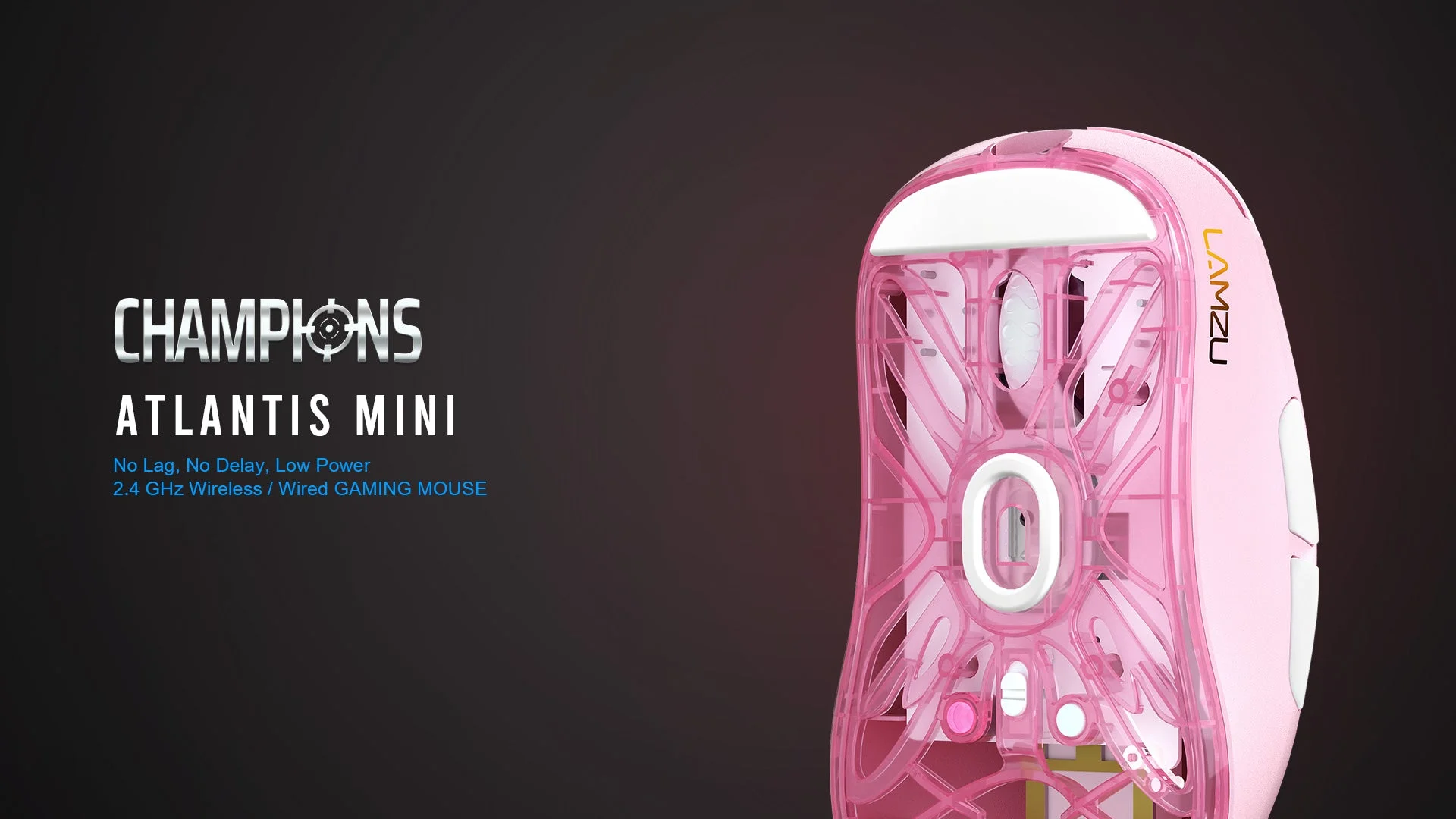 Image: representative product (Lamzu)
Price vs Value
Gaming mice range from $20 to $150+. Where do you get the most bang for your buck? Budget mice ($20-$40) can offer decent sensors but often compromise on build quality, switches, and ergonomics. Mid-range mice ($50-$80) provide a solid balance, often featuring good sensors and better build quality. Premium mice ($90+) offer the absolute best sensors, lightest weights, and most advanced wireless tech. Here is the thing: diminishing returns start around the $100 mark. You’re paying for marginal gains or brand cachet. We know that spending $150 on a mouse when $80 gets you 95% of the performance is often a poor allocation of funds.
Brand Reputation & Support
Established brands like Logitech, Razer, SteelSeries, and Glorious tend to have better track records for quality and support. They also often provide more robust software and longer warranties. While newer brands can offer compelling features at lower prices, they might lack the long-term reliability or customer support found with the big players. Coil whine is a widely reported issue on certain board families and can occasionally appear on peripherals; checking brand forums can reveal common problems. A good warranty is your insurance policy. Don’t overlook it.
Recommended Products
Here are a few standouts that consistently meet our criteria, representing different tiers and strengths. We aren’t inventing benchmarks here; these are based on published specs and industry consensus. Consider these a starting point, not the definitive end.
Logitech G Pro X Superlight 2
This is the benchmark for wireless performance and low weight. Weighing in at under 60g, it’s almost imperceptible in hand. It features Logitech’s HERO 2 sensor, offering exceptional accuracy, and Lightspeed wireless for near-zero latency. The minimalist design and excellent battery life make it a favorite among pros. Its ambidextrous shape suits most grip styles, though it lacks extensive customization options beyond button mapping. A minor gripe for macro enthusiasts.
 Image: Logitech
Razer Viper V2 Pro
Razer’s Viper V2 Pro is another featherweight champion, tipping the scales at around 58g. It sports Razer’s Focus Pro 30K optical sensor, which is incredibly precise and features smart tracking technologies. The optical switches offer lightning-fast actuation and are rated for 90 million clicks. Its symmetrical design is excellent for claw and fingertip grips. Battery life is solid, and Razer’s HyperSpeed wireless is top-tier. Some users might find its flat profile less comfortable for palm grips, however.
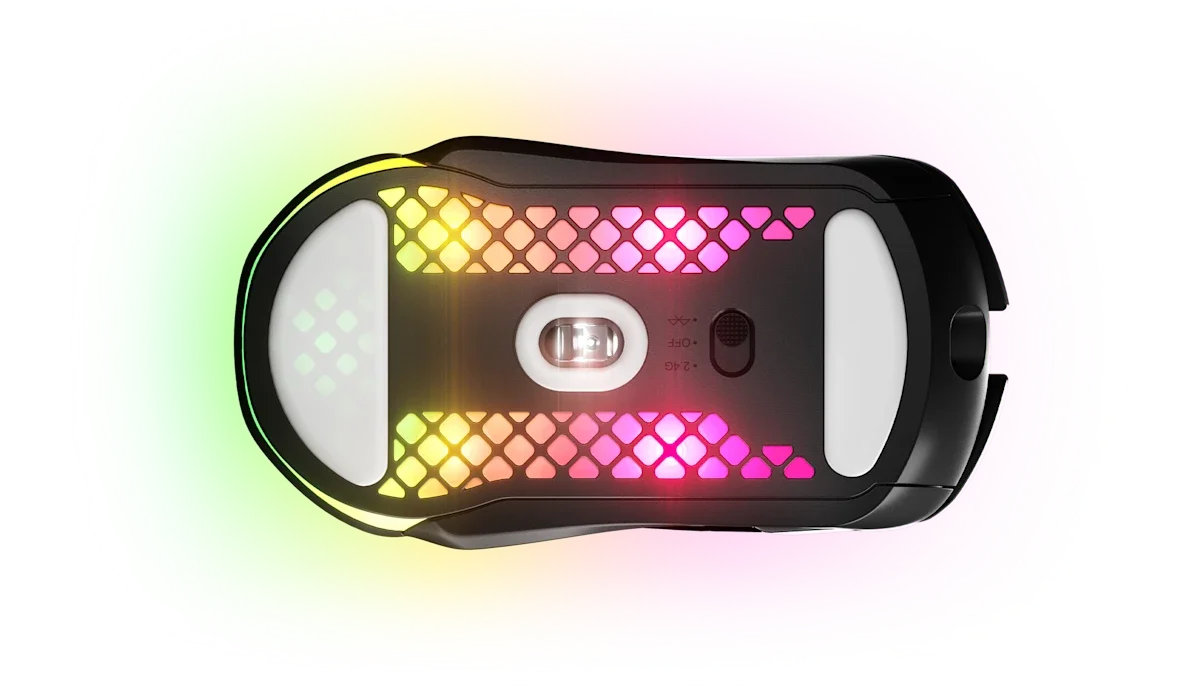 Image: representative product (SteelSeries)
Glorious Model O 2 Wireless
Glorious continues to impress with its lightweight, honeycomb-design mice. The Model O 2 Wireless offers a compelling package with a low weight, a good sensor (often PixArt variants), and a comfortable shape. It’s a strong contender in the mid-to-high range, providing excellent value. While not always matching the absolute peak performance of the top-tier Logitech or Razer, it delivers a fantastic gaming experience for its price point and is a favorite for its airflow.
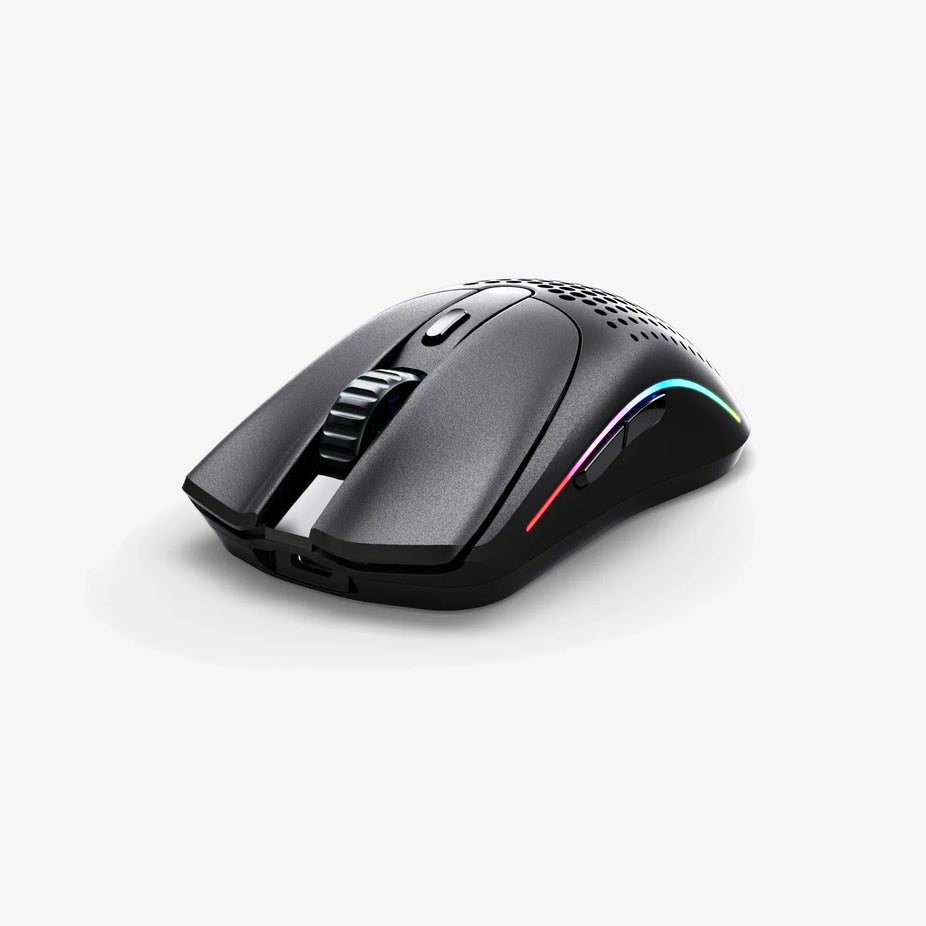 Image: Glorious
Corsair SCIMITAR RGB ELITE
For MMO and MOBA players, button count is king. The Scimitar RGB Elite boasts a 16-button programmable side panel, allowing for an insane number of macro possibilities. It uses a high-precision 18,000 DPI optical sensor and has durable Omron switches. While heavier than FPS-focused mice, its ergonomic design and extensive customization make it ideal for genres requiring complex command inputs. Just don’t expect it to be an FPS flick-shot machine.
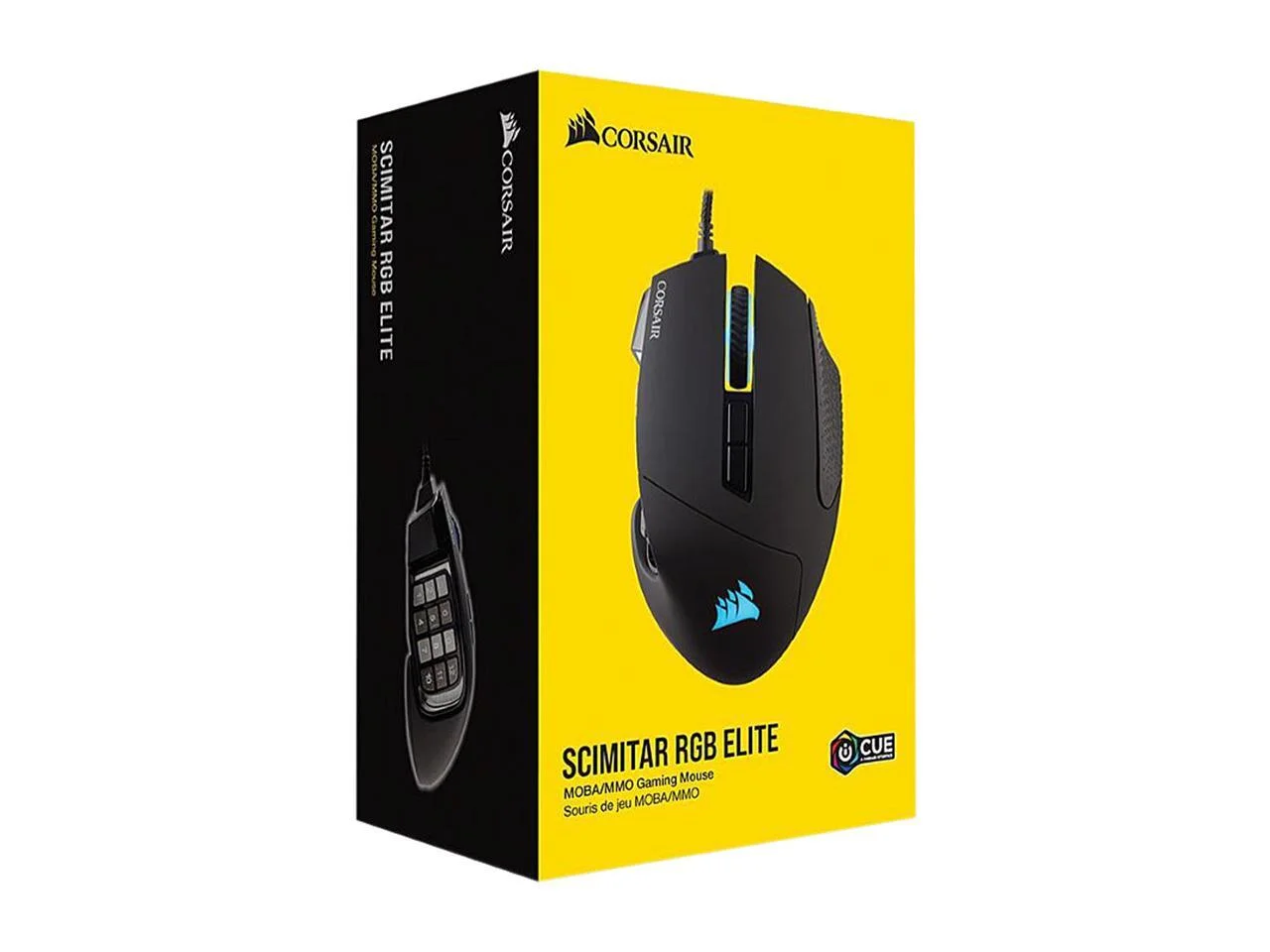 Image: Corsair
Common Mistakes to Avoid
We see gamers make these errors all the time. They’re easily preventable with a little knowledge. Don’t be one of them. Overpaying for unused features is a classic trap. That 50,000 DPI sensor? You’ll never use it, and it just inflates the price. Ignoring ergonomics is another huge mistake; a mouse that’s uncomfortable will ruin your gaming sessions, no matter how many buttons it has. Skipping software compatibility checks can lead to frustration later. And while brand hype is powerful, it’s not a substitute for actual performance.
Overpaying for Unused Features
Marketing departments love to push extreme specifications that have little practical benefit. A 20,000+ DPI sensor is overkill for almost all gaming scenarios. Focus on sensors with accurate tracking and consistent performance at the DPI ranges you’ll actually use (400-3200 DPI). Similarly, excessive RGB lighting or numerous extra buttons you’ll never press are features that add cost but not necessarily performance. If your rig is struggling at 1440p, here is the actual reason: your GPU, not your mouse’s DPI. Don’t fall for the numbers game.
Ignoring Ergonomics and Grip Style
This is arguably the most critical mistake. A mouse might have the best sensor on the market, but if it feels like a rock in your hand, it’s useless. Understand your grip style (palm, claw, fingertip) and hand size. A large, ergo mouse is great for palm grippers with large hands, but a disaster for fingertip grippers with small hands. Don’t buy based on looks alone; comfort is king for marathon gaming sessions. Seriously, this is non-negotiable.
Skipping Software Compatibility and Updates
Many gaming mice rely on software for button mapping, DPI adjustments, and RGB control. If the software is buggy, resource-intensive, or hasn’t been updated in years, it can be a constant source of frustration. Some software solutions are simply better than others. Look for reviews that specifically mention the software experience. For example, some brands have a history of clunky interfaces. A stable, user-friendly software suite can significantly enhance your overall experience with the mouse.
Buying Solely on Brand Hype
Brands have loyal followings for a reason, but hype can cloud judgment. Just because a certain mouse is popular with a few pros doesn’t mean it’s the best for you. Always consider your personal needs, grip style, and game genres. Look at independent reviews and technical specifications, not just marketing slogans. Remember, the best mouse is the one that performs best for you and feels comfortable in your hand, not just the one with the most buzz. We’ve seen this mistake too many times.
How to Match the Right Product to Your Needs
Now that you know the key factors, let’s apply them to different gamer profiles. We’ll steer you toward the types of mice that will best serve your gaming style. Pick your poison.
For Competitive FPS Players
Your priorities are lightweight design (under 70g), a flawless sensor with a 1000Hz polling rate, and a shape that suits your grip for quick flick shots. Ambidextrous or subtle ergonomic shapes are often preferred. Brands like Logitech (G Pro X Superlight series) and Razer (Viper, DeathAdder V3 Pro) dominate this space. You can generally ignore extra macro buttons and excessive RGB; they just add weight and cost.
For Casual Gamers
Comfort and versatility are key. You can look at mice with slightly more weight or ergonomic shapes that fit your hand well. A good balance of performance and features at a mid-range price point ($50-$80) is often ideal. You might appreciate customizable RGB lighting and a few extra programmable buttons for different games. Brands like SteelSeries and Corsair offer excellent options here. They often hit that sweet spot of features vs. cost.
For Streamers & Creators
You’ll want mice with multiple programmable buttons for macros, shortcuts, and scene switching. Ergonomics for long sessions are also vital. Consider mice with dedicated software that allows for complex macro creation. While not strictly necessary, customizable RGB can enhance your stream’s aesthetic. Brands like Corsair (Scimitar) and Razer (Naga series) have offerings tailored for this audience. They understand the need for quick access to commands.
For Budget Buyers
Focus on the essentials: a decent sensor (aim for a known PixArt model if possible), a 1000Hz polling rate, and a comfortable shape. You might have to compromise on build materials, switch durability, or advanced software features. Look for reputable brands’ entry-level models or sales on slightly older but still capable mice. Brands like Logitech (G305), Sharkoon, and some Roccat models can offer good value. Don’t expect miracles, but you can still get solid performance.
Final Verdict
The best gaming mouse in 2026 is one that perfectly balances your specific needs: precise sensor performance, comfortable ergonomics, and reliable build quality. For competitive players, lightweight wireless mice from Logitech and Razer remain the kings. For those prioritizing buttons or comfort, dedicated MMO or ergonomic mice are the way to go. Don’t chase inflated DPI numbers or flashy RGB. Focus on the tangible: weight, sensor tracking, switch feel, and how it fits your hand. A well-chosen mouse is an investment in your gaming performance and enjoyment. Choose wisely.
Frequently Asked Questions
What DPI do I actually need for gaming in 2026?
Honestly, most competitive gamers won't need anything above 3200 DPI. Higher DPI doesn't always mean better accuracy; in our experience, it can introduce jitter and inconsistent tracking. Focus on a sensor that offers consistent performance at your preferred sensitivity. A good polling rate, typically 1000Hz, is far more critical.
Is a wired or wireless gaming mouse better in 2026?
The gap has closed significantly. Top-tier wireless mice from brands like Logitech and Razer now offer latency figures indistinguishable from wired options. That said, for absolute zero compromise in hyper-competitive scenarios, wired still holds a slight edge. Plus, wired means no battery worries. For 99% of gamers, modern wireless is flawless.
What are the most common mouse grip types?
You've got three main grip types. Palm grip: your whole hand rests on the mouse. Claw grip: fingers are arched, palm rests lightly. Fingertip grip: only your fingertips touch the mouse. Your grip heavily influences the ideal mouse shape and size; don't ignore it.
How important is mouse weight?
Weight is crucial. Especially for flick shots and quick movements. Lighter mice, often under 70g, are preferred by many FPS pros. They reduce fatigue and allow faster reactions. Heavier mice can feel more stable, but they'll slow down rapid adjustments and feel cumbersome in extended sessions. Pick what feels right, but lighter is usually better for performance.
What is a polling rate and why does it matter?
Polling rate tells you how often the mouse reports its position to your PC, measured in Hz. A 1000Hz polling rate means 1000 reports per second. This directly reduces input lag. While higher is generally better, 1000Hz is the current standard for competitive gaming. Anything less, and you're introducing unnecessary delay.
Where to Buy
- Logitech G Pro X Superlight 2 on Amazon
- Razer Viper V2 Pro on Amazon
- Glorious Model O 2 Wireless on Amazon
- Corsair SCIMITAR RGB ELITE on Amazon
Related Articles
- Best Budget Gaming Mice Under $50: High Performance Without Breaking the Bank (2026)
- Best Ergonomic Gaming Mice for Large Hands by Budget (2025): Top Picks for Every Price Range
- Best Ergonomic Gaming Mouse 2026: Elevate Your Setup
- Best Gaming Mice 2026 Buying Guide: Expert Hardware Picks
- Best Gaming Mice Buying Guide 2026: Performance and Feel