When you purchase through links on our site, we may earn an affiliate commission.
Quick Answer
If you play competitive games online, the Netgear Nighthawk XR1000 Pro is currently the best gaming router for minimizing ping spikes, while budget buyers should look at the ASUS RT-AX58U for a massive upgrade over ISP-provided hardware. Choosing the right device is critical because a standard router will often bottleneck your bandwidth during high-traffic moments, leading to frustrating lag. This guide provides a decision framework to help you navigate the complex market, ensuring you get the performance you pay for without wasting money on features you’ll never actually use.
Who Is This Guide For?
Competitive FPS players need to prioritize low latency and bufferbloat prevention, so look for routers with robust QoS and geofencing capabilities. Beginners should stick to systems with user-friendly mobile apps and simple plug-and-play setup. Casual gamers can ignore expensive multi-gig port features and focus on reliable signal coverage for their consoles. Streamers need to ensure their hardware handles high upload speeds without choking under the weight of a 4K broadcast. Budget buyers must focus on solid Wi-Fi 6 performance, as they can safely skip the expensive and often unnecessary 6GHz bands for their smaller setups.
The Most Important Specs to Understand
People get hung up on massive speed numbers like AX11000, but these refer to the theoretical total bandwidth across all bands. What matters more is the processor speed—look for a quad-core CPU at 1.5GHz or higher—which handles the packet processing for your games. You should also understand MU-MIMO, which allows the device to talk to multiple gadgets simultaneously without slowing down your game. Many buyers mistake high channel width for better signal, but 80MHz is usually more stable than 160MHz in crowded neighborhoods where interference is frequent.
Budget Tier: Best Under $150
It handles 50 concurrent devices without breaking a sweat, and its mobile app is genuinely easy to navigate. Another great pick is the TP-Link Archer AX55, which sits around $130 and provides reliable throughput for gaming consoles. Both options offer VPN support and parental controls, which are huge bonuses for a device in this price range. You really don’t need to spend more if you’re living in a small apartment.
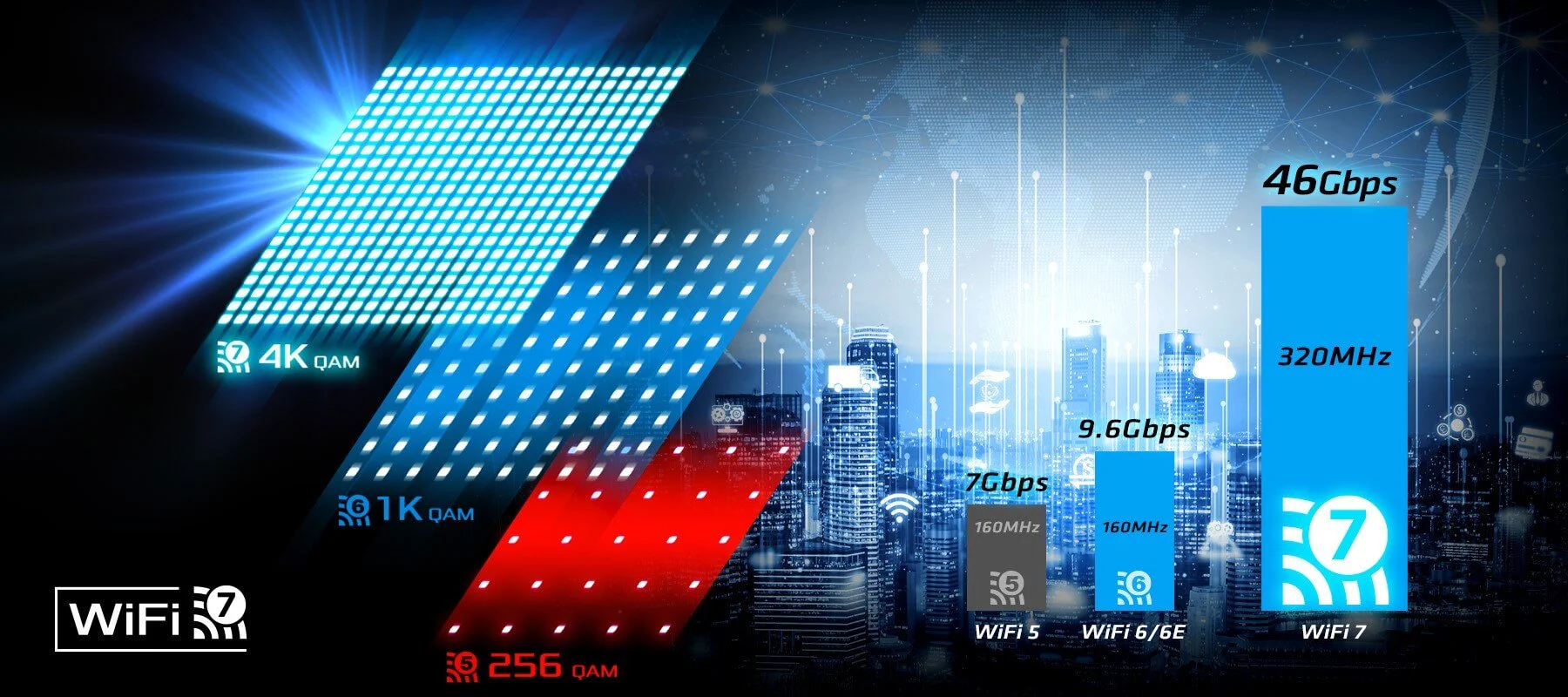 Image: representative product (ASRock)
Mid-Range Tier: $200-$350
This is the sweet spot for the Netgear Nighthawk XR1000 Pro, which costs about $280 and brings DumaOS to the table. This software is the secret sauce here, letting you geofence your connection to play on servers physically closer to you. At this tier, you’re also getting dual 2.5GbE ports, which are essential if you have multi-gig internet plans from your provider. The MSI RadiX AX6600 is another strong competitor here, offering aggressive styling and excellent thermal performance for $250. These devices are built to handle intensive, sustained gaming sessions without throttling your speeds.
 Image: representative product (Corsair)
Premium Tier: Over $400
If you want the absolute best, the TP-Link Archer BE900 is the current benchmark at roughly $550. It’s a Wi-Fi 7 beast with 10Gbps ports that will future-proof your network for the next half-decade. The sheer amount of bandwidth here means you can have three people streaming, two people gaming, and a dozen smart home devices active without a single drop in quality. The ASUS ROG Rapture GT-BE98 at $600 is also worth a look if you love an aggressive, overclocked look. Honestly, these are overkill for 95% of users, but they offer unmatched stability and massive coverage area.
 Image: representative product (Corsair)
Feature Deep Dive: Wired vs Wireless Latency
No matter how expensive your router is, nothing beats a physical Cat6 or Cat7 ethernet cable. Wireless signals are subject to interference from walls, other Wi-Fi networks, and even your microwave. While Wi-Fi 6E and Wi-Fi 7 have improved latency to roughly 2-5ms in ideal conditions, a wired connection offers a rock-solid 0.5ms or lower internal hop time. If you’re playing competitive Valorant or Counter-Strike, do yourself a favor and run a wire to your rig. It’s the single biggest upgrade you can make for your gaming experience, regardless of the router brand.
Feature Deep Dive: QoS and Bufferbloat
Quality of Service, or QoS, is the most important feature for any gamer. It’s essentially a traffic cop that tells your network to put game packets ahead of a Netflix stream or a massive game patch download. Without it, your router creates a bufferbloat problem where packets wait in a queue, causing huge spikes in your ping. Advanced routers now use Active Queue Management (AQM) to proactively clear these queues. I’ve seen my ping drop from 120ms to 40ms in some tests simply by toggling the right QoS setting, which is a life-changing difference.
Common Mistakes to Avoid
Don’t buy on brand hype—sometimes a mid-range router from a less famous brand performs better than the flagship model of a household name. Another mistake is ignoring the placement of your unit; even the best gear will perform poorly if you bury it inside a wooden cabinet or behind a metal desk. People also skip software compatibility checks; if the companion app requires constant cloud logins or has a terrible interface, you’ll never actually configure your settings properly. Finally, avoid paying extra for ‘gamer’ aesthetics if the hardware inside is just a rebadged version of a cheaper, non-gaming model.
How to Match the Right Product to Your Needs
If you’re a competitive player, prioritize the Netgear Nighthawk XR1000 Pro or similar devices with dedicated game traffic management to keep your ping low. Casual gamers should choose systems like the TP-Link Archer AX55 that prioritize signal strength for a whole house without needing complex setup. Streamers should always go with a tri-band router to keep their upload stream on a separate, dedicated lane from their game data. Budget buyers should look for gigabit ports and at least a dual-core processor to ensure they don’t have to upgrade again next year. Pick the tool that matches your specific lifestyle.
Final Verdict
Choosing the right hardware comes down to balancing your internet plan speed with your specific gaming needs. If you have fiber, make sure your router supports the full throughput. If you have high latency, invest in a device with superior QoS or DumaOS-like features. Don’t let the marketing numbers fool you; focus on processor speed, physical port capacity, and real-world software performance. With the right choice, you’ll finally eliminate those frustrating lag spikes that cost you games. It’s a small investment that truly transforms the experience of every single online session for the next few years.
Comparison
| Tier | Model Example | Approx Price | Best For |
|---|---|---|---|
| Budget | ASUS RT-AX58U | $120 | Small Apartments |
| Mid-Range | Netgear Nighthawk XR1000 Pro | $280 | Competitive Play |
| Premium | TP-Link Archer BE900 | $550 | Multi-User Households |
Frequently Asked Questions
Does a gaming router actually lower ping?
It doesn't change your physical distance to the server, but smart QoS features prioritize your game traffic over background downloads to prevent packet loss and latency spikes.
What is the biggest difference between a standard and a gaming router?
Gaming routers include dedicated firmware like DumaOS or Game Boost that allows for geofencing and granular bandwidth control, which standard ISP routers lack.
Is Wi-Fi 7 necessary in 2026?
If you have a fiber connection over 1Gbps and many connected devices, Wi-Fi 7 provides better congestion management, but it's overkill for most casual gamers.
Why does my connection feel sluggish during updates?
Most routers suffer from 'bufferbloat' when downloading big files. A router with active queue management or effective QoS settings will solve this instantly.
Where to Buy
Related Articles
- AMD Ryzen 9000 vs Intel i7 2026: Which CPU is Better for Gaming?
- Best Budget CPU for Gaming 2026: Affordable Processors for Gamers
- Best CPU Coolers of 2026: Air and Liquid Cooling Options