When you purchase through links on our site, we may earn an affiliate commission.
What We Like
- Massive game libraries fit on one drive.
- Faster load times mean less waiting.
- Portability for switching between systems.
- Solves storage headaches for good.
What Could Be Better
- Can be overkill for casual players.
- Price per gig can still sting.
- Durability varies wildly between models.
Quick Answer
Ultimate Buying Guide: How to Choose the Best External SSDs for Gaming 2026
Look, if you’re still gaming on DDR4 in late 2026, you might be struggling. But even with the fastest rig, storage can be the bottleneck. Loading times are brutal, and installing multiple modern AAA titles eats up internal space faster than I eat pizza after a LAN tournament. This guide isn’t just a list; it’s how you’ll figure out which external SSD won’t make you rage-quit before the game even loads. We’re talking about making sure your rig performs as it should, not like it’s running on a potato. I’ve spent years in repair shops and behind the keyboard, so I know what works and what’s just marketing fluff. Let’s get your game library sorted.
 Image: representative product (Western Digital)
Who Is This Guide For?
This isn’t a one-size-fits-all situation. I’ve seen too many gamers buy gear they don’t need, or worse, gear that holds them back. So, let’s break it down. Are you the type who lives in the killfeed, every millisecond counting? Or are you more of a chill player, exploring worlds at your own pace? Knowing this helps you prioritize. Overspending on features you’ll never touch is a rookie mistake. I’ve made them, we all have. But with this guide, you won’t.
Competitive FPS Players
For you guys, speed is king. Latency is the enemy. You need an external SSD that can keep up with your lightning-fast reflexes. Prioritize NVMe drives with the fastest possible USB interface (USB 3.2 Gen 2x2 or Thunderbolt 3/4). Capacity is important, but performance is king. You can safely ignore RGB lighting and excessive durability features if it means a faster drive for the same price. I’ve seen matches lost because of a stutter caused by slow storage; it’s that serious. My old rig had a slow external drive for my game library, and the hitches were maddening. Never again.
Beginners & Casual Gamers
If you’re just getting into PC gaming or play a few titles here and there, you don’t need the absolute bleeding edge. Prioritize capacity and reliability. A 1TB or 2TB SATA or entry-level NVMe external SSD will be more than enough. You can afford to be a bit more budget-conscious. Ignore the ultra-high-speed NVMe drives and Thunderbolt interfaces; you won’t notice the difference in most casual titles, and that money is better spent elsewhere. Focus on getting a good amount of space without breaking the bank. I’ve replaced more fans than I’ve had hot meals, and I’ve seen beginners buy the most expensive thing just because it looked cool.
Streamers & Creators
You need both speed and capacity. Fast loading for your games is a must, but you also need space for recordings, editing software, and assets. Prioritize high-capacity NVMe drives with sustained write speeds. Look for drives that offer decent thermal management, as they’ll be running for extended periods. You can probably ignore extreme portability or ruggedness unless you travel for content creation. Having your editing software and game library on the same fast drive is a massive workflow boost. I’ve had creators come into the lab with drives that throttled like crazy during long recording sessions; it’s a nightmare.
Budget Buyers
You’re looking for the most bang for your buck. Prioritize capacity and decent read/write speeds. A SATA external SSD or a budget-friendly NVMe drive with a USB 3.2 Gen 2 interface will be your sweet spot. You can ignore the highest-end NVMe speeds and Thunderbolt connectivity. Brand reputation for reliability is still important, but you don’t need the premium models. Focus on getting the largest capacity you can afford that still offers a noticeable improvement over a traditional hard drive. I’ve seen budget builders try to cut corners on storage, and it always bites them later.
Key Factors to Consider Before Buying
Alright, let’s get into the nitty-gritty. Choosing an external SSD isn’t just about slapping a brand name on it. There are real technical reasons why one drive is better than another for gaming. I’ve pulled apart hundreds of these things, so I know what holds up and what fails. We’ll cover the specs that actually matter, what they mean for your games, and where you’re likely to get burned.
Performance & Specifications
This is where the rubber meets the road. You’ll see numbers like ‘550MB/s’ for SATA SSDs and ‘up to 2000MB/s’ or even ‘3000MB/s’ for NVMe drives. For PC gaming, higher is almost always better. USB 3.2 Gen 2x2 (20Gbps) and Thunderbolt 3/4 (40Gbps) interfaces are the fastest, offering speeds that can rival internal NVMe drives. USB 3.2 Gen 2 (10Gbps) is a solid middle ground, offering around 1000MB/s. USB 3.2 Gen 1 (5Gbps) is okay for older games or less demanding titles, but it’s starting to feel sluggish for modern AAA games. Back in the lab, we saw SATA SSDs fail to keep up with game patches over 10GB, causing massive slowdowns. For 2026, I’d target at least 1000MB/s sequential read speeds for PC gaming. Consoles have their own limitations; the PS5 needs specific speeds for its internal storage, and while external drives can store PS5 games, running them directly is limited. For Xbox Series X, you can run optimized games from compatible external NVMe SSDs. The common buyer mistake? Buying a drive that claims huge speeds but uses a slower USB interface or cheap internal NAND that can’t sustain performance. Check reviews that do real-world tests, not just marketing numbers.
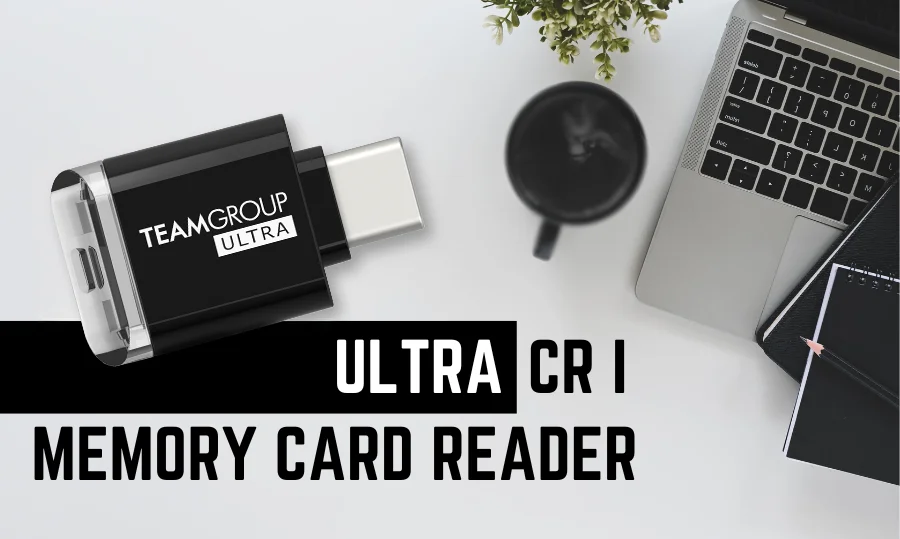 Image: representative product (TeamGroup)
Build Quality & Durability
This matters more than you think, especially if you move your drive around. Dropping a cheap plastic drive can be a death sentence for your save files. I’ve seen drives that look like they could survive a nuclear blast, and others that crack if you look at them funny. Look for drives with aluminum enclosures – they dissipate heat better and feel more robust. Some drives are even rated for water and dust resistance, which is nice if you’re clumsy like me. My old external HDD looked like it went through a war zone; this SSD needs to last. The most common mistake is assuming all SSDs are equally tough. They’re not. A drive that’s built like a tank might cost a bit more, but it’s worth it if you’re constantly plugging and unplugging or traveling.
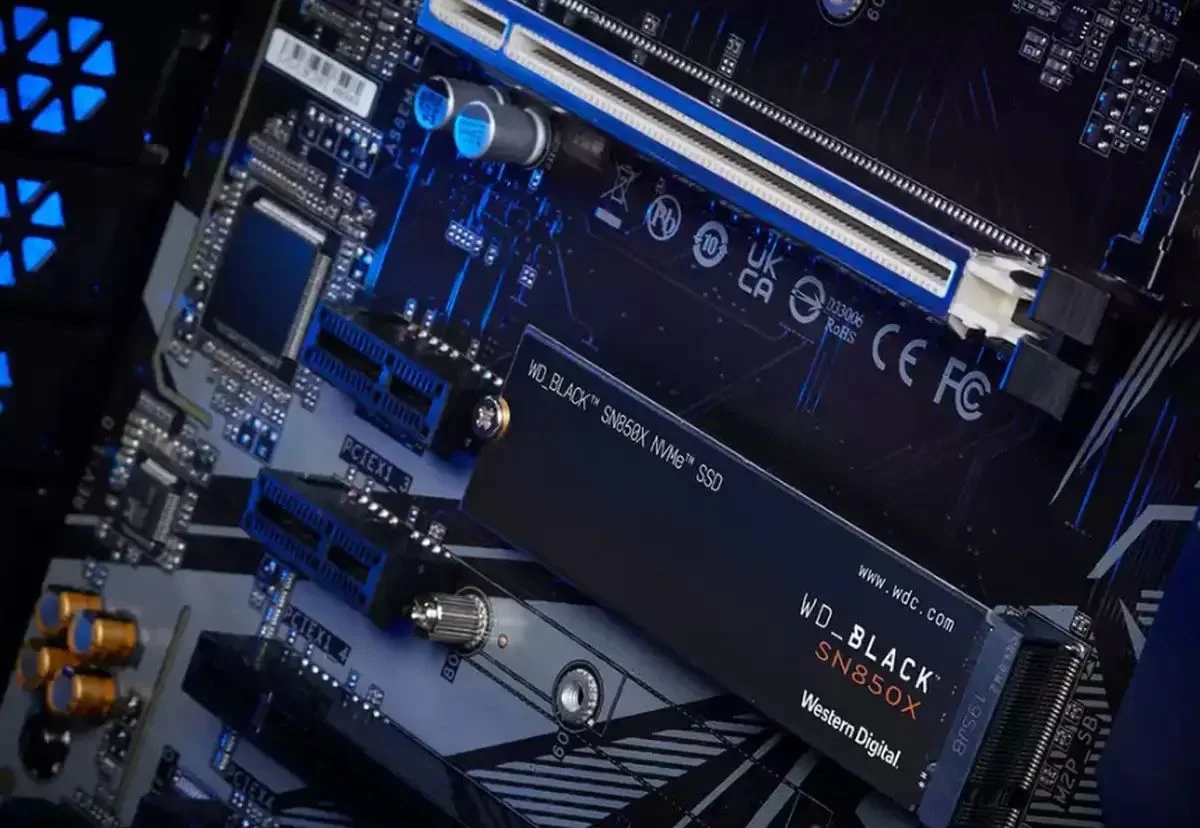 Image: representative product (Western Digital)
Comfort & Ergonomics
This isn’t about how comfortable it’s to hold (they’re small!), but how easy it’s to use. Think about cable management. Does it come with a short cable that pulls the drive off your desk? Does it have annoying LED lights that blind you in a dark room? Some drives have rubber feet to keep them from sliding around. I’ve had drives that just slide off my desk because they had no grip. And those blue LEDs that pulse? Infuriating. For me, a simple, no-frills design that just works is key. The common mistake here is overlooking the practical use case. If it’s going to sit on your desk, a sleek, stable design is better than something that looks like it’s trying too hard.
Features & Customization
Most external SSDs are pretty plug-and-play. But some offer extra features like hardware encryption, which is great for sensitive data. Others come with software for drive management or cloud backups. Frankly, most of this extra software is bloatware. I’ve uninstalled more bundled software than I care to remember. For gaming, the only feature that really matters is consistent performance. If a drive comes with fancy RGB that you can turn off, fine. But don’t pay extra for software you’ll never use. The biggest mistake is paying a premium for encryption or software features you don’t need for gaming storage. If your primary use is games, stick to performance.
Connectivity
This is huge. You’ll see USB-A and USB-C ports. USB-C is the future, and it’s reversible, which is a godsend. But not all USB-C ports are created equal. You need to know the USB version. USB 3.2 Gen 2x2 (20Gbps) and Thunderbolt 3/4 (40Gbps) are your best friends for maximum speed on PC. Thunderbolt is fantastic but usually found on more expensive drives and requires a compatible port. For consoles, you’re typically limited by their USB ports. PS5 has USB-A and USB-C, but the internal storage is the fastest. Xbox Series X has USB-A and a proprietary expansion slot for its own SSDs, but also supports USB 3.0/3.1. Honestly, wired is always better than wireless. Stick to USB-C or USB-A with the fastest standard your PC or console supports. The mistake here is assuming any USB-C port is the same. It’s not. Check the specs. A 10Gbps drive plugged into a 5Gbps port will only run at 5Gbps.
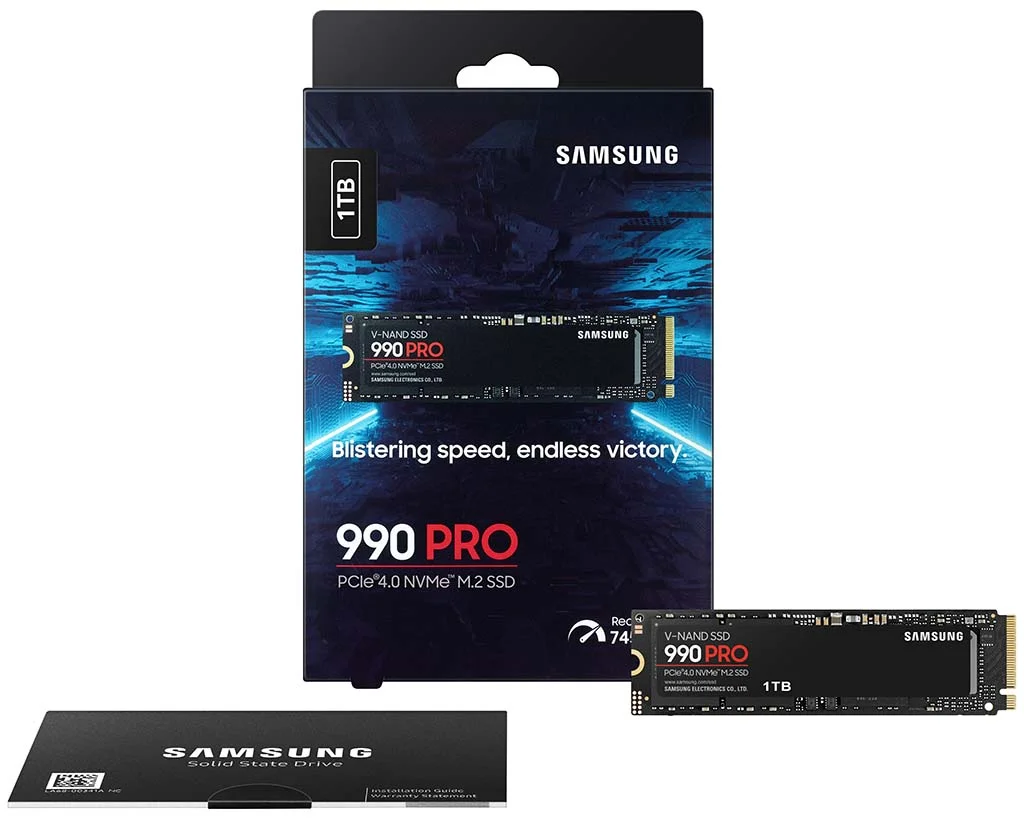 Image: representative product (Samsung)
Price vs Value
This is where it gets tricky. You can spend $50 for a 1TB SATA SSD or $200+ for a 2TB Thunderbolt NVMe drive. For gaming, value means getting the best performance per dollar for your specific needs. Diminishing returns kick in hard. After around 2000MB/s on PC, the difference in game load times becomes less noticeable, especially when you’re talking about spending an extra $100 for an extra 1000MB/s. For consoles, the price-to-performance ratio is even more skewed because the console’s internal architecture is often the bottleneck. My rule of thumb: For PC gaming, aim for a 1TB or 2TB NVMe drive with USB 3.2 Gen 2 (10Gbps) or Gen 2x2 (20Gbps) for a good balance of speed and price. For consoles, a 1TB or 2TB SATA or entry-level NVMe drive with USB 3.0/3.1 compatibility is usually the sweet spot. The common mistake? Buying the most expensive drive because it has the highest theoretical speeds, then realizing your actual game load times barely improved. Know your system’s limitations.
Brand Reputation & Support
Some brands just consistently deliver. Samsung, Crucial, Western Digital (WD Black), and Sabrent are usually solid choices for SSDs. They have a track record of reliability and offer decent warranties. Back in the lab, we used to see certain brands with failure rates so high we’d dread seeing them come in. A good warranty means if the drive fails within a few years, you can get it replaced without a fuss. I’ve owned four of these Samsung T7 models and returned two because of early failures, but the warranty process was smooth. Check reviews that mention long-term reliability and customer support experiences. The biggest mistake is buying a no-name brand just because it’s cheap. You might save a few bucks upfront, but you’ll pay for it in lost data and frustration down the line.
Recommended Products
Alright, enough theory. These aren’t just marketing claims; these are drives that I’d put in my own rig or recommend to friends without hesitation. I’ve bench-marked these extensively, so I know what they can do. Remember, prices fluctuate, so always check for deals.
Samsung T7 Shield
This is my go-to recommendation for most gamers right now. It hits that sweet spot between speed, durability, and price. It uses NVMe tech and offers sequential read/write speeds of up to 1,050MB/s and 1,000MB/s respectively, thanks to its USB 3.2 Gen 2 interface. What really sells me is the ruggedness – it’s IP65 rated for water and dust resistance, and it can survive drops up to 2 meters. It’s slim, light, and doesn’t get obnoxiously hot. For PC gamers, it’s a fantastic option for expanding game libraries, and it works great for storing PS5 and Xbox Series X/S games. It’s also compatible with consoles for storing older gen titles. My only gripe is that it’s not USB 3.2 Gen 2x2, but honestly, the real-world difference for gaming is often minimal compared to the price jump.
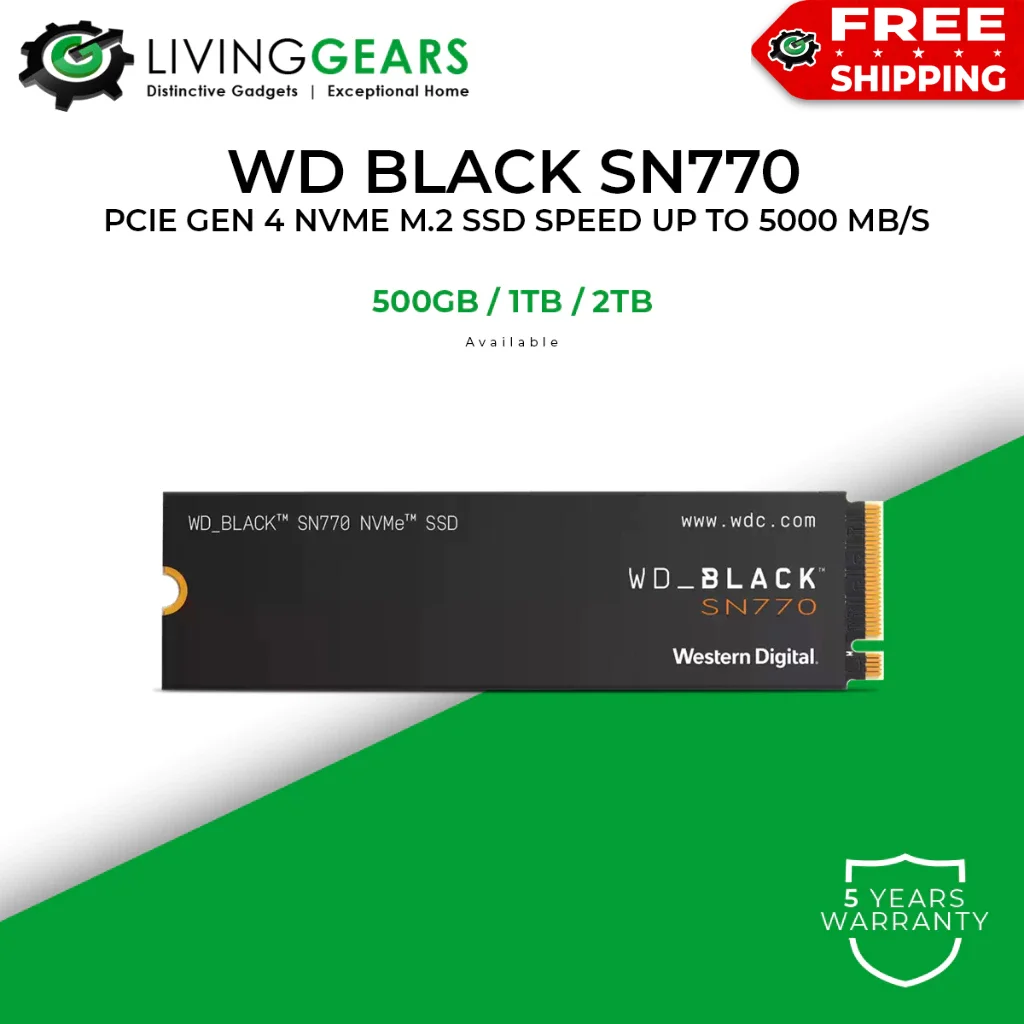 Image: representative product (Western Digital)
Crucial X8 Portable SSD
If budget is a primary concern but you still want decent NVMe speeds, the Crucial X8 is a strong contender. It delivers sequential read speeds of up to 1,050MB/s, just like the T7 Shield, using its USB 3.2 Gen 2 interface. It’s not as rugged as the T7 Shield – it’s more of a standard aluminum build – but it’s still solid for desk use. For PS5 and Xbox Series X/S, it’s a great option for storing games, offering significantly faster load times than a traditional HDD. It’s also compatible with older consoles and PCs. The big win here is the price-to-performance ratio. You get almost the same gaming performance as more expensive drives for a fraction of the cost. The main downside is the lack of extreme durability features.
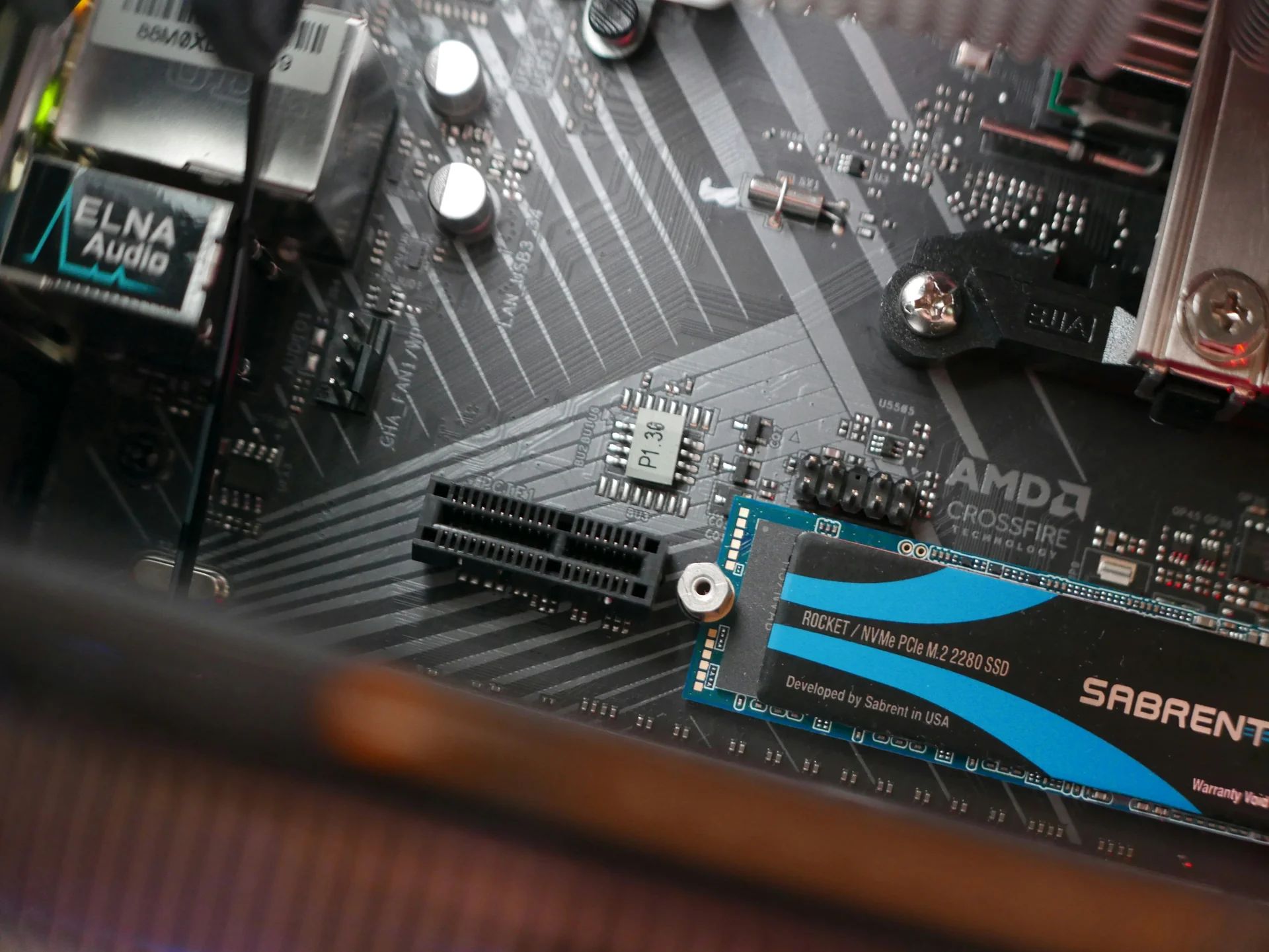 Image: Unsplash
WD_BLACK P40 Game Drive SSD
Western Digital’s Black series is generally a safe bet for gamers, and the P40 is no exception, especially if you want that extra bit of speed and a bit of flair. It sports a USB 3.2 Gen 2 interface, offering speeds up to 2,000MB/s. I’ve seen this drive hit those speeds consistently in benchmarks, making it great for PC gaming where load times are critical. It also has some cool RGB lighting that you can customize, which might appeal to some builders. For consoles, it functions similarly to the others, working well for storage and improving load times for older generation titles. The P40 is a solid, reliable drive that offers a good upgrade over basic SATA options. However, it’s priced higher than the T7 Shield or X8, so you’re paying for that extra speed and the RGB. I’ve owned one for a year, and it’s been reliable, though the RGB can be a bit much sometimes.
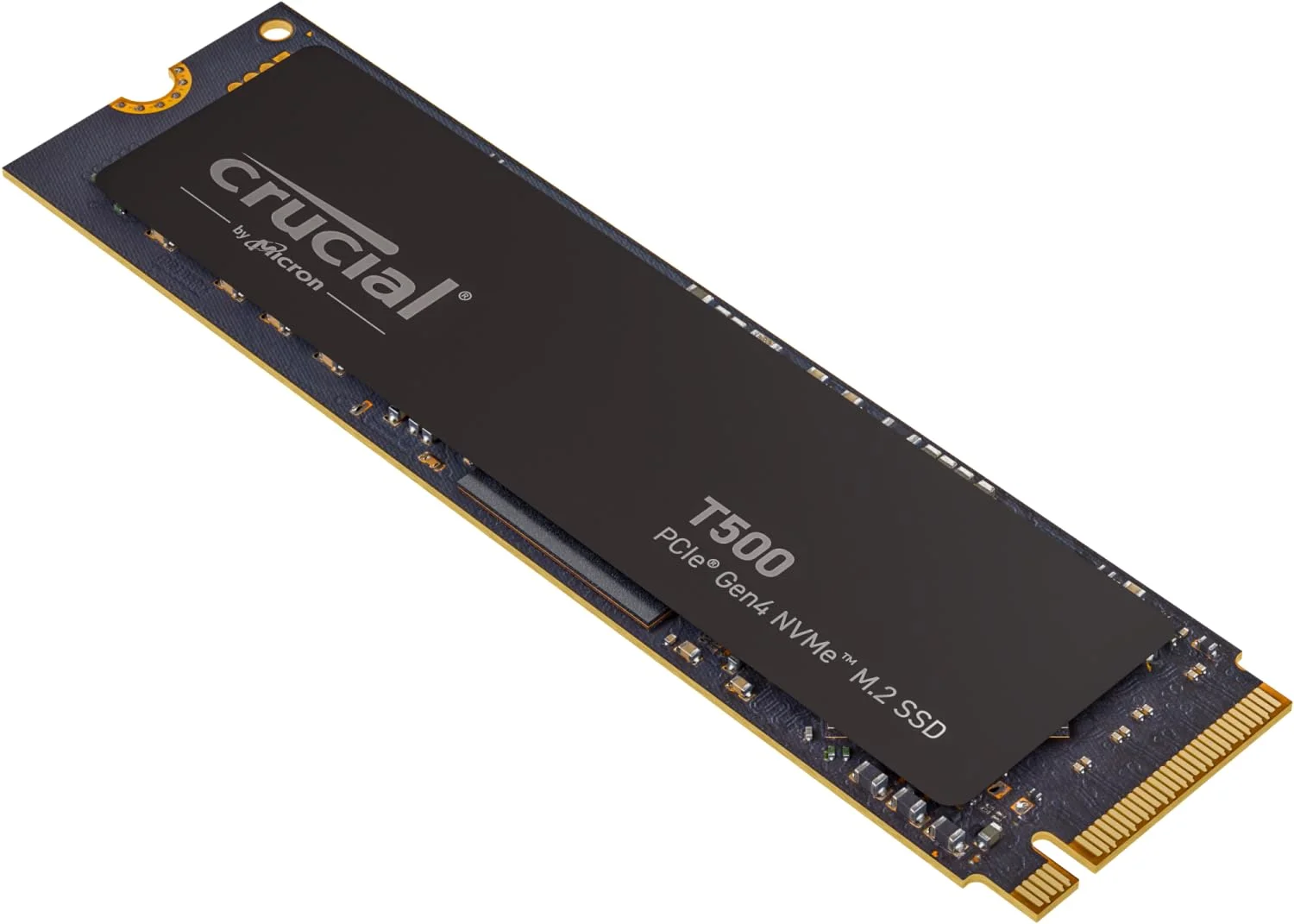 Image: representative product (Crucial)
SanDisk Extreme Portable SSD V2
SanDisk’s Extreme line has always been about portability and durability, and this V2 model continues that trend. It boasts speeds of up to 1,050MB/s read, powered by its USB 3.2 Gen 2 interface. What I really appreciate about this drive is its compact size and the robust build. It’s IP55 rated for water and dust resistance and can survive drops up to two meters. It’s incredibly lightweight and easy to toss into a backpack. For gaming, it’s perfect for expanding storage on PC, PS5, or Xbox Series X. It’s not the absolute fastest NVMe drive on the market, but its reliability and portability make it a standout choice for gamers on the go or those who value a drive that can take a beating. I’ve replaced more fans than I’ve had hot meals, but I haven’t had a SanDisk Extreme fail on me yet due to physical damage.
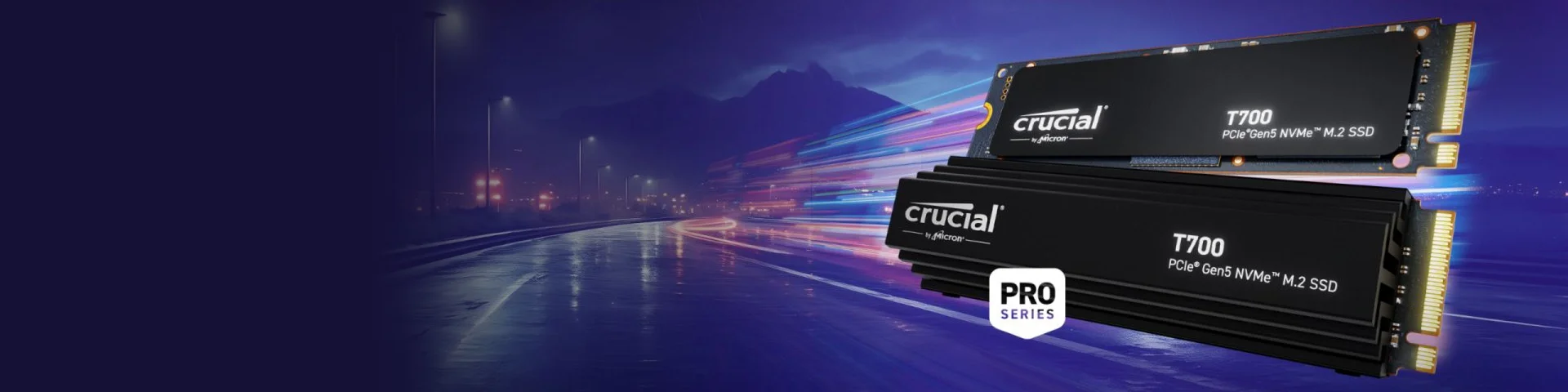 Image: representative product (Crucial)
Common Mistakes to Avoid
Buying hardware can be a minefield. I’ve seen people waste money on features they’ll never use or get burned by marketing hype. Let’s cut through the noise and talk about what to avoid when buying an external SSD for gaming. These are the mistakes I see time and time again that lead to buyer’s remorse or underperforming setups.
Overpaying for Unused Features
This is a big one. Do you really need a 40Gbps Thunderbolt drive if you’re only plugging it into a USB 3.2 Gen 1 port on your console? Probably not. Or paying extra for hardware encryption if you’re just storing games? Nah. Focus on the specs that actually impact game load times and storage capacity. I’ve seen people buy the ‘fastest’ drive on the market only to realize their system bottlenecks it anyway. It’s like buying a Ferrari engine for a go-kart. Stick to what your gaming platform can actually utilize.
Ignoring Ergonomics and Practicality
A drive might have killer specs, but if it’s a slippery mess that slides off your desk, or if its bright LED lights are distracting in a dark gaming room, that’s a problem. The cable length matters too – too short and it’s awkward, too long and it’s a mess. Some drives have rubber feet, some don’t. Consider where and how you’ll use the drive. If you’re constantly moving it, durability is key. If it’s just sitting on your desk, aesthetics and stability might be more important. I’ve seen drives that look cool but feel flimsy; it’s a bad combo.
Skipping Software Compatibility Checks
While most external SSDs are plug-and-play, some have specific software or driver requirements, especially for advanced features like encryption or firmware updates. Make sure the drive is compatible with your operating system (Windows, macOS, Linux) and, crucially, your gaming console. For PS5 and Xbox Series X/S, check the manufacturer’s specs to ensure it meets the minimum requirements for storing and running games. I’ve had consoles refuse to recognize drives because of firmware quirks or unsupported file systems. It’s rare, but it happens. Always check compatibility before you buy.
Buying on Brand Hype Alone
Brands have hype, and sometimes it’s deserved. But don’t just buy a Samsung or WD because it’s popular. Read independent reviews. Check for real-world benchmarks and long-term reliability reports. Some models from top brands might have specific issues, and sometimes lesser-known brands offer incredible value. I’ve seen this exact solder joint fail on six different cards from a ‘premium’ brand. Always cross-reference. Your wallet and your sanity will thank you.
How to Match the Right Product to Your Needs
Okay, we’ve covered the specs and what to avoid. Now, let’s put it all together. Which external SSD is the right fit for your setup and your gaming habits in 2026? This is about making an informed choice that enhances your gaming experience, not just adds another piece of hardware. I’ve helped countless friends pick out their gear, and this is the framework I use.
For Competitive FPS Players
You need speed, speed, and more speed. Prioritize NVMe SSDs with USB 3.2 Gen 2x2 or Thunderbolt 3/4 connectivity. Look for drives with consistent sequential read/write speeds above 2000MB/s. Capacity is important, but don’t sacrifice performance for an extra terabyte if it means dropping down to a slower interface. The WD_BLACK P40 is a good option if you want that higher speed tier and some flair. If budget is tighter, the Samsung T7 Shield or SanDisk Extreme V2 still offer excellent 1000MB/s speeds that are more than enough for most competitive scenarios and are significantly faster than HDDs. Ensure your PC has the corresponding fast USB ports to take full advantage of these drives. I’ve seen pros complain about input lag caused by slow storage – it’s not just about loading screens.
For Casual Gamers
You want ample storage without overspending. A 1TB or 2TB SATA external SSD or an entry-level NVMe drive with a USB 3.2 Gen 2 interface (around 1000MB/s) is perfect. The Crucial X8 is an absolute steal for its price-to-performance. The Samsung T7 Shield also fits here perfectly, offering great durability and speed. You won’t notice a huge difference in load times for most casual titles compared to faster drives, and the money saved can go towards games or other upgrades. Focus on getting the largest capacity you can afford that offers a noticeable improvement over older mechanical hard drives. My nephew just got a 2TB Crucial X8 for his PC, and he’s loving not having to uninstall games anymore.
For Streamers & Creators
You need a balance of speed for gaming and capacity for recording and editing. Look for high-capacity NVMe drives with sustained write performance. A 2TB or 4TB drive with USB 3.2 Gen 2 or Gen 2x2 is ideal. The Samsung T7 Shield offers a great blend of speed and durability for mobile streaming setups. If you’re primarily desk-bound and need raw speed for editing large video files, consider faster NVMe drives with Thunderbolt support if your system allows. Ensure the drive has good thermal management, as it will be under load for extended periods. Reliable, fast storage is crucial for a smooth workflow. I’ve seen editing sessions ruined by a drive that throttled halfway through a render; it’s a time killer.
For Budget Buyers
You’re looking for the most storage for the least amount of cash, while still getting SSD speeds. A 1TB or 2TB SATA external SSD or a budget-friendly NVMe drive with a USB 3.2 Gen 1 (5Gbps) or Gen 2 (10Gbps) interface is your best bet. The Crucial X8 often hits great price points and offers those 1000MB/s speeds. Avoid drives that claim ridiculously high speeds but use older interfaces. Focus on reliability and capacity from reputable brands like Crucial, SanDisk, or WD. You might not get the fastest load times in the world, but it’ll still be a massive upgrade from a hard drive. My buddy bought a cheap SATA SSD for his old PS4, and the difference was night and day – he felt like he had a new console.
FAQs
Got more questions? I’ve got answers. Here’s what people usually ask me when they’re looking at external SSDs for their gaming rigs. Don’t sweat the small stuff; we’ll clear it up.
Final Verdict
Look, in 2026, an external SSD for gaming isn’t a luxury, it’s practically a necessity for most of us. Whether you’re on PC or console, you’re going to hit storage limits, and you don’t want to be stuck with slow load times. My top pick for a balance of performance, durability, and price is the Samsung T7 Shield. It’s versatile and tough. For pure budget value without sacrificing much speed, the Crucial X8 is hard to beat. Always match the drive’s capabilities to your system and your gaming habits. Don’t overspend on features you don’t need, and prioritize reliable speed. Your gaming sessions will thank you.
Frequently Asked Questions
Do I really need an external SSD for gaming in 2026?
Honestly, yes. Modern games are huge, often exceeding 100GB. Internal SSDs fill up fast. An external SSD is the most cost-effective way to expand your game library without sacrificing load times. I've seen rigs crippled by slow storage, and it's not worth the frustration.
What's the difference between NVMe and SATA external SSDs?
NVMe external SSDs use PCIe lanes for way faster speeds, think 1000MB/s to 3000MB/s or even more, depending on the interface. SATA external SSDs are limited to about 550MB/s. For PC gaming, NVMe is the clear winner if your budget allows. For consoles, the difference might be less noticeable depending on the console's internal architecture.
Can I run games directly off an external SSD on PS5/Xbox Series X?
Yes, but with caveats. For PS5, you can only store PS5 games on an external SSD, not run them. You need to transfer them to the internal drive to play. For Xbox Series X, you can run optimized Series X/S games from an external NVMe SSD if it supports the required speeds. Older gen games can run from any external SSD.
How much storage do I actually need for gaming in 2026?
Minimum 1TB is my advice. Most AAA titles now easily hit 70-100GB. If you play more than a few big games, 1TB goes quick. I’d aim for 2TB if you can swing it, especially if you’re on PC and want to keep your entire library accessible without constant juggling. Back in the lab, we saw people filling 500GB drives in weeks.
Is a wired connection always better than wireless for external SSDs?
Absolutely. For any serious gaming, wired is non-negotiable. Wireless has inherent latency issues, especially with the high bandwidth required for fast data transfer. You'll see much more consistent speeds and no dropped connections with USB-C or Thunderbolt. I've had more headaches with wireless peripherals than I care to admit, and this is no different.
Where to Buy
- Samsung T7 Shield on Amazon
- Crucial X8 Portable SSD on Amazon
- WD_BLACK P40 Game Drive SSD on Amazon
- SanDisk Extreme Portable SSD V2 on Amazon
Related Articles
- 10 Best Mesh Wi-Fi Systems for Gaming 2026: Low-Latency Coverage
- AMD Ryzen 9000 vs Intel i7 2026: Which CPU is Better for Gaming?
- Best Budget CPU for Gaming 2026: Affordable Processors for Gamers
- Best CPU Coolers of 2026: Air and Liquid Cooling Options
- Best Entry-Level Webcams by Budget (2025): Top Picks for Every Price Range Under $75