When you purchase through links on our site, we may earn an affiliate commission.
Ultimate Buying Guide: How to Build the Best Multi-Monitor Gaming
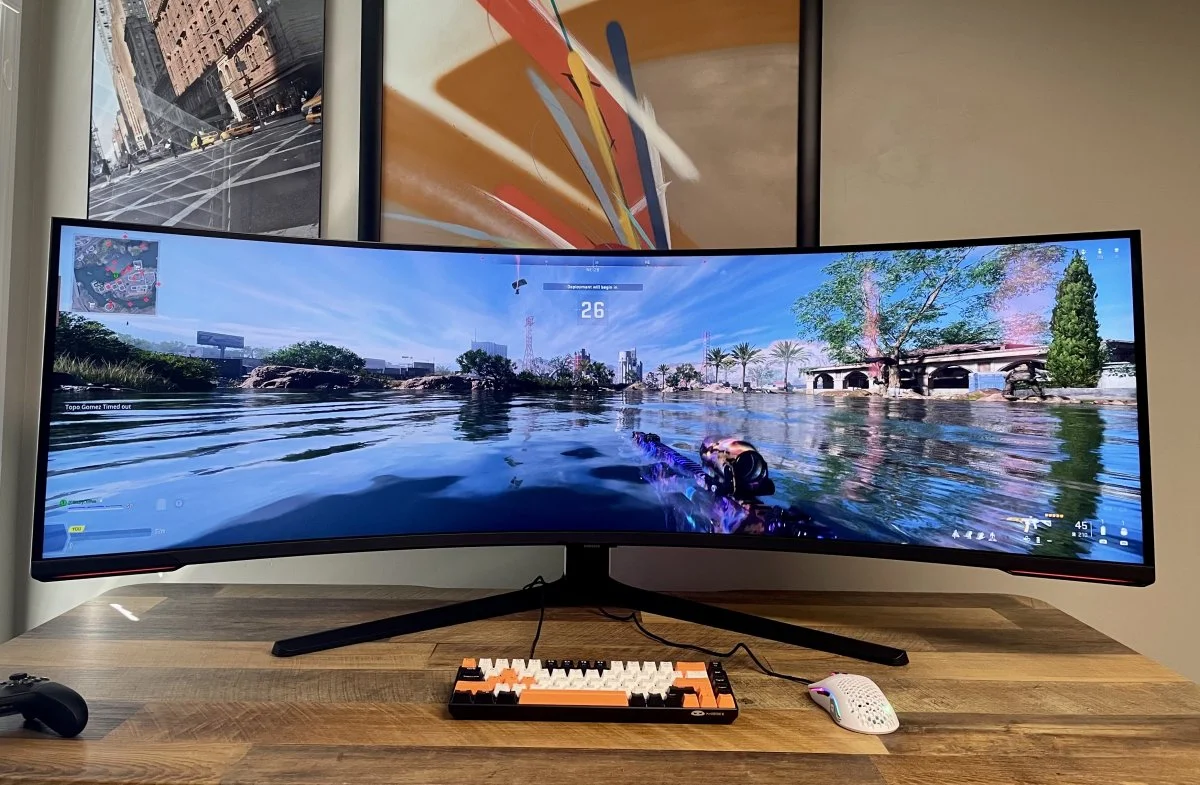
Setup in 2026 Welcome to the definitive multi-monitor gaming guide for 2026. Expanding your digital battlefield from one screen to two, three, or even more is one of the most impactful upgrades you can make to your gaming rig. It transforms your experience from simply playing a game to being fully immersed within its world. But creating that smooth, panoramic view isn’t as simple as buying three random monitors and plugging them in. From matching resolutions and refresh rates to understanding the nuances of mounts and bezel correction, every choice matters. This guide will walk you through everything you need to know, ensuring you invest your money wisely and build a setup that delivers breathtaking immersion and a serious competitive edge.
Who Is This
Guide For? This comprehensive guide is designed for any gamer looking to elevate their experience by expanding their screen real estate. Veteran or just starting, you’ll find valuable insights here. Specifically, this guide will benefit: - Sim Gamers: Players of racing, flight, or space simulators who crave the ultimate peripheral vision and immersion.
- Streamers and Content Creators: Individuals who need to manage their game, streaming software like OBS, and community chat across multiple dedicated screens without Alt-Tabbing.
- RPG and Strategy Enthusiasts: Gamers who want to see more of the game world, manage complex maps, or keep quest logs and inventories open on a second screen.
- Productivity Power Users: Those who use their gaming rig for work or school and want to maximize multitasking efficiency.
- Beginners: Newcomers to PC gaming who want to build their setup correctly from the start and avoid costly mistakes.
Key Factors to
Consider Before Buying Building the perfect multi-monitor setup requires careful planning. Before you add anything to your cart, you must understand how different components work together. Here’s what to look for when planning your setup.
Performance & Specifications
The golden rule of multi-monitor gaming is consistency. To create a single, smooth image, your primary gaming monitors should ideally be identical. Mixing and matching can lead to jarring differences in color, brightness, and smoothness. Key specs to match include:
-
Resolution: Sticking to the same resolution (e.g., all 1440p) across all monitors is critical for a uniform image. Your GPU has to render a massive combined resolution (e.g., 7680x1440 for triple 1440p screens), so ensure it’s powerful enough.
-
Refresh Rate (Hz): All your gaming displays should have the same refresh rate. Mixing a 144Hz monitor with a 60Hz one can cause stuttering and lock the faster monitor to the lower rate.
-
Response Time: A low response time (e.g., 1ms GtG) is crucial for preventing ghosting. Ensure this is consistent across your monitors.
-
Panel Type (IPS, VA, TN): For the best color consistency, use monitors with the same panel type. IPS panels are generally recommended for their superior viewing angles and color accuracy, which is vital when viewing screens at an angle.
Build Quality & Durability
This factor primarily applies to your monitor mounts, which are the backbone of your setup. A cheap, flimsy mount will lead to wobbly screens and a frustrating experience. Look for mounts made from high-grade steel or aluminum that can confidently support the combined weight of your monitors. Check the VESA compatibility (e.g., 75x75mm or 100x100mm) to ensure the mount will fit your monitors. For the monitors themselves, prioritize thin bezels (the plastic border around the screen) to minimize the gap between displays and enhance the smooth effect.
Comfort & Ergonomics
Staring at multiple screens for hours can lead to neck and eye strain if they aren’t positioned correctly. This is where a high-quality monitor mount . An adjustable mount allows you to set the perfect height, tilt, and angle for each screen, creating a comfortable viewing arc that curves around you. This not only prevents strain but also improves immersion by filling your peripheral vision. Ensure your desk is deep and sturdy enough to accommodate the monitors and the mount’s clamp or base.
Features & Customization
The most important feature in this category is bezel correction. So, what’s bezel correction in gaming? It’s a software feature in NVIDIA Surround and AMD Eyefinity that digitally hides pixels behind your monitor’s physical bezels. This makes the game world appear to continue smoothly behind the screen’s frame, rather than jumping jarringly from one screen to the next. It creates a far more natural and immersive window-like effect. Other features to consider are cable management channels in your monitor mount to keep your desk tidy and software for easy color calibration across all displays.
Connectivity
Your Graphics Card (GPU) is the heart of your multi-monitor setup. Before buying anything, check the back of your PC. How many video outputs does your GPU have, and what type are they (DisplayPort, HDMI)? You need one port for each monitor. DisplayPort is generally preferred for high refresh rates and resolutions. Ensure you have enough ports to support your dream setup. You must also buy high-quality cables rated for the resolution and refresh rate you intend to run.
Price vs. Value
A multi-monitor setup is a significant investment. You’re buying multiple monitors and a mount, and you may need a GPU upgrade. Here’s a general breakdown:
- Budget Setup (~$500-$800): Typically involves two or three 1080p 75-144Hz monitors and a basic, sturdy desk mount from a brand like VIVO.
- Mid-Range Setup (~$900-$1,800): This is the sweet spot for many, featuring three 1440p 144Hz+ monitors with thin bezels and a highly adjustable gas spring mount.
- High-End Setup ($2,000+): This tier includes premium 4K or ultrawide monitors, high-end mounts from brands like Ergotron, and often requires a top-tier GPU to power it all. The value comes from impeccable image quality and flawless immersion.
Brand Reputation & Support
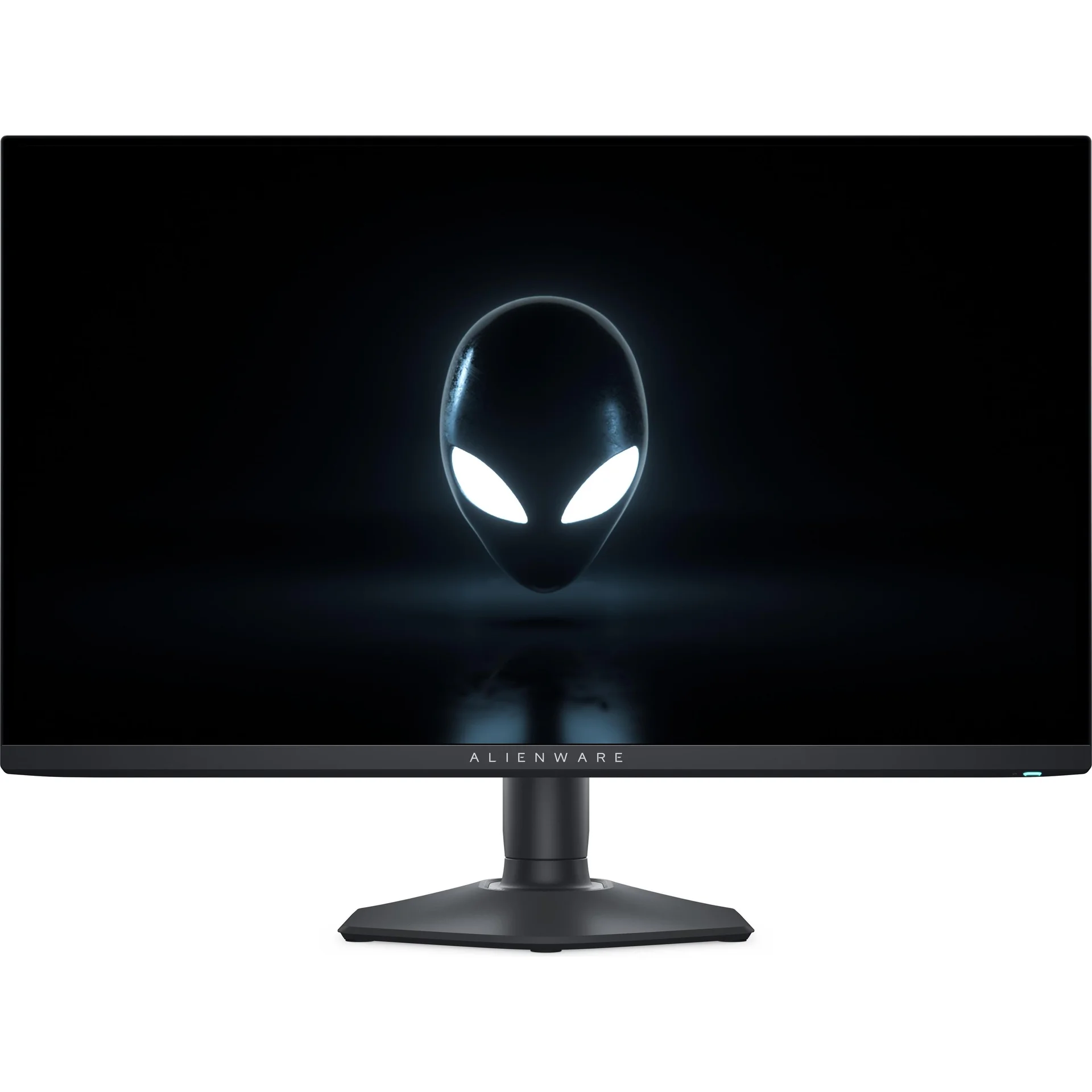
Stick with reputable brands for both monitors and mounts. For monitors, brands like LG, Dell (Alienware), ASUS, and Gigabyte have a proven track record for gaming performance and quality control. Pay attention to their warranty and dead pixel policies. For monitor mounts, Ergotron is considered the gold standard for quality and durability, while brands like VIVO, HUANUO, and North Bayou offer excellent value and reliability for most users.
Recommended
Products While a full setup depends on your needs, here are some excellent components that are perfect for building a multi-monitor gaming rig.
Monitor:
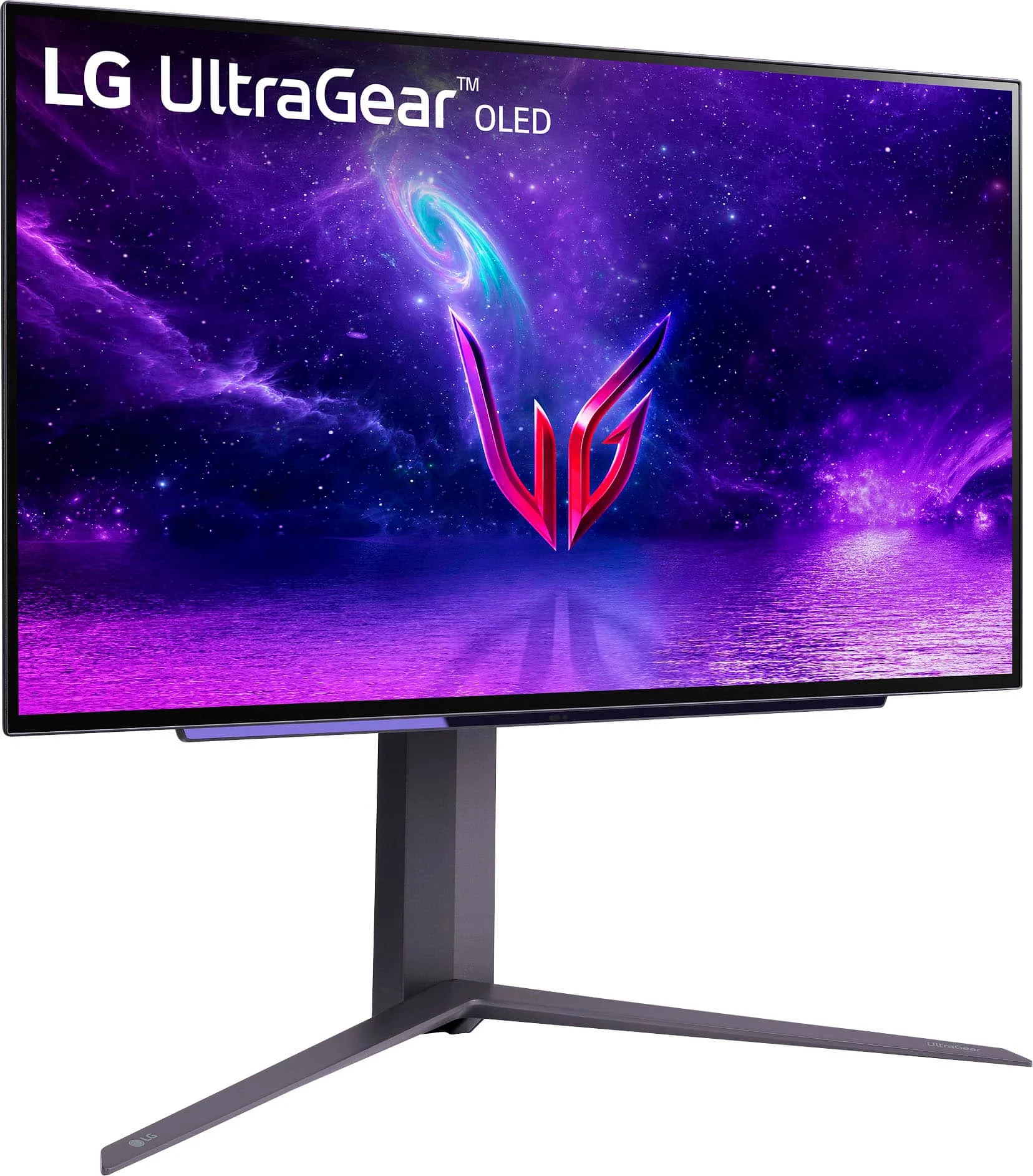
LG UltraGear 27GP850-B A fantastic all-around choice for a primary gaming display that can be easily multiplied. Its 27-inch size and 1440p resolution are the current sweet spot for gaming, offering a sharp image without being overly demanding on your GPU. The three-sided, virtually borderless design means the bezels are incredibly thin, making it ideal for placing side-by-side.
Premium Mount: Ergotron LX Triple
Monitor Arm For those who want the absolute best in stability and adjustability, the Ergotron LX series is unmatched. Built like a tank and featuring patented Constant Force lift technology, it allows you to reposition your monitors with a light touch. It’s a buy-it-for-life product that ensures perfect ergonomic alignment and a rock-solid foundation for your expensive displays.
Value Mount: VIVO Triple
Monitor Desk Mount Proving that you don’t need to break the bank for a solid setup, VIVO offers some of the best monitor mounts for a multi-monitor setup on a budget. This heavy-duty steel mount provides excellent stability and good adjustability, including height, tilt, and swivel. While it may lack the effortless motion of a gas spring arm, it’s a reliable and cost-effective solution that gets the job done well.
Common Mistakes to
Avoid Learning how to set up a multi-monitor gaming setup can have a few pitfalls. Avoid these common errors:
- Mismatching Monitors: Buying monitors with different sizes, resolutions, or refresh rates is the most common mistake. It breaks immersion and can cause technical issues.
- Underestimating GPU Power: Driving three 1440p monitors is nearly the same pixel count as a single 4K monitor. Ensure your GPU can handle the load at your desired settings.
- Forgetting VESA Compatibility: Buying beautiful monitors and a great mount only to find they can’t be attached to each other is a frustrating and avoidable error. Always check for VESA holes on the back of the monitor.
- Neglecting Your Desk Space: A triple 27-inch monitor setup is wide. Measure your desk to ensure you have enough horizontal space and depth to accommodate the stand and maintain a comfortable viewing distance.
How to Match the
Right Setup to Your Needs Different gamers have different needs. Here’s a quick guide to help you choose the right configuration.
For Sim Racers & Flight
Sim Pilots Your goal is maximum immersion and peripheral vision. A triple-monitor setup is non-negotiable. Prioritize three identical 1440p or 1080p monitors with high refresh rates (144Hz+) and the thinnest bezels you can find. Curved monitors can further enhance the wrap-around effect.
For Casual Gamers & RPG Fans
You want a balance of immersion and utility. A dual-monitor setup is often perfect. You can run your game on a primary high-refresh-rate monitor and use the second screen for Discord, maps, or guides. A third monitor can be added for even more multitasking.
For Streamers & Creators
Your setup is a command center. A three-monitor setup is ideal. Use a central, high-performance monitor for your gameplay. Your secondary monitors can be less expensive 60Hz IPS panels, perfect for displaying your streaming software, chat, and alerts without needing high refresh rates.
For Budget Buyers
Focus on value. A dual or triple 1080p 75Hz monitor setup offers a huge upgrade over a single screen without a massive cost. Look for deals on monitors and choose a reliable, static mount from a brand like VIVO to save money without sacrificing stability. This is a great entry point into the world of multi-monitor gaming.
FAQs
Here are answers to some common questions about building a multi-monitor gaming rig.
Do all my monitors need to be identical for gaming?
For the best immersive gaming experience where the game spans across all screens, yes. Using identical monitors ensures consistent color, brightness, resolution, and refresh rate, which creates a smooth, unified image. For streaming or multitasking, they don’t need to be identical.
How powerful of a
GPU do I need for a multi-monitor gaming setup? It depends on the resolution. For triple 1080p, a mid-range card like an NVIDIA RTX 4060 or AMD RX 7600 is a good starting point. For triple 1440p, you’ll need a high-end card, such as an NVIDIA RTX 4070 Ti Super or AMD RX 7900 XT, to maintain high frame rates.
What’s bezel correction in gaming and is it important?
Bezel correction is a software feature that makes the game world appear to continue behind your monitor’s physical frames instead of jumping from one screen to the next. It creates a more realistic and continuous image. For immersive gaming across multiple screens, it’s extremely important and a key feature of NVIDIA Surround and AMD Eyefinity.
What are the best monitor mounts for a multi-monitor setup?
The best mounts offer stability and adjustability. Premium brands like Ergotron are top-of-the-line for their build quality and smooth gas spring mechanisms. For excellent value, brands like VIVO and HUANUO provide sturdy, reliable steel mounts that are perfect for most users.
Can I mix different resolutions and refresh rates?
While you technically can, it’s not recommended for spanning a single game across the displays. Windows can struggle with it, sometimes locking the higher refresh rate monitor to the speed of the slower one. For setups where one monitor is for gaming and others are for utilities (like streaming), it’s perfectly fine and a common practice.
Final Verdict
Creating the ultimate battlestation with multiple monitors is one of the most rewarding upgrades a PC gamer can make. This multi-monitor gaming guide has shown that the key to success lies in careful planning. Prioritize consistency in your monitor choice—matching size, resolution, and refresh rate is critical. Don’t skimp on a quality mount; it’s the foundation of your setup’s ergonomics and stability. Finally, ensure your GPU has the horsepower to drive all those extra pixels. By focusing on these core principles, you’ll build a cohesive, immersive, and comfortable gaming setup that will redefine how you experience your favorite titles. The panoramic view and enhanced productivity are well worth the effort.