Introduction
Building a home server is an exciting project that unlocks self-hosted storage, media streaming, and home automation. However, one component often gets overlooked until it’s too late: the power supply unit (PSU). Unlike a gaming PC that runs at peak performance for a few hours a day, a home server typically runs 24/7, making efficiency and reliability critical. Performing a precise home server PSU calculation is the foundation of a stable build. If you underestimate your power needs, you risk system instability or drive failure; overestimate significantly, and you waste money on electricity due to poor efficiency curves. This guide serves as a comprehensive review of the methodology behind powering your lab. We’ll cover exactly how to calculate home server wattage, the importance of 80 Plus ratings, and the critical factors in choosing the right PSU for a home server to ensure your data remains safe and your electric bill stays manageable.
Key Takeaways 1. Accurate home server
PSU calculation involves summing the TDP of the CPU and GPU, but more importantly, accounting for the spin-up current of hard drives, which can be significantly higher than their idle usage. 2. Efficiency is critical for 24/7 machines; the price difference between an 80 Plus Gold and a generic PSU can often be recouped in electricity savings within a year or two of continuous operation. 3. Choosing the right PSU for a home server isn’t just about total wattage; it’s about having the correct number of SATA power connectors and ensuring the unit uses high-quality Japanese capacitors for longevity.
Understanding
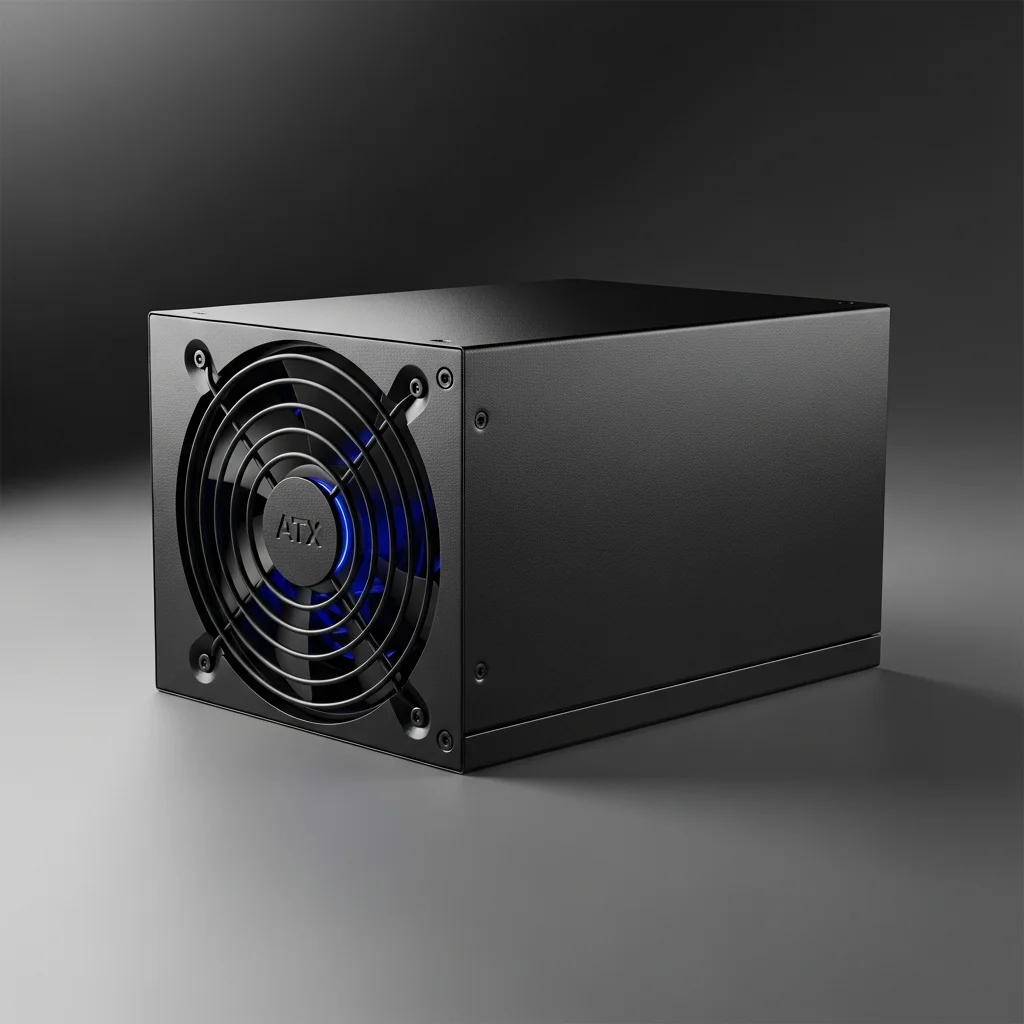
Home Server Power Supplies To understand what’s a home server power supply unit, we must distinguish it from standard desktop usage. In the context of a home lab, the PSU is the heartbeat of the system, converting high-voltage AC current from your wall outlet into stable low-voltage DC current (12V, 5V, 3.3V) for your components. While the basic technology is the same as a gaming PC, the priorities shift. A home server often idles for long periods but requires bursts of power when transcoding media or spinning up an array of hard drives. The market for server-grade power is vast, ranging from standard ATX units for tower builds to SFX units for compact NAS enclosures, and even redundant power supplies for enterprise-grade uptime. This guide treats the ‘Home Server PSU’ as a category, reviewing the standards and technologies you need to identify the best fit for your specific hardware configuration.
Design and Build Quality
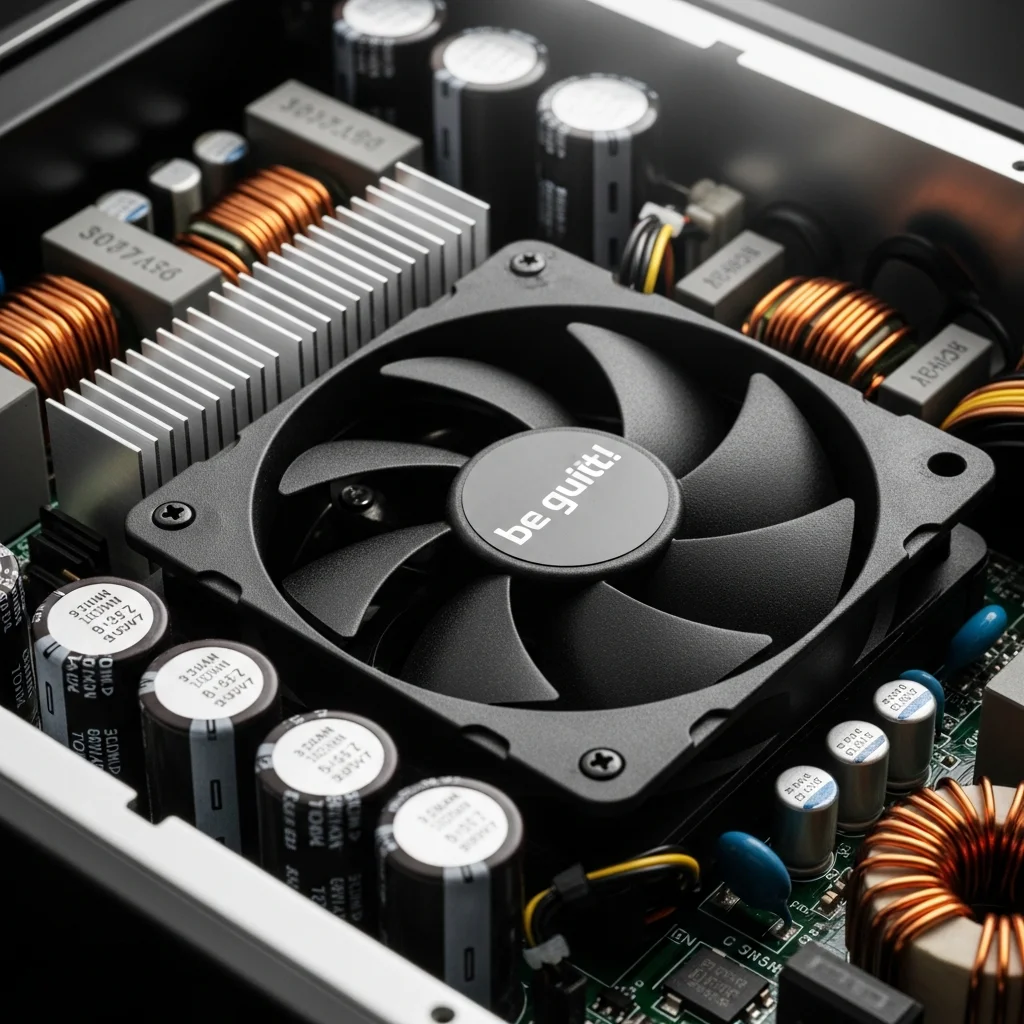
Considerations When analyzing the design and build quality of a potential power supply, you should look beyond the aesthetic casing. For a machine running around the clock, the internal components dictate the lifespan. High-quality units often feature Japanese electrolytic capacitors, which are rated for higher temperatures (typically 105°C) and offer longer operational lives than their Chinese or Taiwanese counterparts. The cooling fan design is also a crucial aspect of the build quality. Many modern high-end PSUs feature a ‘Zero RPM’ mode, where the fan doesn’t spin until the load reaches a certain threshold (often 40%). This is excellent for home servers that sit in a living room or office, as it reduces dust intake and noise. When choosing the right PSU for a home server, also consider the modularity. Fully modular units allow you to connect only the cables you need, improving airflow within the server chassis, which is vital for keeping hard drive temperatures low.
Features and
Technology The most significant technological feature to look for during your home server PSU calculation and selection is the 80 Plus efficiency rating. This certification indicates how much power is wasted as heat during conversion. For a server running 24/7, we generally recommend a minimum of 80 Plus Gold. An 80 Plus Gold PSU is roughly 90% efficient at 50% load. In contrast, an unrated unit might only be 70% efficient. Over a year, that 20% difference adds up to substantial kilowatt-hours. Another key technology is protection circuitry. A solid unit must have Over Voltage Protection (OVP), Under Voltage Protection (UVP), Short Circuit Protection (SCP), and Over Power Protection (OPP). These safeguards ensure that if a power surge occurs or a component fails, the PSU will sacrifice itself to save your expensive hard drives and motherboard. Also, single-rail vs. Multi-rail 12V designs are often debated; for most home servers, a powerful single 12V rail is preferred as it prevents issues with balancing power distribution across high-draw CPUs and multiple drives.
Performance: Calculating
Wattage Performance in this context refers to the unit’s ability to handle the specific load of your server. This brings us to the core task: how to calculate home server wattage accurately. You can’t simply look at the TDP (Thermal Design Power) of your CPU and stop there. To perform a proper home server PSU calculation, you must tally the peak power draw. 1. CPU & GPU: Start with the manufacturer’s TDP, but add 10-20% buffer for turbo boost spikes.
- Motherboard & RAM: A standard ATX board and a few sticks of RAM typically draw 30-50W.
- Storage (Crucial): Hard drives (HDDs) are the tricky part. While a drive might use 5-8W while reading/writing, its ‘spin-up’ current (when the server boots) can spike to 20-25W per drive. If you have a NAS with 8 drives, that’s 200W just for the drives during the first few seconds of boot. If your PSU can’t handle that transient spike, the system will fail to boot or drives will drop offline. Therefore, the ‘performance’ of a server PSU is measured by its stability under these specific transient loads.
Comfort and
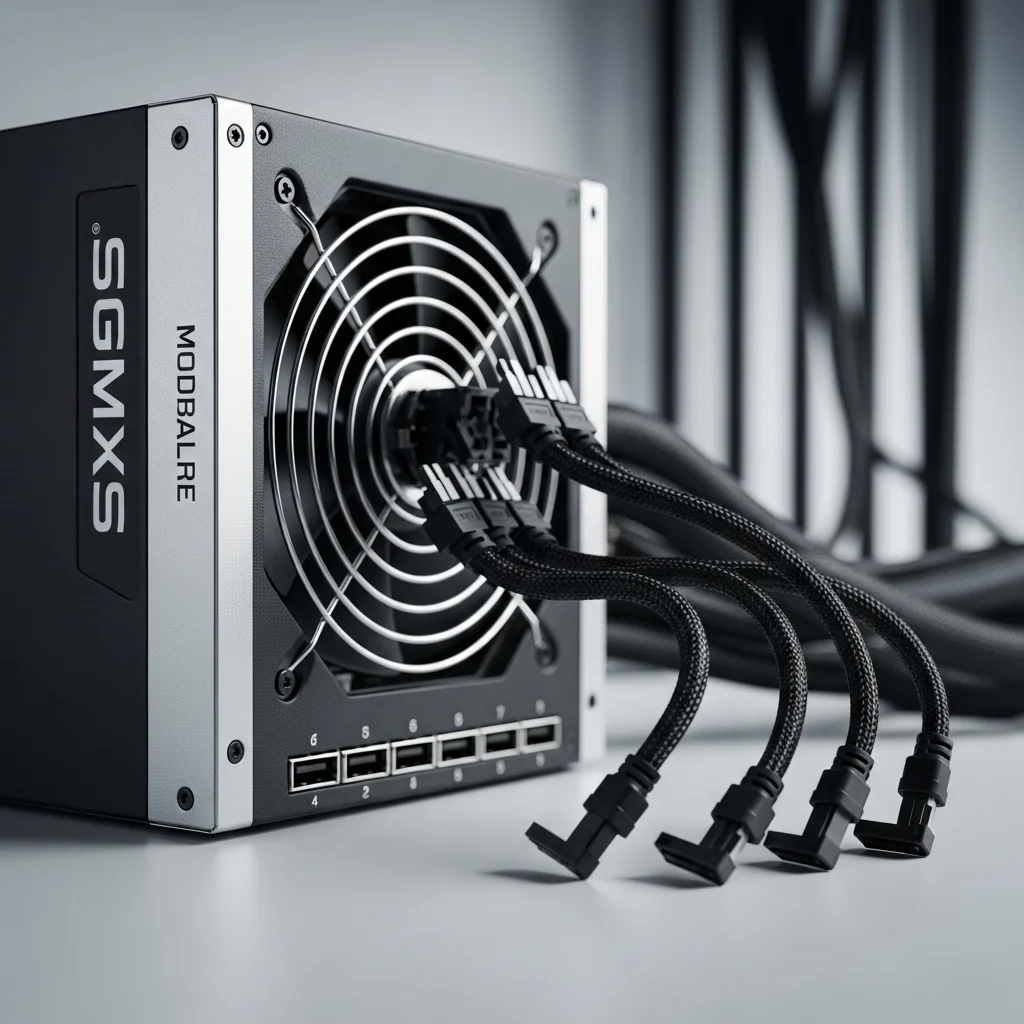
Usability: Cabling and Form Factor While ‘comfort’ applies to peripherals, server building, comfort translates to ease of installation and cable management. A major pain point for home server builders is the number of SATA power connectors. Many consumer gaming PSUs, even high-wattage ones, may only provide 6 or 8 SATA plugs. If you’re building a storage server with 12 drives, you’ll need a PSU that supports enough daisy-chained SATA cables or uses peripheral (Molex) connectors safely. Using too many cheap splitters can be a fire hazard. Usability also involves the physical size. If you’re building a small form factor home lab in a Node 304 or similar case, an ATX PSU might limit your GPU length or cable routing space. In these scenarios, an SFX or SFX-L power supply is far more ‘usable,’ providing high density power in a tiny footprint.
Software and
Monitoring Modern high-end power supplies are becoming ‘smart.’ Brands like Corsair (with their i-Series) or Asus offer PSUs that connect to the motherboard via USB. This allows you to monitor real-time efficiency, voltage regulation, and total system power draw through software like HWMonitor or proprietary suites. For a home server enthusiast, this data is gold. It allows you to refine your home server PSU calculation by seeing exactly what the system pulls from the wall under different loads (idle vs. Plex transcoding vs. Backup tasks). While not strictly necessary for operation, having software insight into your power consumption helps in optimizing fan curves and identifying if a specific component is drawing abnormal power, which can be an early warning sign of hardware failure.
Backup Power: The UPS Connection
While discussing powering your server, we must address the battery backup, or Uninterruptible Power Supply (UPS). Once you have finished choosing the right PSU for a home server, the next step is protecting it. Your calculated wattage directly influences the size of the UPS you need. If your server draws 150W average load, you need a UPS that can sustain that load long enough for a graceful shutdown during a power outage. Most modern PSUs use Active PFC (Power Factor Correction) and require a ‘Pure Sine Wave’ UPS to function correctly during a switch to battery power. Using a cheaper ‘Simulated Sine Wave’ UPS with a high-end Active PFC power supply can sometimes cause the PSU to shut off instantly during a blackout, defeating the purpose of the backup.
Technical Specifications to
Look For When shopping, create a checklist of these specifications to ensure you’re buying the right class of hardware:
-
Efficiency Certification: 80 Plus Gold or Platinum (Titanium for very high-end).
-
Warranty: 7 to 10 years is the standard for quality units.
-
MTBF (Mean Time Between Failures): Look for >100,000 hours.
-
Fan Bearing Type: Fluid Dynamic Bearing (FDB) is preferred for quiet, long-life operation.
-
SATA Connectors: Ensure the count matches or exceeds your drive bay capacity.
-
12V Rail: Single rail is generally easier to manage for consumer hardware.
-
Protections: OVP, UVP, SCP, OPP, OTP (Over Temperature Protection).
Pros and Cons of
Oversizing vs. Undersizing It’s a common debate: should you buy a massive 1000W PSU for a server that uses 100W? Pros of High Wattage:
- Fan often stays off (passive mode) due to low load percentage.
- Massive headroom for future upgrades (adding 10 more drives or a GPU). Cons of High Wattage:
- Expensive upfront cost.
- Potentially lower efficiency at very low loads (e.g., a 1200W PSU idling at 60W might be less efficient than a 400W PSU doing the same). Pros of Exact Sizing:
- Cheaper to buy.
- Operating in the efficiency ‘sweet spot’ (usually 50% load). Cons of Exact Sizing:
- Limited upgrade path.
- Fan may run constantly if near the limit.
Price and Value for Money
The price of power supplies has risen in recent years, but they remain one of the best value investments for a system. A cheap $40 unit might seem like a bargain, but if it fails and takes your $300 hard drives with it, the value is negative. For a standard home server, the sweet spot for value usually lies in the 550W to 750W range with an 80 Plus Gold rating, typically costing between $80 and $130. This price point usually secures you high-quality capacitors, a fully modular design, and a 10-year warranty. Considering this component powers the system for a decade, the annualized cost is incredibly low compared to upgrading CPUs or GPUs.
Best Alternatives and
Recommendations If you’re struggling with choosing the right PSU for a home server, here are a few distinct paths based on build type: 1. Corsair RMx Series (Shift): Excellent for general ATX towers. They’re quiet, Gold rated, and the new ‘Shift’ models move connectors to the side for easier access in tight cases.
- Seasonic Focus GX / PX: The gold standard for reliability. Known for incredibly tight voltage regulation and high-quality internals. Ideal for set-and-forget builds.
- Corsair SF750: If you’re building a Mini-ITX NAS. It provides massive power in a tiny SFX form factor with Platinum efficiency, handling almost any component density you can fit in a small box.
Who Should Buy
Which Tier? The Media Hoarder: If you have 10+ hard drives, prioritize a PSU with a single massive 12V rail and at least 8-10 SATA power connectors. Look for 750W+ to handle spin-up currents. The Low-Power Labber: If you run a simple Raspberry Pi cluster or a NUC, standard ATX PSUs are overkill. Look into PicoPSU solutions or high-quality power bricks. The Virtualization Pro: If running a Threadripper or Xeon with 256GB of RAM, don’t skimp. You need 1000W+ Platinum to handle the CPU and memory power draw efficiently. The Budget Builder: Stick to reputable brands like EVGA (BR/BQ series) or Corsair (CX series) but avoid the unrated ‘white label’ units found in pre-builts.
Final Verdict
Powering your home server is not a place to cut corners. While the math behind home server PSU calculation might seem tedious, it’s the only way to guarantee stability. By understanding the difference between idle draw and peak spin-up current, and by prioritizing efficiency via 80 Plus Gold ratings, you ensure your server remains a reliable asset rather than a fire hazard. For 2025, we recommend most home server builders aim for a high-quality 550W-750W Gold unit from a Tier-A manufacturer like Seasonic or Corsair. This provides the perfect balance of efficiency, price, and expansion capability. Remember, the PSU is the engine of your server; treat it with the respect it deserves.
Frequently Asked
Questions How do I calculate home server wattage for hard drives? A safe rule of thumb is to allocate 20-25W per hard drive for startup (spin-up) and 5-8W for continuous operation. Never size the PSU based only on the operating wattage. Is a Platinum PSU worth it over Gold for a home server? It depends on your electricity rates. If you pay a high rate per kWh and run the server at high loads 24/7, Platinum can pay for itself in 3-4 years. For idle-heavy servers, Gold is usually the better value. Can I use an old gaming PSU for my server? Yes, provided it’s from a reputable brand and isn’t too old. PSUs degrade over time (capacitor aging), so a 10-year-old unit might not be reliable for 24/7 server duty. What’s a home server power supply unit’s most important safety feature? Over Power Protection (OPP) and Short Circuit Protection (SCP) are critical to preventing hardware damage during electrical faults.