Introduction
In the pursuit of the ultimate gaming experience, enthusiasts often allocate the vast majority of their budget to visual fidelity—securing the fastest graphics cards and the highest refresh rate monitors. Yet, audio remains a critical, often overlooked component of the immersion equation. Sound is not merely an aesthetic choice; in competitive gaming, it’s a stream of information. This brings us to the key debate of gaming DAC vs motherboard audio. On one side sits the integrated solution found on your motherboard: convenient, ‘free’, and technically improved over the years. On the other stands the dedicated Gaming DAC (Digital-to-Analog Converter) and Amp: a specialized external device engineered solely for audio purity and power. Why does this comparison matter in 2025? Because high-fidelity gaming headsets and studio-grade headphones are becoming more accessible, but they’re only as capable as the source driving them. Plugging a high-end pair of headphones into a budget audio source is akin to buying a Ferrari and putting budget tires on it. This guide is designed for two distinct types of gamers: the competitive shooter player who needs precise imaging to locate enemy footsteps, and the immersive AAA gamer seeking cinematic audio depth. We’ll break down Motherboard Audio Quality Explained, detail the specific Benefits of a Dedicated Gaming DAC/Amp, and provide a framework on How to Choose a Headset Audio Solution. By the end of this comparison, you’ll have a clear, unbiased understanding of whether your setup warrants an audio upgrade.
Quick Comparison
Table Before diving into the detailed technical analysis, it’s helpful to look at the raw specifications that differentiate these two audio solutions. Here’s a snapshot of how they stack up against each other.
| Feature | Gaming DAC/Amp | Motherboard Audio (Onboard) |
|---|---|---|
| Type | External Hardware (USB/Optical) | Integrated Circuit (Realtek/ESS) |
| Placement | Desktop (External Chassis) | Internal (PCB inside Case) |
| Signal-to-Noise Ratio | High (115dB - 130dB) | Medium (90dB - 110dB) |
| Power Output | High (Drives 300Ω-600Ω headphones) | Low/Standard (Best for <50Ω) |
| Connectivity | USB, Optical, 3.5mm, RCA | 3.5mm Jacks (Rear/Front Panel) |
| Interference Shielding | Excellent (Isolated from PC components) | Poor to Fair (Subject to electrical noise) |
| Control Interface | Physical Knobs & Switches | |
| Software & Windows Settings | ||
| Price | $50 - $400+ | Included with Motherboard |
Product Overview: Gaming
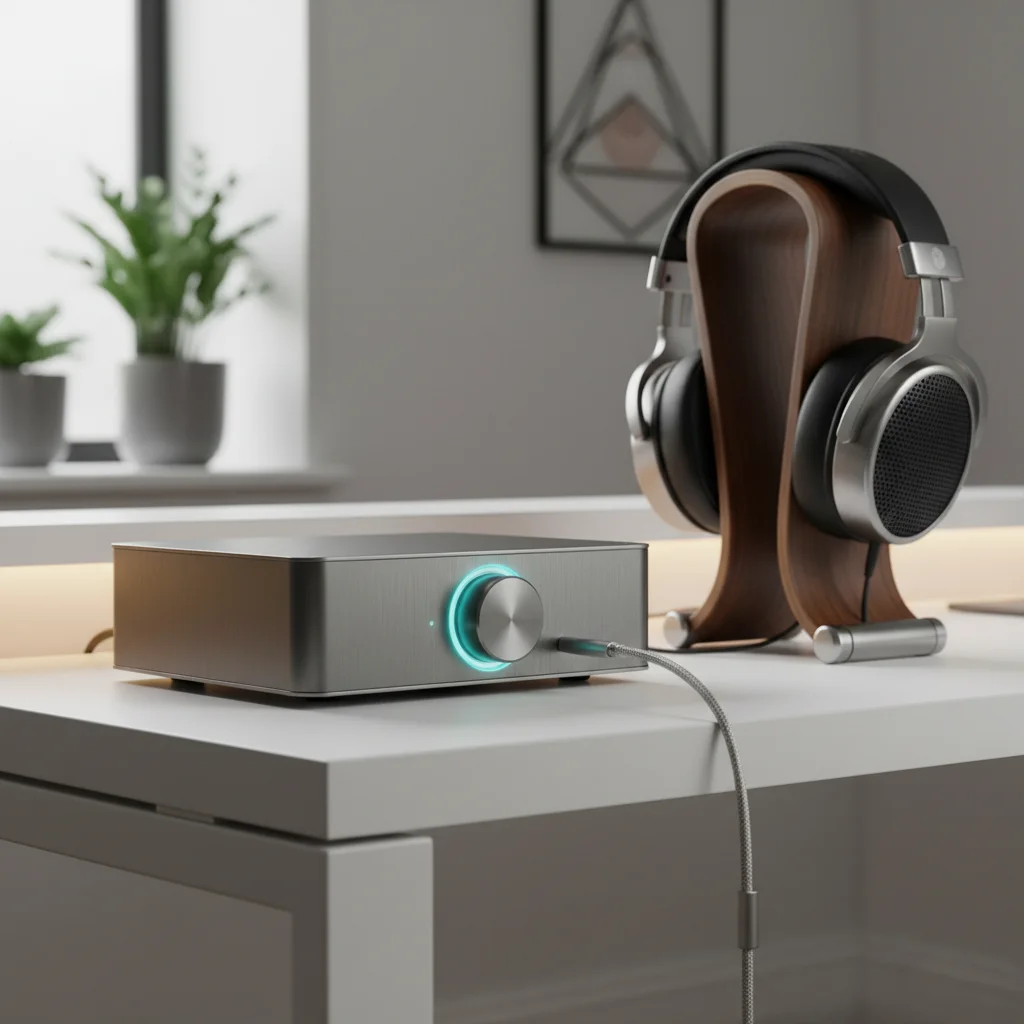
DAC/Amp A it/Amp is an external peripheral that bypasses your computer’s internal audio processing entirely. Usually connecting via USB, this device takes the raw digital audio data from your game and converts it into an analog signal outside of the electrically noisy environment of your PC case. The ‘Amp’ portion then amplifies this signal to move the drivers in your headphones. Devices in this category range from portable dongles to desktop-sized units like the Sound BlasterX G6, FiiO K5 Pro, or EPOS GSX series. Key Features & Build Quality
The defining characteristic of a dedicated DAC is its specialized engineering. These units feature high-grade capacitors, dedicated power delivery circuits, and often, physical controls. Build quality is usually premium, featuring metal or high-density plastic enclosures that look stylish on a desk. The Benefits of a it/Amp include a significantly lower noise floor (no hissing), higher dynamic range, and the ability to drive high-impedance ‘audiophile’ headphones that require more voltage than a standard jack can provide. Performance Focus & Target Audience The performance focus here’s on audio purity and power. By isolating the audio processing, these devices eliminate the electromagnetic interference (EMI) caused by your GPU and power supply. They’re best suited for competitive gamers who need ‘wall-hack’ levels of audio positioning and audiophiles who refuse to compromise on soundstage and detail.
Product Overview: Motherboard Audio
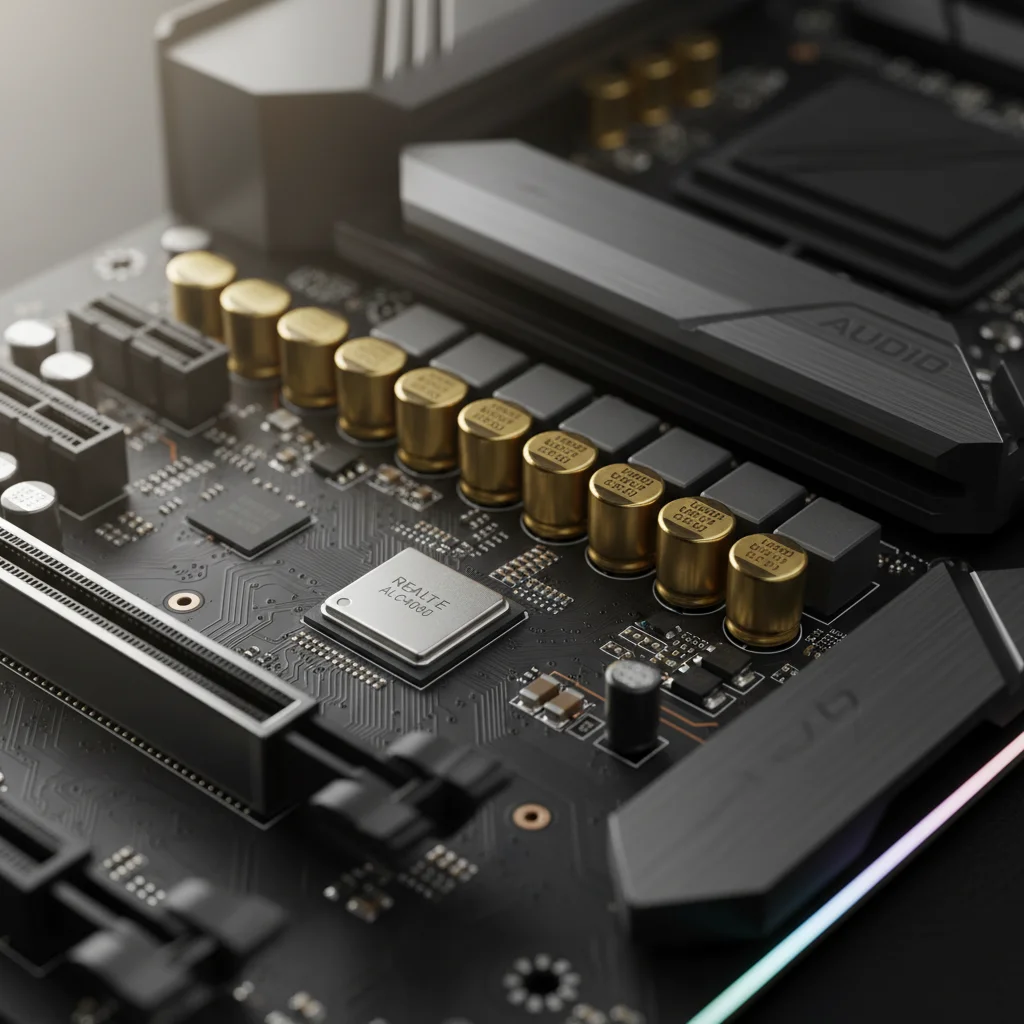
Motherboard audio refers to the integrated sound solution soldered directly onto your computer’s main circuit board. Historically, onboard audio was notorious for static and poor quality (the ‘AC97’ era), but modern implementations have improved significantly. Most modern gaming motherboards use codecs from Realtek (such as the ALC1220, ALC4080) or ESS Sabre DACs on flagship boards. This is the default audio source for the vast majority of PC users. Key Features & Build Quality
Motherboard audio is designed for integration and convenience. It requires no extra desk space, no extra cables, and no additional buy. High-end motherboards now feature ‘audio isolation lines’ on the PCB and specialized audio capacitors to try and mimic dedicated hardware. However, the build quality is inextricably linked to the motherboard itself. If the audio port wears out, you can’t simply replace the chip; the entire motherboard is the unit. Performance Focus & Target Audience The focus of onboard audio is efficiency and broad compatibility. It’s tuned to drive standard gaming headsets (typically 32 ohms) with acceptable volume levels. When looking at Motherboard Audio Quality Explained, it’s important to note that while the chips themselves are high quality, their implementation inside a case full of electrical noise often holds them back. This solution is best for casual gamers, budget-conscious buyers, and those using low-impedance headsets who prioritize simplicity.
Feature-by-Feature Comparison
To truly determine the winner of the gaming DAC vs motherboard audio comparison, we must dissect the user experience across several critical categories. While the dedicated DAC offers a premium experience, modern motherboards are closing the gap in casual scenarios. Let’s analyze the technical differences.
7.1 Performance
Performance in the audio realm is defined by clarity, imaging (positional accuracy), and power. A the Dedicated Gaming DAC/Amp almost always wins in raw benchmarks. The primary advantage is the Signal-to-Noise Ratio (SNR). Because the DAC is external, it’s not subjected to the electrical noise generated by high-power GPUs or CPU VRMs. This results in a ‘black background’—total silence when no audio is playing—allowing subtle details like a distant reload or a footstep in grass to be heard clearly. Motherboard audio, despite using high-quality chips, often suffers from crosstalk and interference. If you have ever heard a faint buzzing sound in your headphones when your graphics card is under heavy load, you’re hearing the limitations of onboard shielding. Also, dedicated amps have a higher voltage swing. This means they can properly drive 250-ohm or 600-ohm headphones (like the Beyerdynamic DT 990 Pro) to appropriate volume levels with full bass response. Motherboard audio often struggles with these headphones, resulting in a quiet, thin, and muddy sound signature.
7.2 Build
Quality & Durability When comparing build quality, we’re comparing a peripheral to a component. A dedicated DAC is built to be interacted with. It usually features a solid chassis, high-quality potentiometers for volume control, and durable gold-plated jacks. It’s a long-term investment; if you build a new PC, you simply unplug your DAC and move it to the new rig. Its lifespan is independent of your computer components. Conversely, motherboard audio relies on the physical jacks of your motherboard or your PC case’s front panel. Front panel headers are notoriously low quality, often introducing static and wearing out mechanically after repeated plugging and unplugging. The rear I/O ports are more durable but inconvenient to reach. Once the audio jack on a motherboard fails, your only option is to buy a sound card or a USB DAC anyway.
7.3 Comfort & Ergonomics
Ergonomics is a major, often underrated factor in the gaming DAC vs motherboard audio debate. A dedicated DAC sits on your desk, placing volume control, microphone mute, and sometimes game/chat balance mixing right at your fingertips. In the heat of a battle, being able to physically turn down the volume or adjust the mix between your Discord chat and the game audio without Alt-Tab-ing is a massive quality-of-life improvement. Motherboard audio is purely software-driven. To change volume, you must use Windows shortcuts, media keys on a keyboard, or an inline remote on your headset cable (which is often flimsy). It offers zero physical presence or immediate control. For gamers who stream or play in teams, the tactile control of a dedicated unit offers superior workflow and comfort.
7.4 Software & Customization
Software suites for gaming audio have evolved drastically. Gaming DACs from brands like Creative (Sound Blaster), SteelSeries, or EPOS come with powerful software that allows for granular customization. You can adjust 10-band Equalizers, enable ‘Scout Mode’ (which compresses dynamic range to amplify quiet sounds), and use hardware-processed virtual surround sound (7.1) that doesn’t tax your CPU. Motherboard audio relies on drivers like Realtek Audio Console, often supplemented by third-party software like Nahimic, Sonic Studio, or DTS Sound Unbound. While these suites are functional, they’re often buggy, prone to breaking with Windows updates, and lack the fine-tuning capabilities of dedicated hardware drivers. Also, the virtual surround sound processing on motherboards is generally inferior, often creating a ‘reverb’ effect that muddies directional audio rather than clarifying it.
7.5 Price & Value
Value is the stronghold of motherboard audio. It’s effectively free, included in the price of the motherboard you must buy regardless. For a gamer using a $50 headset, the difference in audio quality provided by a $150 DAC may not be audible enough to justify the cost. The integrated solution provides unbeatable value for the average user. However, a dedicated DAC represents a long-term value investment for enthusiasts. A good amp can last for 10+ years, surviving multiple PC upgrades. Prices range from $40 for simple dongles to $300+ for enthusiast gear. If you own headphones that cost more than $150, spending money on a DAC is necessary to unlock the value of those headphones. Using $300 headphones on motherboard audio is effectively wasting the potential of the headphones.
Pros & Cons it/Amp Pros:
- Superior sound fidelity with high SNR and no electrical interference.
- Powerful amplification capable of driving audiophile-grade/high-impedance headphones.
- Physical controls for volume and game/chat mixing on the desk.
- Portable and independent of PC upgrades.
- Hardware-level processing for surround sound and EQ. it/Amp Cons:
- Additional cost ranging from $50 to over $300.
- Occupies desk space and requires a USB port.
- Another cable to manage in your setup. Motherboard Audio Pros:
- Zero additional cost; included with the PC.
- No desk footprint; completely internal.
- Sufficient power and clarity for standard 32-ohm gaming headsets.
- Simple plug-and-play operation for most users. Motherboard Audio Cons:
- Susceptible to internal electrical noise (hissing/static).
- Lacks the power to drive high-end, high-impedance headphones.
- Inconvenient volume control (software only).
- Front panel connectors are often low quality and degrade audio.
Which One Should You Choose? When deciding **How to Choose a Headset Audio
Solution**, you must categorize your needs based on the gear you own and the games you play. Competitive FPS Players:
If you play CS:GO, Valorant, or Rainbow Six Siege, you should lean towards a Gaming DAC/Amp. The separation of frequencies and improved imaging allows you to pinpoint directional cues faster and more accurately. The ability to toggle specific EQ profiles for footstep enhancement is a tangible competitive advantage. Casual Gamers: If you primarily play single-player adventures like Cyberpunk 2077 or Baldur’s Gate 3 using a standard gaming headset, Motherboard Audio is likely sufficient. Modern Realtek chips provide decent clarity for immersion, and the difference in audio quality may not be worth the extra investment for casual play. Audiophiles & Music Lovers: If you use open-back headphones like Sennheisers, Beyerdynamics, or Hifimans for gaming, a the Dedicated Gaming DAC/Amp is mandatory. Motherboard audio lacks the voltage and current to control these drivers properly, leaving them sounding flat, quiet, and bass-light. Budget-Conscious Buyers: If your total budget is tight, stick with Motherboard Audio. It’s better to spend that $100 on a better GPU or a better monitor. Upgrading your audio source should be the final step in your setup, not the first.
Final Verdict
In the comparison of gaming DAC vs motherboard audio, there’s a clear winner for performance, and a clear winner for value. The Winner: For pure audio quality, immersion, and competitive advantage, the Gaming DAC/Amp is the superior option. It removes the bottlenecks of internal interference and weak amplification, allowing your headphones to perform at their peak potential. It transforms audio from a background element into a primary feature of your gaming experience. The Pragmatic Choice: However, for the vast majority of gamers using standard commercial headsets, Motherboard Audio in 2025 is surprisingly competent. Unless you’re using high-impedance headphones or experiencing noticeable static, the onboard audio will serve you well. The difference between them is significant if you have the ears and the headphones to appreciate it. If you’re chasing the absolute best experience, the external DAC is an essential upgrade.
FAQ Is a gaming DAC better for FPS games?
Yes. A dedicated DAC provides better channel separation and imaging, which improves your ability to locate directional sounds like footsteps and gunshots in a 3D space. Does motherboard audio affect gaming performance? Technically, motherboard audio uses a small amount of CPU power to process sound. A dedicated DAC offloads this processing. However, on modern multi-core processors, the performance impact is negligible (less than 1% FPS difference). Is it worth upgrading from motherboard audio to a DAC for a cheap headset? Generally, no. If your headset costs less than $60-$80, the headset itself is likely the bottleneck, not the audio source. You’ll see a bigger improvement by upgrading your headphones first. Which gaming audio solution is better for microphone quality? its often have superior microphone inputs with hardware noise reduction and clearer analog-to-digital conversion, making your voice sound richer and clearer on Discord compared to motherboard microphone jacks.