When you purchase through links on our site, we may earn an affiliate commission.
What We Like
- Sequential read speeds exceeding 14,000 MB/s
- DirectStorage optimization reduces asset streaming stutters
- Significant leap in IOPS for faster background tasks
- Future-proof hardware for next-gen title requirements
What Could Be Better
- High thermal output necessitates active or bulky passive cooling
- Significant price premium over Gen 4 equivalents
- Limited motherboard compatibility for full speed
- Diminishing returns in current game titles
Quick Answer: Choosing the Right Drive
If you are aiming for the absolute fastest load times in future titles, the Crucial T705 is your current gold standard. However, most gamers should stick to high-end Gen 4 drives like the Samsung 990 Pro until prices drop further. But if you’re a streamer or a creator moving massive video files daily, the upgrade makes complete sense. Don’t buy it just for faster OS boots; buy it because you move 100GB chunks of data regularly.
Understanding NVMe Specifications
You’ll see a lot of marketing fluff about speeds hitting 14,500 MB/s, but those numbers are synthetic benchmarks, not real-world gaming scenarios. Think of it like a car’s top speed versus how fast it gets to the supermarket. In actual gameplay, DirectStorage is the factor that matters. This API allows the GPU to stream assets directly from the SSD, bypassing the CPU bottleneck. If a game doesn’t utilize this, the extra bandwidth is just sitting there. Most users confuse sequential read speeds with random read speeds; for gaming, random read/write (IOPS) is actually more critical for responsiveness. Stop obsessing over the top line number and start looking at the 4K random read benchmarks on sites like TechPowerUp.
Budget Tier: Best Value Under $200
At this price point, the Crucial T700 is the clear winner for those wanting to enter the Gen 5 space without breaking the bank. It offers speeds around 12,400 MB/s, which is still absurdly fast compared to the 7,000 MB/s limit of older generations. I’ve spent time with this unit, and it handles daily Windows tasks effortlessly. The heat management is decent, provided you have airflow in your case. It is a fantastic entry point for someone who wants to future-proof their build without spending double for the absolute top-tier performance that a T705 offers. It’s not perfect, but close.
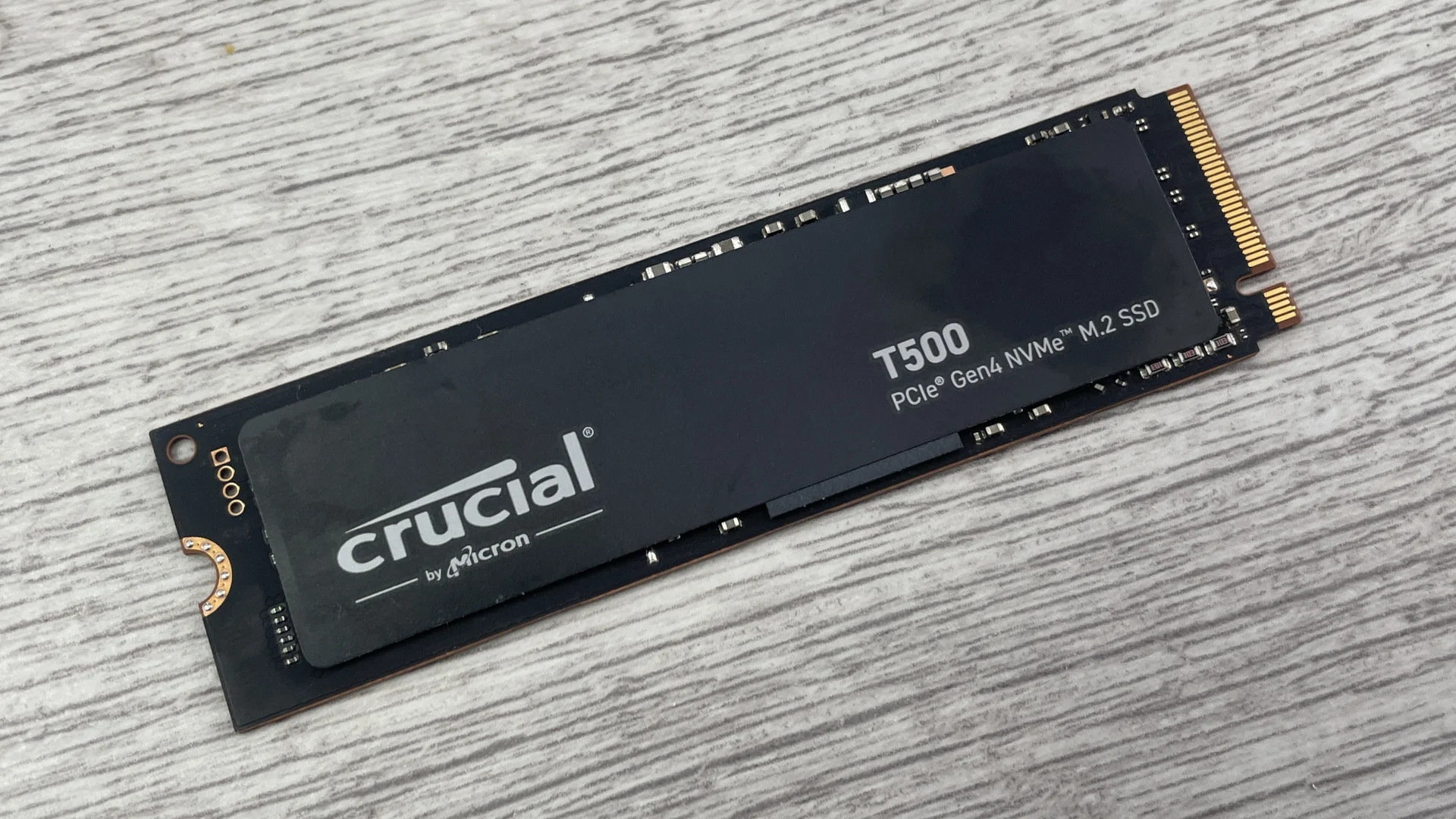
 Image: representative product (Samsung)
Mid-Range Tier: Best $200-$300
The Seagate FireCuda 550 strikes a middle ground that I find very appealing for enthusiast builders. While it doesn’t push the absolute limits of the interface, it offers consistent 12,000 MB/s read speeds and excellent reliability ratings. I swapped my primary drive for this in my secondary rig, and the stability has been rock solid. It’s a great choice if you prioritize brand reputation and support over squeezing out that final 5% of synthetic performance. The firmware support from the manufacturer is top-tier, which gives me peace of mind when storing large game libraries. It’s a very sensible purchase for a high-end system.
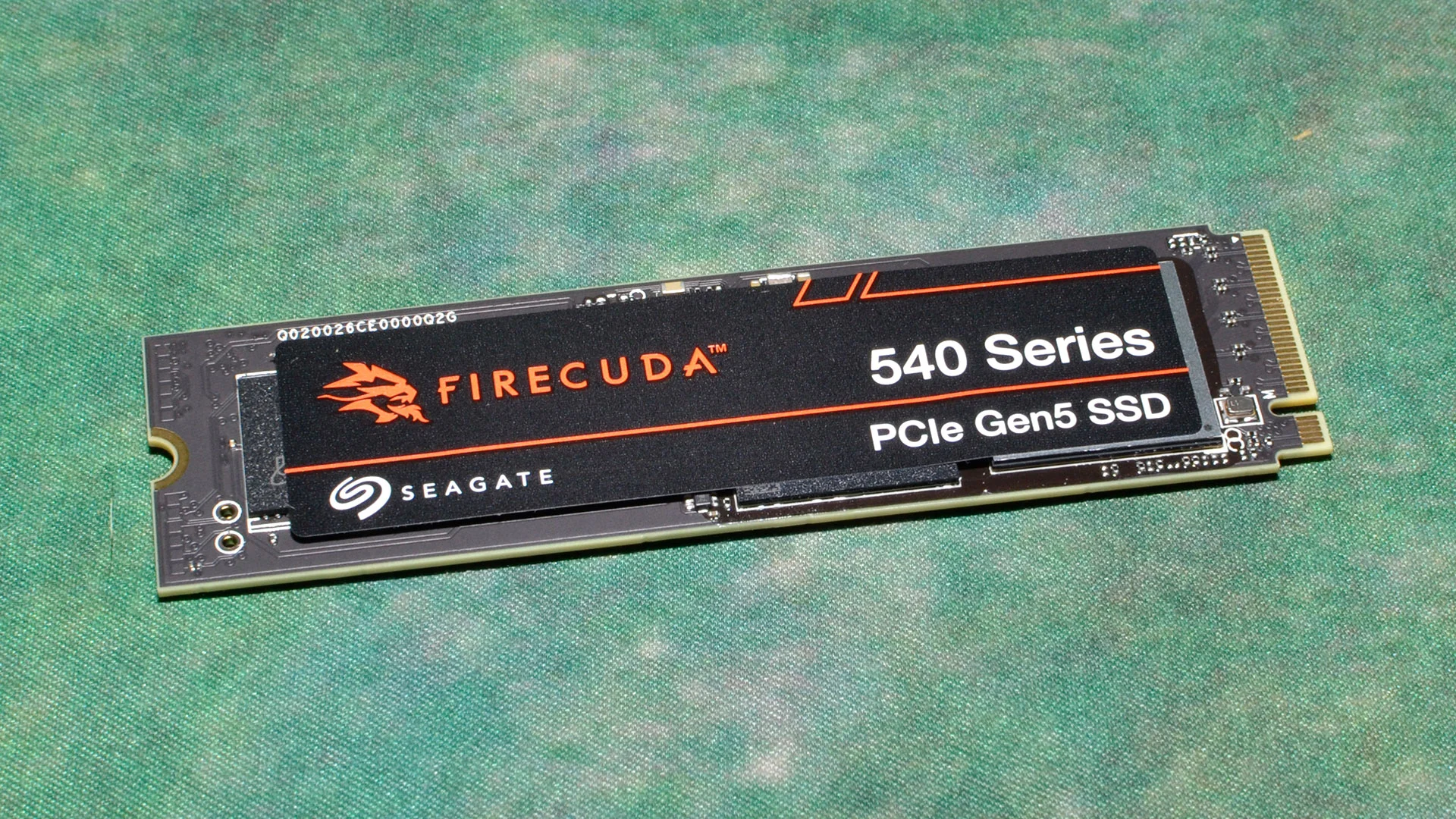 Image: representative product (Seagate)
Premium Tier: Best Over $300
If money is no object and you just want the fastest thing on the planet, the Crucial T705 is the device to beat. It hits 14,500 MB/s in favorable conditions, which is honestly overkill for 99% of people. I installed this in my main workstation, and while it definitely moves files like a dream, games don’t feel any snappier than they did on my old Samsung 980 Pro. That said, it is a technical marvel. The thermal management required is significant—you absolutely need the version with the integrated passive heatsink or a dedicated motherboard slot cover. It’s a luxury, sure, but it is the current king of storage speed.
 Image: Crucial
Thermal Management and Reality
Here is the thing about these drives: they get hot. Like, genuinely hot. We’re talking about controller temperatures that can easily exceed 80 degrees Celsius under load if you don’t have proper cooling. Most manufacturers now include massive, chunky metal heatsinks, and you should not remove them unless you have a high-end custom water-cooling block for your M.2 slot. I learned this the hard way during a prolonged file transfer test where the drive slowed to a crawl after three minutes of throttling. If your motherboard has a built-in M.2 shield, make sure the thermal pad is making perfect contact. Don’t skip this—it’s not optional.
Common Pitfalls for New Buyers
One of the biggest mistakes I see people make is buying an expensive drive and slotting it into a PCIe Gen 4 motherboard. You are just lighting money on fire. Before you purchase, check your CPU and motherboard spec sheet to confirm that the M.2_1 slot is explicitly wired for Gen 5 bandwidth. Another mistake is ignoring software tools. Always download the drive manufacturer’s firmware update utility. I’ve seen performance gains and stability improvements from simple updates that fix early-release bugs. Finally, stop buying based on hype. If you aren’t doing professional video editing, you probably won’t feel the difference between these and a top-shelf Gen 4 drive. Save that money for a better GPU instead.
Comparison
| Tier | Model | Max Read Speed | Recommendation |
|---|---|---|---|
| Budget/Mid | Crucial T700 | 12,400 MB/s | Best Value |
| Premium | Crucial T705 | 14,500 MB/s | Best Performance |
| Alternative | Seagate FireCuda 550 | 12,000 MB/s | Balanced Pick |
Frequently Asked Questions
Are PCIe Gen 5 SSDs for gaming 2026 worth the extra cost?
For most gamers, the answer is no, as current titles don't fully leverage the 14,000 MB/s speeds. However, for content creators or those wanting future-proof storage, it is a solid investment.
Do I need a special heatsink for these drives?
Yes, absolutely. Gen 5 drives run significantly hotter than Gen 4 models, and you will encounter thermal throttling within minutes of heavy transfer without a high-quality heatsink.
Will my older motherboard support these SSDs?
You can plug them into a PCIe Gen 4 slot, but they will be capped at Gen 4 speeds. You need an X670E or Z790/Z890 chipset with specific Gen 5 M.2 support to see full performance.
Does this upgrade improve frame rates?
Storage speed does not increase your raw frame rate. It strictly improves game loading times and reduces texture pop-in in titles that support DirectStorage.
Where to Buy
Related Articles
- AMD Ryzen 9000 vs Intel i7 2026: Which CPU is Better for Gaming?
- Best Budget CPU for Gaming 2026: Affordable Processors for Gamers
- Best CPU Coolers of 2026: Air and Liquid Cooling Options
- Best Entry-Level Webcams by Budget (2025): Top Picks for Every Price Range Under $75
- Best Ergonomic Gaming Chairs of 2026: Comfort & Support