Best Ergonomic Gaming Mice for Large Hands by Budget (2025): Top Picks for Every Price Range
Introduction
For gamers with larger hands, finding a mouse that provides long-term comfort without sacrificing performance is a critical quest. Using a peripheral that’s too small can lead to cramping, fatigue, and inconsistent aim. This is where the importance of the best ergonomic gaming mice comes into play. What’s an ergonomic gaming mouse? It’s a device specifically sculpted to fit the natural curvature of the human hand, reducing strain on the wrist and fingers during marathon gaming sessions. While performance specs like DPI and polling rate are vital, the physical shape is critical for those with larger palms. Price matters significantly in the current market. You don’t always need to spend a fortune to get a high-quality sensor and a comfortable shape. In this guide, we break down the top recommendations for 2025, ensuring that every gamer finds a solution that fits their wallet. Whether you’re looking for a budget-friendly entry or a premium wireless powerhouse, our recommendations are based on strict performance, value, and user needs criteria. We’ll also cover the benefits of ergonomic gaming mice for large hands to help you understand why upgrading is a smart investment for your health and gameplay.
How We Chose
These Products Selecting the right gaming mouse involves more than just looking at the brand name. To ensure we recommend only the best ergonomic gaming mice for large hands, we evaluated dozens of products based on a rigorous set of criteria. Performance is our top priority. We analyzed sensor accuracy, click latency, and motion consistency to ensure every mouse tracks pixel-perfect movements. Build quality is equally important; we looked for durable materials, reliable switches, and solid construction that doesn’t creak under pressure. We also scrutinized features relative to price. Does the mouse offer programmable buttons, wireless connectivity, or adjustable weights? We calculated the price-to-performance ratio to ensure you’re getting real value, not just marketing hype. Finally, we considered user experience and reviews, specifically focusing on feedback from users with large hands to verify the comfort claims. Brand reliability played a role as well, ensuring that warranties and software support are up to standard.
Best by Budget – Full Breakdown
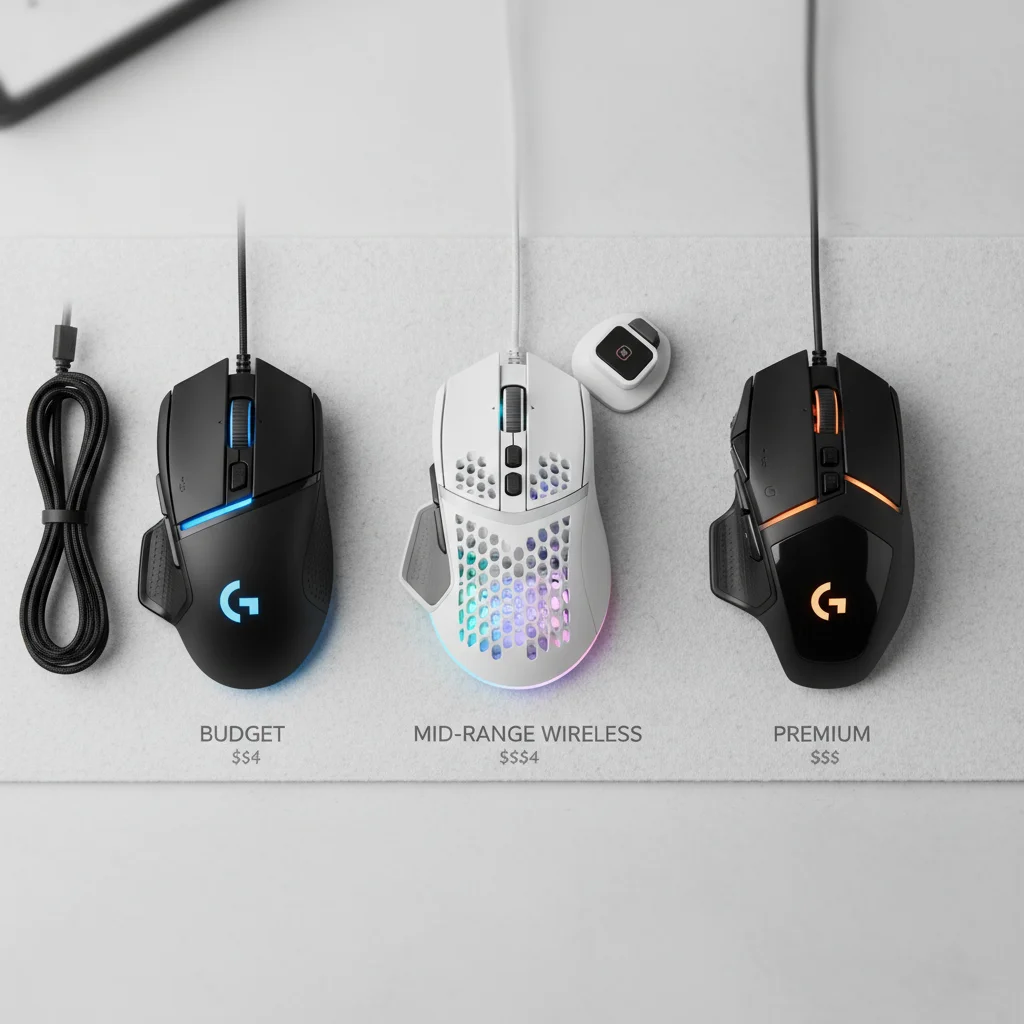
Navigating the market can be overwhelming, so we’ve categorized our top picks by price range. This structure allows you to go straight to the tier that matches your financial plan. Below, you’ll find the best budget ergonomic gaming mouse options alongside mid-range and premium heavy hitters, ensuring a perfect match for every gamer.
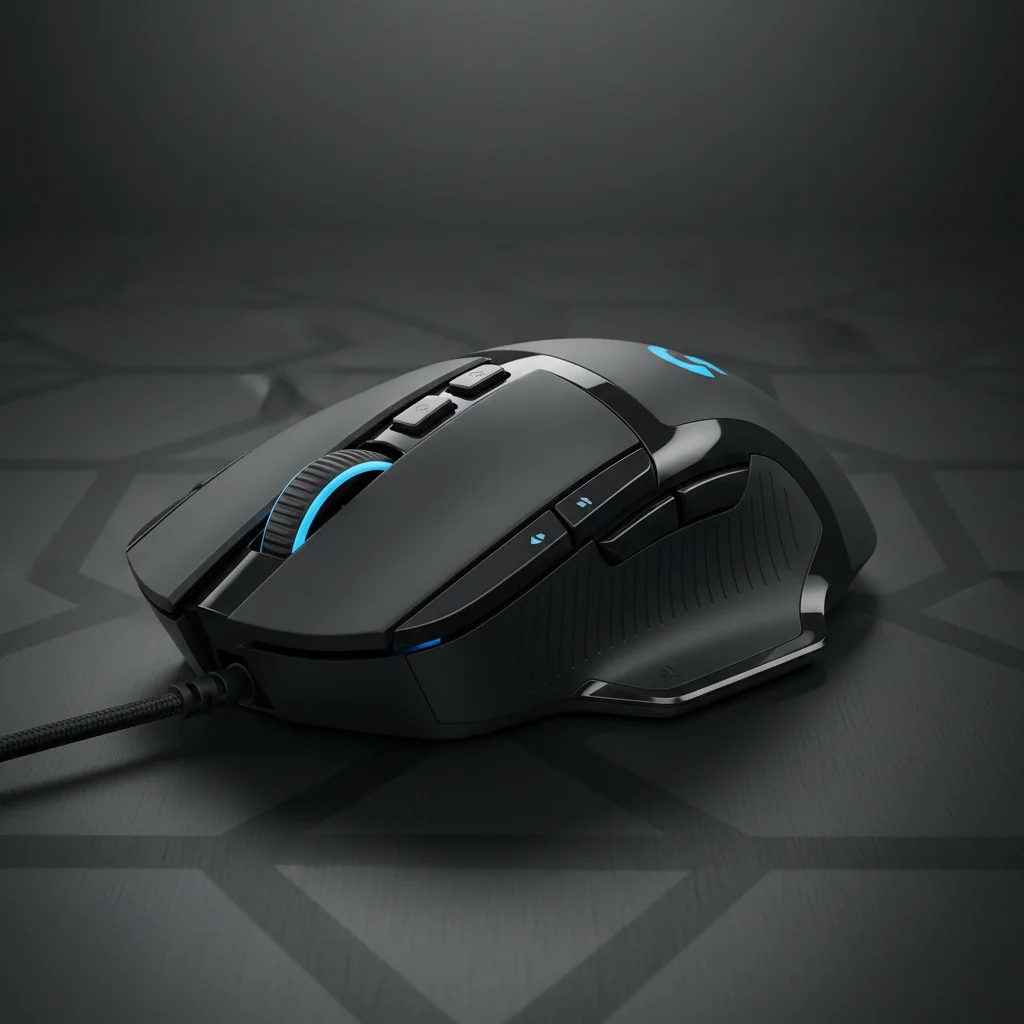
Under $50: Best
Budget Pick In the under $50 category, you can expect wired connectivity and slightly heavier builds, but sensor performance is often on par with top-tier models. These mice are ideal for beginners or gamers who prioritize value and durability over wireless freedom. They typically offer solid feature sets but may lack the ultra-lightweight designs found in more expensive tiers. Best Pick: Logitech G502 HERO The Logitech G502 HERO is a legendary status mouse that continues to dominate the budget sector. It’s renowned for its comfortable, thumb-rest design which is perfect for large hands. Key features:
- HERO 25K Sensor for sub-micron precision
- 11 programmable buttons
- Adjustable weight system
- Mechanical switch tensioning Pros:
- Excellent sensor accuracy
- Versatile for multiple game genres (FPS, MOBA, MMO)
- Durable build quality
- Infinite scroll wheel Cons:
- Heavier than modern trends (121g base weight)
- Thick, braided cable can be stiff Why it’s the best in its price range: The G502 HERO offers a feature set that rivals mice three times its price. Its large, ergonomic shape provides ample palm support, making it one of the benefits of ergonomic gaming mice for large hands on a budget. It remains the king of value. Ideal user profile: Gamers who play a variety of genres and prefer a heavier, substantial feeling mouse with plenty of buttons.
$50–$100: Best
Mid-Range Pick Stepping up to the $50–$100 range usually unlocks wireless connectivity or significant weight reduction. At this price point, build quality improves, and you start seeing optical switches that prevent double-clicking issues. This is the sweet spot for most competitive gamers. Best Pick: Pulsar Xlite V3 (Size 3/Large) The Pulsar Xlite V3 is a masterclass in modern ergonomic design. Specifically, the Size 3 variant is engineered for large hands, offering a palm-filling shape without the bulk. Key features:
- Ultra-lightweight design (approx. 58g)
- PAW3395 flagship sensor
- Optical switches for instant actuation
- Lag-free wireless technology Pros:
- Incredible price-to-performance ratio
- Shape is perfectly optimized for right-handed comfort
- Very low latency
- USB-C fast charging Cons:
- Open bottom design might gather dust
- Software is basic compared to larger brands Why it wins this tier: It brings enthusiast-grade specifications and a shape specifically tailored for large hands into an accessible price bracket. It eliminates the cable drag without breaking the bank. Ideal user profile: Competitive FPS players looking for a lightweight wireless mouse that fits a large palm grip.
$100–$150: Best High-Performance
Pick In the $100–$150 range, you’re paying for the absolute best technology available. This tier offers 4K polling rate compatibility, the longest battery lives, and the most refined shapes used by esports professionals. Expect flawless wireless performance and premium coatings. Best Pick: Razer DeathAdder V3 Pro The DeathAdder line has long been the gold standard for ergonomics, and the V3 Pro refines this legacy for the modern era. It sheds significant weight while improving structural integrity. Key features:
- Focus Pro 30K Optical Sensor
- Ultra-lightweight (63g)
- HyperSpeed Wireless technology
- Refined ergonomic shape for large hands Pros:
- Best-in-class sensor performance
- extremely comfortable for long sessions
- Optical mouse switches Gen-3
- Great battery life (up to 90 hours) Cons:
- Expensive
- No RGB lighting (for those who care)
- 4K dongle sold separately Why it wins this tier: It’s widely considered the best ergonomic gaming mouse for competitive play. The shape has been micro-adjusted with input from pros to ensure it supports large hands perfectly during high-stakes moments. Ideal user profile: Esports aspirants and hardcore gamers who demand the absolute lowest latency and best shape.
$150 and Above: Best
Premium Pick When you go above $150, you’re looking at the ‘all-in-one’ battlestations. These mice come with every feature imaginable: wireless charging docks, excessive programmable buttons, advanced RGB zones, and multi-device connectivity. They’re luxury items. Best High-End Pick: Razer Basilisk V3 Pro If the DeathAdder is the race car, the Basilisk V3 Pro is the luxury tank. It packs every technology Razer has developed into a comfortable, ergonomic chassis. Premium features:
- HyperScroll Tilt Wheel (Free-spin and tactile modes)
- 13-zone Chroma RGB lighting with underglow
- Wireless charging compatibility (with Mouse Dock Pro)
- Bluetooth and 2.4GHz wireless Pros:
- Feature-rich and highly versatile
- Extremely comfortable thumb rest design
- Premium tactile feel on all buttons
- 4K polling rate compatible Cons:
- Heavy (112g)
- Very high price tag
- Battery life suffers with RGB on Who it’s made for: The enthusiast who wants one mouse to do everything—work, MMOs, FPS, and media control—without compromising on comfort.
Comparison Table
Buying Tips by
Budget Knowing how to choose an ergonomic gaming mouse depends largely on your budget and hand size. Here’s what to look for at each tier. If You Are on a Tight Budget:
Focus on the sensor and the shape. Don’t worry about wireless connectivity or RGB lighting, as these drive up costs. The most important factor is that the mouse fits your large hands comfortably. Avoid generic, unbranded mice that claim high DPI but use cheap sensors that spin out during fast movements. Wired mice in this category offer the best stability. Best Value for Mid-Range Buyers: Look for weight reduction and wireless reliability. In the $50–$100 range, you should expect a flawless wireless connection (2.4GHz). This is also where you should look for optical switches, which are more durable than mechanical ones. The benefits of ergonomic gaming mice for large hands are most evident here, as manufacturers invest more in specialized molds. Premium Buyers: At the high end, ensure you’re getting premium extras. High polling rates (4000Hz or 8000Hz) and wireless charging compatibility are what make these products worth the investment. However, don’t assume expensive always means better for you; if you only play FPS games, a heavy premium mouse might actually hinder your aim compared to a simpler, lighter mid-range option.
Common Mistakes to
Avoid Even experienced gamers make errors when shopping for peripherals. Avoid overpaying for unnecessary features like extreme DPI numbers (20,000+) which you’ll likely never use; most pros play under 1600 DPI. Another mistake is ignoring ergonomics in favor of aesthetics. A mouse might look cool, but if it’s too small or flat for your large hands, it will cause pain. Also, avoid choosing based only on brand reputation. While big brands are reliable, lesser-known enthusiast brands like Pulsar or Lamzu often offer better value and innovation in the ergonomic space. Finally, don’t confuse marketing terms like ‘ambidextrous’ with ‘ergonomic.’ For large hands, a dedicated right-handed ergonomic design usually offers superior comfort compared to a symmetrical ambidextrous shape.
Who Should Choose
Which Budget Tier? Beginners and Budget Buyers should stick to the Under $50 tier. The Logitech G502 HERO provides everything you need to start gaming seriously without a huge investment. Competitive FPS Players should target the $50–$100 or $100–$150 tiers. Mice like the Pulsar Xlite V3 or DeathAdder V3 Pro offer the lightweight agility required for snap aiming. MMO Players require buttons. The budget G502 or the premium Basilisk V3 Pro are excellent choices because of their extra programmable inputs. Streamers and Enthusiasts who want a clean, wire-free setup with RGB flair should look at the $150+ tier. The aesthetics and charging docks add to the production value of a stream setup.
Final Verdict
After testing and analyzing the market, the best budget tier for overall value is the $50–$100 range. It offers the most significant leap in performance—giving you wireless freedom and lightweight designs—without the diminishing returns of the ultra-premium price points. The best ergonomic gaming mouse for most gamers with large hands is the Pulsar Xlite V3 (Large). It balances price, performance, and comfort perfectly. However, if you have the budget and demand the absolute best, the Razer DeathAdder V3 Pro remains the undisputed king of competitive ergonomics. Upgrading to a higher price tier is worth it if you’re cutting cords or chasing esports glory, but for casual enjoyment, modern budget mice are exceptionally capable.
FAQs Is it worth buying a premium ergonomic gaming mouse?
Yes, if you game for many hours a day. Premium mice often use better materials and lighter designs that reduce physical strain over time. What’s the best budget option for FPS gaming with large hands? The Logitech G502 HERO is the top pick, though it’s heavy. For a lighter budget option, look for a wired Razer DeathAdder V3. How much should a gamer spend on a good ergonomic mouse? Between $60 and $100 is the sweet spot where you get professional-grade sensors and wireless tech without paying a luxury tax. Do expensive gaming products always perform better? Not necessarily. A $150 mouse might have features you don’t need, like RGB or a dock. A $60 focused performance mouse can track just as accurately in-game.