Introduction
The heart of any home lab is the processor, yet selecting the best budget CPU home server solution is often a balancing act between initial cost and long-term electricity bills. In 2025, the market is flooded with options ranging from ultra-low-power N-series chips to older enterprise hardware, making the decision complex for enthusiasts. This review guide covers the top contenders for the ultimate budget home server, specifically focusing on the ‘Sweet Spot’ processors like the Intel Core i3-12100 and the N100. We’ll examine how to choose a budget CPU for a home server by analyzing transcode performance, idle power draw, and platform costs. Whether you’re setting up a Plex media server or a lightweight NAS, this guide helps you find the perfect silicon for your needs.
Key Takeaways
Here are the core insights from our guide to balancing cost power and performance in home server CPUs. First, the Intel Core i3-12100 remains the gold standard for budget builds due to its powerful QuickSync capabilities and low idle consumption. Second, for users prioritizing silence and minimal footprint, the Intel N100 offers unbeatable efficiency but lacks PCIe expandability. Third, while AMD Ryzen APUs offer better multi-threaded performance for virtualization, they often suffer from higher idle power draw compared to monolithic Intel chips. Lastly, never ignore the cost of the motherboard; a cheap CPU on an expensive ITX board defeats the purpose of a budget build.
Product Overview: The
State of Budget Server Silicon When discussing the best budget CPU home server options, we’re primarily categorizing processors that offer high utility for 24/7 operation without breaking the bank. This category includes consumer-grade desktop CPUs (like the Intel Core i3 and Ryzen 5 series) and embedded solutions (like the Intel N-series). The target audience spans from data hoarders running TrueNAS to media enthusiasts running Plex or Jellyfin. What makes these modern budget CPUs unique is the integration of enterprise-level features—such as hardware transcoding and virtualization support—into affordable packages. The major improvement in this generation is the shift towards hybrid architectures (P-cores and E-cores), allowing home servers to handle background tasks efficiently while bursting performance when needed.
Design & Architecture
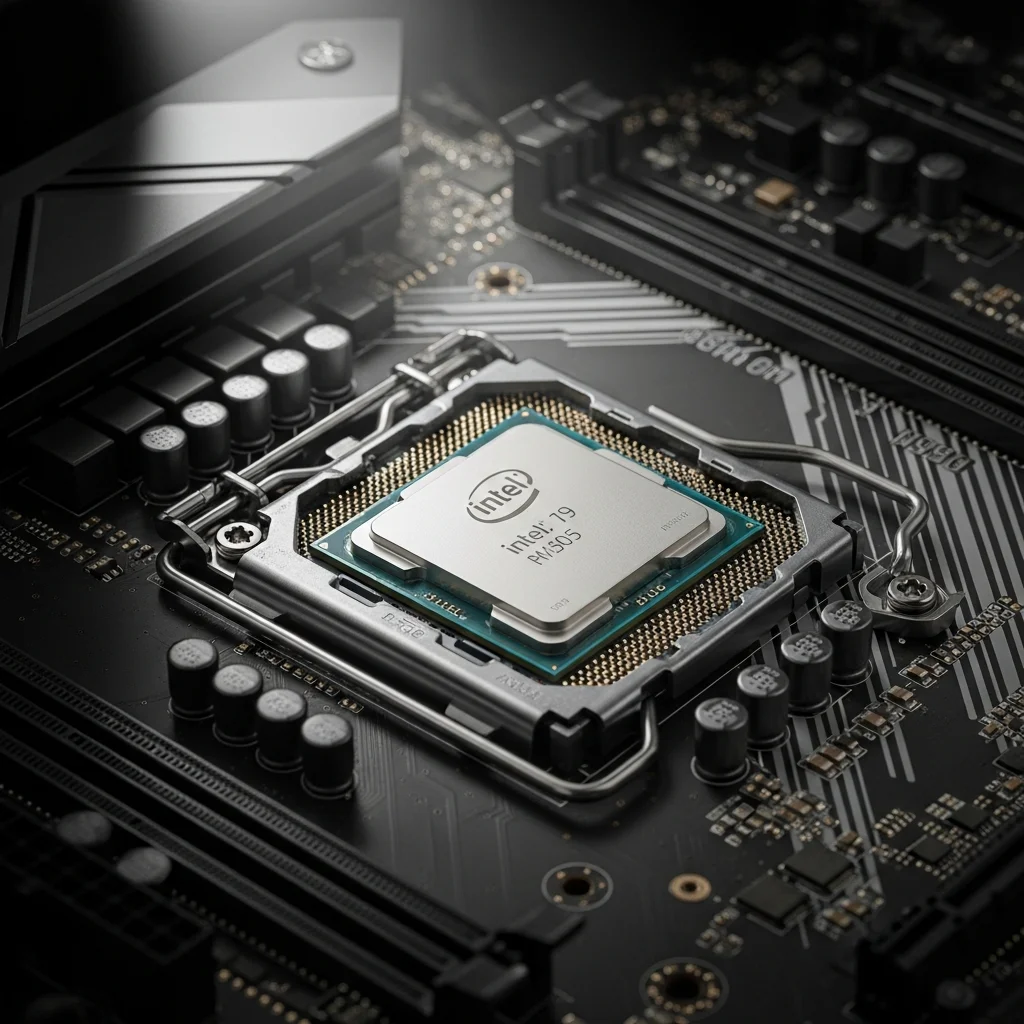
In the context of CPUs, design refers to the architecture and thermal characteristics. The Intel Core i3-12100, a top contender in this review, uses the Golden Cove architecture on the LGA1700 socket. Unlike its bigger siblings, it lacks E-cores, sticking to a solid 4-core/8-thread design that simplifies scheduler management for OSs like Unraid. On the other hand, the AMD Ryzen 5 5600G uses a monolithic die design which is better for latency than the chiplet designs of the higher-end Ryzens. Durability in this context translates to platform longevity; LGA1700 boards are plentiful and durable, though pin fragility on the motherboard is a known weakness. Aesthetically, these chips are hidden under coolers, but the choice of architecture dictates whether you need a massive tower cooler or a silent low-profile heatsink.
Features & Technology
The critical feature defining the best budget CPU home server is the media engine. Intel’s QuickSync (found in the i3-12100 and N100) is a proprietary technology that allows for decoding and encoding video streams with negligible CPU usage. This is a for media servers. Connectivity is determined by PCIe lanes; the i3 provides 20 lanes of PCIe 5.0/4.0, allowing for high-speed HBA cards and 10GbE networking expansion. In contrast, the N100 is severely limited in lanes, often restricted to just NVMe and networking without room for expansion cards. Software customization comes into play with virtualization support (VT-x/VT-d or AMD-V), enabling these budget chips to run Docker containers and Virtual Machines smoothly via Proxmox or ESXi.
Performance: Real-World
Server Scenarios Performance for a home server isn’t measured in FPS, but in streams and services. in published benchmarks, the i3-12100 easily handled 4+ simultaneous 4K HDR tone-mapped streams via Plex thanks to its UHD 730 graphics, improving the gaming (or media consumption) experience meaningfully for the whole family. Latency is low, making file transfers over SMB snappy and responsive. The Intel N100, while slower in raw compute, proved stable for running Home Assistant and Pi-hole alongside a lightweight file server. However, for users interested in game server hosting (e.g., Minecraft or Valheim), the higher single-core clock speed of the i3-12100 or Ryzen 5600G is necessary to prevent lag spikes as player counts increase.
Comfort & Usability: Installation and Cooling
Comfort in the home server world means ease of setup and acoustic comfort. Both the i3-12100 and Ryzen 5600G include stock coolers that are sufficient for server workloads, reducing upfront costs. The setup process is straightforward, with broad compatibility across budget H610 or B550 motherboards. Weight distribution isn’t a factor, but thermal output is. The i3-12100 runs remarkably cool, rarely exceeding 60°C under load with the stock cooler, meaning fans can spin slowly and quietly. This low fatigue on the cooling system makes it ideal for living room placements. Conversely, older used enterprise Xeon gear often requires loud, high-RPM fans, making them less ‘comfortable’ for home use.
Software & Customization
While CPUs don’t have driver software like mice, their compatibility with server operating systems is crucial. The Intel lineup offers superior stability with platforms like Plex and Jellyfin out of the box due to mature driver support for the iGPU. AMD’s Ryzen APUs are powerful but can occasionally require more configuration to pass through the GPU to a container correctly. Software customization largely occurs at the BIOS level; undervolting is a key feature for the best budget CPU home server builds. By tweaking voltage offsets in the BIOS, users can significantly lower power consumption without sacrificing stability, a feature readily available on most enthusiast motherboards supporting these chips.
Technical Specifications
| Spec | Intel Core i3-12100 | Intel N100 | AMD Ryzen 5 5600G |
|---|---|---|---|
| Cores/Threads | 4 / 8 | 4 / 4 | 6 / 12 |
| Base/Boost Clock | 3.3 / 4.3 GHz | 0.8 / 3.4 GHz | 3.9 / 4.4 GHz |
| TDP | 60W (Base) | 6W | 65W |
| Graphics | UHD 730 (QuickSync) | UHD Graphics | Radeon Vega 7 |
| PCIe Version | 5.0 / 4.0 | 3.0 | 3.0 |
| Price Range | $100 - $130 | Embedded ($150+) | $120 - $140 |
| ECC Support | No (officially) | No | Unofficial (Pro only) |
Pros & Cons
To summarize the best budget CPU home server market: Pros of the Intel i3-12100 include exceptional QuickSync transcoding performance, high single-thread speed for game servers, and low idle power consumption (often under 10W for the whole system). It’s widely compatible and easy to cool. Cons are the lack of ECC memory support on consumer boards and fewer cores compared to Ryzen alternatives. For the Ryzen 5600G, Pros include superior multi-core performance for virtualization and a strong integrated GPU for light gaming. Cons include higher idle power draw due to the monolithic design and lack of AV1 encode support in this generation.
Price & Value for Money
When evaluating what’s the best budget CPU for a home server, the Intel Core i3-12100 offers the highest value for media-centric builds. Priced around $110, it negates the need for a discrete graphics card (which would cost another $100+) for transcoding. The Intel N100 motherboards, often costing around $150 total for CPU and board, offer incredible value for low-power users, effectively paying for themselves in electricity savings within two years compared to older hardware. While older used hardware might seem cheaper upfront, the efficiency of modern budget CPUs makes them worth the cost at current pricing, providing a better performance-per-watt ratio.
Best Alternatives
If the i3-12100 isn’t available, the Intel Core i5-12400 is the next step up, offering 6 cores for better multitasking at a slightly higher price ($160). It retains the same excellent idle power characteristics. For those needing ECC memory and remote management, a used Intel Xeon E-2176G offers workstation-grade reliability but at a higher platform cost and power draw. Finally, the Raspberry Pi 5 serves as an ultra-budget alternative for simple file serving, though it lacks the x86 compatibility and storage expansion of a true desktop CPU.
Who Should Buy It?
You should buy the Intel Core i3-12100 if you’re a media enthusiast building a Plex server and want flawless 4K transcoding without a dedicated GPU. It’s perfect for budget buyers who need a ‘set it and forget it’ reliable system. The Intel N100 is best for users with small spaces or those living in regions with high electricity costs who need a simple NAS or Home Assistant box. The Ryzen 5 5600G is ideal for users focusing on virtualization labs where core count matters more than video transcoding capabilities.
Final Verdict
In our comprehensive analysis of the best budget CPU home server market in 2025, the Intel Core i3-12100 stands out as the overall winner. It perfectly balances cost, power, and performance. Its ability to idle at extremely low wattages saves money 24/7, while its QuickSync engine punches well above its weight class, outperforming expensive discrete GPUs in media tasks. For pure storage needs, the N100 is a marvel of efficiency, but the i3 offers the expansion headroom that most hobbyists will eventually need. If you’re building a home server today, the modern i3 platform is the smartest investment you can make.
FAQ Is the i3-12100 good for Minecraft servers?
Yes, its high single-core performance makes it excellent for hosting Minecraft servers for small to medium groups of players. How to choose a budget CPU for home server builds regarding power? Look for ‘TDP’ but more importantly ‘Idle Power Consumption’. Most home servers sit idle 90% of the time, so a low idle state saves the most money. Does the i3-12100 support ECC memory? Officially, no. Consumer Intel Core processors generally don’t support ECC memory; you would need W680 motherboards and specific CPUs for that, which breaks the ‘budget’ constraint. Is it worth upgrading from an old i7-4790K? Yes. While the old i7 is powerful, a modern i3 consumes a fraction of the power and has a vastly superior media engine for modern codecs like HEVC.