When you purchase through links on our site, we may earn an affiliate commission.
Can You Put a Gaming Mouse Pad in the Dryer?
No. You should never put a gaming mouse pad in a machine dryer. High heat causes irreparable damage to the pad’s materials, specifically the rubberized base and fabric surface. This leads to a compromised gaming experience and a significantly shortened lifespan. In our experience, a dryer’s extreme temperatures and tumbling action degrade the materials common to most cloth gaming mouse pads, which use a fabric top bonded to a non-slip rubber or silicone base. This construction simply isn’t designed for such harsh conditions.
Why Heat is the Enemy of Your Mouse Pad
Heat is the primary destroyer. Most modern desk mats combine a soft cloth top bonded to a rubber or silicone base. These materials react differently to high temperatures: the rubber base will deform, warp, or even melt, creating an uneven surface. This directly impacts tracking accuracy and overall mouse glide, making precision movements inconsistent and sluggish. Beyond the rubber, heat weakens the adhesive bonding the fabric to the base. This leads to delamination and fraying edges, effectively turning your high-performance surface into a glorified placemat.
 Image: representative product (ASUS)
The Risks of Tumble Drying
Beyond direct heat, a tumble dryer’s mechanical action presents additional risks. Constant tumbling and friction damage the fabric surface, creating snags or wearing down the intricate weave vital for optimal sensor tracking. For mouse pads with stitched edges—a common durability feature—aggressive agitation causes stitching to unravel, leading to premature wear and rough edges. This isn’t about minor cosmetic flaws; it’s about maintaining a critical gaming surface’s integrity. As serious builders, we know a compromised pad can mean missed headshots and frustrating micro-adjustments. Don’t risk it for a quicker dry.
Safe and Effective Cleaning Techniques
Cleaning your gaming mouse pad doesn’t require extreme measures; gentle care ensures longevity. For most cloth mouse pads, hand washing is the safest and most recommended method. Fill a sink or tub with lukewarm water, adding a small amount of mild dish soap or a dedicated fabric cleaner. Submerge the pad, then gently scrub the surface with a soft sponge or soft-bristle brush in circular motions to lift away dirt, oil, and grime. For stubborn stains, a few minutes of soaking helps, but avoid prolonged immersion, especially for pads with foam padding or RGB lighting components.
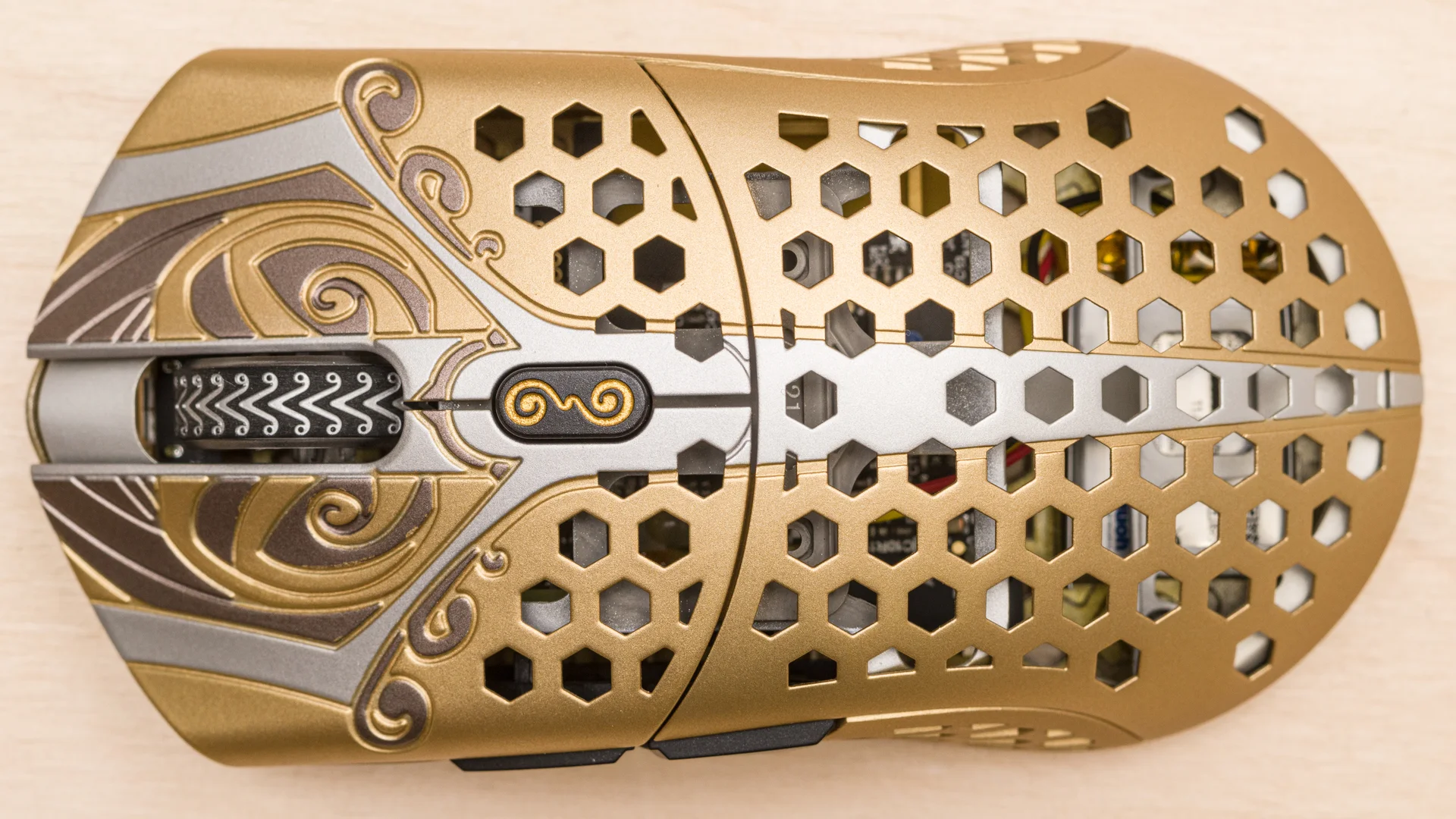 Image: representative product (Finalmouse)
Rinsing and Preparing for Drying
After washing, thorough rinsing is critical to remove all soap residue, which can otherwise leave a sticky film or affect glide performance. Rinse the mouse pad under cool, running water until no suds remain. Once rinsed, gently press out excess water. Never twist or wring the pad, as this damages its internal structure. Lay the pad flat between two clean towels and apply gentle pressure, or carefully roll it up with the towels to absorb maximum moisture. This initial towel drying significantly reduces overall air-drying time.
The Right Way to Dry Your Gaming Mouse Pad
The best way to dry your gaming mouse pad is natural air drying. After towel-drying, lay the pad flat on a clean, dry surface—a table or drying rack works well. Ensure the area is well-ventilated, but avoid direct sunlight; UV rays fade colors and degrade materials. Keeping the pad flat during drying is crucial to prevent curling or warping. Depending on pad thickness and ambient humidity, this process can take 24-36 hours. This patience maintains the pad’s original shape and performance. Manufacturers like CHERRY XTRFY explicitly warn: ‘The mousepad mustn’t go in the dryer!’
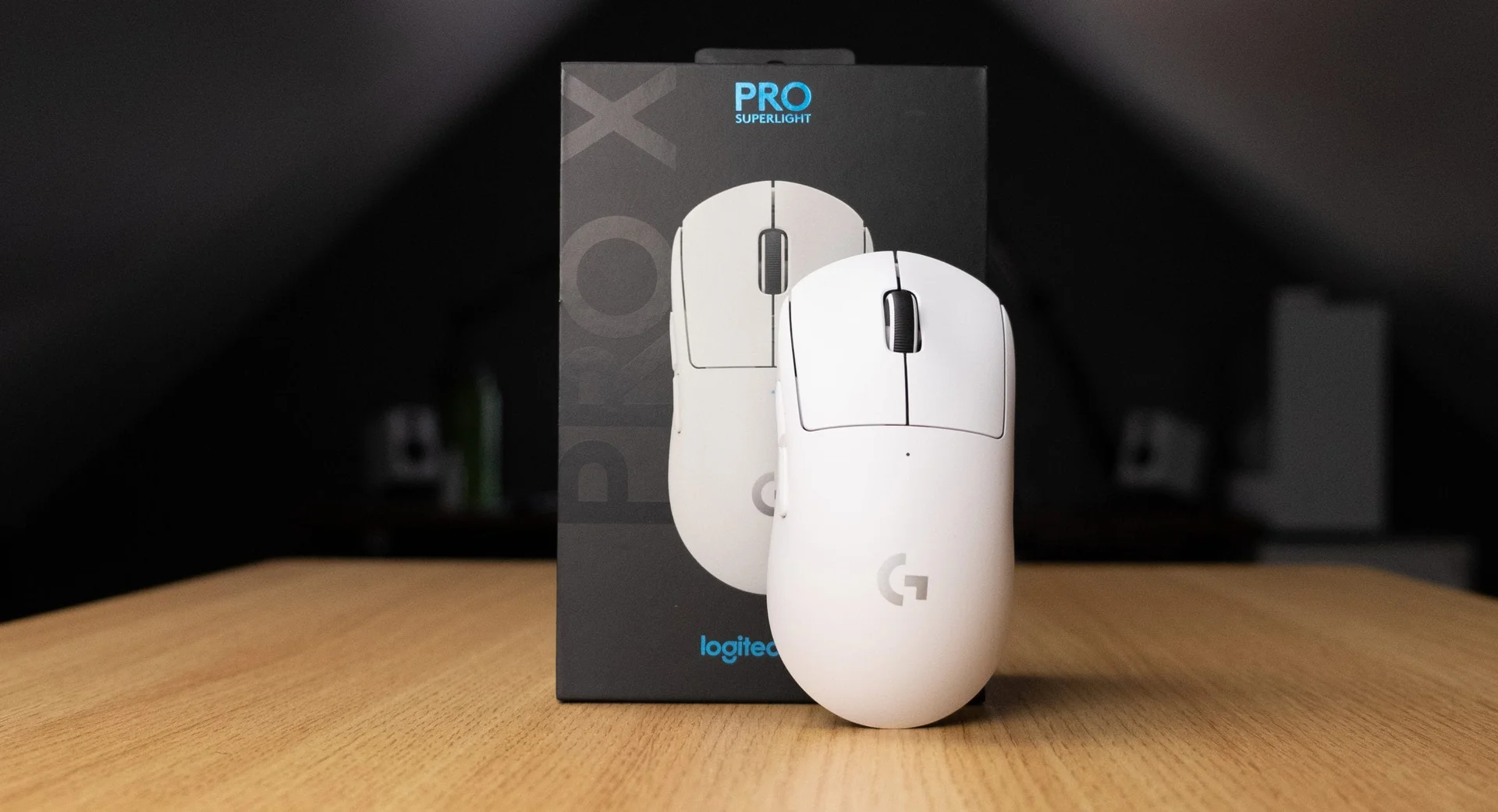
 Image: representative product (Logitech)
Common Mistakes to Avoid Beyond the Dryer
While the dryer is off-limits, other cleaning pitfalls still compromise a gaming mouse pad. Avoid harsh chemical cleaners, bleach, or abrasive scrubbing tools; these damage surface coatings, fade prints, and degrade fabric fibers. Hot water is similarly not recommended for washing, as it’s detrimental to the rubber base and adhesives, mirroring dryer heat damage. Neglecting to fully dry the pad is another common mistake. Residual moisture leads to mildew, odors, and can even impact sensor performance due to increased friction. Always ensure your pad is bone dry before returning it to your desk.
Final Verdict: Air Dry for Peak Performance
The verdict is clear: keep your gaming mouse pad far from the dryer. Its high heat and aggressive tumbling action directly threaten structural integrity and gaming performance. We understand the temptation for a quick fix, but the long-term consequences—warped bases, delaminated surfaces—aren’t worth it. Instead, embrace the proven method: gentle hand washing with mild soap, followed by a patient, flat air dry. This approach ensures your mouse pad retains its intended glide, precision, and durability, maintaining your competitive edge. Don’t compromise your gear for fleeting ‘convenience.‘
Frequently Asked Questions
Can I machine wash my gaming mouse pad?
Yes, many cloth gaming mouse pads can be machine washed, but it requires specific precautions. Always use cold water, a gentle cycle, and mild detergent. Crucially, avoid hot water and bleach, and consider using a mesh laundry bag to protect the pad from excessive agitation.
What happens if a mouse pad is not dried properly?
Improper drying, especially retaining moisture, can lead to several issues. These include mildew growth, unpleasant odors, and the degradation of materials. Water can also weaken adhesives, causing the fabric layers to separate from the rubber base, compromising the pad's integrity.
How long does it take for a mouse pad to air dry completely?
After hand-washing or machine-washing, a gaming mouse pad typically needs to air dry for 24-36 hours to ensure all moisture has evaporated. This timeframe can vary based on humidity levels, the pad's thickness, and ventilation in the drying area.
Can a hairdryer be used to speed up mouse pad drying?
While some sources suggest using a hairdryer on a low or cool setting, we generally advise against it for extended periods. Concentrated heat can still damage the rubber base or fabric, and uneven drying might lead to warping. Air drying, even if slower, is the safest method.
How often should I clean my gaming mouse pad?
The frequency of cleaning depends on usage and environment. For competitive gamers or those in dusty environments, a light wipe-down weekly and a deeper clean monthly might be necessary. Casual users might get away with a deep clean every few months, but consistent maintenance prevents grime buildup and maintains performance.
Related Articles
- Best Budget Gaming Mice Under $50: High Performance Without Breaking the Bank (2026)
- Best Ergonomic Gaming Mice for Large Hands by Budget (2025): Top Picks for Every Price Range
- Best Ergonomic Gaming Mouse 2026: Elevate Your Setup
- Best Gaming Mice 2026 Buying Guide: Expert Hardware Picks
- Best Gaming Mice Buying Guide 2026: Performance and Feel