Introduction
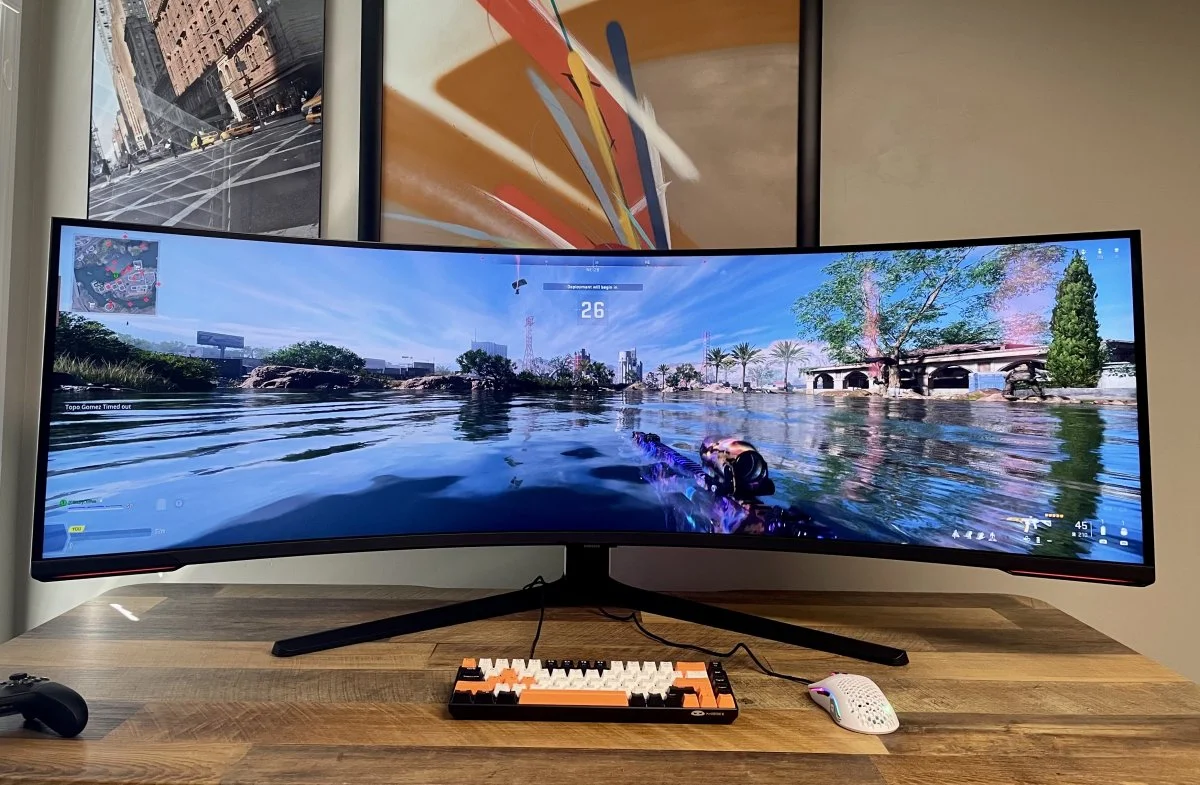
The gaming monitor market has seen a rapid evolution over the last few years, but few displays command attention quite like the Samsung Odyssey lineup. Standing at the apex of this lineup is the Samsung Odyssey G9 OLED, a 49-inch super ultra-wide behemoth that promises to redefine immersion. For years, the ‘G9’ moniker was synonymous with aggressive 1000R curves and blindingly bright Mini-LED backlights. However, with this latest iteration, Samsung has pivoted toward the infinite contrast and instantaneous response times of QD-OLED technology. In this Samsung Odyssey G9 OLED review, we’re going to determine if this shift in panel technology creates the ultimate gaming experience or if it introduces new compromises that gamers need to be aware of. This monitor is not just a display; it’s a statement piece designed for simulation enthusiasts, productivity power users, and anyone who wants to replace a dual-monitor setup with a single, smooth pane of glass. We’ll test everything from its 240Hz refresh rate to its build quality to help you decide if it’s the right centerpiece for your battle station.
Key Takeaways
-
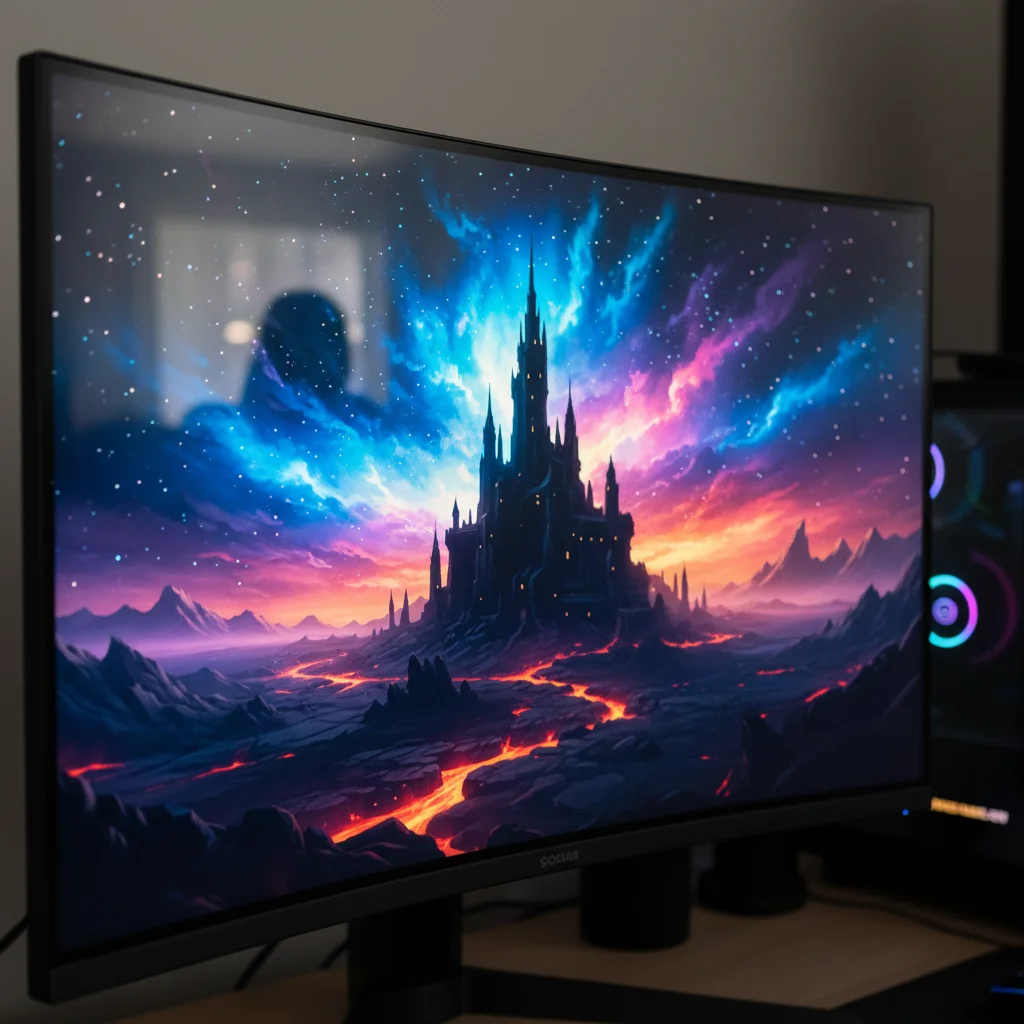
Unmatched Contrast and Color: The QD-OLED panel delivers perfect blacks and vibrant colors that standard IPS or VA panels can’t compete with, offering a truly cinematic experience.
-
Elite Motion Clarity: With a 0.03ms response time and 240Hz refresh rate, ghosting is virtually non-existent, making it incredible for fast-paced gaming.
-
New Form Factor: The 1800R curve is subtler than previous G9 models, making it arguably better for general use but slightly less ‘wrapping’ for deep immersion.
-
Text Clarity Issues: Due to the subpixel layout of OLED panels, text fringing can still be an issue for productivity tasks involving heavy reading or coding.
-
Premium Price: It remains one of the most expensive monitors on the market, requiring a high-end GPU to drive the 5120x1440 resolution effectively.
Product Overview
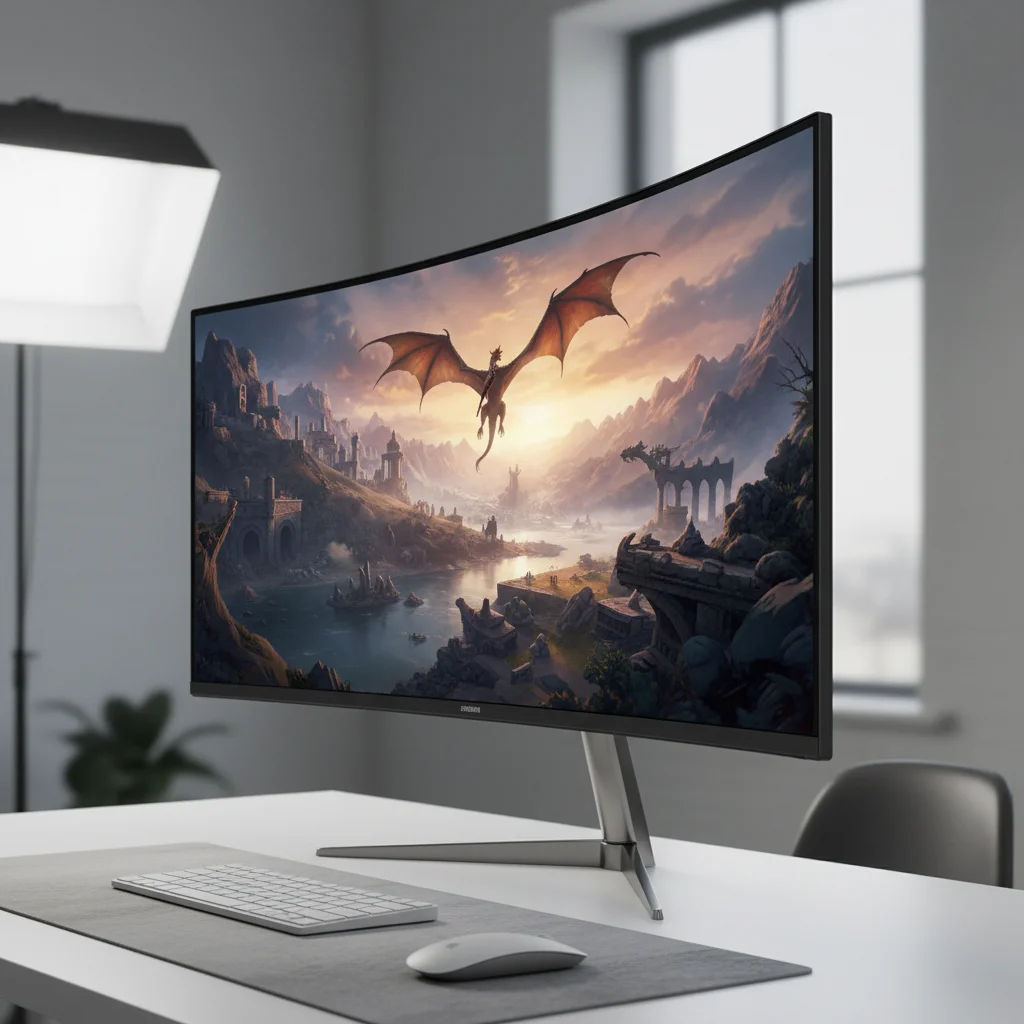
The G9 OLED (specifically the G95SC model) falls into the super ultra-wide category, with a 32:9 aspect ratio which is essentially two 27-inch QHD monitors fused together side-by-side without a bezel. It targets the upper echelon of the gaming market—specifically users who prioritize immersion above all else. Unlike its predecessor, the Neo G9 which used Mini-LED technology to achieve searing brightness, this model uses Quantum Dot OLED (QD-OLED). This technology combines the best of OLED’s self-emissive pixels (perfect blacks) with Quantum Dots (higher brightness and color volume). The result is a monitor that’s significantly thinner, lighter, and visually distinct from the previous generation. It’s designed for sim racers, flight simulator enthusiasts, and RPG gamers who want a panoramic view of their digital worlds, as well as creative professionals who need a vast timeline for video editing.
Design & Build Quality
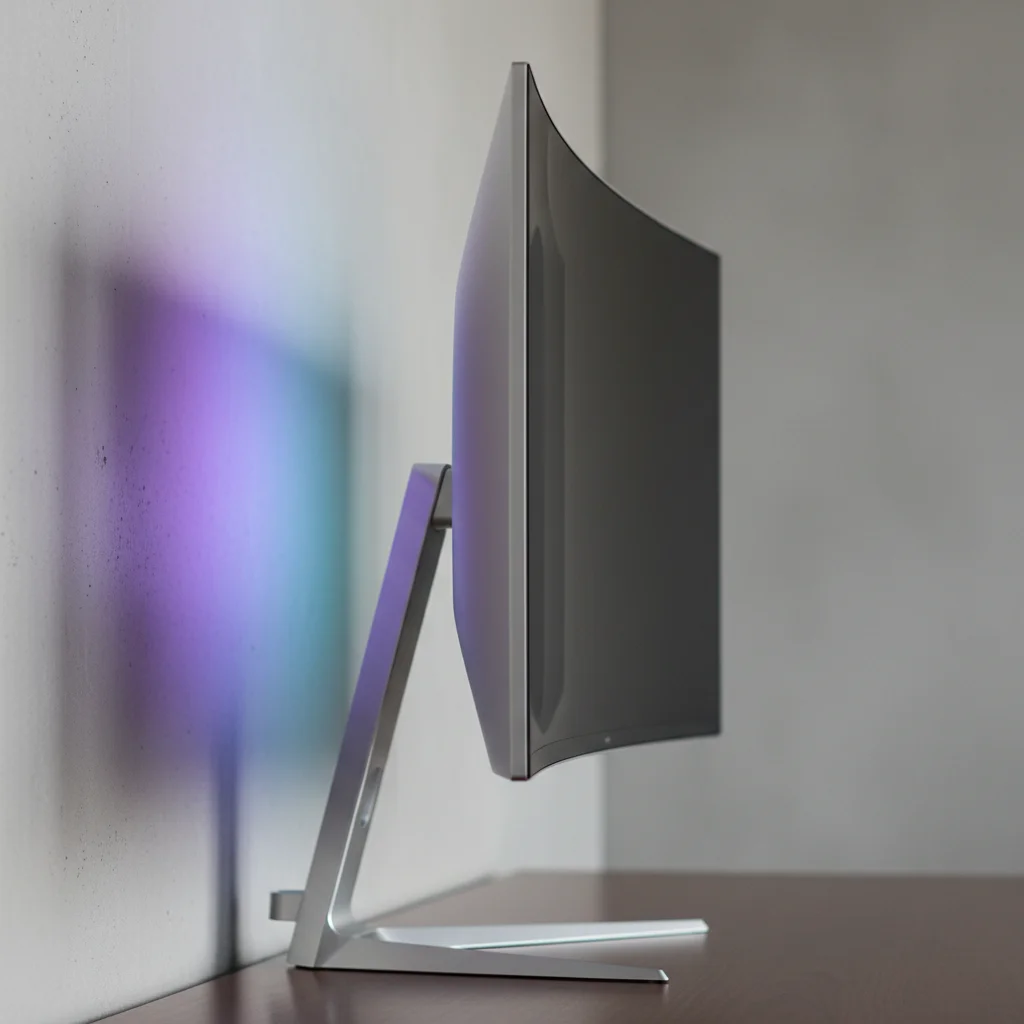
Samsung has completely overhauled the design language with the OLED G9. Gone is the bulky, plastic-heavy white chassis of the Neo G9. In its place is a surprisingly sleek, modern aesthetic featuring a silver metal finish and a panel thickness that’s merely millimeters wide at the edges. The build quality feels significantly more premium and refined than previous iterations. The stand is solid, offering height and tilt adjustments, though it lacks swivel capabilities, which is a minor annoyance for a screen of this width. The curve has been relaxed to 1800R compared to the aggressive 1000R of the Neo G9. While some hardcore simulation fans might miss the cockpit-like feel of the 1000R curve, the 1800R curvature makes the monitor much more practical for viewing from a distance and sharing the screen with others. On the rear, Samsung includes its signature CoreSync lighting, a ring of RGB LED that can sync with the colors on screen to project ambient lighting against your wall, adding to the immersion without being distracting.
Features & Technology
The star of the show is undeniably the QD-OLED panel. This technology allows for per-pixel dimming, meaning there’s absolutely no blooming—a common issue with local dimming zones on LCD screens. When a star shines in a black sky on this monitor, the surrounding pixels remain perfectly black. The screen has a resolution of 5120x1440, known as Dual QHD. Driving this many pixels requires the Neo Quantum Processor Pro, which also powers the smart TV features found in the G95SC model. This includes the Samsung Gaming Hub, allowing you to stream games via Xbox Cloud Gaming or GeForce Now directly to the monitor without a PC. Connectivity is solid, featuring HDMI 2.1, DisplayPort 1.4, and a USB hub. However, one of the most discussed G9 OLED features is its burn-in protection. The monitor employs pixel shifting and logo detection mechanisms to mitigate the inherent risks of OLED technology, giving users some peace of mind for long-term ownership.
Performance
When it comes to raw gaming performance, the Odyssey G9 OLED is nothing short of transformative. The combination of a 240Hz refresh rate and an instantaneous 0.03ms (GtG) response time results in motion clarity that makes even the fastest 360Hz IPS panels look slightly blurry by comparison. In fast-paced shooters like Doom Eternal or Overwatch 2, the image remains razor-sharp during rapid camera movements. There’s zero ghosting and zero overshoot. For simulation games like F1 23 or Microsoft Flight Simulator, the 32:9 aspect ratio provides a peripheral view that offers a genuine competitive advantage and a sense of speed that 16:9 monitors simply can’t replicate. The HDR performance is also stellar; while it doesn’t hit the 2000-nit peaks of the Mini-LED Neo G9, the contrast created by the True Black 400 certification makes highlights pop with incredible intensity. Colors are saturated and accurate, covering 99% of the DCI-P3 color space.
Comfort & Usability
Living with a 49-inch monitor requires an adjustment period. The sheer width means you’ll be physically turning your head to see UI elements in the corners of the screen, which can lead to neck fatigue if you sit too close. The 1800R curve helps mitigate this, but desk depth is crucial—you need a deep desk to position this monitor comfortably. The stand, while sturdy, has a wide footprint that can interfere with large mousepads. From a usability standpoint, the joystick control on the back is intuitive, but the included remote control (on the smart model) makes navigating the OSD much easier. The monitor runs slightly warm due to the OLED panel, but it doesn’t emit the furnace-like heat that the older LCD G9 models were known for. The glossy screen coating is fantastic for clarity but does handle reflections poorly, so light control in your room is essential.
Software & Customization
The software experience on the G9 OLED is a double-edged sword. The monitor runs on Tizen OS, Samsung’s smart TV platform. On one hand, this provides access to streaming apps like Netflix, Disney+, and YouTube in high quality, essentially turning your monitor into a TV. It also enables the Gaming Hub for cloud gaming. On the other hand, the Tizen interface can feel sluggish and bloated for a device that’s primarily a monitor. Navigating through menus to change simple picture settings can sometimes take more clicks than necessary. However, Samsung offers extensive customization options within the OSD. You can adjust color spaces, manage HDR tone mapping, and use features like Picture-by-Picture (PBP) and Picture-in-Picture (PIP). PBP is particularly useful here, as it allows you to display two sources side-by-side effectively creating two borderless 27-inch monitors, which is excellent for streamers who want to game on one side and manage chat on the other.
Technical Specifications | Spec | Details |
| Screen Size | 49-Inch Class |
|---|---|
| Panel Type | QD-OLED |
| Curvature | 1800R |
| Resolution | 5120 x 1440 (Dual QHD) |
| Refresh Rate | 240Hz |
| Response Time | 0.03ms (GtG) |
| Aspect Ratio | 32:9 |
| HDR Support | VESA DisplayHDR True Black 400 |
| Connectivity | 1x DisplayPort 1.4, 1x HDMI 2.1, 1x Micro HDMI 2.1, USB Hub |
| Dimensions (with stand) | 47.0 x 21.2 x 9.3 inches |
| Weight | 28.4 lbs |
| Price Range | $1,100 - $1,600 (Depending on sales) |
Pros & Cons Pros:
-
Perfect Blacks: The infinite contrast ratio provides unmatched image depth.
-
Motion Handling: 240Hz and 0.03ms response time offer elite-tier clarity.
-
Design: Extremely thin, premium metal build looks futuristic.
-
Smart Features: Built-in streaming apps and cloud gaming add versatility.
-
Immersion: The 32:9 aspect ratio is unbeatable for racing and flight sims. Cons:
-
Burn-in Risk: Like all OLEDs, static elements over long periods pose a risk.
-
Text Clarity: Text can appear slightly fringed due to the triangular subpixel structure.
-
Aspect Ratio Support: Not all games support 32:9 natively, resulting in black bars.
-
Reflection Handling: Glossy coating reflects ambient light easily.
Price & Value for Money
When discussing if the it worth it, context is key. Launching at a premium price point often exceeding $1,500, it’s an investment comparable to a high-end graphics card. However, aggressive sales often drop the price closer to the $1,100 mark. At that lower price point, the value proposition is tremendous. You’re effectively buying two high-end 1440p 240Hz OLED monitors in one package. Compared to buying separate high-end displays, the G9 OLED offers a cleaner setup and a smooth visual experience. While it’s expensive, it’s currently the pinnacle of ultra-wide gaming technology. If you have the budget and the hardware to drive it, the visual return on investment is higher than almost any other peripheral upgrade you could make.
Best Alternatives Samsung Odyssey Neo G9 (Mini-LED):
If you’re terrified of burn-in or work in a very bright room, the Neo G9 is the better choice. It gets significantly brighter (2000 nits) and uses Mini-LEDs, meaning no burn-in risk, though it suffers from slight blooming and is physically bulkier. LG 49GR85DC-B: This is a strong alternative for those who want the 49-inch form factor but want to spend less. It uses a VA panel with a 240Hz refresh rate. It lacks the infinite contrast of OLED and the viewing angles are worse, but it’s often hundreds of dollars cheaper and great for productivity. Corsair Xeneon Flex: For those who want OLED but different flexibility, the Xeneon Flex is a 45-inch monitor that can be physically bent from flat to curved. It’s a lower resolution (3440 x 1440) which results in lower pixel density, but offers a unique gimmick that works well for versatile setups.
Who Should Buy It?
Sim Racers & Flight Pilots: This monitor is practically built for you. The peripheral vision afforded by the 32:9 aspect ratio changes the experience from playing a game to operating a vehicle. It’s the best single-monitor solution for cockpits. Immersive RPG Gamers: If you play visually stunning titles like Cyberpunk 2077 or Red Dead Redemption 2, the color performance and HDR of the OLED panel will make these worlds look breathtaking. Productivity Power Users: If you currently use two 27-inch monitors and hate the bezel in the middle, this is the perfect upgrade to streamline your workflow. Who Should Avoid It: Competitive FPS players (CS:GO, Valorant) might find the screen too wide to manage effectively, and console gamers (PS5/Xbox) will be disappointed as consoles don’t support ultra-wide resolutions, leaving you with massive black bars.
Final Verdict
After extensive testing for this it review, the conclusion is clear: this is currently the king of immersive gaming monitors. Samsung has successfully married the wrap-around immersion of the super ultra-wide form factor with the breathtaking picture quality of OLED technology. The motion clarity is flawless, the colors are vibrant, and the design is a massive step up from previous generations. While the risk of burn-in and the quirky Tizen OS are notable downsides, they’re outweighed by the sheer visual spectacle this monitor provides. If you have a powerful PC and want to experience games in the most cinematic way possible, the G9 OLED is absolutely worth the premium price tag in 2025.
FAQ Is the Samsung Odyssey G9 OLED good for productivity?
Yes, it’s excellent for multitasking due to its width, effectively replacing two monitors. However, text clarity is slightly lower than standard LCDs due to the OLED subpixel layout, which might bother users who work with small text all day. Do I need a high-end PC for this monitor? Yes. Driving a 5120x1440 resolution at high refresh rates requires a powerful GPU. We recommend at least an NVIDIA RTX 4070 Ti or AMD Radeon RX 7900 XT to get the most out of this screen. Does the G9 OLED suffer from burn-in? All OLED panels are susceptible to burn-in if static images are left on screen for thousands of hours. However, Samsung includes aggressive pixel-shifting technology and screen savers to minimize this risk. With normal varied usage, it shouldn’t be a major issue for years. Can I use this monitor with a PS5 or Xbox Series X? You can, but it’s not recommended. Consoles don’t support the 32:9 aspect ratio, so the image will be centered with large black bars on the sides, essentially giving you a 27-inch 1440p image.