When you purchase through links on our site, we may earn an affiliate commission.
ASUS ROG Swift OLED PG32UCDM Review (2026): The Best QD-OLED Gaming
Monitor for Immersive Gaming? The ASUS ROG Swift OLED PG32UCDM is a strong contender for the best gaming monitor 2026 has to offer, combining the pinnacle of panel technology with a feature set that caters to both competitive players and cinematic enthusiasts. This 32 inch 4K monitor uses a third generation QD-OLED panel that delivers a native resolution of 3840 x 2160, providing a pixel density that makes every image look incredibly sharp. While many users are still looking for a reliable 144hz monitor to bridge the gap between budget and performance, the PG32UCDM further with a blistering 240Hz refresh rate. Whether you’re engaging in high stakes competitive shooters or sinking hundreds of hours into immersive AAA role playing games, the combination of organic light emitting diodes and quantum dot technology ensures a level of visual fidelity that was once thought impossible in a desktop display. In the current market of 2026, where hardware requirements for 4K gaming have become more accessible, this monitor represents the gold standard for those who refuse to compromise on motion clarity or color depth.

Image: NVIDIA
Key Takeaways
Third Generation QD-OLED Panel: Offers superior brightness and improved subpixel layout for better text clarity compared to older OLED generations. 240Hz Refresh Rate: Delivers exceptionally smooth motion that surpasses the standard experience of a typical 144hz monitor. Comprehensive VRR Support: Fully compatible with NVIDIA G-Sync and AMD FreeSync Premium Pro to eliminate screen tearing across all frame rates. Premium HDR Performance: Certified for VESA DisplayHDR True Black 400 and capable of reaching 1000 nits peak brightness in small highlights. Potential for Burn-in: Despite advanced cooling and pixel cleaning software, the inherent nature of OLED technology means permanent image retention remains a long term risk for static productivity work.

Image: NVIDIA
Product Overview
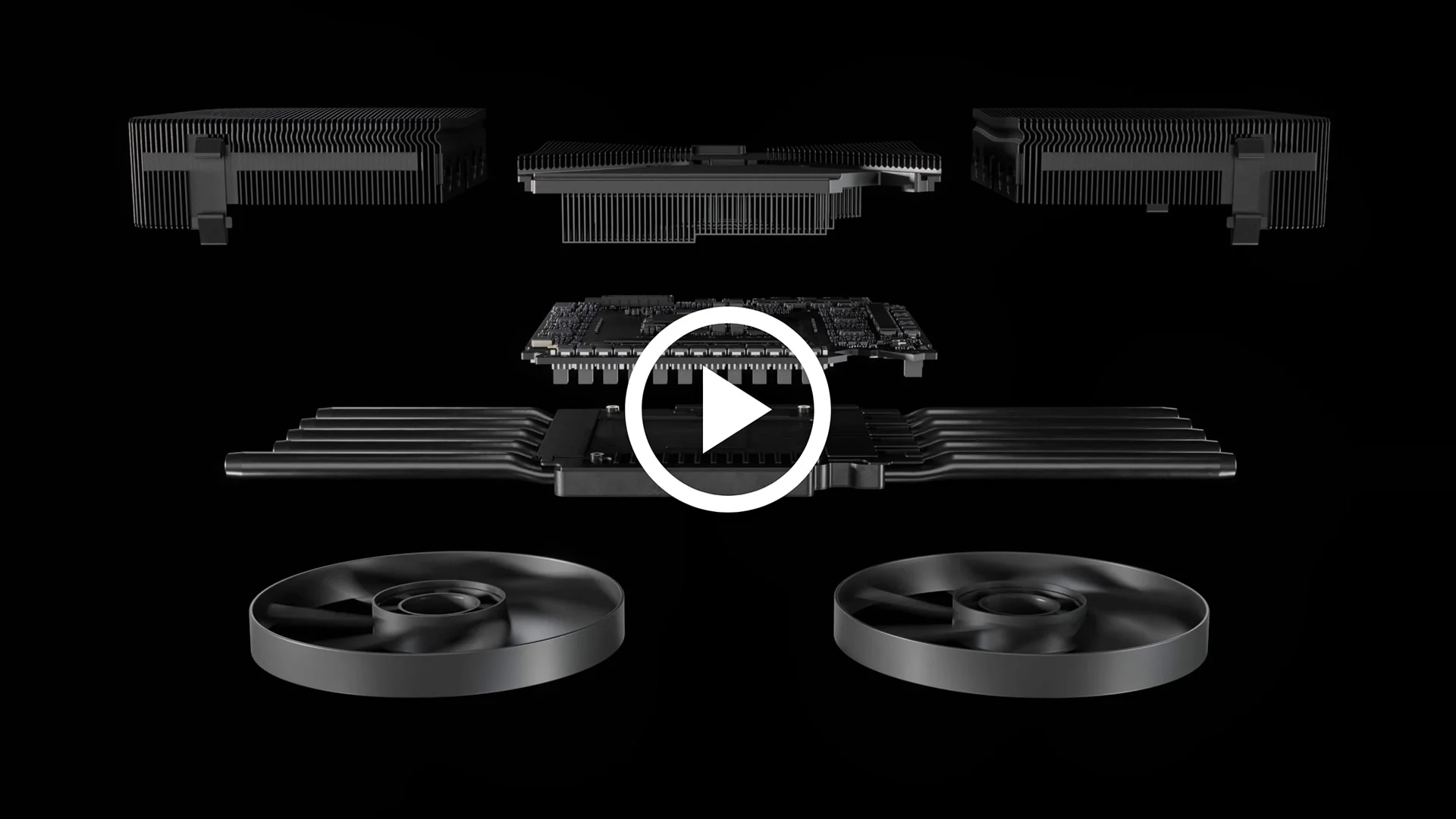
The ASUS ROG Swift PG32UCDM is positioned as a flagship luxury display designed for enthusiasts who want the best gaming monitor 2026 can provide for a 16:9 aspect ratio. While some gamers prefer the wraparound effect of an ultrawide monitor, the 32 inch 4K form factor remains the most versatile choice for a mix of console and PC gaming. This monitor distinguishes itself through the use of a custom large heatsink and a graphene film behind the panel, which allows it to operate without an active cooling fan while still managing heat effectively to prolong the life of the OLED pixels. It targets a premium audience that values color accuracy for content creation just as much as they value low input lag for competitive gaming. By including high speed connectivity options and a dedicated KVM switch, ASUS has made this more than just a gaming screen; it’s a central hub for a multi device workstation.
Design and Build Quality
True to the ROG brand, the PG32UCDM features a bold, aggressive aesthetic that nonetheless maintains a level of sophistication. The stand provides an extensive range of adjustments, including 110mm of height adjustment, 30 degrees of swivel in either direction, and a tilt range from -5 to 20 degrees. While it doesn’t support full pivot into portrait mode, the VESA 100x100mm compatibility allows users to mount it on a premium monitor arm for more flexibility. The bezels are incredibly thin on all four sides, maximizing the screen real estate and making it an excellent candidate for multi monitor setups. Port selection is industry leading, featuring two HDMI 2.1 ports with full 48Gbps bandwidth, one DisplayPort 1.4 with Display Stream Compression, and a USB-C port that supports DisplayPort Alt Mode and 90W Power Delivery. The OSD navigation is handled by a responsive five way joystick located at the bottom center of the frame, complemented by a dedicated shortcut button. Cable management is facilitated by a hollow channel in the stand, keeping the desk clutter free even when multiple peripherals are connected through the integrated USB hub.
Image: NVIDIA
Panel Quality
The heart of the PG32UCDM is its 31.5 inch QD-OLED panel manufactured by Samsung Display. This panel offers a 4K resolution which results in a pixel density of approximately 140 pixels per inch, providing a sharp image that makes 1440p displays look soft by comparison. To fully use this screen, a top tier GPU like an RTX 4090 or the newer 50 series equivalent is required. In SDR mode, the monitor reaches a peak brightness of around 250 nits, which is standard for OLEDs, but in HDR it can spike to 1000 nits in a 3 percent window. The native contrast ratio is technically infinite because each pixel can turn off completely, resulting in true black levels that no Mini-LED or IPS panel can match. Color gamut coverage is spectacular, hitting 99 percent of the DCI-P3 space and roughly 80 percent of the demanding Rec.2020 space. ASUS ships each unit with a factory calibration report showing a Delta E of less than 2, meaning colors are accurate enough for professional photo and video work right out of the box. Unlike Mini-LED monitors that rely on local dimming zones, every single pixel on this OLED is its own dimming zone, meaning there’s zero blooming or haloing around bright objects in dark scenes.
Image: NVIDIA
Motion Performance
Motion clarity is where the PG32UCDM truly excels as the best gaming monitor 2026 has for fast paced action. While a 144hz monitor is already a significant upgrade over 60Hz, the jump to 240Hz on an OLED panel is transformative. Because OLED pixels have a near instantaneous response time of 0.03ms grey to grey, there’s virtually no motion blur even during rapid camera movements. This makes the effective motion clarity comparable to a 360Hz or even 540Hz TN or IPS panel. ASUS includes several overdrive modes, but for most users, the default settings are perfect as OLED technology doesn’t suffer from the same ghosting issues as LCDs. The monitor is fully G-Sync Compatible and supports AMD FreeSync Premium Pro, ensuring a tear free experience within the 48Hz to 240Hz VRR range. Input lag is measured at less than 3 milliseconds at the native 240Hz refresh rate, which is well within the threshold for professional esports competition. For those who want even more clarity, the ELMB (Extreme Low Motion Blur) feature can be enabled, though it does reduce the overall brightness and disables VRR.

Image: NVIDIA
HDR Assessment
High Dynamic Range is the defining feature of the PG32UCDM. It carries the VESA DisplayHDR True Black 400 certification, which guarantees deep blacks and a specific level of dynamic range. However, it far exceeds this minimum in its Peak 1000 mode. Unlike LCD based monitors that can look washed out in HDR, the PG32UCDM maintains incredible saturation and depth in every scene. In games like Cyberpunk 2077 or Alan Wake 2, neon lights and flashlights pop with realistic intensity against perfectly black shadows. This monitor also supports Dolby Vision, a rarity in the gaming world, which provides dynamic metadata for even more precise tone mapping in supported titles and streaming content. Keeping HDR enabled for almost all gaming and media consumption is recommended, as it looks genuinely better and more lifelike rather than just artificially brighter. The only time you might disable it is for standard SDR web browsing to avoid the aggressive Automatic Brightness Limiter that can sometimes trigger on large white windows.

Image: NVIDIA
Color Accuracy
For content creators, the PG32UCDM is a versatile tool. Out of the box, the sRGB mode is extremely well clamped, preventing the over saturation that often plagues wide gamut monitors. This ensures that colors look exactly as the creator intended for web content. If you’re working in the DCI-P3 color space for cinema or the Adobe RGB space for print, the monitor provides dedicated presets for those as well. The calibration potential is high; using a colorimeter, we were able to bring the Delta E down to an incredible 0.6, which is reference grade. The third generation panel also improves the subpixel structure, moving the green subpixel to reduce the green fringing that was common on older OLED displays. This results in much clearer text rendering, making this 4k monitor perfectly suitable for reading long articles or writing code without eye strain.
Gaming Experience
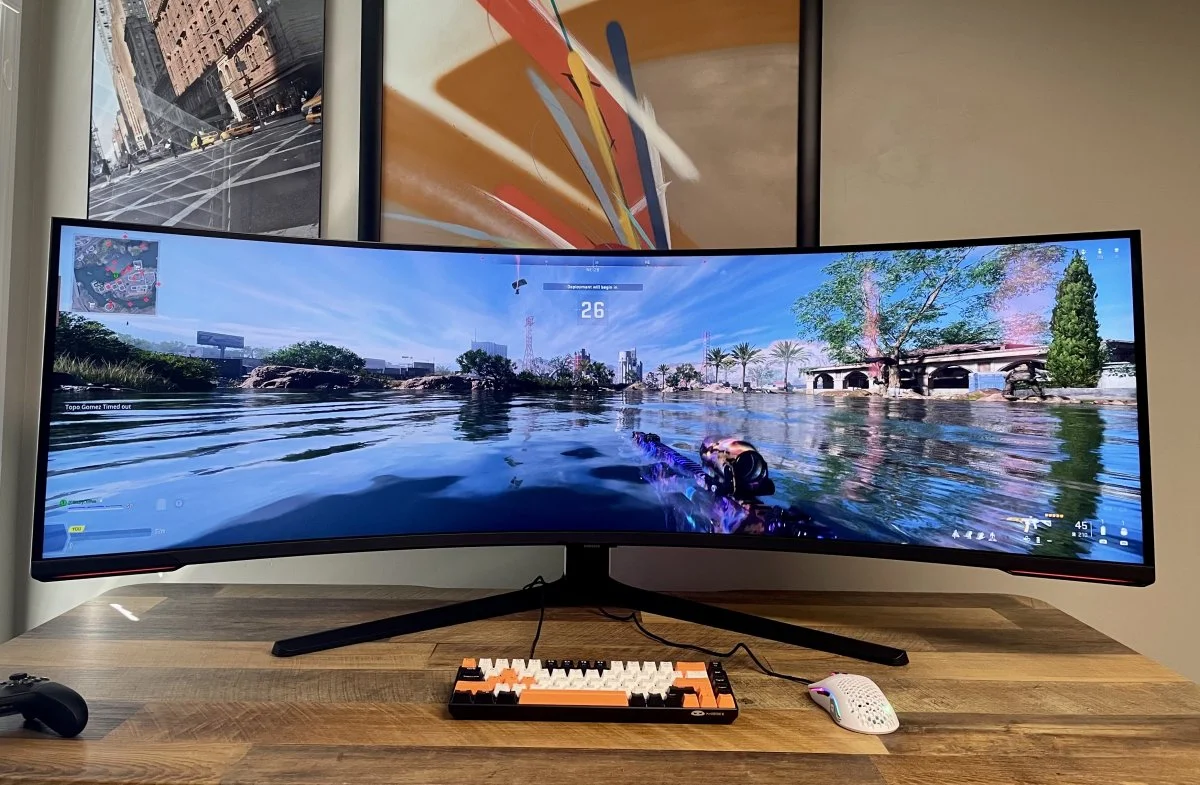
Gaming on the PG32UCDM is a revelation across all genres. In competitive first person shooters like Valorant or Counter-Strike 2, the 240Hz refresh rate and instant response times provide a tangible advantage, making it easier to track moving targets with precision. In cinematic titles, the 4K resolution brings out every fine detail in textures and character models. For console gamers, this is arguably the best gaming monitor 2026 provides for the PlayStation 5 and Xbox Series X. The HDMI 2.1 ports allow for 4K gaming at 120Hz with full HDR and VRR support. The 32 inch size is also large enough to provide an immersive experience if you’re sitting a few feet back with a controller, yet small enough to fit on a standard desk. While an ultrawide monitor might offer a wider field of view, many games still don’t support 21:9 natively, making the 16:9 PG32UCDM a more reliable choice for consistent compatibility across all platforms.
Technical Specifications
Panel Type: QD-OLED. Screen Size: 31.5 Inches. Resolution: 3840 x 2160. Refresh Rate: 240Hz. Response Time: 0.03ms GtG. SDR Brightness: 250 nits. HDR Peak Brightness: 1000 nits. Contrast Ratio: 1,500,000 to 1. Color Gamut: 99 percent DCI-P3. VRR: G-Sync Compatible and FreeSync Premium Pro. Ports: 2x HDMI 2.1, 1x DisplayPort 1.4, 1x USB-C 90W PD. VESA Mount: 100 x 100mm. Launch Price: 1299 USD.
Pros and Cons
Pros: Unrivaled motion clarity with 0.03ms response times and 240Hz refresh rate. Perfect black levels and infinite contrast for superior HDR. Stunning color accuracy and 99 percent DCI-P3 coverage. Excellent connectivity including 90W USB-C and HDMI 2.1. Passive cooling system ensures silent operation. Cons: High price point compared to standard IPS 4K monitors. Risk of OLED burn in over several years of use. Glossy screen coating can be reflective in very bright rooms.
Price and Value for Money
At its current price point, the PG32UCDM is undeniably an investment. It’s significantly more expensive than a standard 144hz monitor or even high end Mini-LED displays. However, the value proposition lies in its versatility. It’s one of the few monitors that truly excels at everything: competitive gaming, cinematic HDR, and professional color work. When you consider that this monitor replaces the need for a separate high refresh rate esports screen and a high resolution editing monitor, the price becomes more justifiable. In the 2026 market, as 4K 240Hz becomes the target for high end enthusiasts, the PG32UCDM remains a top tier choice that holds its value better than most due to its premium ASUS ROG build quality and long term warranty coverage which now often includes burn in protection.
Best
Alternatives Alienware AW3225QF: This is the primary rival to the ASUS. It uses the same QD-OLED panel but features a subtle 1700R curve. It’s often slightly cheaper but lacks the extensive OSD features and the heat sink design of the ROG. LG 32GS95UE: This monitor uses a WOLED panel and features a unique dual mode capability, allowing it to switch between 4K 240Hz and 1080p 480Hz. It’s better for pure esports players but has slightly lower color vibrancy compared to the QD-OLED. Samsung Odyssey OLED G8: A sleek, stylish ultrawide monitor alternative for those who prefer the 21:9 aspect ratio. While it offers a lower vertical resolution than a 4k monitor, the wider field of view is preferred by some for immersive racing and flight simulators.
Who Should Buy It?
The PG32UCDM is perfect for the enthusiast gamer who has a high end PC and wants the absolute best visual experience available. If you value deep blacks, vibrant colors, and smooth motion above all else, this is the monitor for you. It’s also an excellent choice for console gamers who want a premium display for their PS5 or Xbox Series X that can handle 4K 120Hz with ease.
Who Should Skip It?
You should skip this monitor if you primarily use your computer for productivity tasks with static elements, such as Excel spreadsheets or long hours of desktop work, due to the risk of burn in. Budget conscious gamers should also look elsewhere, as a standard 144hz monitor with an IPS panel can provide a great experience for a fraction of the cost. Also, if you work in a room with uncontrolled bright sunlight directly behind you, the glossy finish of this OLED might prove too reflective.
Final Verdict
The ASUS ROG Swift OLED PG32UCDM is a masterclass in display engineering. It successfully navigates the transition into the high refresh rate 4K era, proving itself as the best gaming monitor 2026 has for those who want a flat 32 inch screen. Its motion performance is flawless, its HDR is transformative, and its build quality is second to none. While the threat of burn in remains a consideration, the inclusion of a solid heatsink and software safeguards provides peace of mind. Panel Quality: 10/10. Motion: 10/10. HDR: 9.5/10. Design: 9/10. Value: 8/10.
Frequently Asked
Questions Does the ASUS PG32UCDM support 4K 120Hz on PS5? Yes, through its HDMI 2.1 ports, it fully supports 4K at 120Hz with VRR and HDR on the PlayStation 5. Is QD-OLED better than standard OLED for gaming? QD-OLED generally offers higher peak brightness and more vibrant colors than standard WOLED panels, making HDR gaming look more impactful. Can I use this monitor for professional photo editing? Absolutely, the factory calibration and 99 percent DCI-P3 coverage make it suitable for professional grade color work. Which overdrive mode should I use for 240Hz gaming? On this OLED panel, the default setting is ideal as the response times are fast enough that traditional overdrive is not necessary. Is a 240Hz 4K monitor better than an ultrawide monitor? It depends on preference; 4K 240Hz offers higher pixel density and more vertical space, while an ultrawide monitor offers a wider field of view for immersion. Does this monitor have a fan? No, the PG32UCDM uses a custom heatsink for silent cooling, which is a significant advantage over competitors that use active fans.