When you purchase through links on our site, we may earn an affiliate commission.
What We Like
- Improved actuation speeds with Hall Effect technology.
- Hot-swappable sockets allow for easy switch replacement.
- Customizable polling rates up to 8000Hz for minimal latency.
- Compact layouts save valuable desk real estate for low-DPI aiming.
What Could Be Better
- Proprietary software often requires significant system resources.
- Premium materials can drive prices well above the $200 mark.
- Wireless models may face interference in dense Wi-Fi environments.
- Keycap profiles might feel alien to those used to standard office boards.
Quick Answer
The Most Important Specs to Understand
Most gamers fixate on the brand name, but you should really look at actuation force and polling rate. Actuation force, measured in centinewtons (cN), tells you how hard you need to press. A light switch like a Cherry MX Red sits at 45cN, while heavier ones go up to 60cN. I prefer lighter switches for long gaming sessions to reduce finger fatigue. Then there is polling rate. Most boards sit at 1000Hz, but 8000Hz is the new benchmark for competitive titles. Does it make a huge difference? Honestly, maybe not for casual play, but for high-refresh-rate setups, it’s a nice safety net against input lag.
Budget Tier: Best Under $100
If you are on a budget, the Keychron V1 is your best bet for under $100. It offers a solid plastic chassis that doesn’t creak, which is rare at this price point. It’s fully hot-swappable, meaning if a switch dies, you just pull it out and pop in a new one without soldering. My second pick is the Razer BlackWidow V4 Mini. It’s compact, feels snappy, and the software ecosystem is vast. While the keycaps aren’t quite as thick as higher-end models, the performance is hard to beat for a starter board. Both choices are leagues better than your standard office equipment.
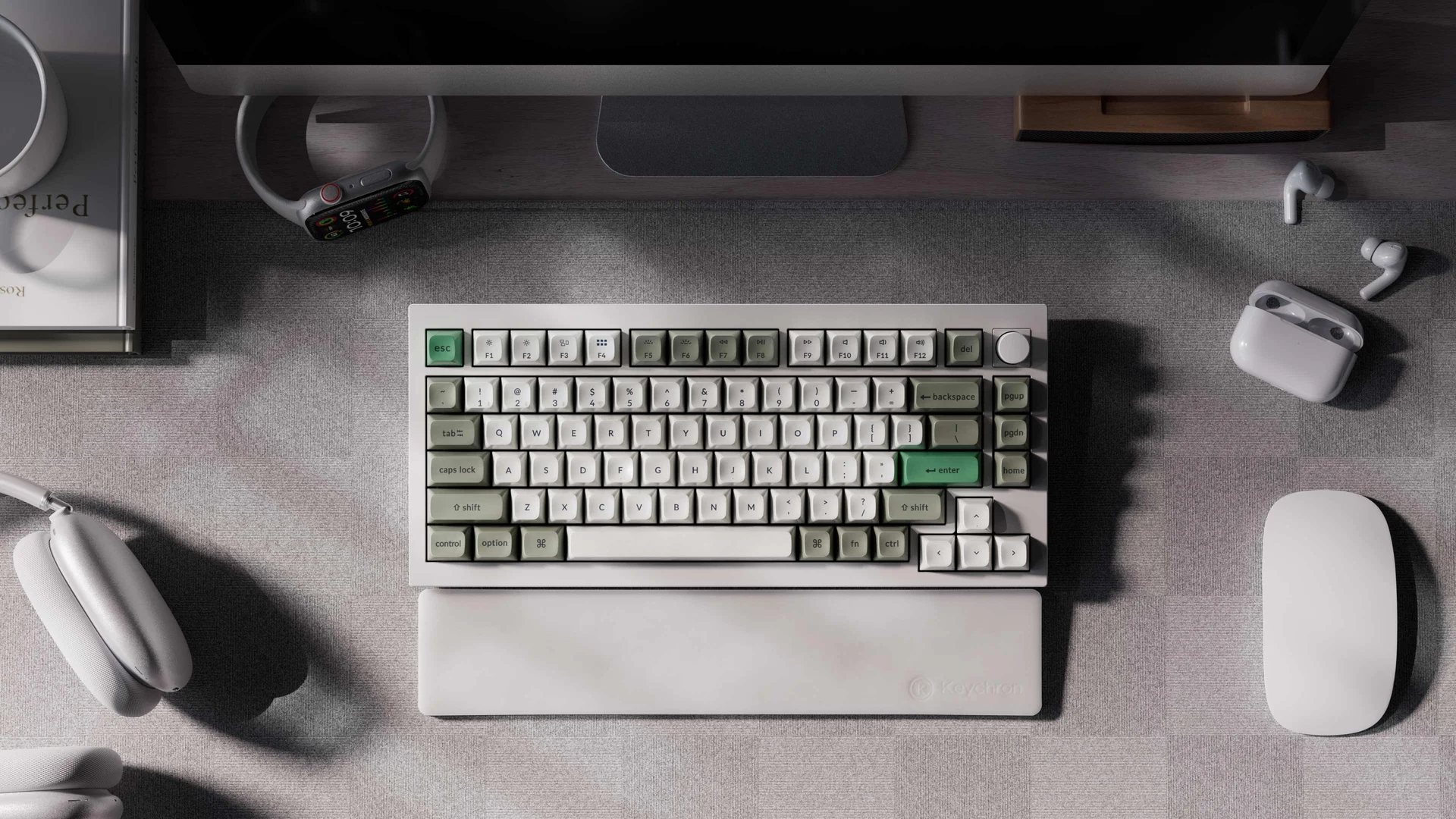 Image: Keychron
Mid-Range Tier: Best $100-$200
In the $100 to $200 range, the Logitech G Pro X TKL stands out. I’ve used this for months and the battery life is solid enough that I forget it’s wireless. The build quality feels sturdy, and the switches are tactile enough for typing but fast enough for gaming. Another strong contender is the Corsair K70 Core. It’s an honest, no-nonsense board with decent stabilizers that don’t rattle like a bag of bolts. You’re paying for better acoustics and slightly tighter quality control here. These boards are the sweet spot where you stop compromising on materials but haven’t entered the world of boutique custom prices.
 Image: representative product (Keychron)
Premium Tier: Best Over $200
If money is no object, the Wooting 60HE is the only keyboard you should even look at for competitive FPS gaming. The Rapid Trigger tech is legitimately a game-changer; it resets the key the moment you lift your finger, making strafe movements in games like Valorant feel instant. If you want a more luxurious aesthetic, the SteelSeries Apex Pro TKL is also a fantastic premium choice. It features an OLED screen for quick setting adjustments and a solid aluminum top plate. The cost is high, but the longevity and customization options justify the price tag for enthusiasts who spend 30+ hours a week in games.
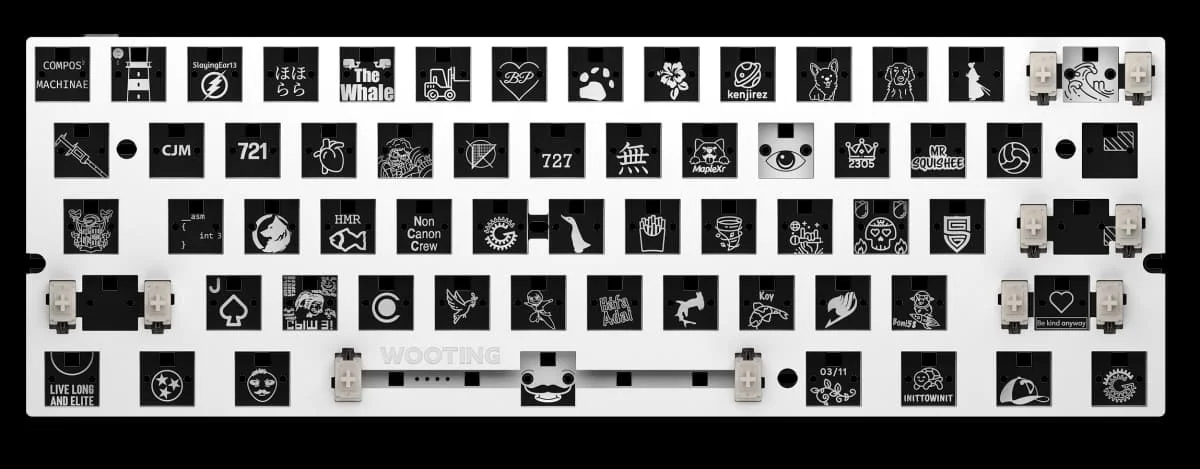 Image: Wooting
Feature Deep Dive: Hall Effect vs. Mechanical
Let’s get real about switches. Traditional mechanical switches rely on a metal leaf connection, which works fine. However, Hall Effect sensors are the future. They use magnets to track how far you depress the key, allowing for analog input or adjustable actuation points. I switched from Cherry MX Browns to magnetic switches, and I felt the difference immediately. You can set the actuation to 0.1mm for gaming, then bump it up to 2.0mm for typing to avoid typos. It’s a level of control that mechanical boards simply cannot touch. If you are serious about competitive gaming, this is the technology that matters most.
Feature Deep Dive: Wireless vs. Wired Latency
I remember when wireless meant you’d lose a match because the connection dropped. That’s not the case in 2026. Technologies like Logitech’s Lightspeed have closed the gap to essentially zero. However, wired is still objectively faster by a fraction of a millisecond. If you’re playing at a professional level, go wired to avoid any potential interference from your router or other devices. If you’re a desk minimalist, don’t stress—today’s high-end wireless tech is indistinguishable from wired for 99% of gamers. Just make sure to keep your receiver close to the board to maintain a stable signal path.
Common Mistakes to Avoid
The biggest mistake I see is people buying based on brand hype. Don’t assume a big logo means it’s the best tool for you. Always check if the stabilizers are lubed or if you’ll have to do it yourself, because rattle ruins the feel. Also, stop ignoring software compatibility. If you play on Linux or want a specific layout that requires custom firmware, make sure the board supports QMK or VIA. Finally, skip the boards with proprietary, non-standard bottom rows. It makes replacing keycaps later an absolute nightmare. Buy standard layouts unless you have a very specific reason not to.
Our Top Picks Summary
To wrap this up, your choice should depend on your specific needs. If you’re a competitive FPS player, buy the Wooting 60HE for that sub-millisecond responsiveness. If you need a reliable work-and-play machine, the Logitech G Pro X TKL is going to serve you well for years. For the budget-conscious gamer, the Keychron V1 is the smartest place to put your money. Just remember that the best board is the one that lets you forget it’s there while you’re playing. Don’t overcomplicate it; focus on the switches, the layout, and your budget. That’s all that really matters in the end.
Comparison
| Tier | Product Name | Estimated Price | Best For |
|---|---|---|---|
| Budget | Keychron V1 | $85 | Value Seekers |
| Mid-Range | Logitech G Pro X TKL | $160 | Esports Pros |
| Premium | Wooting 60HE | $175+ | Competitive FPS |
Frequently Asked Questions
What is the Best Gaming Mechanical Keyboard Buying Guide 2026 advice on switches?
It suggests prioritizing linear switches for FPS gaming because they provide a smooth, consistent keystroke without a tactile bump, which helps in rapid-fire inputs.
Do I really need a wireless keyboard for gaming?
Not necessarily. While wireless tech has reached near-zero latency, wired models like those using 8000Hz polling rates are still technically superior for the absolute lowest input lag.
How do Hall Effect switches differ from traditional mechanical switches?
Hall Effect switches use magnets to detect key press depth rather than physical contact. This allows you to customize the actuation point and enable features like rapid trigger for faster resets.