When you purchase through links on our site, we may earn an affiliate commission.
Quick Answer: Choosing Your Path
The Most Important Specs to Understand
When reading spec sheets, don’t get distracted by marketing fluff. Pixel density (PPD) is way more important than total resolution numbers because it dictates how sharp text looks in-headset. I’ve spent hours squinting at blurry menus, and believe me, PPD is the real deal for comfort. Refresh rate is another one; 90Hz is the baseline for preventing motion sickness, but 120Hz feels significantly smoother during fast-paced movement. Latency is the final piece of the puzzle. Wireless streaming over Wi-Fi 6E or Wi-Fi 7 usually adds about 10-20ms of input lag, which is noticeable to competitive players. Always check if the device supports native DisplayPort input, as this bypasses encoding overhead entirely. It’s not just about the numbers; it’s about how they interact in your specific gaming space.
Budget Tier: Best Under $500
If you are just starting out, the Meta Quest 3S is the only device I really recommend for most people. It’s an incredible piece of hardware that acts as a standalone console but also connects to your PC via Air Link or a USB-C cable for high-fidelity gaming. It’s not perfect—the stock head strap is kind of uncomfortable for sessions longer than an hour—but the tracking accuracy is solid. At $299, it basically eliminates the entry barrier. Alternatively, the older Meta Quest 2 is still kicking around, but the lower resolution optics and weaker processor make it a hard sell in 2026. Stick with the 3S if you can, because the improved lens clarity is a total game-changer for reading text in-game. It’s the best way to get started without spending a fortune.
 Image: representative product (Razer)
Mid-Range Tier: Best $600-$1000
Moving into the mid-range, we see devices that offer better ergonomics and higher-end optics. The Pimax Crystal Light is my favorite here because it offers stunning local dimming for true blacks, making space sims and horror games look incredible. The resolution is massive, at 2880 x 2880 per eye, which means you’ll need a beefy GPU to drive it. It’s heavier than the entry-level options, but the glass lenses provide a level of clarity that plastic optics just can’t match. I’ve found that it really shines when paired with a hotas or sim-racing setup. It’s not as portable as the standalone options, but for pure PC-VR performance, this thing is a absolute powerhouse. If you hate the bulky look, the Bigscreen Beyond also sits in this range if you don’t mind the proprietary face scan process.
 Image: representative product (Razer)
Premium Tier: Best Over $1000
For those who want the absolute pinnacle, the Bigscreen Beyond is the device I’d buy if money were no object. It is custom-fitted to your specific face shape, which makes it feel like it’s barely there, weighing in at just 127 grams. Seriously, it’s so light I sometimes forget I’m wearing it during long sessions. The OLED displays offer colors that look punchy and vibrant, far exceeding the washed-out look of cheaper LCD panels. You will need to invest in SteamVR base stations and controllers, which adds to the cost, but the experience is unparalleled for long-term comfort. If you play for five hours straight, this is the only one that won’t leave you with a massive red mark on your face. It’s an investment, sure, but it changes how you look at the medium.
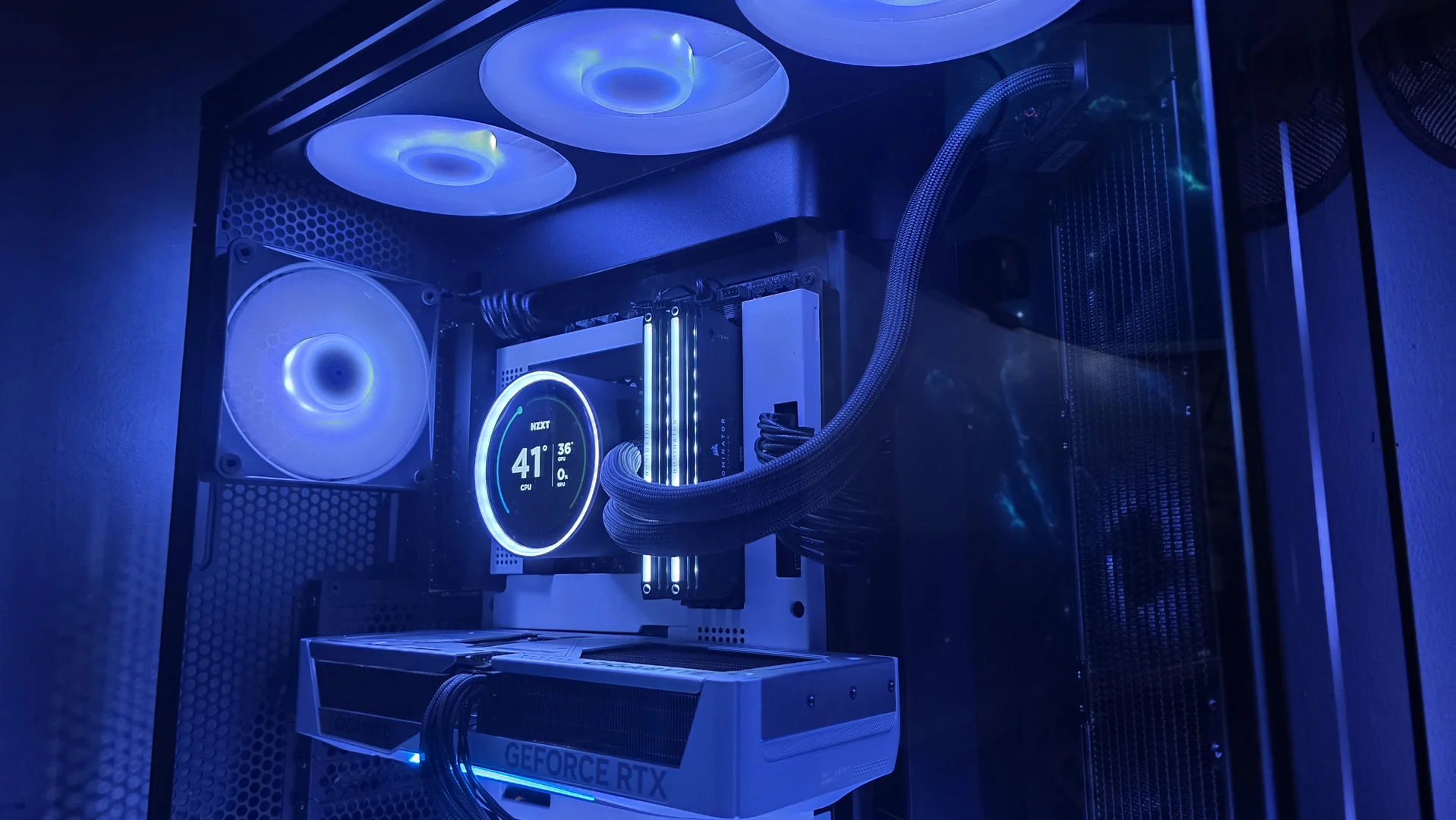 Image: representative product (NZXT)
Feature Deep Dive: Wireless vs Wired
Wireless freedom is great until you hit a latency spike. When you’re using a wired connection, like a DisplayPort cable, you get raw, uncompressed visual data. This means no blocky artifacts during dark scenes, which is a massive upgrade over even the best wireless encoding. That said, wires are annoying. They get tangled, they limit your movement, and they can be a trip hazard. If you play shooters where you spin around constantly, wireless is honestly worth the minor trade-off in visual fidelity. I generally prefer the wire for sim-racing but switch to wireless for fitness games or social VR experiences. It’s all about choosing the right trade-off for the specific game you’re playing today.
Feature Deep Dive: Tracking Accuracy
Tracking is where the magic happens, or where the frustration starts. Inside-out tracking, which uses cameras on the headset, has come a long way. The current iterations are excellent for general gaming, even in lower light conditions. However, if you are a professional-level player, you might still prefer the old-school laser tracking used by Valve Index or Bigscreen Beyond setups. That system is virtually unshakeable, even if you put your controllers behind your back. I remember struggling with early cameras losing tracking when I held a bow in-game; that’s largely a thing of the past now. Just ensure your room isn’t overly reflective—mirrors are still the mortal enemy of all VR tracking systems. Keep your room reasonably tidy, and you’ll find modern tracking systems are essentially invisible, which is exactly how it should be.
Common Mistakes to Avoid
Don’t ignore your cable management. I see so many people trip over their own gear because they didn’t buy a simple ceiling pulley system. Also, stop overpaying for headsets that require expensive proprietary software ecosystems when you only want to play SteamVR titles. Another common mistake is neglecting the prescription inserts. If you wear glasses, get custom inserts; don’t try to cram your frames inside the headset, because you will eventually scratch your lenses, and there is nothing worse than looking through a permanent scuff in your field of view. Finally, don’t forget to measure your IPD (interpupillary distance) before buying. If a headset doesn’t have an adjustable IPD, you might end up with eye strain that makes the hardware totally unusable. It’s these small, overlooked details that actually define your experience.
Our Top Picks Summary
Here is a quick look at the best choices for your specific needs. If you are a budget-conscious gamer, start with the Meta Quest 3S. If you are looking for that premium, lightweight experience, look no further than the Bigscreen Beyond. For those of us who love flight sims and racing titles, the Pimax Crystal Light is the heavy hitter that delivers the visuals we crave. Every one of these is a solid choice, provided you match them to your actual usage style. Don’t feel pressured to buy the most expensive option just because the marketing says it’s better. Think about how much room you have, how many hours you play, and whether you care more about visual fidelity or simple, easy setup. That’s how you build a rig that you’ll actually enjoy using for years to come.
Frequently Asked Questions
What is the minimum GPU required for a high-end VR gaming setup in 2026?
To maintain a stable 90Hz frame rate at high resolution, I recommend at least an NVIDIA RTX 4070 Super or AMD RX 7900 GRE. Anything less will struggle with modern, demanding VR titles like Half-Life: Alyx or Microsoft Flight Simulator.
Is a wired VR connection still better than wireless?
Yes, for absolute lowest latency and zero compression artifacts, a DisplayPort connection remains king. Wireless via Wi-Fi 7 is excellent for convenience, but you will occasionally see minor stream glitches during heavy action.
How much space do I actually need for a VR room setup?
For room-scale tracking, aim for a minimum of 6.5ft by 6.5ft (2m x 2m) of clear floor space.
Do I need base stations for modern VR?
Most consumer headsets now use inside-out tracking cameras, which is much easier to set up. Only specific enthusiast rigs, like those using the Index controllers, still require external base stations.
Where to Buy
Related Articles
- Apex Horizon X-Pro Wireless Gaming Headset Review (2026): Is This the Best Gaming Headset?
- Astro A50 X Review (2026): Is This the Best Gaming Headset?
- Astro A60 Pro Wireless Gaming Headset Review (2026): Is This the Best Gaming Headset?