When you purchase through links on our site, we may earn an affiliate commission. This helps support our work and allows us to continue delivering in-depth, unbiased gaming coverage.
Introduction
Choosing the right audio equipment is arguably more critical than video quality for aspiring streamers and content creators. When building a setup, the debate often centers on USB vs XLR microphone streaming configurations. This comparison matters because audio quality dictates viewer retention; a grainy or muffled voice can drive an audience away instantly. USB microphones are typically marketed toward gamers seeking plug-and-play simplicity, while XLR microphones are the standard for audio professionals and audiophiles who demand granular control over their sound. In this detailed guide, we’ll explore the pros and cons of USB and XLR microphones for streaming, dissecting the technical differences and practical implications for your setup. Casual gamer looking for convenience or an aspiring esports professional aiming for broadcast-grade audio, this unbiased comparison will help you decide which technology suits your specific needs in 2025.
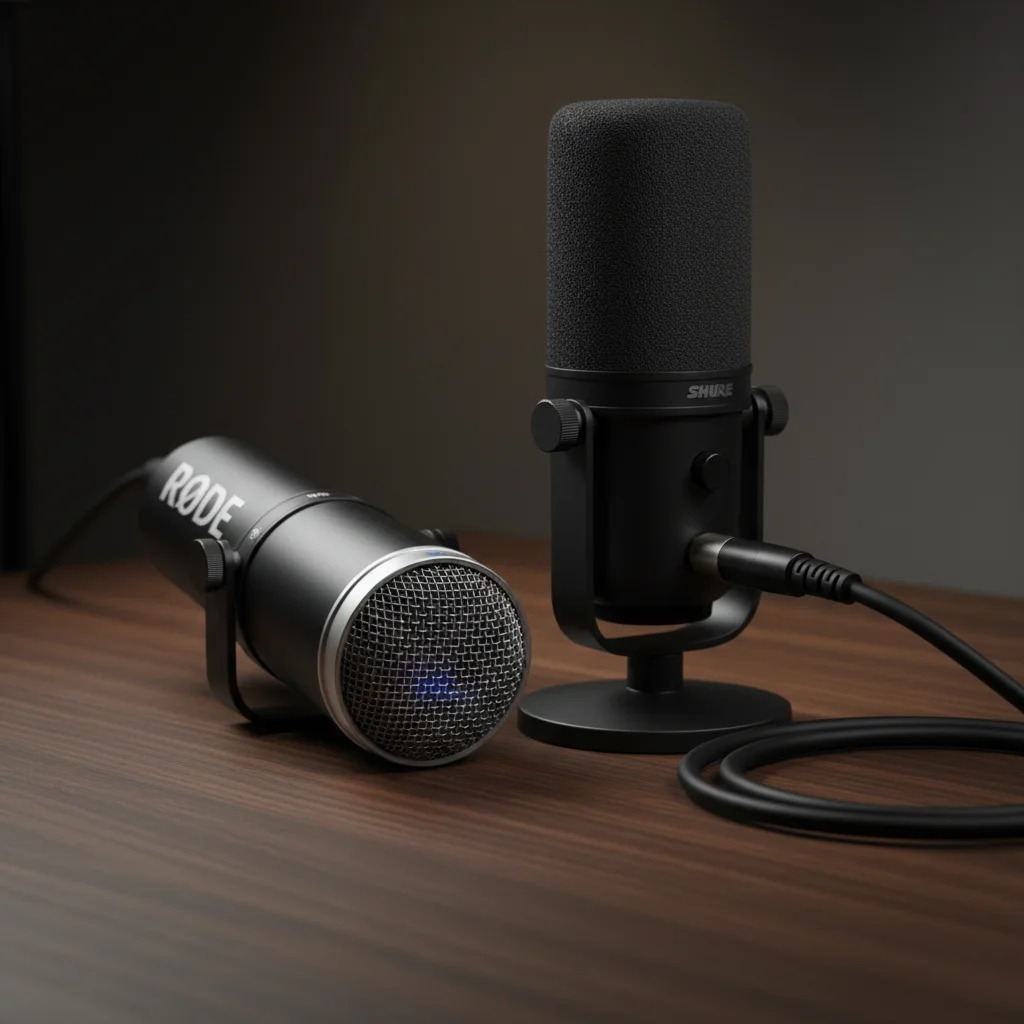
Quick Comparison
| Table Type: USB Microphone | XLR Microphone |
|---|---|
| Connection: Direct USB (Type-A or C) | Analog XLR Cable (Requires Interface) |
| Audio Processing: Internal (Built-in Preamp/ADC) | External (Audio Interface/Mixer) |
| Setup Difficulty: Plug-and-Play (Easy) | Complex (Requires Signal Chain) |
| Sound Quality: Good to Great | Professional/Broadcast Grade |
| Scalability: Limited (Single Device) | High (Multi-mic, Hardware Mixing) |
| Price Range: $50 - $250 | $100 - $1000+ (Mic + Interface) |
| Best For: Solo Streamers, Beginners | Pro Studios, Multi-person Podcasts |
Product
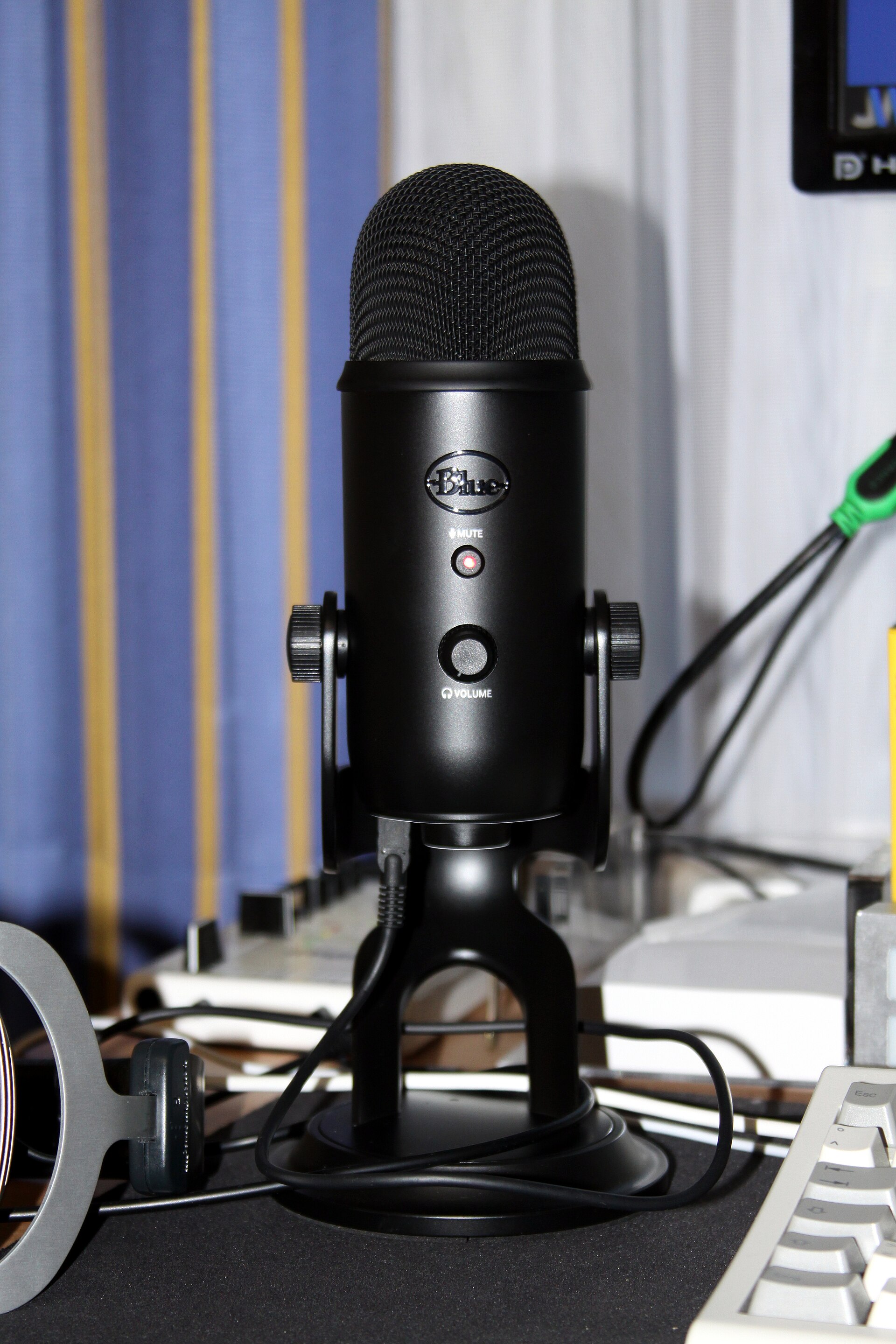
Overview: USB Microphones USB microphones have revolutionized home content creation by packaging complex audio technology into a single, user-friendly device. Key features of USB mics include an integrated analog-to-digital converter and a built-in preamplifier. This means the microphone captures the sound, processes it, and sends digital data directly to your computer without needing extra hardware. Build quality in the premium segment has improved drastically, with many top-tier models featuring solid metal chassis and internal shock mounts. The design style often caters to the gaming aesthetic, frequently incorporating RGB lighting and sleek, modern shapes. The performance focus here’s on convenience and efficiency. Manufacturers prioritize ease of use, ensuring that a user can go from unboxing to streaming in under five minutes. USB microphones are best for solo content creators, traveling streamers, and gamers who want decent audio improvement over headset mics without dealing with cable clutter or technical complexity.
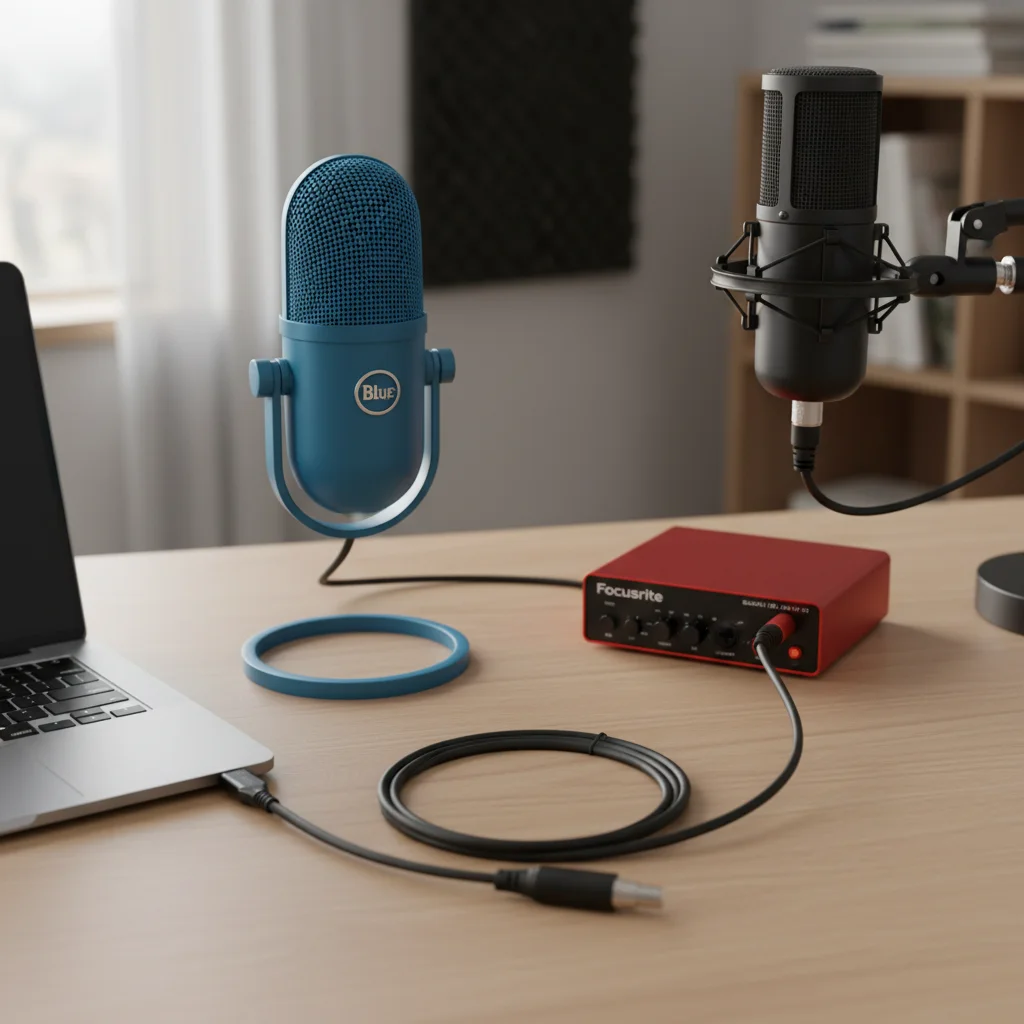
Overview: XLR Microphones XLR microphones represent the traditional standard of the audio industry, utilized in everything from radio broadcasting to professional music recording. Unlike their USB counterparts, these microphones output a balanced analog signal that requires an external audio interface or mixer to convert the sound into a digital format for your computer. The features of an XLR setup are modular; you choose the microphone, the cable, the interface, and the preamp separately, allowing for endless customization. Build quality is generally superior, designed to withstand the rigors of studio environments with heavy-duty materials and standardized components. The design style leans towards functional professionalism rather than flashy aesthetics, though some gaming-focused XLR mics are entering the market. The performance focus is entirely on audio fidelity, low noise floors, and high dynamic range. This category is the target audience for audiophiles, professional streamers, musicians, and creators who need to manage multiple audio sources simultaneously.
Feature-by-Feature Comparison
To truly understand what’s the difference between USB and XLR mics, we must look beyond the connector type and analyze how they perform in real-world gaming and streaming scenarios. Below, we break down the critical categories that influence your streaming quality.
Performance and Audio Quality
When discussing gaming performance in terms of audio, clarity and depth are critical. XLR microphones generally hold the advantage here. Because they use external interfaces with high-quality preamps, they offer a lower noise floor and a richer, more detailed sound profile. This setup allows for higher sample rates and bit depths, capturing the nuance of your voice without digital artifacts. USB microphones have narrowed the gap significantly, but they’re limited by the size of the components that can fit inside the microphone casing. While a high-end USB mic can sound fantastic, it may struggle with background hiss or digital compression compared to a mid-range XLR setup. For competitive gaming where communication is key, a USB mic is often sufficient, but for content creation where the voice is the product, XLR reigns supreme.
Build Quality & Durability
Durability is a major factor for equipment that sees daily use. XLR connectors are designed for longevity; they lock into place and are built to withstand being plugged and unplugged thousands of times. If an XLR cable breaks, you simply replace the cable, not the microphone. The microphone bodies themselves are often simpler internally, meaning fewer components can fail. In contrast, a USB microphone houses the capsule, the preamp, the converter, and the USB port all in one unit. If the USB port becomes loose or an internal chip fails, the entire microphone is often rendered useless. While many gaming USB mics are built with sturdy plastics or metals, the modular nature of XLR setups offers better long-term resistance to wear and tear.
Setup Ergonomics and
Usability In the context of comfort and ergonomics for streaming gear, we look at ease of physical setup and desk footprint. USB microphones win comfortably in this category. They require a single cable connecting the mic to the PC. This reduces cable clutter and frees up desk space, which is vital for gamers with large mousepads. XLR setups are inherently bulkier. You need space for the microphone arm, the XLR cable runs, and the audio interface box which sits on your desk. While this allows for physical knobs to adjust gain and volume (which can be more ergonomic than clicking software sliders), it introduces a higher level of complexity. Adjusting an XLR setup requires understanding gain staging, whereas a USB mic is usually ready to go immediately.
Software & Customization
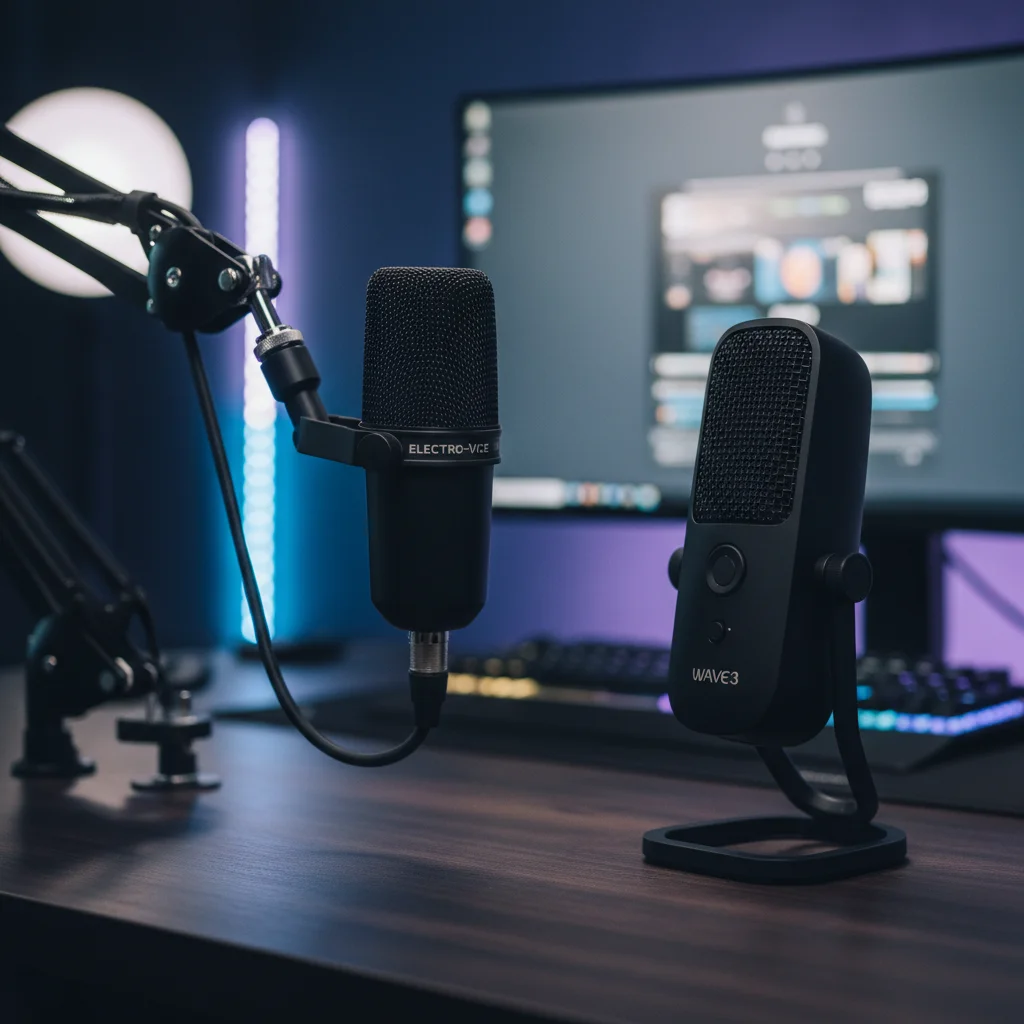
This is where the lines blur. USB microphones often come with dedicated proprietary software (like Blue Sherpa, Razer Synapse, or Elgato Wave Link) that offers powerful digital signal processing (DSP). You can add compression, limiters, and EQ directly through the software. This is excellent for users who want ‘set it and forget it’ profiles. XLR microphones don’t come with software themselves; instead, the customization depends on the audio interface or separate mixing software you use. However, XLR setups allow for hardware customization. You can swap out the interface for one with better preamps or add a hardware compressor to your chain. For software-reliant users, USB offers a more integrated experience, while XLR offers a hardware-based, modular customization path.
Price & Value
When analyzing the pros and cons of USB and XLR microphones for streaming, price is often the deciding factor. USB microphones offer incredible value because they’re an all-in-one solution. Spending $150 on a USB mic gets you everything you need. To get a comparable sound with XLR, you might spend $100 on the mic, $150 on an interface, and $20 on a cable. However, the long-term value of XLR is higher. If you want to upgrade your sound later, you can keep your interface and just buy a new mic, or vice versa. With a USB mic, an upgrade means replacing the entire unit. For budget-conscious buyers, USB provides the best price-to-performance ratio initially, while XLR is an investment in a future-proof ecosystem.
Pros & Cons
USB Microphones - Pros: Extremely easy plug-and-play setup. Lower upfront cost with no extra hardware needed. Portable and ideal for traveling setups. Often includes software with gaming-centric features. USB Microphones - Cons: Difficult to upgrade without replacing the whole unit. Audio quality is limited by internal components. Reliance on system resources for processing. USB port durability can be an issue over time. XLR Microphones - Pros: Superior audio fidelity and lower noise floor. Modular system allows for individual component upgrades. Standardized connection works with professional studio gear. Capable of multi-track recording and hardware mixing. XLR Microphones - Cons: Higher initial cost due to required interface. Steeper learning curve for beginners. Requires more desk space and cable management. Not portable without carrying the interface.
Which One Should
You Choose? Your choice depends heavily on your goals. For Competitive FPS Players, a high-quality USB microphone is likely the better choice. It keeps your desk clear for mouse movement, requires zero mental energy to manage, and provides clear comms for teammates. For Casual Gamers who just want to chat on Discord or stream occasionally, a budget-friendly USB option is perfectly adequate. However, for Esports Professionals and Career Streamers, an XLR setup is recommended. The reliability, consistent audio quality, and ability to mix game sound with voice hardware make it a solid tool for a broadcast environment. Budget-conscious buyers should stick to USB, as cheap XLR setups often suffer from poor preamps that introduce noise, negating the benefits of the analog connection.
Final Verdict
In the battle of USB vs XLR microphone streaming setups, there’s no single winner, but there’s a clear distinction in purpose. The USB microphone wins on convenience and value, making it the ideal choice for 90% of gamers and new streamers. It delivers 85-90% of the audio performance of an XLR setup with 10% of the hassle. However, the XLR microphone wins on pure performance and longevity. If you’re serious about audio production, run a podcast with multiple guests, or want a studio-grade voice presence, the extra cost and complexity of XLR are justified. Ultimately, if you want to plug in and play, go USB. If you want to craft a professional sound signature, go XLR.
FAQ
- Is a USB microphone good enough for professional streaming? Yes, modern high-end USB microphones offer broadcast-quality sound that’s indistinguishable to the average viewer on platforms like Twitch or YouTube. 2. Do I need an audio interface for a USB mic? No, USB microphones have an internal interface built-in. An external audio interface is only required for XLR microphones. 3. Can I use both USB and XLR mics at the same time? technically yes, but it’s complicated. Windows struggles with multiple audio sources. An XLR setup with an interface is much better for running multiple microphones simultaneously. 4. Which microphone type helps reduce background keyboard noise? This depends more on the polar pattern (cardioid) and positioning than the connection type (USB vs XLR). However, XLR setups with noise gates and dynamic microphones often handle background noise rejection better than sensitive condenser USB mics. 5. Is it worth upgrading from a USB to an XLR setup? If you have hit the ceiling of what your USB mic can do and need granular control or multi-channel audio, yes. If you’re just gaming and chatting, the upgrade might not be noticeable to your audience.