Introduction
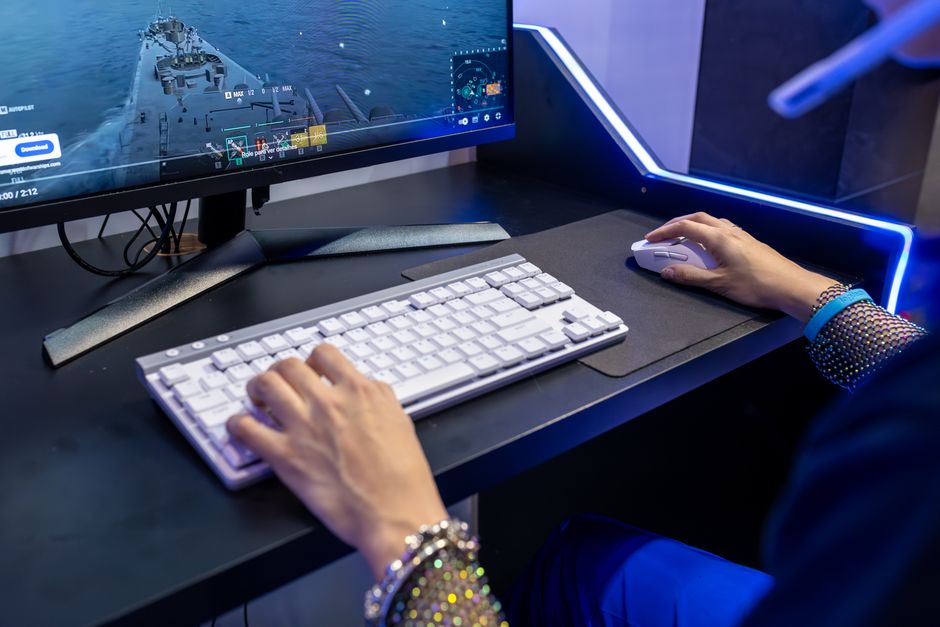
Starting a streaming career or upgrading your home office setup doesn’t require a Hollywood budget. The visual fidelity of your stream is the first thing a viewer notices, and in 2025, broadcasting in crisp 1080p is the baseline expectation for Twitch, YouTube, and professional calls. Fortunately, the market for the best entry-level webcams has become incredibly competitive, driving prices down while pushing quality up. You no longer need to spend hundreds of dollars to look professional. This guide focuses on maximizing value, ensuring that every recommendation delivers distinct clarity and reliability. We understand that for many new gamers and content creators, every dollar counts. Student, a budding variety streamer, or an esports enthusiast, finding the right hardware is a critical first step. In this guide, we break down top-tier performance for under $75, proving that price doesn’t always dictate quality.
How We Chose
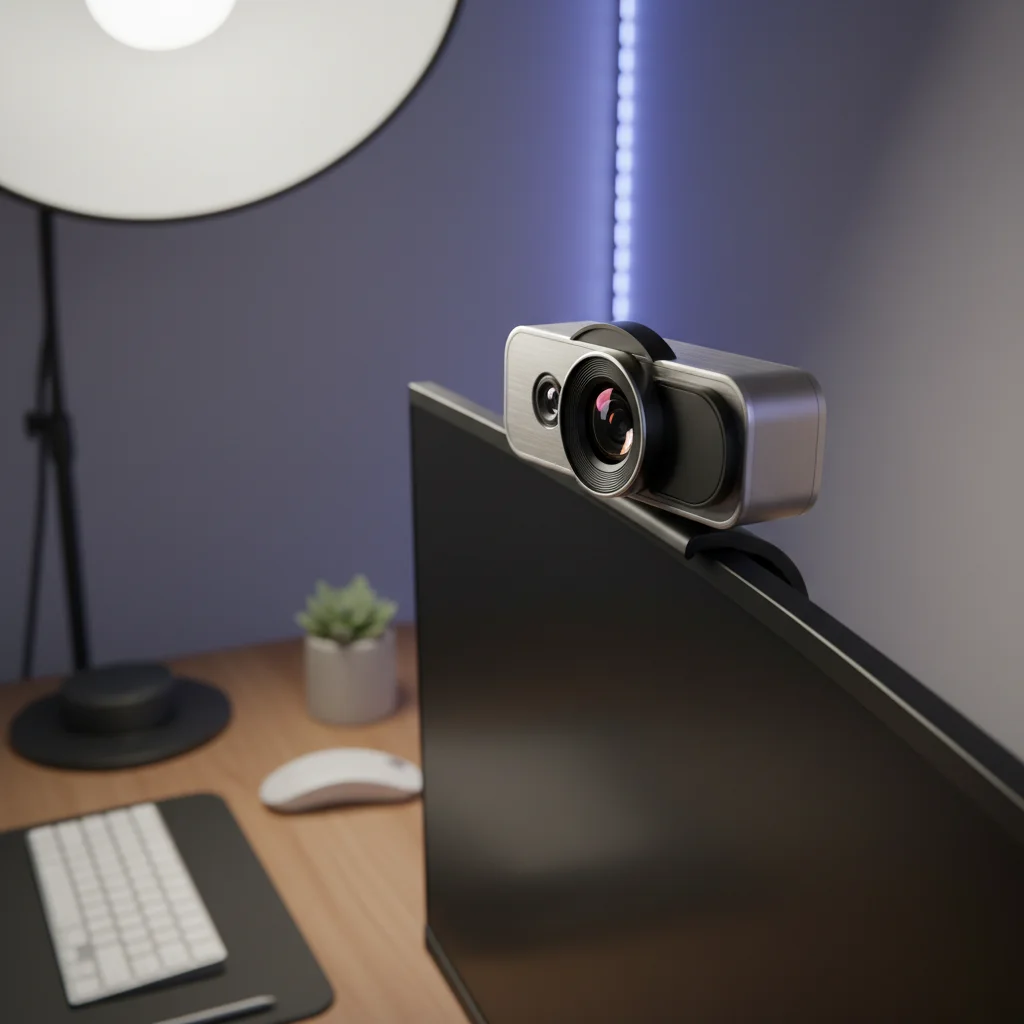
These Products To select the best entry-level webcams for this list, we established a rigorous set of evaluation criteria tailored to the needs of streamers and gamers. We did not just look at the spec sheets; we analyzed real-world performance. First and foremost is Image Quality. We prioritized cameras that offer true 1080p resolution rather than upscaled 720p, paying close attention to color accuracy and low-light performance, which is often the Achilles’ heel of budget devices. We also evaluated Build Quality and Design. A webcam should feel sturdy and sit securely on your monitor. Features like privacy shutters and detachable cables were considered bonuses. We examined the Price-to-Performance Ratio, ensuring that every dollar spent translates to a visible improvement in stream quality. Finally, we considered Plug-and-Play Usability. Entry-level users shouldn’t have to fight with complex drivers. Brand Reliability and user reviews played a significant role in filtering out generic products that fail after a few months.
Best by Budget – Full Breakdown
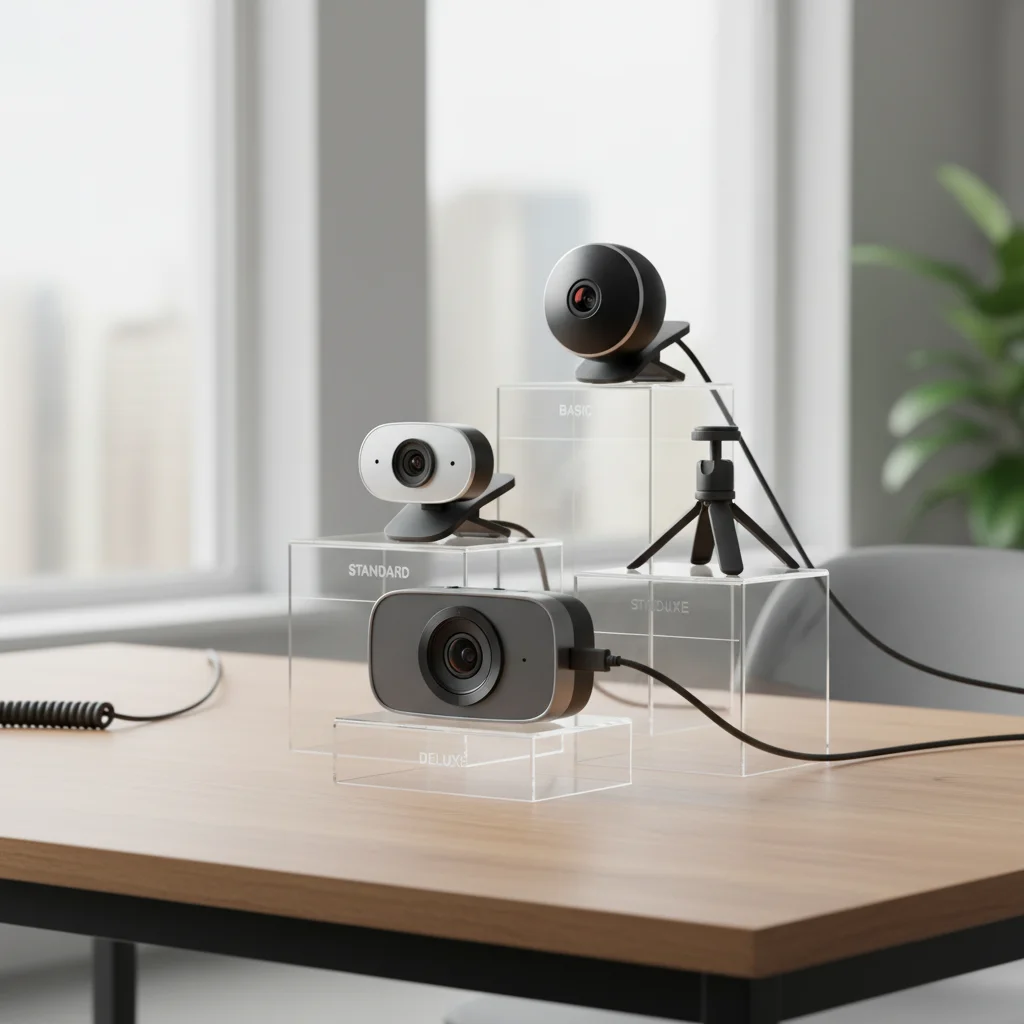
Below, we’ve categorized our top recommendations into three distinct price tiers under the $75 mark. Each tier represents a specific level of investment and expected return in quality.
Under $30: The
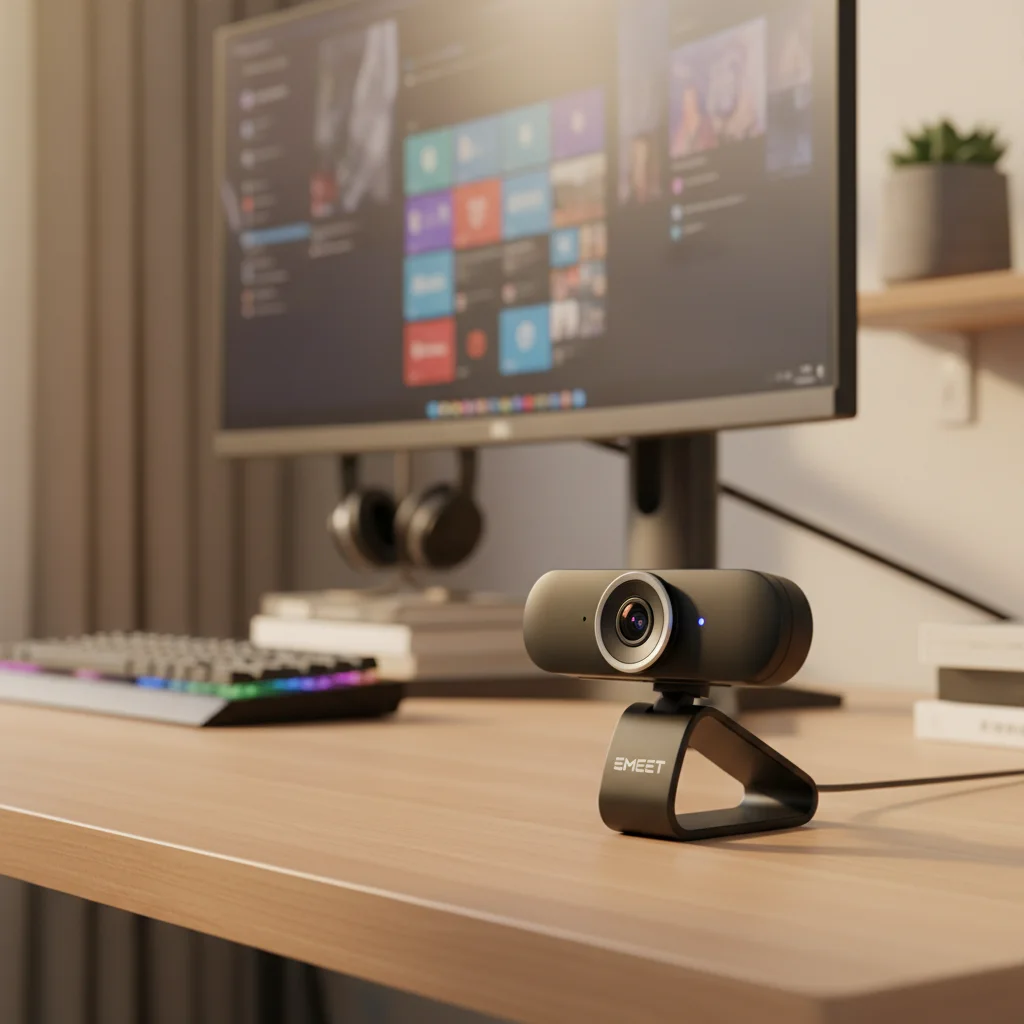
Ultra-Budget Starters In this price bracket, you’re looking for functionality and basic 1080p clarity. These cameras are ideal for beginners who need to replace a grainy laptop camera but can’t stretch their budget further. You generally get fixed focus lenses here, which is actually a benefit for static streaming setups as it prevents the camera from hunting for focus. Best Pick: EMEET C960 The EMEET C960 is widely regarded as the champion of the ultra-budget category. It offers a surprising 1080p resolution at 30 frames per second. The standout feature is its 90-degree field of view, which is wider than most standard webcams, making it great if you want to show off your gaming room background. It includes dual built-in microphones with basic noise reduction. While the low-light performance is average, with proper desk lighting, it produces a sharp, professional image. It’s the best entry-level webcam for those strictly limiting their spend. Pros: incredible price, wide angle, plug-and-play. Cons: fixed focus, struggles in dark rooms, no companion software. Ideal User: The student or casual gamer who has decent room lighting.
$30 – $50: The Value
Sweet Spot Stepping up to this tier unlocks autofocus capabilities and better exposure handling. This is the sweet spot for streamers who want to look good without buying flagship gear. Best Pick: NexiGo N60 1080P Web Camera The NexiGo N60 bridges the gap between generic budget cams and premium brands. It features a 110-degree wide-angle lens and a privacy cover, which is essential for security-conscious users. The biggest upgrade over the previous tier is the lighting correction software embedded in the chip, which helps balance the image if your monitor is bright but your room is dark. It handles 1080p video smoothly and feels more solid in hand. Pros: privacy shutter included, good color reproduction, autofocus. Cons: microphone quality is still tinny, the wide angle can distort edges slightly. Why it wins: It offers features usually reserved for $80+ cameras at a fraction of the cost.
$50 – $75: The
Premium Entry-Level This tier is where you find the industry standards—the cameras used by millions of streamers. At this price, you get glass lenses, superior software support, and reliable autofocus. Best Pick: Logitech C920s Pro HD The Logitech C920 series is legendary for a reason. It’s the best entry-level webcam for anyone serious about streaming. It offers unmatched 1080p video clarity with a premium glass lens that captures sharp details. The ‘s’ model includes a privacy shutter. What truly sets it apart is the Logitech Capture software, allowing you to tweak zoom, pan, and color settings effortlessly. It excels in low light compared to cheaper competitors and features stereo audio capture, though a dedicated mic is still recommended for streaming. Pros: industry-standard reliability, excellent software, glass lens, great mounting clip. Cons: capped at 1080p/30fps (no 60fps). Who it’s made for: The aspiring Twitch affiliate who wants a camera that will last for years.
Comparison Table
Here’s how our top picks stack up against each other to help you decide. Product: EMEET C960
Price Range: Under $30 Resolution: 1080p/30fps Field of View: 90 degrees Focus Type: Fixed Focus Best For: Absolute beginners on a strict budget. Product: NexiGo N60 Price Range: $30 - $50 Resolution: 1080p/30fps Field of View: 110 degrees Focus Type: Autofocus Best For: Users needing a wide angle and privacy cover. Product: Logitech C920s Price Range: $50 - $75 Resolution: 1080p/30fps Field of View: 78 degrees Focus Type: Autofocus (Glass Lens) Best For: Streamers wanting software control and superior clarity.
Buying Tips by
Budget When shopping for the best entry-level webcams, your strategy should change based on your spending limit. If you’re on a tight budget (Under $30), focus on lighting. A cheap camera looks amazing with good light, but an expensive camera looks terrible in the dark. Avoid paying for features like digital zoom at this price; optical quality matters more. For Mid-Range Buyers ($30-$50), look for autofocus. This allows you to hold products up to the camera or lean back in your chair without losing clarity. Check if the camera has a tripod mount, as this gives you better angles than just sitting it on your monitor. For Premium Entry Buyers ($50-$75), prioritize software and lens material. A glass lens (like on the C920s) resists scratches and provides a clearer image than plastic lenses found on cheaper models. Also, look for how to choose the right webcam software that allows you to manually adjust exposure and white balance, as this control is vital for a professional look.
Common Mistakes to
Avoid Many new streamers fall into the trap of over-researching irrelevant topics instead of focusing on their gear. You might find yourself deep in a forum asking how do I protect the lumber from rotting or can I convert a shed into a treehouse as a metaphor for building your studio, but don’t let these distractions derail you. In the context of webcams, the ‘rot’ you need to prevent is graininess caused by high ISO settings in dark rooms. Another mistake is ignoring the mounting mechanism. A webcam that wobbles every time you type will annoy viewers instantly. Don’t confuse ‘1080p supported’ with ‘native 1080p sensor’; some cheap cameras upscale from 480p, resulting in a muddy image. Always verify the native sensor resolution. Finally, don’t rely on the built-in microphone. Even the best entry-level webcams have mediocre audio. Pair your camera with a cheap USB microphone for the best results.
Who Should Choose
Which Budget Tier? The Ultra-Budget tier (Under $30) is strictly for hobbyists and students. If you’re just testing the waters of streaming and are not sure if you’ll stick with it, start here. The Mid-Range tier ($30-$50) is perfect for Just Chatting streamers or people who do frequent Discord calls with friends. The wide angles often found here are great if you have a nice room to show off. The Premium Entry tier ($50-$75) is for the Competitive Gamer and Aspiring Pro. If you plan to stream gameplay where your face cam is small in the corner, clarity and lighting handling are critical. The Logitech C920s fits this profile perfectly. If you’re looking to create content for YouTube where full-screen video is required, you should definitely aim for the $50-$75 range to ensure your footage holds up on larger screens.
Final Verdict
After testing and comparing the options, the verdict for the best entry-level webcams in 2025 is clear. If you can afford it, the Logitech C920s (or the standard C920) is the undisputed king of the under $75 category. It offers a level of polish, software support, and hardware reliability that cheaper clones can’t match. It’s a device that will serve you well even as your channel grows. However, if your budget is strictly limited, the EMEET C960 provides unbeatable value, proving that you don’t need to empty your wallet to start creating content. Ultimately, the best camera is the one that gets you streaming today rather than waiting for tomorrow.
FAQs Is 1080p strictly necessary for streaming?
Yes, in 2025, viewers expect at least 1080p. 720p can look blurry on modern high-resolution monitors and phones. Do I need a ring light with these webcams? While not mandatory, a ring light significantly improves the quality of any entry-level webcam. Lighting is often more important than the camera itself. What’s the difference between fixed focus and autofocus? Fixed focus keeps everything at a certain distance sharp, which is good if you sit still. Autofocus adjusts to your movement, which is better if you move around or show objects to the camera. Can I use these webcams on a Mac? Yes, most plug-and-play USB webcams work on Mac, but always check if the specific configuration software is compatible with macOS.