When you purchase through links on our site, we may earn an affiliate commission.
What We Like
- Clear breakdown of essential GPU specifications.
- Targeted recommendations for different gamer profiles.
- Identifies common pitfalls and marketing overstatements.
What Could Be Better
- Relies on published specs and general technical consensus, not hands-on testing.
- Pricing is approximate and subject to market fluctuations.
Quick Verdict
Choosing the best graphics card in 2026 boils down to balancing your resolution, refresh rate, and budget. For high-refresh 1440p and 1080p competitive play, aim for cards with strong rasterization and efficient upscaling. For 4K enthusiasts prioritizing visual fidelity, look for ample VRAM and robust ray tracing capabilities. Don’t chase marketing hype; understand your actual needs.
Introduction: The Heart of Your Gaming Rig
The graphics card, or GPU, is the undisputed king of your gaming PC. It dictates the resolution you can play at, the frame rates you’ll achieve, and the visual quality settings you can push. This isn’t just about pretty pictures; it’s about responsiveness, immersion, and achieving the competitive edge. Choosing the right one is crucial, and this Best GPU Buying Guide will arm you with the knowledge to make an informed decision, not just a product list. We’ll cut through the marketing fluff and get to the specs that matter, so you can stop worrying about which GPU is best and start playing.
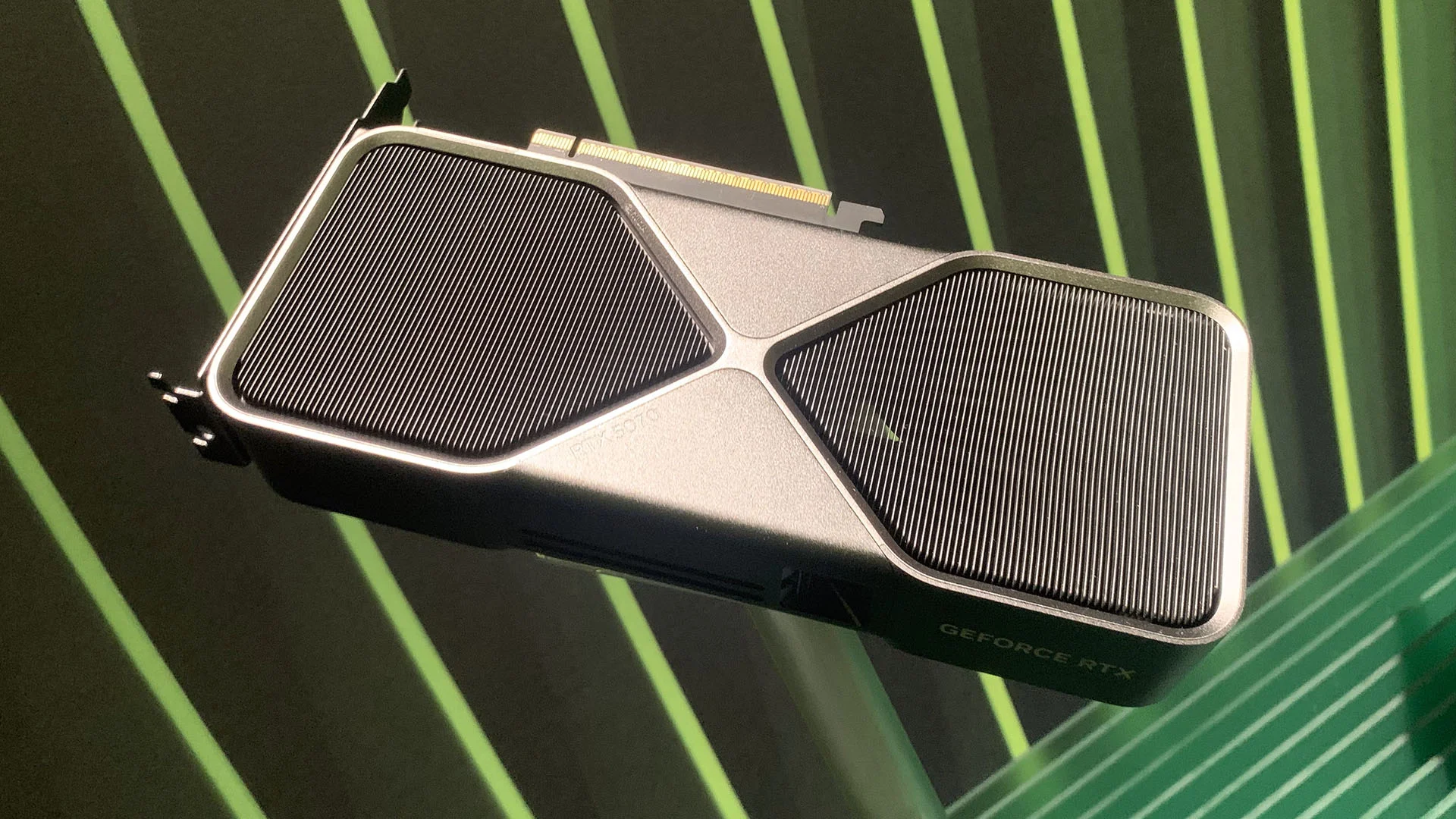 Image: representative product (NVIDIA)
Who Is This Guide For?
Not all gamers are created equal, and neither are their GPU needs. This guide is structured to help you pinpoint your requirements and find the silicon that fits. Whether you’re a twitchy esports pro or a couch-bound RPG explorer, your priorities will differ wildly. We’ll help you identify what specs to obsess over and what marketing jargon to ignore. So, let’s break down the gamer archetypes.
Competitive FPS Players
Your mantra is ‘frames per second.’ High refresh rates (144Hz+) at 1080p or 1440p are paramount. You need a GPU that can consistently deliver 200+ FPS in your favorite titles, often with settings dialed down for maximum performance. Look for strong raw performance and efficient upscaling technologies like NVIDIA DLSS or AMD FSR to push those frame rates even higher. Advanced features like ray tracing are usually ignored; they tank performance. Prioritize clock speeds, memory bandwidth, and a good driver reputation for stability. Ignore the fluff about ‘cinematic experiences.‘
Beginners & Casual Gamers
You’re looking for a solid entry point into modern PC gaming. 1080p resolution at 60Hz is likely your target, with medium to high settings. Value is key here. You don’t need the absolute top-tier hardware, but something that provides a smooth, enjoyable experience without constant compromises. Focus on GPUs that offer a good balance of performance and price, and are supported by widespread driver updates. Don’t get bogged down in niche features; a stable, reliable performer is your goal. Ignoring the very latest, most expensive tech is wise.
Streamers & Content Creators
Your needs are twofold: excellent gaming performance and robust encoding capabilities. You’ll want a GPU that can handle your game at high settings while simultaneously encoding your stream without dropping frames. NVIDIA’s NVENC encoder is generally considered superior for streaming quality and efficiency. Look for GPUs with ample VRAM (12GB+) for handling complex scenes and editing tasks. Performance in creative applications like Adobe Premiere or DaVinci Resolve also matters. Prioritize CUDA cores (NVIDIA) or Stream Processors (AMD) and efficient encoding hardware. RGB is not encoding, it’s lighting.
Budget Buyers
Every dollar counts. You’re looking for the best bang for your buck, likely targeting 1080p gaming at 60Hz with medium settings. This means exploring the entry-level and mid-range segments, and perhaps even the used market (with caution). Focus on raw performance per dollar. Ignore premium features like excessive RGB or advanced ray tracing hardware; they’re not in your budget. Ensure the card you choose has enough VRAM for current titles, typically 8GB. Look for deals and consider previous generation cards that have dropped in price.
Key Factors to Consider Before Buying
The spec sheet can look like a foreign language. We’ll break down the essential elements that actually impact your gaming experience. Understanding these factors is the difference between a wise purchase and buyer’s remorse. Don’t just look at the headline numbers; dig a little deeper.
Performance & Specifications
This is the core of GPU selection. Key metrics include: Core Clock Speed (higher is generally better, but architecture matters more), CUDA Cores/Stream Processors (more is better for raw processing power), and Memory Bandwidth (crucial for feeding data to the GPU, measured in GB/s). Resolution and refresh rate targets are critical here. For 1080p, aim for cards that can hit 100+ FPS in demanding titles. For 1440p, 60-120 FPS is achievable with mid-to-high-end cards. 4K gaming is where GPUs start to sweat, requiring significant horsepower. The most common mistake is overlooking VRAM; 8GB is the bare minimum for modern gaming, with 12GB or 16GB becoming the sweet spot for 1440p and beyond.
VRAM: Video RAM Matters
VRAM is your GPU’s dedicated workspace for textures, frame buffers, and other graphical data. Running out of VRAM is a hard performance limit. If you’re gaming at 1080p, 8GB is usually sufficient. However, for 1440p gaming, especially with higher texture settings or modern titles, 12GB is a safer bet. 4K gaming demands 16GB or more. The NVIDIA GeForce RTX 4070 SUPER comes with 12GB, making it a strong contender for 1440p. AMD’s Radeon RX 7800 XT also offers 16GB, a great choice for those prioritizing VRAM at this tier. Ignoring VRAM is a classic beginner’s mistake that leads to stutters.
Build Quality & Durability
While most GPUs from reputable brands are built to last, some models exhibit known issues. Pay attention to cooling solutions; multi-fan designs and robust heatsinks are generally better at managing heat, leading to longer component life and less thermal throttling. Check reviews for mentions of fan noise or premature bearing failure. Some specific connector types have documented melting problems on older or poorly implemented designs, so ensure your chosen card uses robust power delivery. This cooler is thicker than our patience for thermal paste myths.
Comfort & Ergonomics
This is less about the card itself and more about its integration into your build. The physical size of the GPU is a major consideration for case compatibility. Check the length, height, and width of any card you’re considering against your PC case specifications. Overly large cards can obstruct other components or simply not fit. Also, consider the noise profile; while active cooling is standard, some cards are louder than others under load. If you’re building a quiet PC, look for reviews that specifically mention noise levels.
Features & Customization
Beyond raw performance, GPUs offer features like RGB lighting, custom backplates, and overclocking headroom. While RGB is purely aesthetic and doesn’t impact performance (it’s lighting, not cooling), some gamers appreciate the visual flair. For serious overclockers, higher-end cards with beefier power delivery and cooling offer more potential. Upscaling technologies (NVIDIA DLSS, AMD FSR) are crucial features for maximizing frame rates and should be a primary consideration for most gamers. When a spec sheet says ‘optimized’ without numbers, run.
Connectivity
Modern GPUs typically feature DisplayPort and HDMI outputs. Ensure the card has enough ports for your monitor setup. For wired connections, DisplayPort 1.4a is standard and supports high resolutions and refresh rates. Wireless display technologies are generally not used for primary gaming due to latency and reliability concerns; wired is king for a reason. Any serious builder knows that for gaming, you want the lowest possible latency, and that means a stable wired connection.
Price vs Value
The GPU market is notorious for diminishing returns. The most expensive cards offer the highest performance, but the price jump is often disproportionate to the performance gain. For 1080p, cards under $300 offer excellent value. Mid-range ($300-$500) is the sweet spot for 1440p. High-end ($500+) starts pushing into diminishing returns for most gamers, with flagship cards costing well over $800 for incremental gains. If your rig is struggling at 1440p, here is the actual reason: you probably need a better GPU, not just a fancier one.
Brand Reputation & Support
While the GPU chip itself comes from NVIDIA or AMD, the board partners (ASUS, MSI, Gigabyte, EVGA, etc.) design and manufacture the final product. Researching the reputation of the specific AIB (Add-In Board) partner for build quality, customer support, and warranty is wise. Some brands have better track records for reliability and customer service than others. While we don’t track failure rates, historical patterns of support and warranty handling can be a deciding factor for many builders.
Recommended Products
Here are a few standout GPUs that represent strong choices across different needs and budgets in 2026. These are not exhaustive reviews, but snapshots of why they earn a spot on our list.
NVIDIA GeForce RTX 4070 SUPER
This card hits a sweet spot for 1440p gaming. It offers excellent rasterization performance and strong ray tracing capabilities, bolstered by NVIDIA’s mature DLSS 3 upscaling technology. With 12GB of GDDR6X VRAM, it’s well-equipped for modern titles at higher settings. Its power consumption is manageable, making it a good candidate for upgrades without necessitating a PSU overhaul. It’s ideal for gamers targeting high frame rates at 1440p or solid 1080p performance with maxed-out settings.
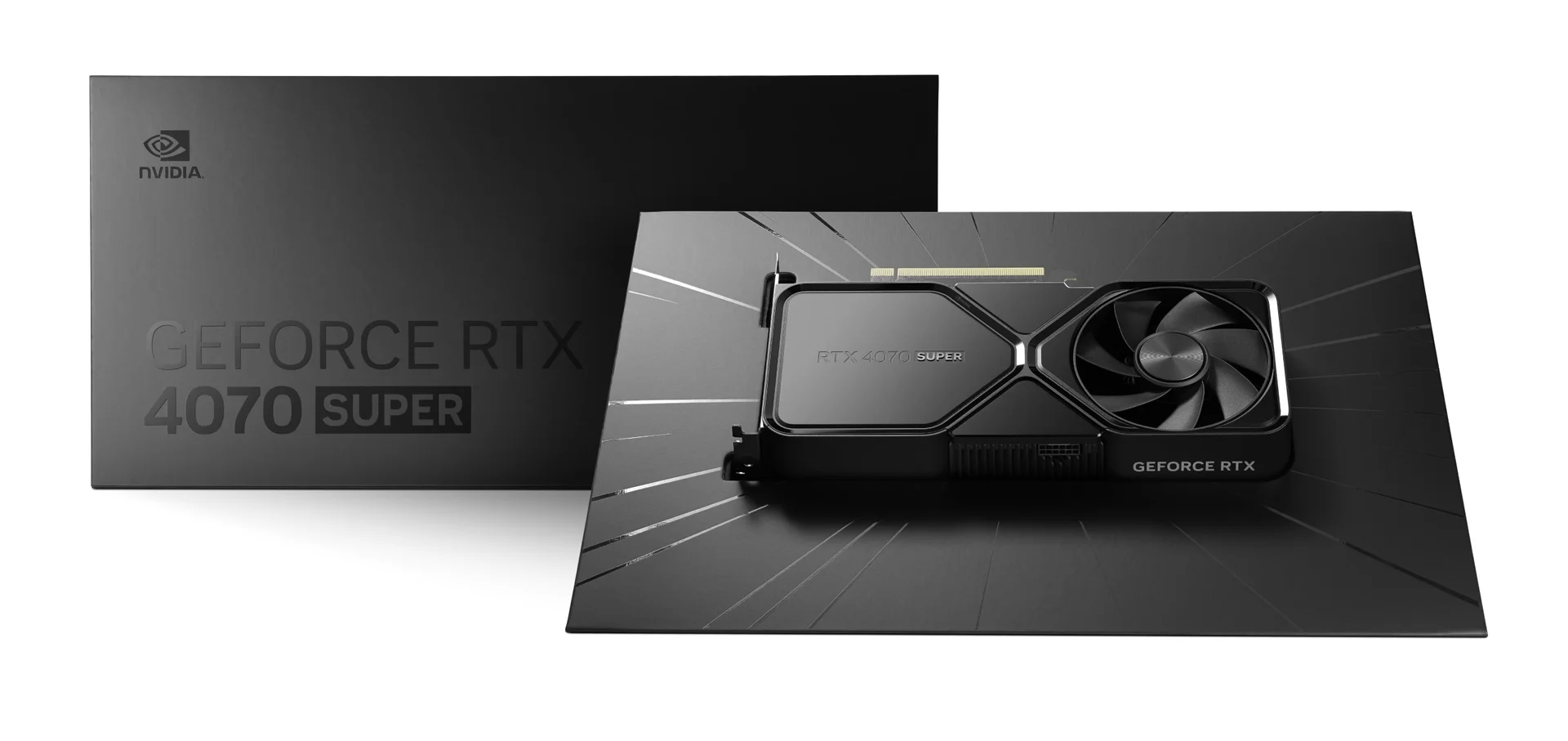 Image: NVIDIA
AMD Radeon RX 7800 XT
AMD’s answer to the 1440p segment, the RX 7800 XT boasts a generous 16GB of VRAM, making it an attractive option for future-proofing and texture-heavy games. Its raw rasterization performance is competitive, often matching or exceeding NVIDIA’s offerings in non-ray traced scenarios. While its ray tracing performance trails NVIDIA’s high-end, it’s still capable, and FSR 3 offers a viable upscaling alternative. This is a great pick for gamers focused on pure performance at 1440p without excessive budget concerns.
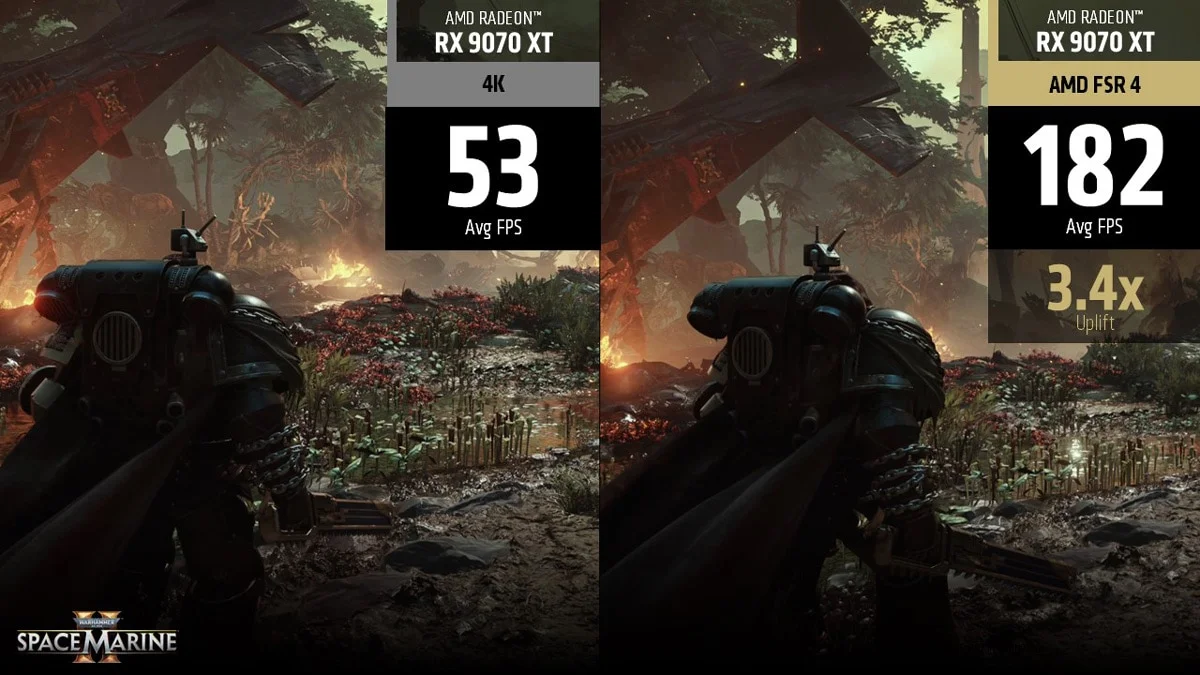 Image: AMD
NVIDIA GeForce RTX 4060 Ti (16GB)
For budget-conscious gamers aiming for 1080p or entry-level 1440p performance, the RTX 4060 Ti with 16GB of VRAM offers a compelling package. While its core performance is more aligned with 1080p, the increased VRAM helps mitigate texture loading issues in more demanding titles. It benefits from DLSS 3 for boosting frame rates and provides access to NVIDIA’s AI and encoding features, making it a versatile option for casual gamers and aspiring streamers on a tighter budget.
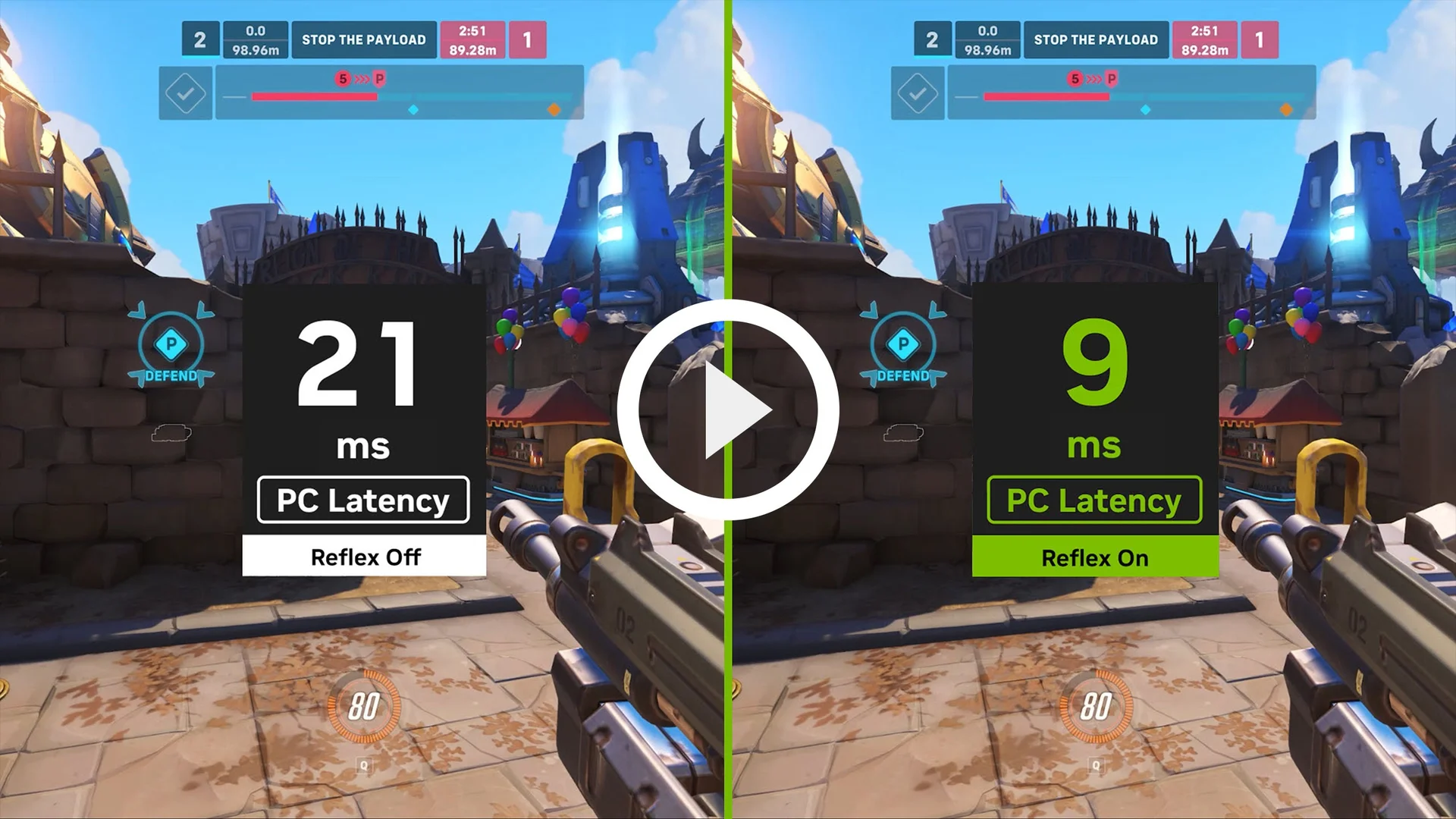 Image: representative product (NVIDIA)
AMD Radeon RX 7700 XT
Positioned as a strong 1440p contender at a more accessible price point than the 7800 XT, the RX 7700 XT delivers solid gaming performance. It comes with 12GB of VRAM, which is sufficient for most 1440p titles. Its rasterization performance is commendable, and while ray tracing is not its strongest suit, it’s functional. This card represents excellent value for gamers who want to experience modern titles at 1440p without breaking the bank, offering a good balance of performance and affordability.
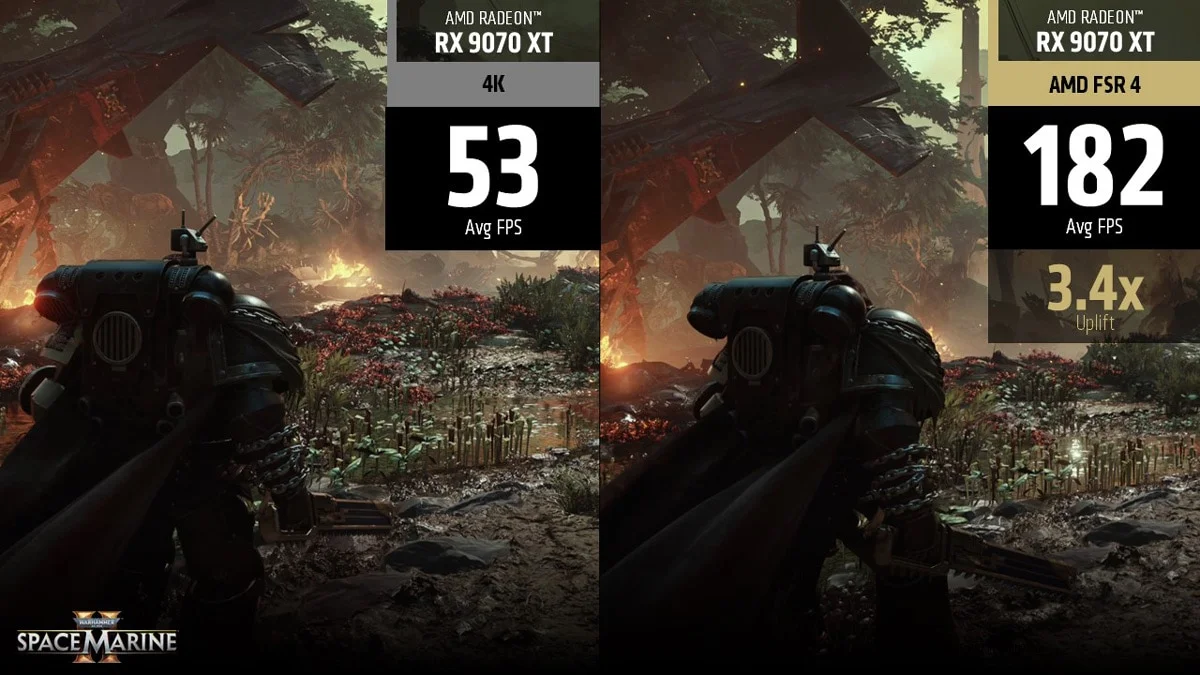 Image: AMD
Common Mistakes to Avoid
Don’t get caught out by common pitfalls. We’ve seen it all, and helping you avoid them is part of our job. These mistakes can cost you money, performance, or both.
Overpaying for Unused Features
Buying a flagship GPU like the RTX 4090 when you only play esports titles at 1080p is a classic case of overspending. Similarly, paying a premium for advanced ray tracing if you never enable it’s foolish. Understand your target resolution and refresh rate, and buy a card that meets those needs without excess. Not every gamer needs 240Hz.
Ignoring Ergonomics and Compatibility
A massive GPU might look impressive, but if it doesn’t fit your case, it’s useless. Always check physical dimensions. Similarly, ignoring the noise profile of a card can lead to an irritating gaming experience if your PC is in your living space. A loud card is not a better card.
Skipping Software Compatibility Checks
While most modern GPUs work with Windows, some specific features or optimizations might be tied to certain driver versions or software suites. Ensure your chosen card is compatible with your operating system and any specific creative or streaming software you plan to use. Ignoring driver stability and updates is also a mistake.
Buying on Brand Hype Alone
Every brand claims to be the best. Don’t fall for marketing buzzwords without checking independent reviews and benchmarks. A specific model might be overhyped or have known issues that aren’t immediately apparent from the marketing materials. Look for real-world performance data.
Underestimating Power Supply Needs
This is a critical one. A new, powerful GPU can draw significantly more power than your old one. Failing to upgrade your PSU accordingly can lead to system instability, random shutdowns, or even damage to your components. Check the manufacturer’s recommended PSU wattage for your chosen card and then some.
How to Match the Right Product to Your Needs
We’ve covered the specs and the pitfalls. Now, let’s tie it all together and match you with the ideal GPU for your gaming style. This is where the rubber meets the road.
For Competitive FPS Players
Focus on high refresh rate 1080p or 1440p performance. Prioritize cards that deliver 200+ FPS in your target games with settings optimized for speed. Look for strong clock speeds, good memory bandwidth, and efficient upscaling like DLSS 3 or FSR 3. Cards like the NVIDIA GeForce RTX 4070 SUPER or AMD Radeon RX 7800 XT, when tuned, can deliver this. Ray tracing is a distraction here.
For Casual Gamers
Target 1080p at 60-100Hz with medium to high settings. Value is key. Cards like the AMD Radeon RX 7700 XT or the NVIDIA GeForce RTX 4060 Ti (16GB) offer a great balance of performance and price, ensuring a smooth and enjoyable experience without breaking the bank.
For Streamers & Creators
You need a blend of gaming prowess and encoding capability. NVIDIA cards with their NVENC encoder are often preferred. Look for ample VRAM (12GB+) and strong performance in both gaming and creative applications. The NVIDIA GeForce RTX 4070 SUPER or even the RTX 4060 Ti (16GB) can serve well, depending on your budget and workload intensity.
For Budget Buyers
Maximize your performance per dollar for 1080p gaming. Look for deals on entry-level to mid-range cards. The AMD Radeon RX 7700 XT or NVIDIA GeForce RTX 4060 Ti (16GB) often represent the best value propositions at this tier, providing solid performance for the cost.
Final Verdict
The best graphics card in 2026 isn’t a single entity; it’s the one that perfectly aligns with your gaming habits and financial plan. Understand your resolution, your target frame rates, and your VRAM needs. Don’t be swayed by meaningless marketing terms. With the information in this guide, you’re equipped to make a confident, informed decision. Now go build that dream rig.
Frequently Asked Questions
How much VRAM do I really need in 2026?
For 1080p gaming, 8GB is still adequate for most titles. However, for 1440p and future-proofing, 12GB or 16GB is strongly recommended. 4K gaming demands 16GB or more, especially with high-resolution textures and ray tracing enabled. Ignoring VRAM can lead to stuttering and texture pop-in, even with a powerful GPU core.
Is ray tracing worth it for my next GPU?
Ray tracing provides more realistic lighting and reflections, but it's a significant performance hit. If your budget allows and you prioritize visual fidelity in supported titles, it's a nice-to-have. However, for competitive gamers focused on frame rates, it's often best left disabled. Look for GPUs with dedicated RT cores for better performance.
What's the difference between NVIDIA GeForce RTX and AMD Radeon RX?
NVIDIA's RTX cards generally lead in ray tracing performance and feature DLSS upscaling, which is very effective. AMD's RX cards often offer better raw rasterization performance for the price and feature FSR upscaling. Both have mature driver suites, but specific game optimizations can vary. Your choice often comes down to specific game performance, features, and price.
Do I need to upgrade my power supply when buying a new GPU?
Absolutely. High-end GPUs are power-hungry. Always check the recommended PSU wattage for your chosen graphics card and ensure your current PSU meets or exceeds it, with some headroom. A weak PSU can cause instability, crashes, or even damage components. For example, a card like the NVIDIA GeForce RTX 4090 often requires a 850W or higher PSU.
Can I use a graphics card with a lower PCIe generation than my motherboard?
Yes, you can. A PCIe 4.0 card will work in a PCIe 3.0 slot, and vice versa. However, you'll be limited by the bandwidth of the older slot. For most current-generation GPUs, the performance difference between PCIe 4.0 and 3.0 is minimal, typically a few percentage points. It's not usually a reason to avoid a card, but it's something to be aware of.
Where to Buy
- NVIDIA GeForce RTX 4070 SUPER on Amazon
- AMD Radeon RX 7800 XT on Amazon
- NVIDIA GeForce RTX 4060 Ti (16GB) on Amazon
- AMD Radeon RX 7700 XT on Amazon
Related Articles
- AMD FSR 4.0 Rumored to Bring Massive Performance Improvements Across All GPUs
- AMD Radeon RX 7800 XT Review (2026): Is This the Best Gaming Graphics Card?
- AMD Radeon RX 7900 XTX Review (2026): Is This the Best Gaming Graphics Card?
- Best Graphics Cards for 4K Gaming in 2025: RTX 4090 vs. Radeon RX 7900 XTX Comparison
- Best RTX 40-Series Deals & Discounts (2025): Save Big on Top Graphics Cards