

Introduction
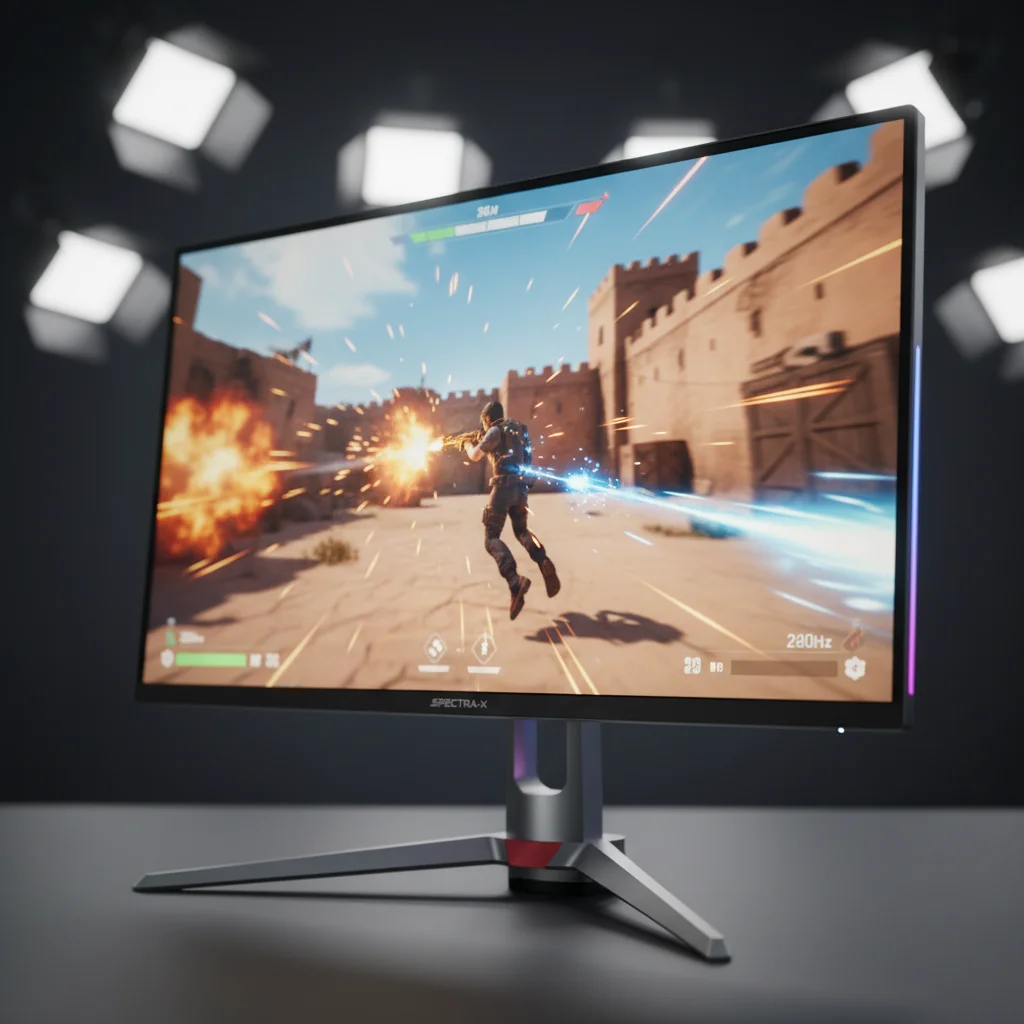
When building a battle station, the monitor is your window into the virtual world. However, nothing ruins immersion faster than screen tearing, where the image looks disjointed, or stuttering, which makes gameplay feel jerky. This is where variable refresh rate (VRR) technologies come into play. Choosing the right display technology is a critical decision in any Gaming Monitor Buying Guide. For years, the debate has centered on two main contenders: Nvidia G-Sync and AMD FreeSync. While both aim to smooth out your gameplay by synchronizing the monitor’s refresh rate with the GPU’s frame rate, they achieve this in different ways and at different price points. In this G-Sync vs FreeSync guide, we’ll break down the technical differences, cost implications, and performance benefits of each to ensure you invest in a display that improves your gaming experience.
Who Is This Guide For?
Understanding the nuances of adaptive sync technology is beneficial for a wide range of users, but it’s particularly crucial depending on your specific gaming habits. This guide is designed to help several types of buyers make an informed decision. Competitive Gamers who play titles like Valorant or Counter-Strike need to understand input lag differences and how VRR affects reaction times. Casual Gamers looking for high-fidelity graphics in single-player RPGs will benefit from knowing which tech handles HDR and 4K resolution better. Streamers who need reliability without frame drops will find value in stability comparisons. Finally, Budget-Conscious Buyers need to know where the best value lies and if the premium price tag of proprietary hardware is actually worth the investment for their specific setup.
Key Factors to Consider Before Buying
Selecting the right monitor involves more than just picking a brand. You must evaluate how the adaptive sync technology interacts with the physical hardware of the display. The following sections detail the critical criteria you must analyze to determine if a G-Sync or FreeSync monitor is the right fit for your rig.

Performance & Specifications: VRR Range and Latency
The most critical aspect of any adaptive sync monitor is its Variable Refresh Rate (VRR) range. This defines the window in which the anti-tearing technology is active. Native G-Sync monitors often support VRR from 1Hz up to the maximum refresh rate, ensuring smoothness even if framerates tank. FreeSync implementations vary; some basic models only support a narrow range, such as 48Hz to 75Hz. If your frame rate drops below this range, tearing returns unless the monitor supports Low Framerate Compensation (LFC). LFC multiplies frames to stay within the sync range. When looking for the best gaming monitor, ensure the FreeSync model explicitly supports LFC (usually found in FreeSync Premium tiers), whereas G-Sync modules handle this natively and flawlessly. Also, consider input lag; native G-Sync modules are engineered to minimize processing delay, though modern FreeSync implementations have largely closed this gap.
Build Quality & Panel
Technology The synchronization technology is only as good as the panel it drives. You’ll find both G-Sync and FreeSync paired with TN, VA, IPS, and OLED panels. However, G-Sync Ultimate monitors often undergo stricter quality control and certification processes mandated by Nvidia. This usually results in better factory calibration and less backlight bleed compared to budget FreeSync monitors, where quality control is left entirely to the monitor manufacturer. When evaluating build quality, look for the ‘G-Sync Compatible’ certification on FreeSync monitors, as this indicates Nvidia has tested the panel for flickering and blanking issues, ensuring a build quality standard that rivals native G-Sync displays.
Visual Fidelity & HDR Features
High Dynamic Range (HDR) has become a staple in modern gaming, but its implementation varies wildly between the two standards. AMD’s FreeSync Premium Pro is specifically designed to handle HDR tone mapping with low latency, ensuring colors pop without sacrificing performance. On the Nvidia side, G-Sync Ultimate is the gold standard, requiring high peak brightness (often 1000 nits) and full-array local dimming backlights. If you’re a casual gamer who prioritizes cinematic visuals over raw frame count, checking the specific tier of sync technology is vital. A basic FreeSync monitor may support HDR signals but lack the hardware to display them correctly, resulting in a washed-out image.
Connectivity & Compatibility
Connectivity is a major differentiator in the G-Sync vs. FreeSync conversation. Historically, G-Sync features were only accessible via DisplayPort. While newer G-Sync modules and G-Sync Compatible displays now support HDMI to some extent, DisplayPort remains the superior choice for PC gaming to unlock full bandwidth and refresh rates. FreeSync, being an open standard, works robustly over HDMI, making it the superior choice for console gamers on Xbox or PlayStation who also want to use the same screen for PC gaming. Before buying, verify that the monitor has DisplayPort 1.4 or HDMI 2.1 ports to support high refresh rates at high resolutions.
Price vs. Value
Price is often the deciding factor. Monitors with a native G-Sync module contain a dedicated hardware processor installed inside the screen, which adds a significant premium to the cost—often referred to as the G-Sync tax. This can range from 100 to 300 dollars more than a non-G-Sync equivalent. FreeSync, relying on standard scalers and software, adds virtually no cost to the monitor production. For most users, a ‘G-Sync Compatible’ FreeSync monitor offers the best value proposition, providing 95 percent of the performance of native G-Sync at a fraction of the price. True G-Sync is generally reserved for enthusiasts who demand perfection and have the budget to match.
Brand Reputation & Driver
Support Your experience will also depend on your GPU manufacturer. Nvidia updates its drivers frequently to support new G-Sync Compatible monitors, but they’re strict about certification. If a monitor is not on their list, you can still force G-Sync on, but stability is not guaranteed. AMD’s ecosystem is more open, meaning almost any monitor can claim FreeSync support, but this leads to a wider variance in quality. Relying on reputable monitor brands like LG, ASUS, Dell, and Samsung is crucial, as they provide better firmware support and OSD (On-Screen Display) updates to fix any flickering or handshake issues that might arise with the sync technology.
Recommended
Products Navigating the market can be overwhelming, so we’ve highlighted a few standout options that represent the best of both worlds. These picks exemplify the balance between performance and cost.
Alienware AW3423DW (G-Sync Ultimate) This
QD-OLED monitor is a powerhouse for enthusiasts. It features a native G-Sync module, ensuring flawless variable refresh rates and ultra-low latency. The combination of OLED infinite contrast and G-Sync smoothness makes it arguably the best choice for high-end gaming setups where budget is not a constraint. It’s ideal for immersive single-player games and competitive shooters alike.
LG 27GP850-B UltraGear (G-Sync Compatible / FreeSync Premium)
A favorite in the mid-range category, this monitor offers incredible value. While it’s natively a FreeSync Premium monitor, it’s officially certified as G-Sync Compatible by Nvidia. It features a fast Nano IPS panel with a 165Hz refresh rate (overclockable to 180Hz). It’s the perfect choice for the majority of gamers who want high performance without paying the premium for a dedicated G-Sync hardware module.
Samsung Odyssey G7 (FreeSync Premium Pro) The Odyssey
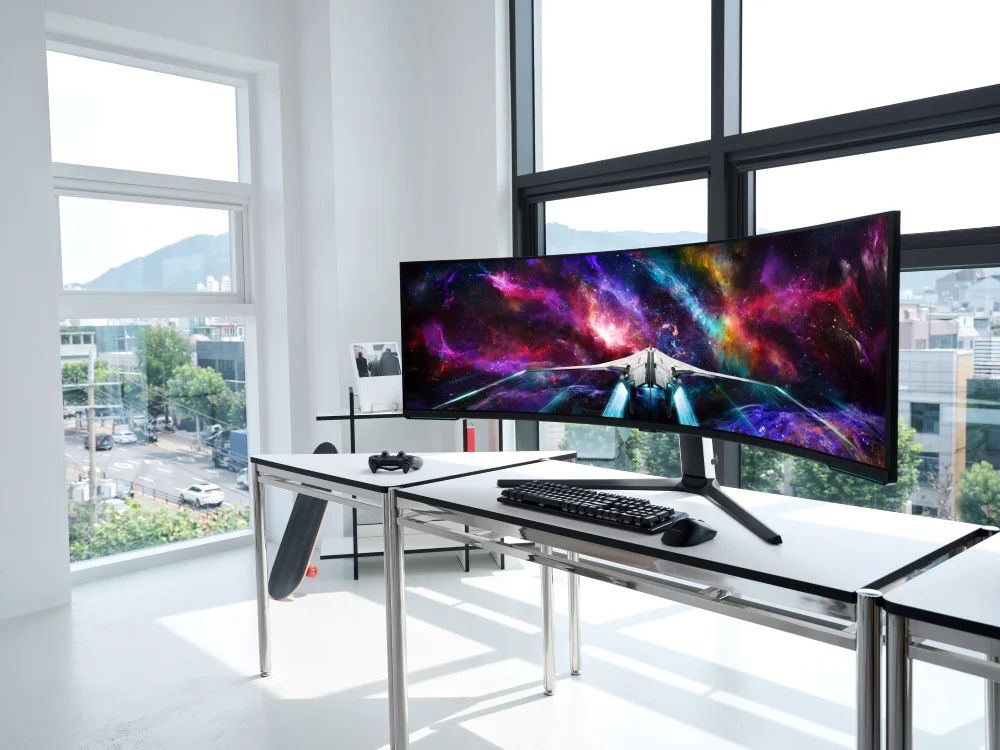
G7 is a strong contender for those who prioritize contrast and HDR. Using a VA panel with a rapid 240Hz refresh rate, it supports FreeSync Premium Pro, making it excellent for HDR gaming. Its aggressive curve immerses the player, and its sync technology handles low framerate compensation exceptionally well. This is ideal for gamers who switch between competitive titles and graphically intense HDR games.
Common Mistakes to Avoid
Even experienced PC builders can make errors when matching monitors to GPUs. One common mistake is buying a native G-Sync monitor when you own an AMD graphics card. While newer G-Sync monitors may technically display an image, you lose the benefits of the expensive G-Sync module because AMD cards can’t use it fully. Another error is ignoring the ‘Sync Range’. Buying a 144Hz monitor that only supports FreeSync between 90Hz and 144Hz means you’ll experience tearing if your game drops to 60FPS. Always check the lower bound of the VRR range. Finally, don’t overlook the included cable. Many users connect a high-end monitor with an old HDMI cable that lacks the bandwidth for VRR, resulting in the feature being greyed out in the settings.
How to Match the Right Product to Your Needs
Your specific use case should dictate your choice between G-Sync and FreeSync. Here’s how to align your buy with your gaming style.
For Competitive FPS Players
If every millisecond counts, you need consistency. While native G-Sync offers slightly better latency management in some scenarios, many pros now use high-end 240Hz or 360Hz G-Sync Compatible monitors. The key here’s to ensure the monitor has a high refresh rate and fast pixel response times. A ‘G-Sync Compatible’ certification is usually sufficient and allows you to allocate more budget toward a faster GPU.
For Casual Gamers
If you play a mix of open-world games, strategy titles, and occasional shooters, a FreeSync Premium monitor is the sweet spot. It guarantees LFC (Low Framerate Compensation), ensuring that if your game stutters or drops frames during intense scenes, the monitor will smooth it out. You don’t need to pay extra for native G-Sync hardware.
For Streamers & Creators
Streamers need reliability. A flickering screen can be distracting and unprofessional. Sticking to officially certified ‘G-Sync Compatible’ or Native G-Sync monitors ensures that the display driver handshake is stable. Also, creators should look for IPS panels that offer color accuracy alongside their sync capabilities to ensure their content looks good for the audience.
For Budget Buyers
The budget segment is dominated by FreeSync. Standard FreeSync works well for 1080p 60Hz or 75Hz gaming. However, be wary of the very cheapest models that lack DisplayPort inputs, as this can limit your ability to upgrade to an Nvidia GPU in the future and still use adaptive sync. Always look for at least basic LFC support to ensure playable framerates.
FAQs
Here are answers to the most frequent questions regarding adaptive sync technologies.
Can I use a FreeSync monitor with an Nvidia card?
Yes, absolutely. Nvidia enabled ‘G-Sync Compatible’ mode for GTX 10-series cards and newer. This allows Nvidia GPUs to activate VRR on FreeSync monitors. However, for the best experience, choose a monitor that’s officially ‘G-Sync Compatible’ certified to avoid flickering issues.
Is native G-Sync worth the extra cost over FreeSync?
For most users, no. The gap between G-Sync Compatible and native G-Sync has narrowed significantly. Native G-Sync is only worth it if you’re buying a top-tier HDR monitor (G-Sync Ultimate) or require variable overdrive for perfect motion clarity across the entire refresh rate range.
Does G-Sync or FreeSync lower my FPS?
No, these technologies don’t lower your frame rate. They synchronize the monitor’s refresh rate to the GPU’s output. In fact, they make lower frame rates feel smoother by eliminating the stutter associated with V-Sync, making the gameplay experience feel more fluid.
What’s the difference between FreeSync, Premium, and Premium Pro?
Basic FreeSync prevents tearing. FreeSync Premium adds a requirement for at least 120Hz refresh rate at FHD resolution and adds Low Framerate Compensation (LFC). FreeSync Premium Pro adds support for HDR hardware and low latency tone mapping, which is essential for high-fidelity gaming.
Final Verdict
In the battle of G-Sync vs. FreeSync, the winner depends entirely on your budget and your GPU. If you demand the absolute best motion clarity, variable overdrive, and have an Nvidia card with an unlimited budget, a native G-Sync Ultimate monitor is the pinnacle of display technology. However, for 90 percent of gamers, a FreeSync Premium or G-Sync Compatible monitor offers the best gaming monitor experience for the money. These displays provide tear-free, smooth gameplay without the hefty proprietary tax. When choosing your next screen, focus on the panel quality and VRR range first, and view the sync certification as a seal of approval for stability. By prioritizing these features, you’ll ensure a visual experience that does justice to your gaming rig.