When you purchase through links on our site, we may earn an affiliate commission. This helps support our work and allows us to continue delivering in-depth, unbiased gaming coverage.
Introduction
The processor market has never been more competitive, with red and blue teams trading blows for the title of the fastest silicon on the planet. In this comprehensive i9-14900K review, we’re revisiting what’s essentially the swan song of the LGA1700 socket. The Intel Core i9-14900K represents the pinnacle of the Raptor Lake Refresh lineup, pushing clock speeds to a staggering 6.0 GHz right out of the box. Designed as a direct response to AMD’s aggressive 3D V-Cache technology, this CPU aims to capture the crown for the best CPU for gaming in 2024 and beyond by using brute force frequency and a massive hybrid core count. This review will dissect the architecture, thermal challenges, and raw performance metrics to determine if this power-hungry beast is the right engine for your next enthusiast build. We’ll explore whether its dominance in productivity and gaming frame rates outweighs the significant cooling investment required to tame it. This product is undoubtedly targeted at the enthusiast segment—gamers, streamers, and content creators who demand the absolute highest numbers regardless of power efficiency.
Key Takeaways
The Intel Core i9-14900K achieves a blistering 6.0 GHz boost clock without manual overclocking, offering top-tier single-core performance.
It retains the hybrid architecture with 24 cores (8 P-cores and 16 E-cores), making it a multitasking juggernaut for streamers and creators. Power consumption is extremely high, frequently exceeding 300W under full load, necessitating a high-end 360mm or 420mm AIO cooler. Gaming performance is exceptional, trading blows with the Ryzen 7 7800X3D, particularly in titles that favor high frequency over large cache. As the final upgrade for the LGA1700 platform, it offers a maxed-out path for existing 12th and 13th Gen users but offers no future socket upgradeability.
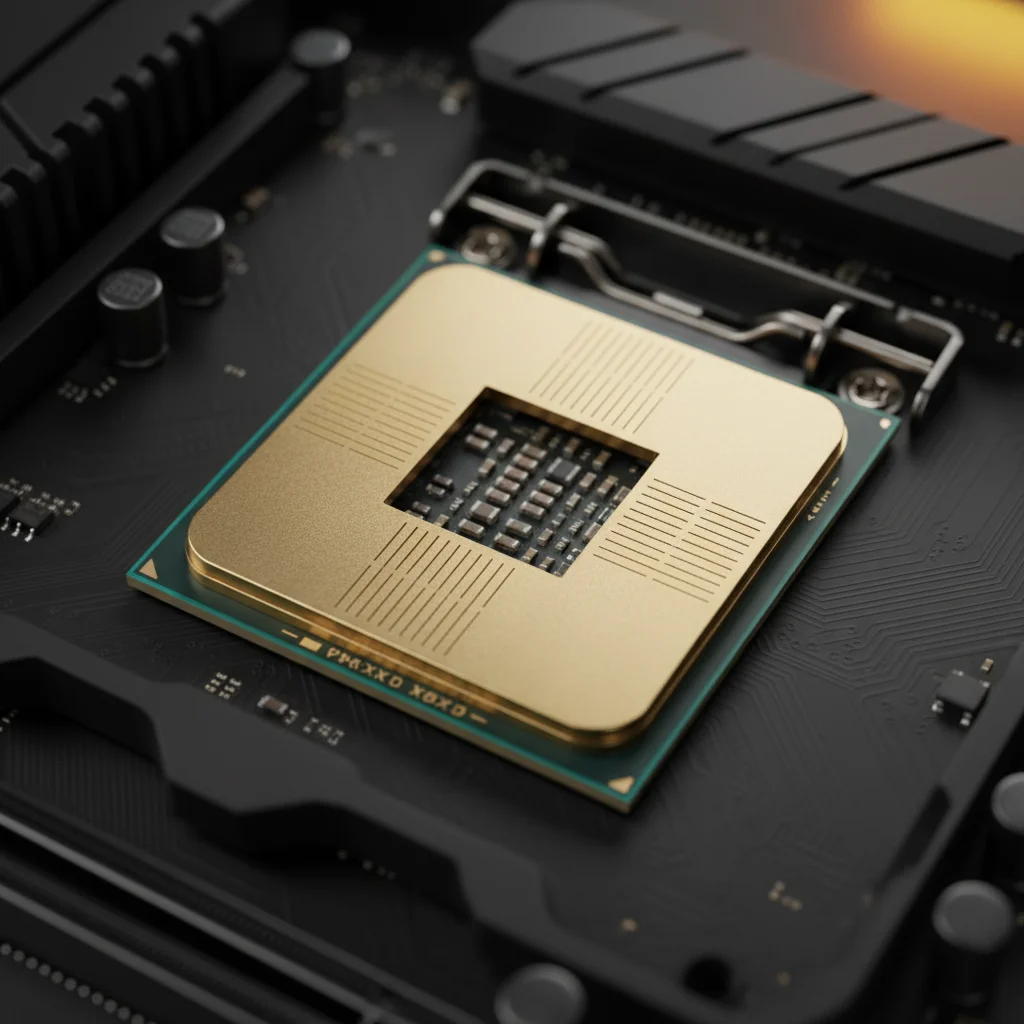
Image credit: Gemini
Product Overview
The it belongs to the 14th Generation desktop processor family, code-named Raptor Lake Refresh. It sits at the very top of the consumer hierarchy, categorized as an ultra-enthusiast desktop CPU. The target audience comprises users who refuse to compromise: competitive gamers seeking the highest 1% low FPS, video editors rendering 4K or 8K footage, and professionals who can use the high core count. What makes this processor unique is its refinement of the Intel 7 process node, squeezing every last drop of frequency potential from the silicon to hit that magical 6 GHz barrier widely across retail units, a feat previously reserved for the limited-run 13900KS. Major improvements over the previous generation include higher clock speeds and the introduction of Intel Application Optimization (APO), a software feature designed to better schedule resources for specific games. While it shares the same core count as its predecessor, the 13900K, the refined voltage-frequency curve aims to sustain higher performance levels more consistently.
Design & Build Quality
While a CPU doesn’t have ergonomics in the traditional sense, its physical design and engineering quality are critical to its operation. The i9-14900K uses the familiar rectangular heat spreader (IHS) compatible with the LGA1700 socket. The build quality of the soldering between the die and the IHS is crucial here, as thermal transfer is the primary bottleneck for this chip. Intel has done an excellent job with the gold plating on the contact pads and the rigidity of the PCB, although the elongated shape of the LGA1700 CPUs has been known to suffer from slight bending pressure under the retention mechanism. This can lead to uneven contact with coolers. Many enthusiasts opt for aftermarket contact frames to mitigate this, although the stock performance is generally within spec. From an aesthetic standpoint, the chip is hidden under a cooler, but the retail packaging—often including a crystalline plastic wafer replica—signals a premium product. The durability of the silicon itself is high, provided it’s not subjected to unsafe voltages for extended periods, a concern that Intel addresses with its solid thermal velocity boost algorithms.
Image credit: Gemini
Features & Technology
The Intel 14900K specs and features list is extensive, headlined by the Hybrid Architecture which combines 8 Performance-cores (P-cores) and 16 Efficient-cores (E-cores). The P-cores are built to handle immediate, latency-sensitive workloads like gaming engines, while the E-cores manage background tasks and multi-threaded rendering. This orchestration is handled by the Intel Thread Director, which has seen continuous improvements in Windows scheduler integration. A significant technology introduced with this launch is Intel Application Optimization (APO). APO is a policy within the Dynamic Tuning Technology framework that directs application resources in real-time, theoretically boosting frame rates in supported titles by distinct margins. The platform supports both DDR4 and DDR5 memory, offering flexibility, though DDR5 is strictly recommended to unlock the full potential of the memory controller. Also, when paired with Z790 motherboards, users gain access to Wi-Fi 7 and Bluetooth 5.4 discrete solutions, ensuring the connectivity pipeline is as fast as the processing compute. The chip also features integrated Intel UHD Graphics 770, which, while not for gaming, is invaluable for troubleshooting and for use with Intel Quick Sync Video for encoding.
Performance
When discussing the Intel Core i9-14900K performance, one word comes to mind: uncompromising. In real-world gaming scenarios, this CPU delivers some of the highest frame rates measurable. In CPU-bound resolutions like 1080p and 1440p, the high frequency shines, driving GPUs like the RTX 4090 to their absolute limits. In competitive shooters such as Counter-Strike 2 and Valorant, the 14900K provides incredibly stable frame times, minimizing micro-stutter and latency. It effectively matches or beats the competition in titles that are frequency-dependent. However, stability and heat are the flip side of this coin. To maintain these speeds, the CPU pushes voltage aggressively, often resulting in immediate thermal throttling at 100 degrees Celsius if not paired with a top-tier 360mm AIO liquid cooler. In productivity benchmarks like Cinebench R23 and Blender, the 24-core configuration dominates, obliterating compilation and rendering times. The gaming experience is meaningfully improved for users upgrading from 10th or 11th Gen parts, offering a smoothness that’s palpable in open-world titles with complex physics and NPC AI.
Image credit: Gemini
Comfort & Usability
In the context of a central processing unit, comfort and usability refer to the ease of installation, thermal management, and daily livability of the component. The setup process for the i9-14900K is standard for LGA1700, requiring a compatible Z690 or Z790 motherboard. However, ‘living’ with this CPU requires a well-ventilated case and a solid cooling solution. The heat output is significant; users in small rooms may physically feel the ambient temperature rise during long gaming sessions. This heat generation can lead to loud fan curves, which might affect the auditory comfort of the user if silent operation is a priority. Adjustability is a strong suit, however. Through the BIOS and software, users can set power limits (PL1 and PL2) to tame the beast. Undervolting is almost a requirement for savvy users who want to maintain performance while reducing temperatures. While it’s an enthusiast part, the out-of-box experience can be intimidating due to these thermal demands, making it less ‘usable’ for a novice builder who might slap on a budget air cooler and face instant throttling.
Software & Customization
Intel’s software ecosystem remains a strong selling point for the 14900K. The primary tool for customization is the Intel Extreme Tuning Utility (XTU). The interface is professional and data-rich, offering granular control over P-core and E-core ratios, voltages, and turbo limits. With the 14900K, Intel introduced an AI Assist feature within XTU that characterizes your specific system’s cooling and power delivery to recommend an automated overclock. This makes squeezing extra performance accessible to non-experts. Also, the integration with motherboard manufacturers (ASUS, MSI, Gigabyte) is mature, with BIOS profiles often including ‘one-click’ 6GHz optimizations. Driver stability for the chipset and integrated graphics is rock solid. The previously mentioned APO software, while limited in game support at launch, is easily toggled via the Microsoft Store app, offering a ‘free’ performance boost where available. The ability to save profiles and sync them ensures that your productivity undervolt and your gaming overclock can coexist without constant rebooting.
Technical Specifications Socket: LGA1700
Total Cores: 24 (8 Performance + 16 Efficient) Total Threads: 32 Max Turbo Frequency: 6.0 GHz (Thermal Velocity Boost) Performance-core Base Frequency: 3.2 GHz Efficient-core Base Frequency: 2.4 GHz Cache: 36 MB Intel Smart Cache (L3), 32 MB L2 Processor Base Power: 125 W Maximum Turbo Power: 253 W (Often exceeds 300W unlocked) Memory Support: Up to DDR5 5600 MT/s, DDR4 3200 MT/s Integrated Graphics: Intel UHD Graphics 770 PCIe Lanes: Up to 20 (16 PCIe 5.0 + 4 PCIe 4.0) Price Range: Premium / Flagship pricing
Pros & Cons Analyzing the strengths and weaknesses of this flagship processor.
Pros
Incredible out-of-the-box clock speeds reaching 6.0 GHz make it a single-core leader.
Massive multi-threaded performance thanks to the 24-core hybrid layout. Excellent memory controller support, capable of driving high-speed DDR5 kits. Broad compatibility with existing Z690 and Z790 motherboards. Application Optimization (APO) provides free performance uplifts in supported games.
Cons Extremely high power consumption necessitates an expensive power supply.
Thermal output is difficult to manage, requiring top-tier liquid cooling. LGA1700 platform is at the end of its lifecycle with no future CPU upgrade path. Marginal performance gains over the i9-13900K make it a questionable upgrade for existing users. Expensive pricing compared to competitive gaming-focused chips.
Price & Value for Money
When evaluating the price and value for money, the i9-14900K occupies a difficult spot. It’s priced as a premium flagship, competing directly with the most expensive consumer silicon available. For a user building a top-tier PC from scratch in 2026, the value proposition is mixed. While you get immense performance, the platform cost is high due to the need for a solid motherboard, fast DDR5 RAM, and a premium cooler. Compared to its direct predecessor, the 13900K, the price difference is often negligible, making the 14900K the better buy if the prices are similar. However, for pure gamers, the value is harder to justify against competitors that offer similar gaming frames for significantly less money and power. The users who benefit most are those who blur the line between work and play—using the PC to generate income during the day and play AAA titles at night. For them, the time saved in rendering justifies the cost.
Best
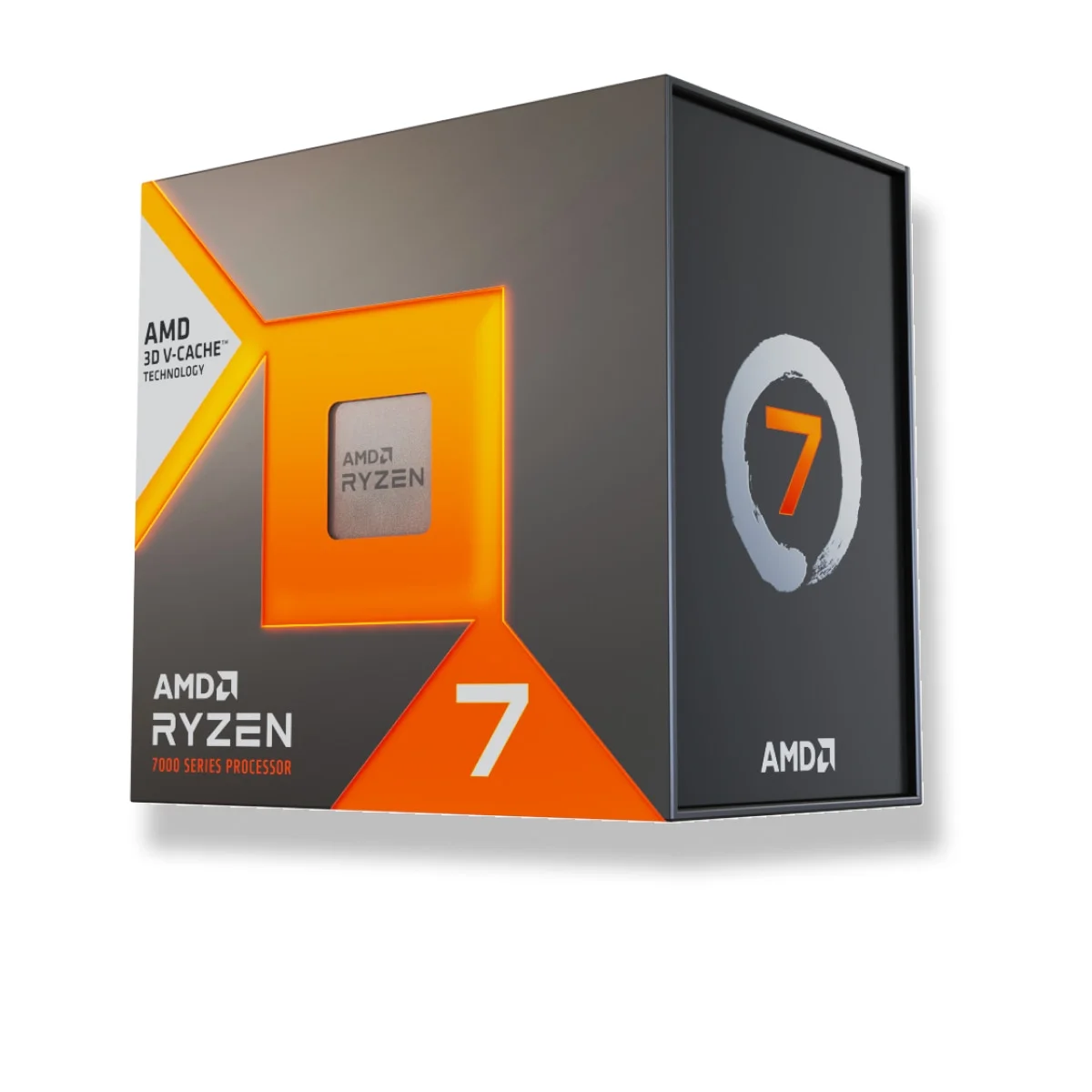
Alternatives AMD Ryzen 7 7800X3D: This is the primary competitor for pure gamers. It often matches or beats the 14900K in gaming due to its massive 3D V-Cache, while consuming a fraction of the power and costing significantly less. It’s the smarter choice for a gaming-only build.
Intel Core i7-14700K: Offering nearly identical gaming performance and very strong multi-core capabilities, the i7 model is significantly cheaper. It received a core count bump over the 13th Gen i7, making it the value king of the Intel 14th Gen lineup. AMD Ryzen 9 7950X3D: For those who want the best of both worlds—high core count for productivity and V-Cache for gaming—this is the Red Team’s flagship. It rivals the 14900K in multi-thread work and efficiency, though it comes with a high price tag.
Who Should Buy It?
The it is specifically recommended for competitive gamers who play at 1080p or 1440p and need the absolute lowest latency and highest refresh rates possible. It’s also the ideal choice for content creators and streamers who use a single PC setup, as the abundance of E-cores handles encoding and background tasks without impacting game performance. Enthusiasts who enjoy tweaking, overclocking, and tuning their systems will find a lot of depth here. However, budget buyers, casual gamers, or those with small form-factor (ITX) cases should likely avoid this chip due to its cooling requirements and price. It’s also a great drop-in upgrade for someone sitting on a Z690 motherboard with a 12th Gen i5 or i7 who wants to max out their system’s lifespan.
Final Verdict
In conclusion, the it is Intel’s ability to refine an architecture to its absolute limit. It’s undeniably one of the fastest processors on the market, delivering blistering performance that satisfies even the most demanding users. However, this performance comes at the cost of efficiency. It’s hot, hungry, and demands a premium ecosystem to thrive. If you’re looking for the absolute best CPU for gaming in 2024 and productivity is equally important to you, this chip is a powerhouse that won’t disappoint. But if your focus is strictly gaming, there are more efficient and cost-effective options available. As the finale for the LGA1700 platform, it goes out with a bang—a very loud, very fast bang.
FAQ
Do I need a liquid cooler for the i9-14900K? Yes, a high-performance 360mm or 420mm AIO liquid cooler is strongly recommended to prevent thermal throttling under load.
Is the i9-14900K good for streaming? Absolutely. The high core count and hybrid architecture make it exceptional for single-PC streaming setups. Can I use DDR4 memory with the 14900K? Yes, the memory controller supports DDR4, but to see the performance gains reviewed here, high-speed DDR5 is recommended. Is it worth upgrading from the i9-13900K? Generally, no. The performance difference is mostly in the low single digits, which doesn’t justify the cost of a new unit. What power supply do I need? A high-quality PSU with at least 850W to 1000W capacity is recommended, especially if pairing the CPU with a high-end GPU like an RTX 4080 or 4090.