

When you purchase through links on our site, we may earn an affiliate commission.
What We Like
- Compact sizing easily fits standard holiday stockings
- Improves daily setup organization, ergonomics, and visual style
- Broad compatibility across major PC peripheral brands
What Could Be Better
- Keycap upgrades require specific mechanical switch stems
- Wireless peripherals require open USB ports or Bluetooth support
Introduction: Finding the Best Stocking Stuffers for PC Gamers
Selecting small gifts for a PC setup requires balancing ergonomics, cable control, and aesthetics. This guide focuses on technical standards and compatibility to ensure your purchase functions as intended.
Who Is This Guide For?
This guide targets buyers looking for compact, functional upgrades. Competitive FPS players require specific sensor and tactile specs, while casual users gain more from comfort-focused accessories. Streamers benefit from visual flair, and budget-conscious buyers should prioritize maintenance tools over aesthetic additions.
Key Factors to Consider Before Buying
Before purchasing, confirm switch compatibility, physical dimensions, and signal format. A high-spec accessory is useless if it doesn’t fit the existing hardware ecosystem.
Performance & Specifications
Input peripherals rely on tracking accuracy and switch actuation. Ensure mice feature optical sensors rated for high acceleration and that keycaps use double-shot molding, which prevents legends from wearing down through repetitive use.
Build Quality & Durability
Desk mats require stitched borders to maintain structural integrity. Regarding keycaps, PBT plastic remains the industry standard for resisting the oil-induced shine common with cheaper ABS variants.
Comfort & Ergonomics
Wrist rests and blue light glasses mitigate physical strain. Look for high-density foam in wrist rests to ensure long-term support rather than immediate compression.
Features & Customization
RGB strips and pudding-style keycaps offer aesthetic customization. Ensure the user’s peripheral ecosystem supports the necessary software to synchronize lighting effects.
Connectivity
Wired USB connections remain the standard for zero-latency reliability. Wireless gear requires 2.4GHz dongles for gaming performance, while Bluetooth serves as a secondary option for productivity.
Price vs Value
Small setup additions provide high utility without the cost of a full system overhaul. Always confirm current retail pricing before checkout, as these items are subject to frequent shifts.
Brand Reputation & Support
Stick to established peripheral manufacturers. Major brands provide standardized parts and driver support, reducing the likelihood of compatibility issues.
Recommended Products for PC Gamers
These accessories satisfy specific technical requirements while remaining compact enough for a stocking.
SteelSeries QcK Prism Cloth Mousepad
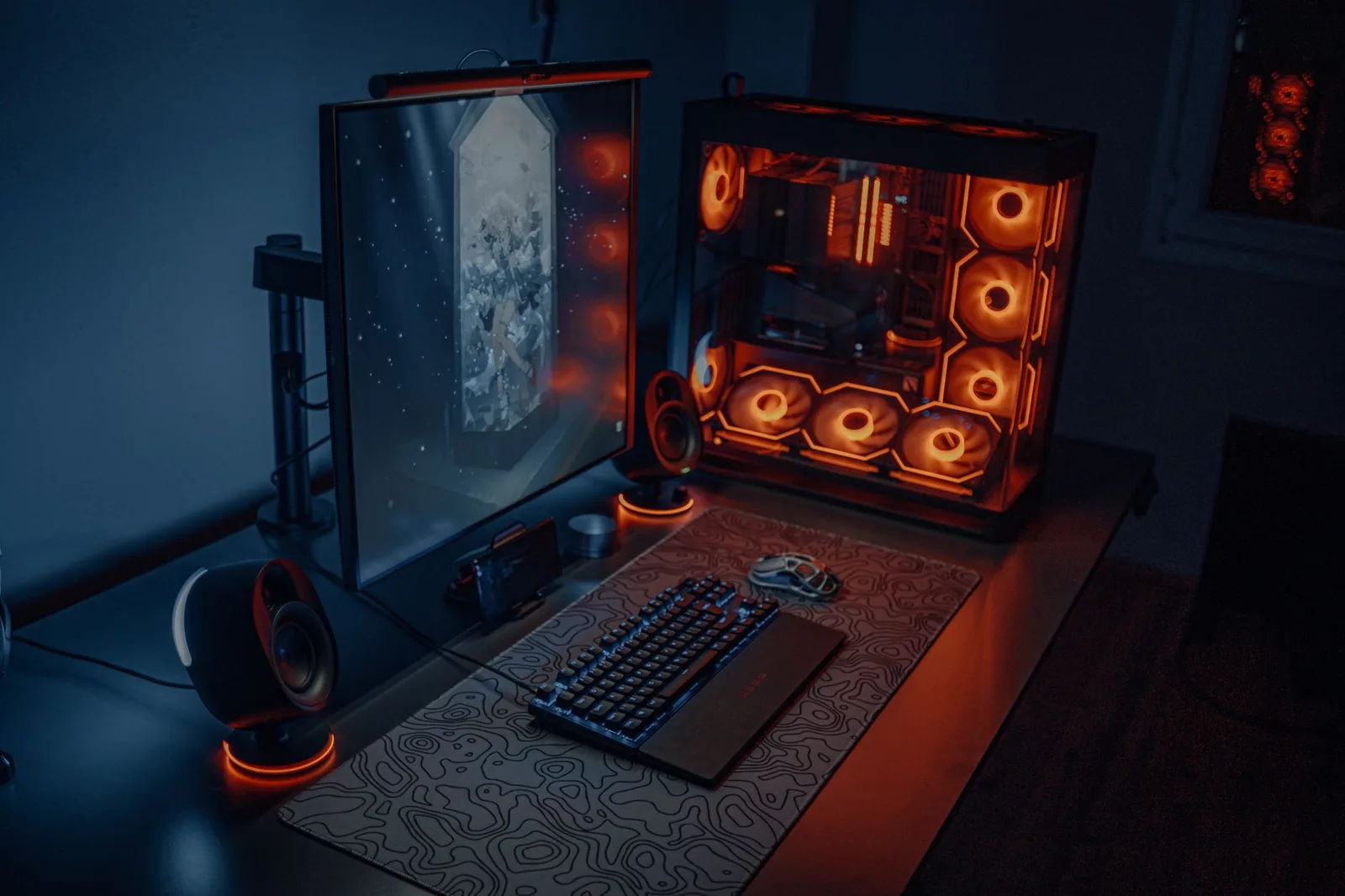
The SteelSeries QcK Prism Cloth uses a micro-woven surface for consistent sensor tracking and includes two-zone RGB lighting. Its stitched edges prevent fraying under heavy use. This is a solid pick for those adding aesthetics to a tracking-focused surface. Check current price on Amazon.
SteelSeries PrismCaps Keycap Set
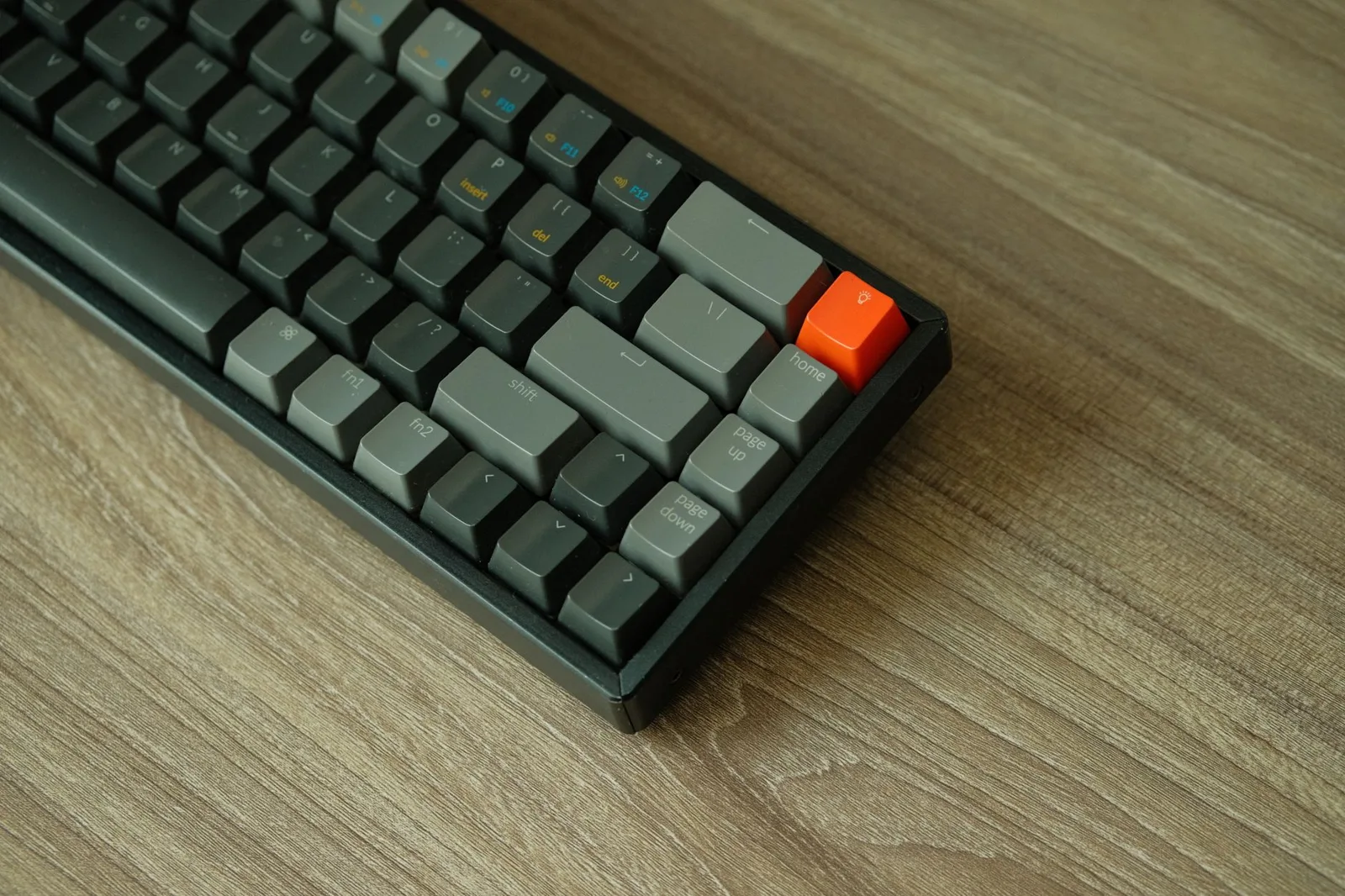
These double-shot PBT keycaps feature translucent sides to diffuse RGB lighting. The set includes a puller and covers standard MX-style stems. Use these if the recipient has a compatible mechanical keyboard and wants increased key texture durability. Check current price on Amazon.
Razer Basilisk V3 X HyperSpeed Wireless Mouse
This mouse offers dual-mode connectivity via 2.4GHz or Bluetooth and features an ergonomic shell with programmable macro buttons. It’s a capable choice for FPS or MMO players who need wireless freedom without sacrificing sensor reliability. Check current price on Amazon.
BlissLights StarPort Laser USB Ambient Light
The BlissLights StarPort plugs into any USB-A port to project a star-field effect. Its flexible neck allows for precise positioning behind monitors. It’s a low-cost visual addition for streamers. Check current price on Amazon.
Common Mistakes to Avoid
Verifying switch compatibility is critical; non-standard bottom rows or proprietary switches will render standard keycap sets useless. Also, confirm the availability of USB-A ports on the user’s rig before gifting wireless dongle-based gear. Avoid unbranded wrist rests, as low-density foam loses its support quickly.
How to Match the Right Product to Your Needs
Align your gift choice with the user’s primary gaming genre and workspace constraints.
For Competitive FPS Players
Focus on high-accuracy sensors and micro-woven surfaces. Decorative lighting adds no tactical value here.
For Casual Gamers
Prioritize comfort. Padded rests, blue light glasses, and wireless controllers improve the overall experience across most genres.
For Streamers & Creators
Visual upgrades are key. Focus on ambient lighting and aesthetic keycaps that improve the quality of a camera backdrop.
For Budget Buyers
Utility-first items like cleaning kits, air dusters, and cable routing gear solve common desktop maintenance issues for minimal cost.
Final Verdict
Effective stocking stuffers prioritize immediate utility and compatibility. Mechanical keyboard owners benefit most from PBT keycaps, while performance-focused gamers gain from reliable wireless mice. Confirm hardware specs and current pricing before purchasing to ensure the gift is compatible.
Frequently Asked Questions
What are the most practical low-cost stocking stuffers for PC gamers?
Cable management ties, keyboard cleaning gel, micro-woven mousepads, and USB Bluetooth adapters offer immediate utility. Verify active retailer pricing before buying.
Do keycap sets like SteelSeries PrismCaps fit all gaming keyboards?
They fit mechanical keyboards using standard MX-style cross stems and ANSI layouts. They are incompatible with membrane keyboards or proprietary low-profile switches.
Are wireless mice fast enough for competitive PC gaming?
Yes. According to manufacturer specifications, 2.4GHz wireless protocols—such as Razer’s HyperSpeed—provide latency metrics comparable to wired USB connections.
How do blue light glasses assist PC gamers?
Blue light glasses filter high-energy visible (HEV) light. Research suggests this can reduce screen glare and visual fatigue during extended sessions.
What is the benefit of a stitched-edge mousepad?
Stitched edges prevent the fabric surface from delaminating or fraying after repeated wrist friction.
Where to Buy
- SteelSeries QcK Prism Cloth on Amazon
- SteelSeries PrismCaps on Amazon
- Razer Basilisk V3 X HyperSpeed on Amazon
- BlissLights StarPort Laser USB on Amazon